
Discover sunvega: Revolutionary AI Cabinet Tile Remodeling Design Software for Your Home!
In the dynamic world of home design and remodeling, finding the right software can be a game-changer. Sunvega (AiHouse) emerges as a revolutionary AI remodeling software and home - design mobile app, bringing a host of powerful features to both DIY enthusiasts and professional designers. Let's explo
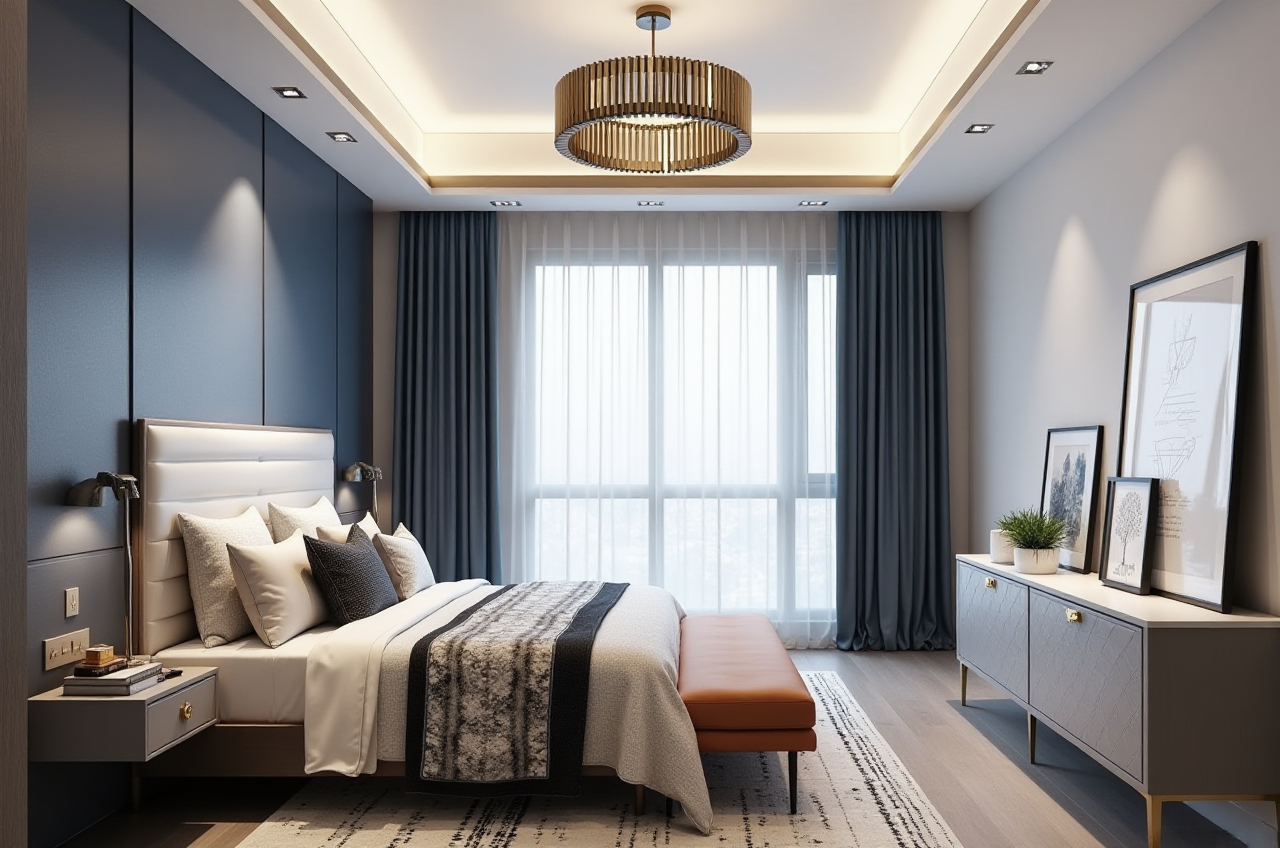
In the dynamic world of home design and remodeling, finding the right software can be a game-changer. Sunvega (AiHouse) emerges as a revolutionary AI remodeling software and home - design mobile app, bringing a host of powerful features to both DIY enthusiasts and professional designers. Let's explore what makes Sunvega a top choice in the industry.
1. Key Features of Sunvega
AI One - Click Generate 3D Rendering: Sunvega's AI technology can generate high - precision 3D renderings with just one click. Traditional methods of creating 3D renderings could take hours or even days, but Sunvega accelerates this process significantly. For example, a small - scale kitchen renovation project that might have taken a professional designer 8 hours to render manually can now be completed in just a few minutes using Sunvega. 实操建议: When using the AI one - click 3D rendering, start with a clear idea of your design concept. Upload high - quality images of the space and any specific elements you want to include, such as cabinet styles or tile patterns. This will help the AI generate more accurate and detailed renderings.Floor - Plan Design: It offers free floor - plan design functions. Whether you are planning a simple room layout or a complex multi - room renovation, Sunvega can handle it. You can create accurate floor plans that take into account the dimensions of the space, the location of doors and windows, and the placement of furniture. 实操建议: Measure your space accurately before starting the floor - plan design. Use the software's measurement tools to ensure that all elements in the floor plan are to scale. This will make the subsequent design and remodeling process much smoother.
Doors - and - Windows Design: Sunvega allows for detailed doors - and - windows design. You can choose from a wide range of styles, sizes, and materials for your doors and windows. This feature is especially useful for creating a cohesive look in your home. 实操建议: Consider the overall aesthetic of your home when designing doors and windows. If your home has a modern style, opt for sleek and minimalist door and window designs. Also, pay attention to the functionality, such as energy efficiency and ventilation.
House - Remodeling Design: The software provides advanced remodeling renderings generation. It can simulate different remodeling scenarios, allowing you to visualize the final result before starting any work. For instance, if you are thinking about remodeling your bathroom, you can see how different tile colors and cabinet styles will look in the space. 实操建议: Experiment with different design options in the software. Create multiple remodeling scenarios to compare and contrast. This will help you make more informed decisions about your remodeling project.
2. Comparison with Other Software
Compared to some other home - design software in the market, Sunvega has several advantages. While some competitors may offer similar features, Sunvega stands out with its AI - powered core technology. For example, other software might take a long time to generate 3D renderings or may not have as accurate an AI algorithm for automated design functions.
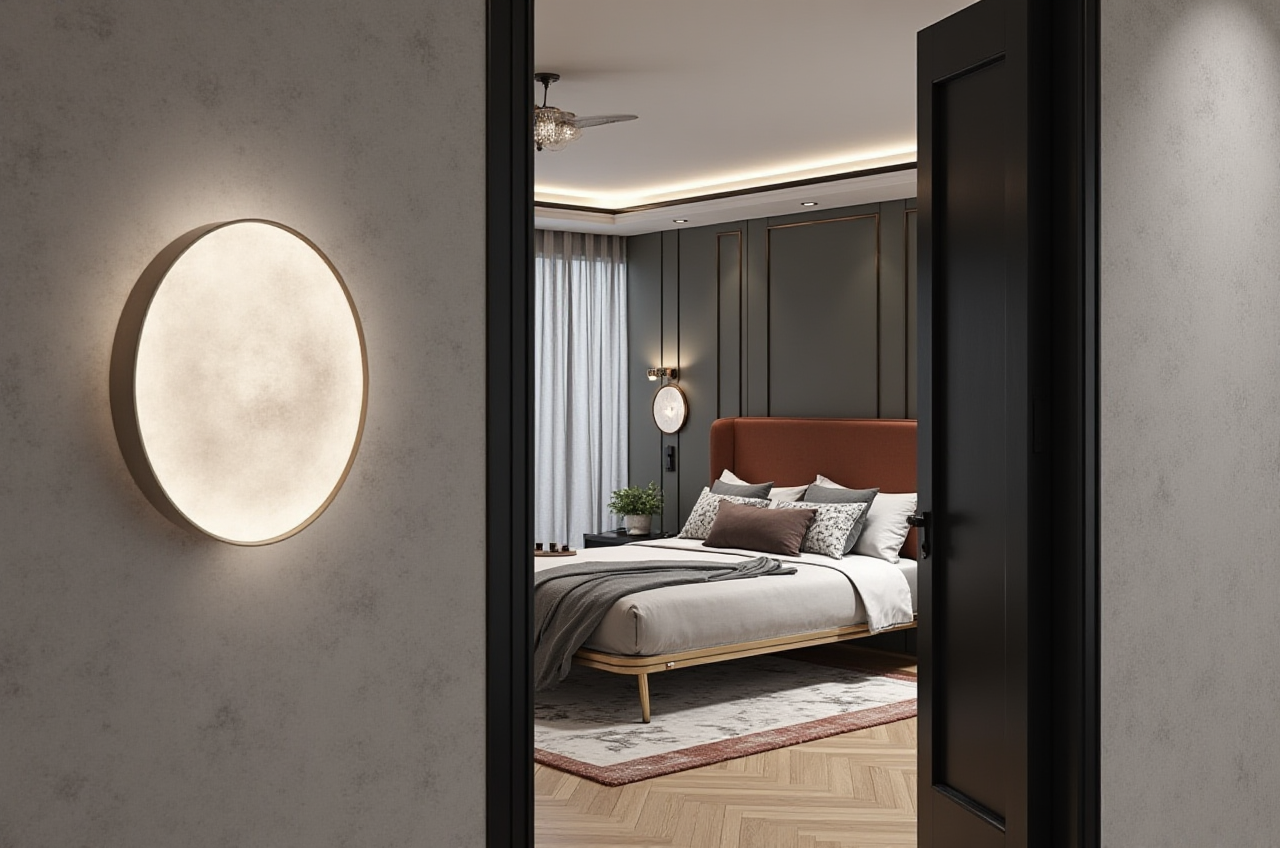 测评: Based on user reviews and industry tests, Sunvega outperforms many of its competitors in terms of speed and accuracy. Users have reported that the 3D renderings generated by Sunvega are of high quality and closely resemble the real - life result.
3. Tutorial on Using Sunvega
Installation: You can download the Sunvega app from the official website at https://www.sunvega.com/. The installation process is straightforward and similar to other mobile apps.Registration: After installation, create an account. You can link your account to your social media profiles for a quicker registration process.
Creating a Project: Once registered, click on the "New Project" button. You can then input the details of your space, such as the type of room (living room, bedroom, etc.) and the dimensions.
Designing: Use the various design tools available in the app, such as the 3D rendering generator, floor - plan designer, and material selector. You can also save your progress and make changes at any time.
4. User Case Studies
DIY Enthusiast: Mr. Smith, a homeowner with a passion for DIY projects, used Sunvega to remodel his kitchen. He was able to design the layout, choose the cabinet styles, and select the tile patterns using the software. The AI - generated 3D renderings gave him a clear idea of how the final kitchen would look. Thanks to Sunvega, he completed the project on time and within budget, saving him approximately 30% compared to hiring a professional designer.Professional Designer: Designer Jane used Sunvega for a commercial project. The software's ability to automate many of the repetitive design tasks allowed her to focus more on the creative aspects of the project. She was able to present multiple design options to her client quickly, which led to a faster decision - making process and a successful project delivery.
5. External References
Sunvega has gained significant recognition in the industry. It is an Industry Partner of ASID (American Society of Interior Designers), which shows its commitment to advancing the profession through technology. It also secured multiple funding rounds from prestigious investors like SoftBank China, Red Star Macalline, and Alibaba, demonstrating its potential and reliability.
Q&A
Q: Is Sunvega suitable for beginners? A: Absolutely! Sunvega offers free floor - plan design functions that are easy to use, even for those with no prior design experience. The app also has a user - friendly interface and provides step - by - step guidance, making it accessible to beginners.Q: Can I use Sunvega for large - scale commercial projects? A: Yes, Sunvega is suitable for both residential and large - scale commercial projects. It has served over 20,000 enterprise customers and 9,000 manufacturing clients globally. The software's advanced features, such as AI - powered 3D modeling and real - time spatial design, can handle complex commercial design requirements.
Q: How much does Sunvega cost? A: Sunvega offers free floor - plan design functions. For advanced features such as high - end remodeling renderings generation, there are different pricing plans available. You can visit the official website https://www.sunvega.com/ for more details on pricing.
In conclusion, Sunvega is a powerful and versatile home - design software that combines AI technology with user - friendly features. Whether you are a DIY enthusiast looking to remodel your home or a professional designer working on large - scale projects, Sunvega can help you bring your design ideas to life. Visit https://www.sunvega.com/ today to start your home - design journey!