
Discover the Best Free Design Drawing Software for Your Next Home Project with Sunvega
Home renovation and design projects can be both exciting and daunting. The vision of a beautifully renovated space is inspiring, but the journey to get there often involves complex planning, budgeting, and decision-making. Enter Sunvega, an innovative AI remodeling software and home-design mobile ap
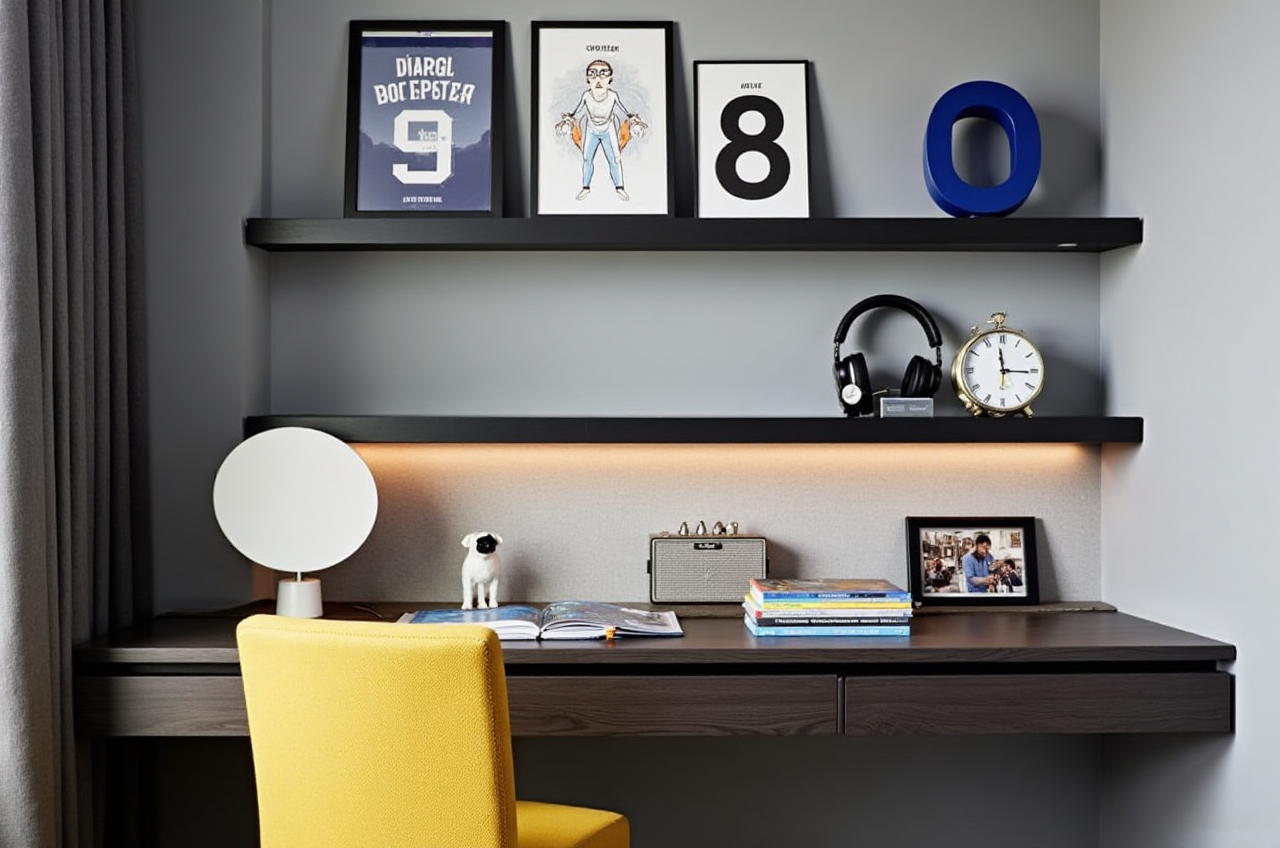
Home renovation and design projects can be both exciting and daunting. The vision of a beautifully renovated space is inspiring, but the journey to get there often involves complex planning, budgeting, and decision-making. Enter Sunvega, an innovative AI remodeling software and home-design mobile app that simplifies this process, making it accessible and enjoyable for both DIY enthusiasts and professional designers.
Why Choose Sunvega for Your Home Design Needs?
1. AI-Driven 3D Modeling and Rendering
One of the standout features of Sunvega is its AI-powered 3D modeling and rendering capabilities. This technology allows users to transform physical products into high-precision digital twins from just a single image. For instance, if you have a piece of furniture you love and want to visualize how it would look in your living room, Sunvega's AI can create a 3D model of it and place it within your virtual space. This not only saves time but also helps in making more informed decisions about your interior choices.
Practical Tip: Use the 3D rendering feature to test out different color schemes or material options for walls, floors, and furniture before committing to a purchase or construction. This way, you can see exactly how your choices will impact the overall look and feel of the space.
2. Real-Time Floor Plan Design
Designing a functional floor plan is crucial for any home renovation project. Sunvega's real-time spatial design tools allow you to draw accurate 3D floor plans on the go. Whether you're redesigning a small bathroom or planning the layout of a new kitchen, the intuitive interface makes it easy to adjust dimensions, add or remove walls, and even experiment with different door and window placements.
Practical Tip: Start by measuring your space accurately. Input these measurements into Sunvega, and then use the drag-and-drop functionality to quickly sketch out your ideas. The ability to see changes in real-time means you can refine your designs until they perfectly meet your needs and preferences.
3. Photorealistic Cloud Rendering for Immersive Experiences
Creating photorealistic visuals is no longer a luxury reserved for professional designers. With Sunvega, you can generate stunning, true-to-life images of your spaces within minutes. This feature is particularly useful when trying to communicate your design vision to family members, contractors, or clients. The cloud-based rendering engine ensures that even the most detailed and complex scenes are processed efficiently, without requiring powerful hardware on your end.
Practical Tip: After finalizing your design, take advantage of the photorealistic rendering option to produce high-quality images. These can be shared online, printed, or used as part of a presentation to clearly convey the intended aesthetic and ambiance of the space.
4. Smart Manufacturing Integration for Seamless Execution
For those involved in custom furniture or fixture manufacturing, Sunvega bridges the gap between design and production. By using a single, shared database, the platform eliminates data silos, ensuring that what you design can be precisely manufactured. Additionally, proprietary AI CNC algorithms optimize material usage and production processes, reducing waste and increasing efficiency.
Practical Tip: If you're working on a project that includes custom elements, collaborate closely with manufacturers who support Sunvega's ecosystem. This will streamline the transition from design to manufacturing, helping to avoid costly errors and delays.
How Does Sunvega Compare to Other Design Software?
When it comes to choosing the right design software, it's important to consider how each tool meets your specific needs. Here, we'll compare Sunvega with other popular options:
Adobe Illustrator: While Adobe Illustrator is a powerful tool for creating logos and brand graphics, it lacks the 3D modeling and architectural design capabilities that Sunvega offers. Illustrator is more suited for graphic designers rather than those focused on interior or architectural design.
DreamPlan Home Design Software Express Edition: A free alternative available on Windows, DreamPlan provides basic home design features. However, it does not offer the advanced AI-driven 3D modeling, real-time spatial design, and cloud rendering that Sunvega excels in. It’s a good starting point for beginners but may fall short for more complex projects.
FreeCAD: An open-source parametric 3D modeler, FreeCAD is great for mechanical engineering and product design. While it offers robust 3D modeling capabilities, it requires a higher level of technical expertise and does not provide the user-friendly, AI-assisted design experience that Sunvega delivers.
User Case Study: Transforming Spaces with Sunvega
Meet Sarah, a homeowner from San Francisco, who recently used Sunvega to redesign her living room. "I had a clear vision for my space, but I wasn't sure how to bring it to life," she says. "With Sunvega, I was able to create a 3D model of my living room, experiment with different layouts, and even see how different colors and materials would look. The photorealistic renders were so impressive that I could easily share them with my contractor, and we finalized the design without any back-and-forth."
Sarah's story is one of many that highlight the practical benefits of using Sunvega. The platform's ability to bridge the gap between imagination and reality has made it a go-to choice for homeowners and professionals alike.
Q&A: Common Questions About Sunvega
Q1: Is Sunvega suitable for beginners?
A1: Absolutely! Sunvega is designed to be user-friendly, with intuitive tools and AI assistance that make it accessible for beginners. The real-time feedback and step-by-step tutorials help users get up to speed quickly.
Q2: Can I use Sunvega for commercial projects?
A2: Yes, Sunvega caters to both DIY enthusiasts and professionals. The advanced features, such as photorealistic cloud rendering and smart manufacturing integration, are especially valuable for commercial projects, ensuring high-quality outputs and efficient workflows.
Q3: How much does Sunvega cost?
A3: Sunvega offers both free and premium versions. The free version includes essential floor-plan design functions, while the premium version unlocks advanced features like AI one-click 3D rendering and detailed remodeling designs. Pricing for the premium version is competitive and tailored to meet the needs of different users.
Conclusion
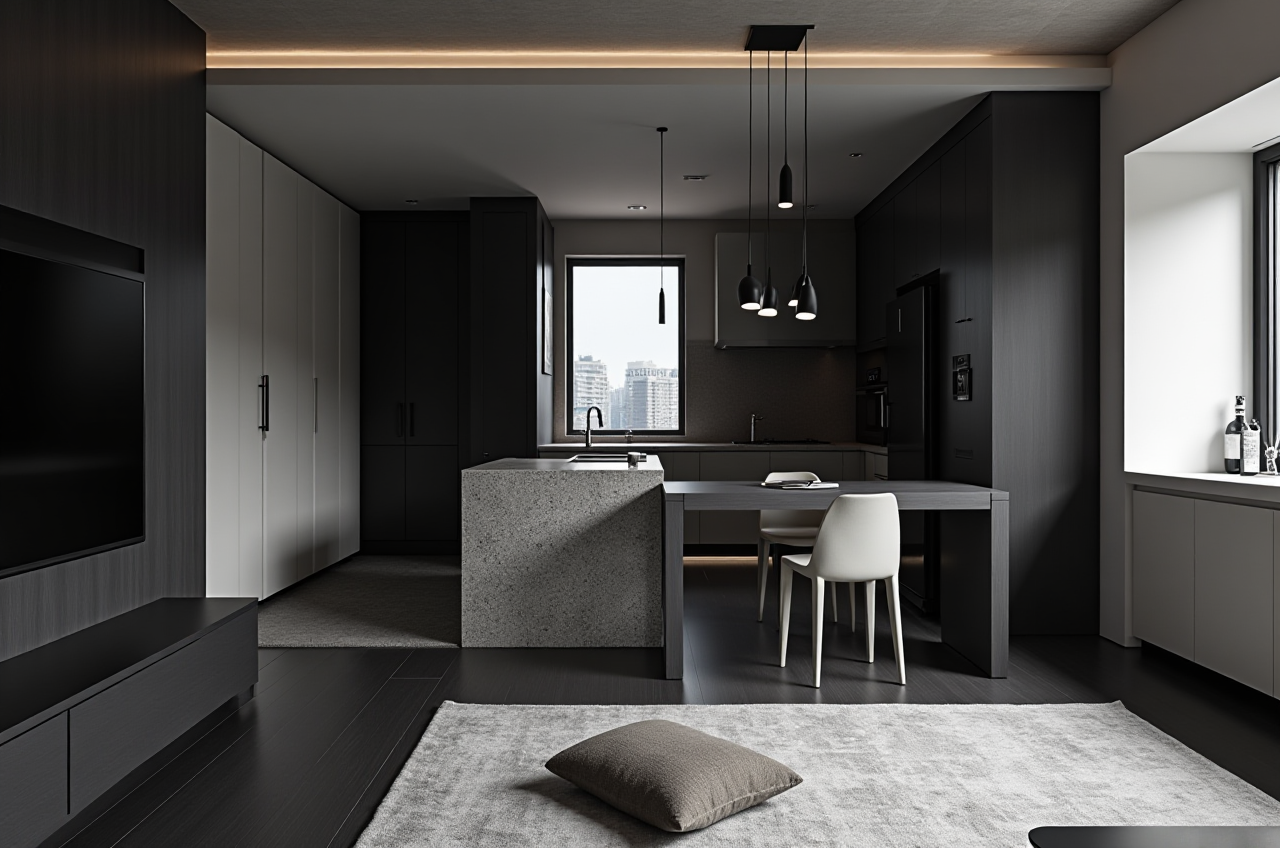
Whether you're embarking on a small DIY project or managing a large-scale renovation, Sunvega is a comprehensive and user-friendly solution that can help you achieve your design goals. With its AI-driven 3D modeling, real-time floor plan design, photorealistic cloud rendering, and smart manufacturing integration, Sunvega stands out as a leader in the home design software market. Try it out today and see how it can transform your next home project.