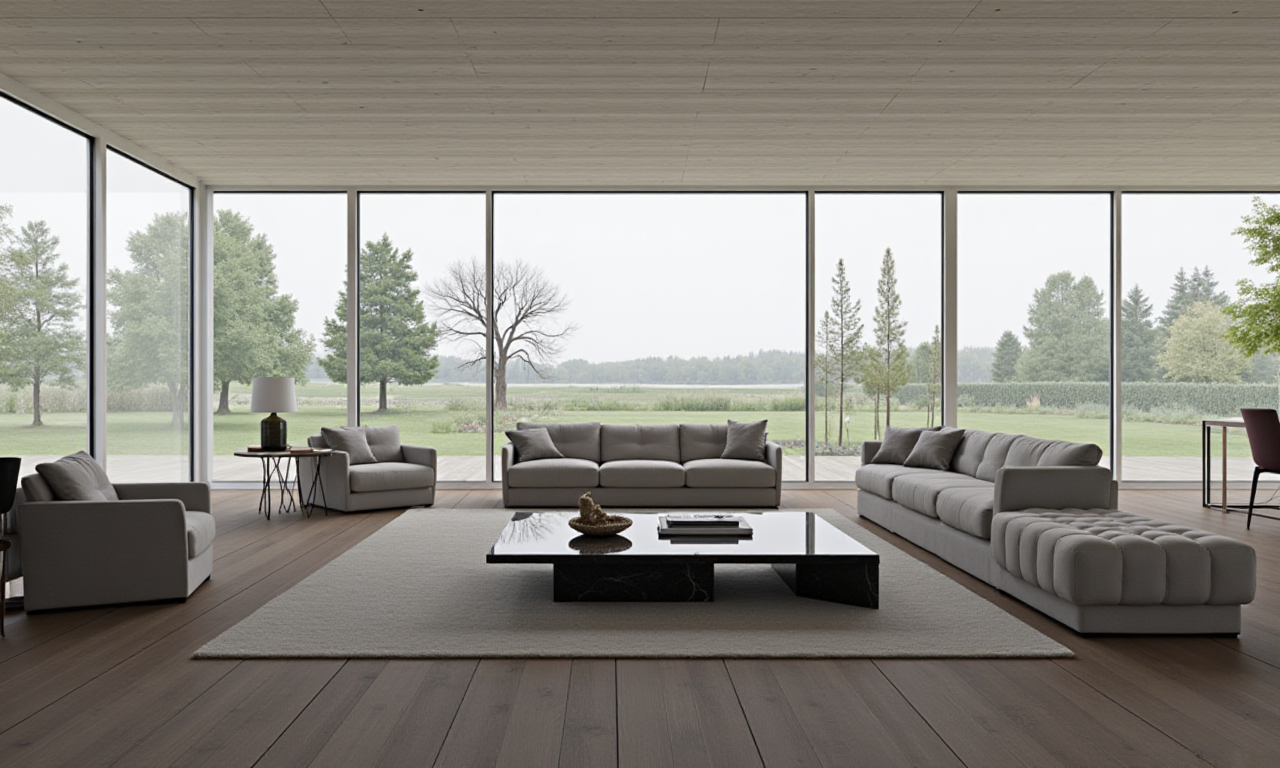
Discover the Magic of Home Design with Sunvega: Transform Your Space Effortlessly
In today's fast-paced world, home design and remodeling have become more accessible than ever, thanks to innovative solutions like Sunvega. Sunvega is an AI-driven remodeling software and home-design mobile app that empowers both DIY enthusiasts and professionals to create stunning 3D renderings, fl
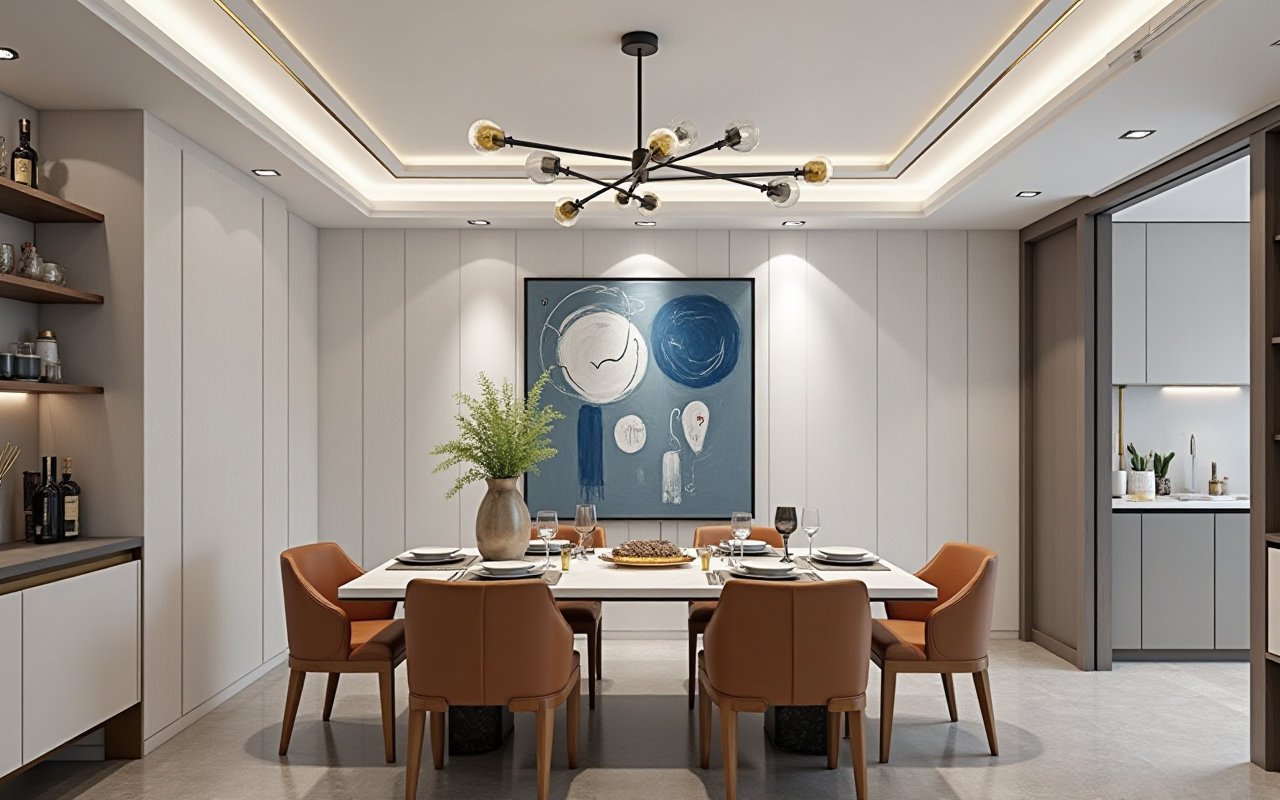
In today's fast-paced world, home design and remodeling have become more accessible than ever, thanks to innovative solutions like Sunvega. Sunvega is an AI-driven remodeling software and home-design mobile app that empowers both DIY enthusiasts and professionals to create stunning 3D renderings, floor plans, and complete house remodel designs. With a focus on ease of use, efficiency, and high-quality visual outcomes, Sunvega stands out as a game-changer in the home design industry.
Why Choose Sunvega for Your Home Design Needs?
1. AI-Powered One-Click 3D Rendering
One of the most impressive features of Sunvega is its ability to generate photorealistic 3D renderings with just one click. This technology significantly reduces the time and effort required to visualize your dream home, making it an invaluable tool for homeowners and designers alike.
Practical Tip: To get started, simply upload a basic sketch or image of your space. Sunvega's advanced AI will then transform this into a detailed 3D rendering, allowing you to explore different design options and make informed decisions about your project.
Case Study: A recent user, Sarah, was able to redesign her living room using Sunvega's one-click 3D rendering feature. She uploaded a photo of her current setup, and within minutes, she had multiple design suggestions that helped her decide on a new layout and color scheme, saving her weeks of manual planning.
2. Effortless Floor-Plan Design
Creating a functional and aesthetically pleasing floor plan is crucial for any successful home design project. Sunvega simplifies this process by offering intuitive tools that enable users to easily draw and modify their floor plans. Whether you're looking to renovate an existing space or design a new one from scratch, Sunvega provides the flexibility and precision needed to achieve your vision.
Practical Tip: Start by defining the dimensions of your space. Then, use Sunvega’s drag-and-drop interface to add walls, doors, windows, and furniture. The real-time adjustments and feedback ensure that every element fits perfectly, giving you a clear picture of how your final design will look.
Comparison: Unlike traditional floor-planning software, which often requires technical skills and a steep learning curve, Sunvega's user-friendly approach makes it accessible even to those without prior design experience. In a comparison with AutoCAD, another popular design tool, Sunvega proved to be more intuitive and quicker to master, especially for non-professional users.
3. Advanced Remodeling Renderings Generation
For those seeking a more in-depth remodeling experience, Sunvega offers advanced rendering capabilities that go beyond simple 3D models. These features include detailed lighting simulations, material and texture customization, and even the ability to incorporate real product catalogs into your designs. This level of detail ensures that what you see in the virtual environment closely matches the final result, reducing the risk of costly mistakes during the actual renovation process.
Practical Tip: When working on a remodeling project, start by importing the existing floor plan. From there, you can experiment with different layouts, materials, and lighting setups. Sunvega's cloud-based rendering engine allows you to view these changes in real-time, providing instant feedback on your design choices.
User Case: John, a professional interior designer, used Sunvega to create a comprehensive remodeling proposal for a client. By incorporating specific brand products and customizing every aspect of the design, he was able to present a highly realistic and detailed plan that impressed his client and led to a successful project completion.
Q&A: Frequently Asked Questions About Sunvega
Q1: Is Sunvega suitable for beginners, or is it more geared towards professionals?
A1: Sunvega is designed to cater to both beginners and professionals. Its intuitive interface and AI-powered features make it easy for anyone to start designing, while its advanced capabilities provide the depth and flexibility needed for professional projects.
Q2: How does Sunvega compare to other home design software in terms of cost?
A2: Sunvega offers a range of pricing options, including a free version with basic features and premium plans for more advanced functionalities. Compared to other leading software, Sunvega is competitively priced, offering great value for its robust set of tools and services.
Q3: Can I use Sunvega on my mobile device?
A3: Yes, Sunvega is available as a mobile app, allowing you to work on your designs anytime, anywhere. This makes it incredibly convenient for on-the-go planning and collaboration.
Conclusion
Sunvega represents a significant leap forward in the realm of home design and remodeling. By combining cutting-edge AI technology with user-friendly design, it empowers individuals and professionals to bring their creative visions to life with unprecedented ease and accuracy. Whether you're a homeowner looking to refresh your living space or a designer aiming to streamline your workflow, Sunvega is the ultimate solution for transforming your home design dreams into reality.