Unlock Your Creativity with Sunvega: The Ultimate AI 3D Design Software SketchUp Guide
In the rapidly evolving world of home design and renovation, staying ahead of the curve is crucial. With advancements in artificial intelligence (AI) and 3D modeling, the possibilities for creating stunning and functional spaces are virtually limitless. Enter Sunvega (AiHouse), a cutting-edge AI rem
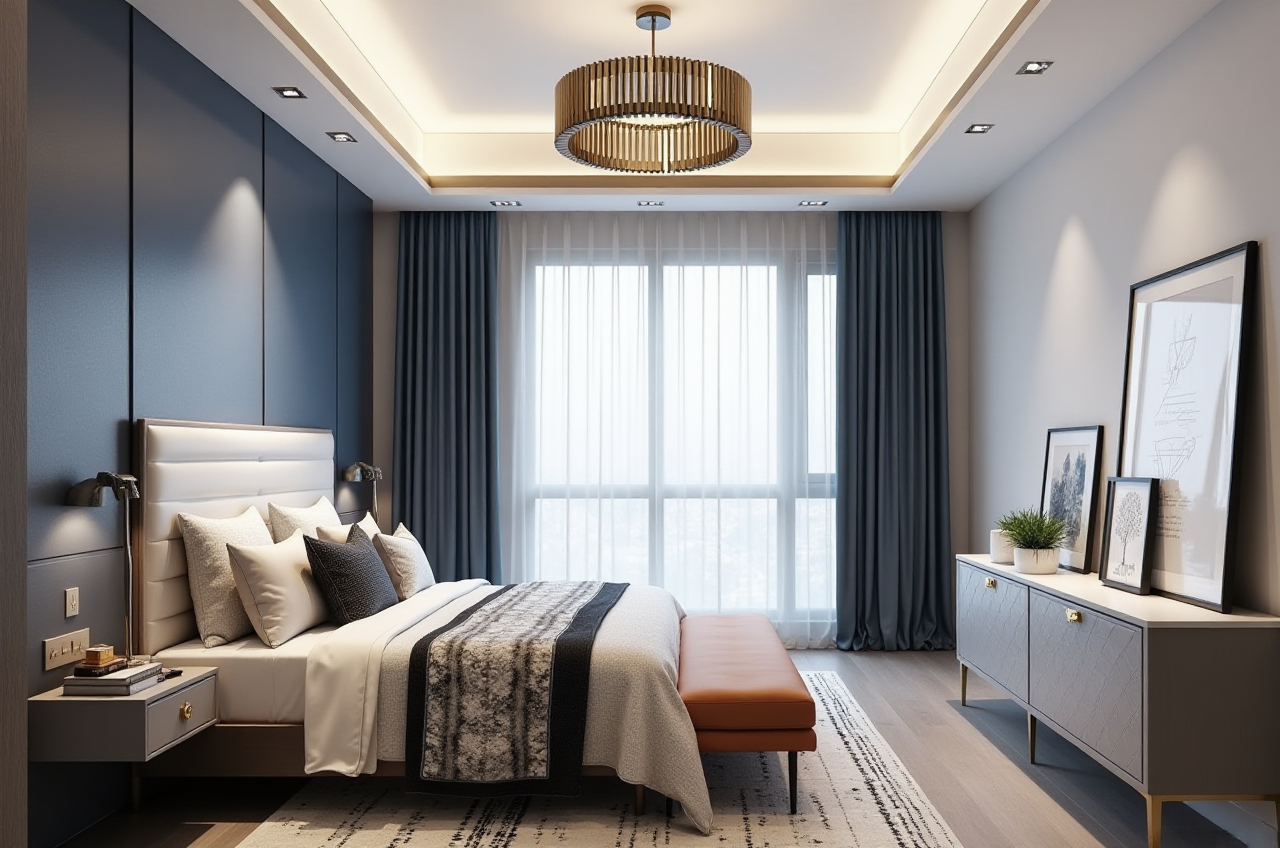
In the rapidly evolving world of home design and renovation, staying ahead of the curve is crucial. With advancements in artificial intelligence (AI) and 3D modeling, the possibilities for creating stunning and functional spaces are virtually limitless. Enter Sunvega (AiHouse), a cutting-edge AI remodeling software and home-design mobile app that's transforming how both DIY enthusiasts and professionals approach interior design. In this guide, we'll explore how Sunvega can be your go-to solution for everything from floor-plan design to generating photorealistic 3D renderings. Let's dive in!
Why Choose Sunvega?
Advanced AI-Driven Capabilities
Sunvega (https://www.sunvega.com/) leverages AI to automate and streamline the entire design process. Whether you're a seasoned designer or a novice, Sunvega's user-friendly interface and powerful features make it easy to bring your vision to life.
Comprehensive Ecosystem
Sunvega offers an integrated ecosystem that includes platforms like AiHouse, Visioneer, Spacify, HomeSnap AI, JEGA, and Sunvega Design. This comprehensive suite supports everything from initial concept to final manufacturing, ensuring a seamless workflow.
Key Features and Benefits
1. AI One-Click 3D Rendering
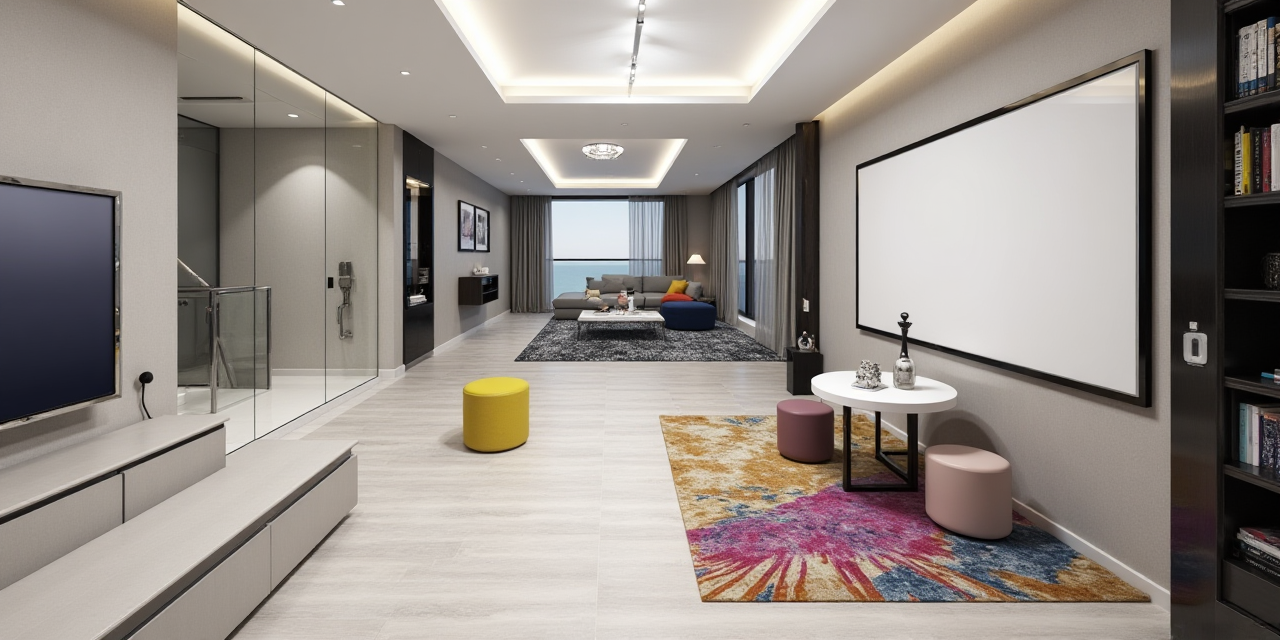
Feature: Generate high-quality 3D renderings with just one click.Benefit: Save time and effort by quickly visualizing your designs in photorealistic detail.
Practical Tip: Use the AI one-click rendering feature to present multiple design options to clients, allowing them to see the potential of their space in vivid detail.
2. Floor-Plan Design
Feature: Create and edit detailed floor plans.Benefit: Easily experiment with different layouts and configurations.
Practical Tip: Start with a basic layout and use the drag-and-drop tools to adjust walls, doors, and windows. This flexibility allows you to refine your design until it’s perfect.
3. Doors and Windows Design
Feature: Customize and place doors and windows in your design.Benefit: Ensure that every element fits seamlessly into your overall design.
Practical Tip: Utilize the extensive library of door and window styles to find the perfect match for your project. You can also customize the size, material, and finish to meet your specific needs.
4. House Remodeling Design
Feature: Plan and visualize home renovations.Benefit: Make informed decisions about structural changes and aesthetic updates.
Practical Tip: Use the remodeling tools to simulate different scenarios, such as knocking down walls or adding new rooms. This will help you and your clients understand the impact of each change.
Real-World Examples and Case Studies
Case Study 1: Residential Renovation
Project: A complete renovation of a 1950s suburban home.Challenge: Modernizing the layout while preserving the home’s character.
Solution: Using Sunvega, the design team created a 3D model that allowed them to visualize the new open-concept living area, updated kitchen, and expanded master suite. The AI one-click rendering feature helped the homeowners see the potential of their space, leading to a more confident decision-making process.
Outcome: The renovated home not only met but exceeded the homeowners’ expectations, blending modern functionality with classic charm.
Case Study 2: Commercial Space Redesign
Project: Transforming a dated office space into a modern, collaborative environment.Challenge: Creating a flexible, multi-functional workspace within a limited budget.
Solution: Sunvega’s floor-plan design and 3D rendering tools were used to create several design options. The team was able to present these options to the client, who chose the most cost-effective and visually appealing design.
Outcome: The redesigned office space improved employee productivity and satisfaction, while staying within the budget constraints.
How Sunvega Stands Out
Comparison with Other Leading Software
SketchUp: While SketchUp is a popular 3D modeling tool, it lacks the advanced AI capabilities and integrated ecosystem that Sunvega offers. Sunvega’s AI-driven features, such as one-click 3D rendering and real-time spatial design, provide a more streamlined and efficient design process.Autodesk Revit: Autodesk Revit is a powerful BIM (Building Information Modeling) tool, but it has a steeper learning curve and higher cost. Sunvega, on the other hand, is more accessible and user-friendly, making it ideal for both professionals and DIY users.
User Testimonials
"Sunvega has revolutionized the way I approach home design. The AI one-click rendering feature is a game-changer, and the intuitive interface makes it easy to use." - Sarah, Interior Designer"As a homeowner, I found Sunvega incredibly helpful in planning our kitchen remodel. The 3D renderings gave us a clear picture of what the finished space would look like, and the customization options were fantastic." - John, Homeowner
Q&A: Frequently Asked Questions
Q1: Is Sunvega suitable for beginners?
A1: Absolutely! Sunvega is designed to be user-friendly, with intuitive tools and features that make it easy for beginners to get started. The AI-driven features, such as one-click 3D rendering, simplify the design process, so even those with no prior experience can create professional-looking designs.Q2: Can I use Sunvega for commercial projects?
A2: Yes, Sunvega is versatile and can be used for both residential and commercial projects. Its comprehensive ecosystem, including platforms like AiHouse and Visioneer, supports a wide range of design needs, from small-scale renovations to large commercial spaces.Q3: What kind of support does Sunvega offer?
A3: Sunvega provides extensive support, including tutorials, user guides, and a dedicated customer service team. Additionally, the community forum is a great resource for tips, tricks, and best practices shared by other users.Conclusion
Sunvega (https://www.sunvega.com/) is a powerful and versatile AI 3D design software that empowers both DIY enthusiasts and professionals to create stunning and functional spaces. With its advanced AI capabilities, comprehensive ecosystem, and user-friendly interface, Sunvega is the ultimate tool for unlocking your creativity and bringing your design visions to life. Whether you’re renovating your home or designing a commercial space, Sunvega has the tools and features to help you succeed. Try it out today and see the difference for yourself!