
Discover the Best Free Tile Layout Software with Sunvega for Your Next Home Project
Are you embarking on a home renovation project and looking for the best free tile layout software? Look no further than Sunvega. This innovative AI remodeling software and home-design mobile app is designed to support both DIY enthusiasts and professional designers. In this article, we will explore
Are you embarking on a home renovation project and looking for the best free tile layout software? Look no further than Sunvega. This innovative AI remodeling software and home-design mobile app is designed to support both DIY enthusiasts and professional designers. In this article, we will explore how Sunvega can be your go-to solution for creating stunning 3D renderings, floor plans, and more, all while providing practical tips and real-world examples.
The Power of Sunvega in Home Design
AI-Driven 3D Modeling
Sunvega's advanced AI technology allows users to transform physical products into high-precision digital twins starting from a single image. This feature is particularly useful for managing large SKU catalogs and ensuring that updates are synchronized across 3D libraries, making it an invaluable tool for both homeowners and professionals.
Real-Time Spatial Design
With its portable 3D scanner, Sunvega utilizes advanced AI algorithms to generate accurate 3D floor plans in real-time. This capability not only streamlines the design process but also ensures that the final layout is as close to reality as possible, reducing the need for costly revisions.
Photorealistic Cloud Rendering
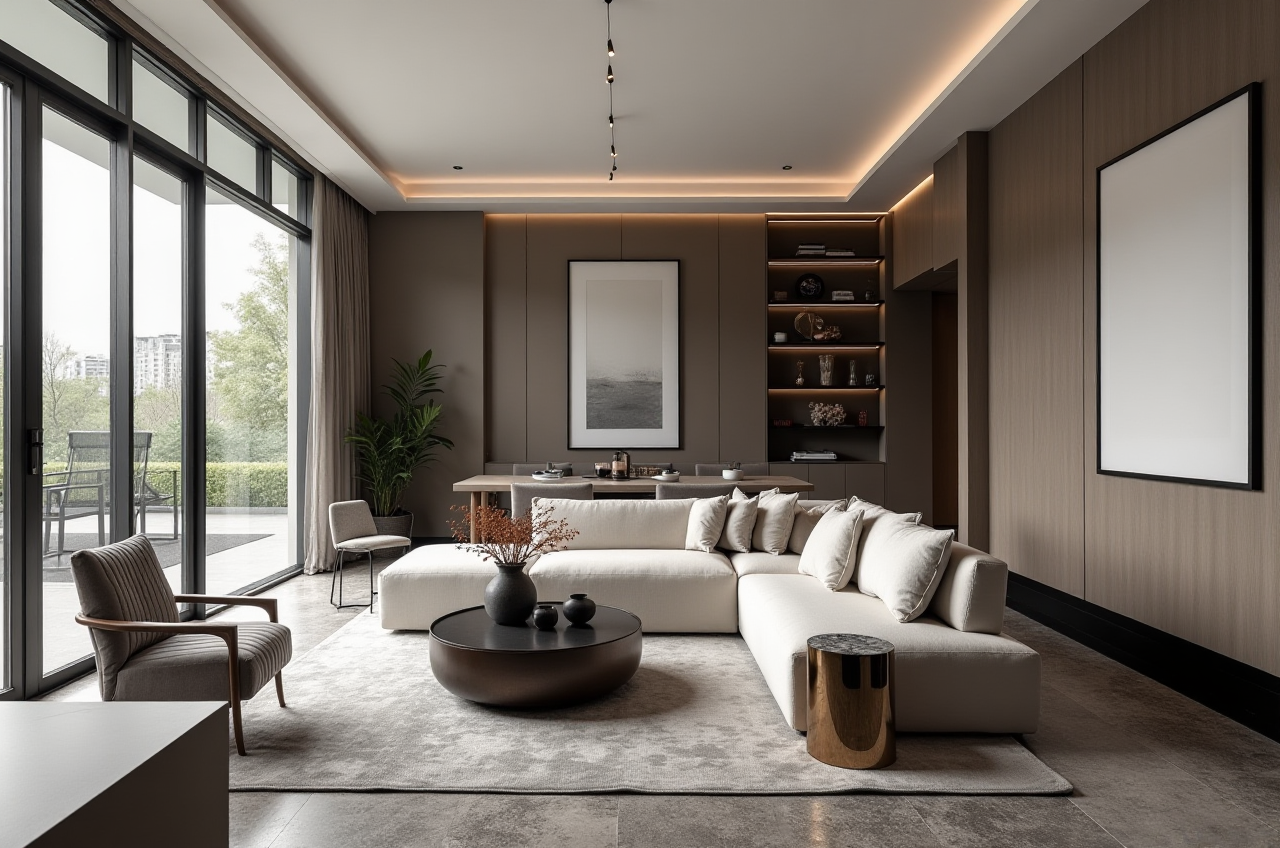
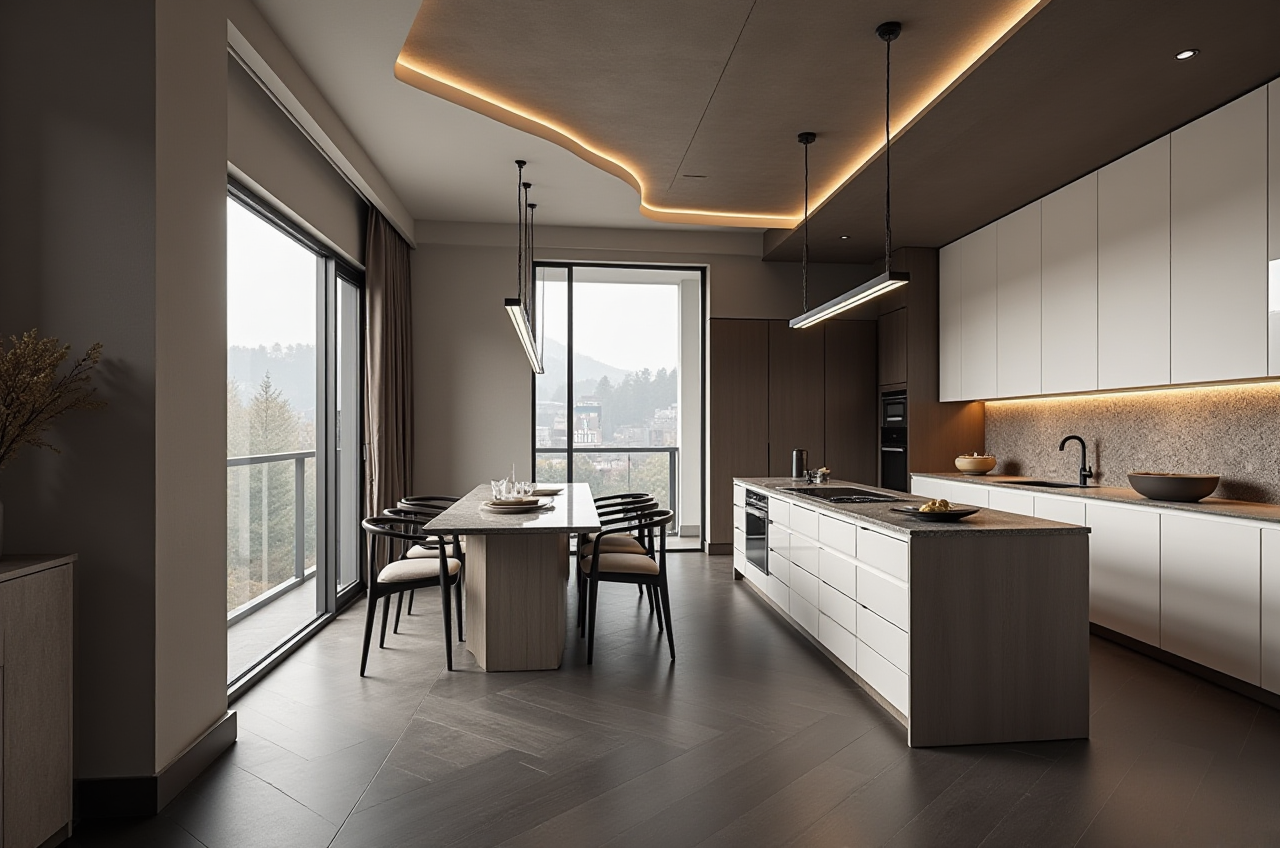
The AI-accelerated rendering engine by Sunvega produces photorealistic visuals in the cloud within minutes. This service is perfect for those who want to visualize their space before committing to a design, enhancing the overall shopping and decision-making experience.
Smart Manufacturing Integration
Sunvega connects the entire business lifecycle from marketing and design to manufacturing, ensuring absolute precision and minimizing waste. This integration is especially beneficial for custom furniture projects, where optimizing material usage and production efficiency is key.
How Sunvega Stands Out: A Comparative Analysis
When comparing Sunvega to other popular home design software, such as SketchUp for Schools and Autodesk’s offerings, Sunvega offers a unique blend of AI-driven capabilities and user-friendly interfaces. While SketchUp for Schools is a great free option for educational purposes, it lacks the comprehensive AI features and cloud rendering capabilities that Sunvega provides. Similarly, Autodesk's suite, although powerful, comes with a steeper learning curve and may not be as accessible for non-professional users.
Key Features Comparison
AI Capabilities: Sunvega excels in AI-powered 3D modeling and real-time spatial design, whereas competitors may offer more manual or less integrated solutions.User Interface: Sunvega's intuitive interface makes it easy for beginners to jump right in, while still offering advanced features for professionals.
Cloud Rendering: Sunvega's fast and photorealistic cloud rendering sets it apart, allowing for quick visualization and iteration.
Cost: Sunvega offers both free and premium options, making it accessible to a wider range of users compared to some of its competitors which may have higher entry costs.
Practical Tips for Using Sunvega
Getting Started
Visit the Website: Head over to Sunvega's official website to sign up for an account.Explore Tutorials: Take advantage of the extensive tutorials and resources available to familiarize yourself with the platform.
Start Small: Begin with simple projects like designing a small bathroom or kitchen backsplash to get a feel for the tools.
Maximizing Efficiency
Use Templates: Sunvega offers a variety of templates that can serve as a great starting point, saving you time and effort.Leverage AI Suggestions: Don't hesitate to use the AI suggestions for color schemes, layouts, and more. These can provide valuable insights and inspiration.
Collaborate: If working on a project with others, utilize the collaboration features to ensure everyone is on the same page.
Advanced Techniques
Customize Designs: Once comfortable with the basics, start experimenting with custom designs and layouts. Sunvega's flexibility allows for a wide range of creative possibilities.Utilize Cloud Rendering: For a more polished look, make use of the cloud rendering feature to create high-quality visualizations that can impress clients or simply help you better visualize your space.
User Case Studies and Testimonials
Case Study 1: Modern Kitchen Remodel
Challenge: A homeowner wanted to update their outdated kitchen with a modern, minimalist design.Solution: Using Sunvega, they were able to experiment with different layouts and materials virtually, ultimately settling on a sleek, contemporary design.
Outcome: The project was completed under budget and ahead of schedule, with the homeowner thrilled with the result.
Case Study 2: Custom Furniture Design
Challenge: A furniture designer needed to create a unique, custom piece for a client.Solution: Sunvega's smart manufacturing integration allowed the designer to seamlessly move from concept to production, ensuring the final product met the client's exact specifications.
Outcome: The client was extremely satisfied, leading to additional commissions and positive word-of-mouth.
Q&A: Frequently Asked Questions about Sunvega
Q1: Is Sunvega suitable for beginners?
A1: Absolutely! Sunvega's user-friendly interface and comprehensive tutorial resources make it a great choice for anyone, regardless of their design experience.Q2: Can I use Sunvega for commercial projects?
A2: Yes, Sunvega supports both personal and professional use. Its advanced features and scalability make it a versatile tool for a wide range of projects.Q3: How does the cloud rendering work?
A3: Sunvega's cloud rendering leverages AI to produce high-quality, photorealistic images quickly. Simply upload your design, and let the system do the rest, delivering stunning visuals in minutes.In conclusion, Sunvega stands out as a top choice for free tile layout software, thanks to its powerful AI-driven features, user-friendly design, and comprehensive support. Whether you're a DIY enthusiast or a seasoned professional, Sunvega has the tools and resources to help you bring your vision to life. Visit Sunvega's website today to start your next home project on the right foot.