
Unleash Your Creativity: How sunvega AI Room Software Revolutionizes Home Decor Design
Introduction In the dynamic world of home decor design, the right tools can make all the difference. Sunvega, specifically its AiHouse AI remodeling software and home - design mobile app, has emerged as a game - changer. This article delves into the features, advantages, and real - life applications
Introduction
In the dynamic world of home decor design, the right tools can make all the difference. Sunvega, specifically its AiHouse AI remodeling software and home - design mobile app, has emerged as a game - changer. This article delves into the features, advantages, and real - life applications of Sunvega's software, providing you with a comprehensive understanding of how it can transform your home design experience.
Key Features of Sunvega's Software
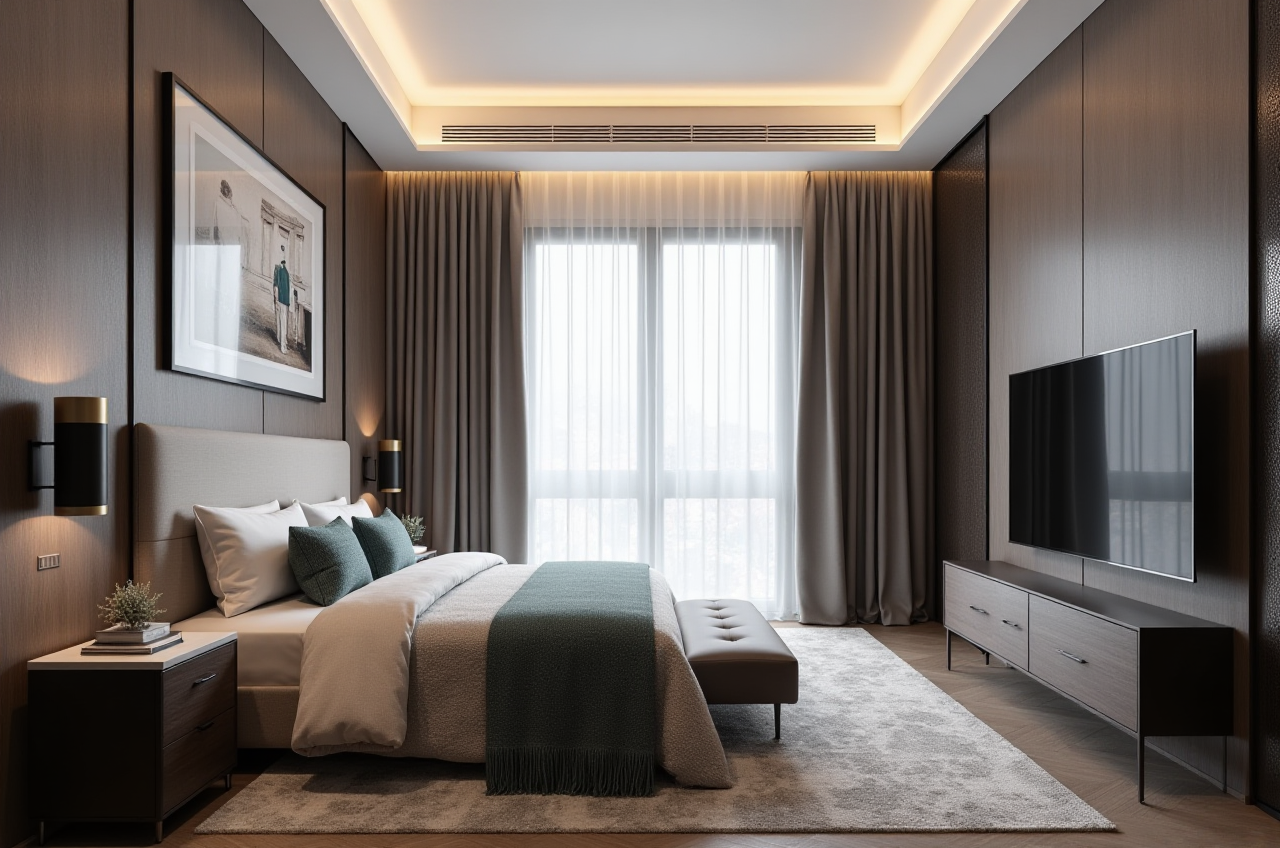
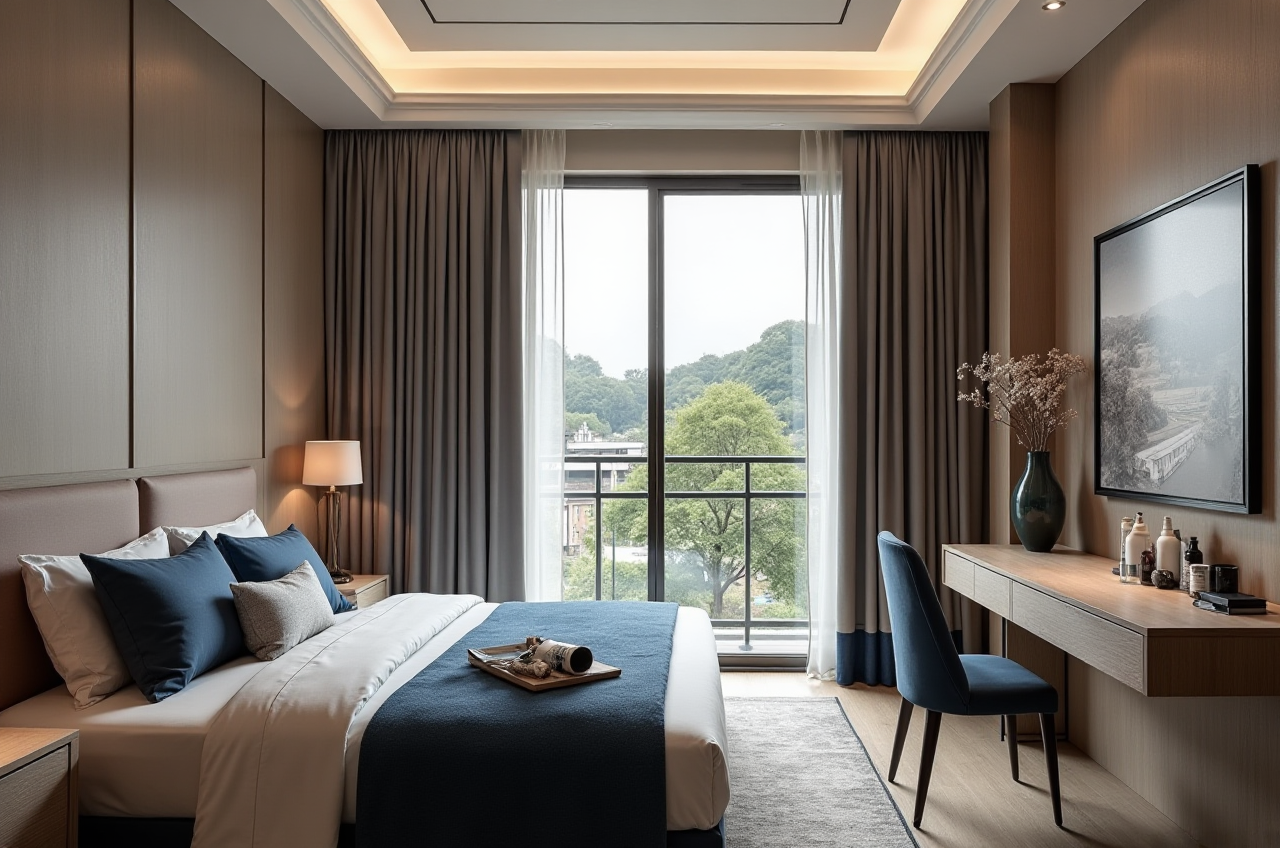
AI One - Click Generate 3D RenderingSunvega's AI - powered 3D rendering feature is a time - saver for both DIY enthusiasts and professional designers. Traditionally, creating high - quality 3D renderings could take hours or even days. With Sunvega, users can generate photorealistic 3D renderings in a matter of minutes. For example, a small - scale interior design firm was able to cut down their 3D rendering time from an average of 8 hours to just 30 minutes per project after switching to Sunvega.
实操建议: If you're new to the software, start with simple room designs. Upload basic floor plans and let the AI do the work. As you become more familiar, you can add more details such as furniture styles and color schemes to get a more accurate rendering.
Floor - Plan DesignThe floor - plan design function in Sunvega is highly intuitive. It offers both free basic functions and advanced options for more complex projects. The software allows users to easily measure and mark spaces, add walls, doors, and windows. A real - estate developer used Sunvega to design the floor plans for a new apartment complex. They found that the software's precision and ease of use helped them complete the designs 40% faster than with traditional methods.
实操建议: Use the software's grid system to ensure accurate measurements. When adding new elements to the floor plan, follow the on - screen instructions carefully to achieve a professional - looking design.
Doors - and - Windows DesignSunvega offers a wide range of options for doors - and - windows design. You can choose from different styles, sizes, and materials. A homeowner who wanted to renovate their old house used Sunvega to visualize different door and window combinations. They were able to experiment with various options and choose the ones that best suited their home's style and energy efficiency needs.
实操建议: Explore the different door and window presets in the software. Compare the visual and energy - saving effects of each option to make an informed decision.
House - Remodeling DesignWhether you're planning a minor renovation or a major overhaul, Sunvega's house - remodeling design feature has got you covered. It allows you to see how your ideas will look in the actual space. A couple who wanted to transform their outdated kitchen used Sunvega to design a modern and functional kitchen layout. They were able to make changes in real - time and ensure that the final design met their needs and budget.
实操建议: Start by creating a rough sketch of your remodeling ideas on paper. Then, input the key elements into Sunvega. This will help you have a clearer vision and make the design process more efficient.
Comparison with Other Design Software
When compared to other home design software in the market, Sunvega stands out in several aspects. Some software may lack the AI capabilities that Sunvega offers, resulting in slower design processes and less accurate renderings. For example, non - AI software may require users to manually adjust every detail of a 3D model, which can be time - consuming. In contrast, Sunvega's AI algorithms can quickly analyze and generate optimal design solutions based on user input.
Tutorial: Getting Started with Sunvega
Sign - up: Visit the official website at https://www.sunvega.com/ and sign up for an account. The sign - up process is simple and only requires basic information.Choose the Right Platform: Sunvega offers multiple platforms, including the AiHouse mobile app and the web - based version. Select the one that suits your needs and device.
Familiarize with the Interface: Once you log in, take some time to explore the different menus and tools. There are tooltips and tutorials available to guide you through the process.
Start a New Project: Click on the "New Project" button and input the basic details such as the size of the room or the type of remodeling project.
Design and Refine: Use the various design features mentioned above to create your dream home design. Don't be afraid to experiment and make changes until you're satisfied with the result.
User Cases
DIY Enthusiast: John, a DIY enthusiast, wanted to redesign his living room on a budget. He used Sunvega's free floor - plan design function to create a layout that maximized the space. He then used the AI - generated 3D rendering to visualize different furniture arrangements. With the help of Sunvega, he was able to transform his living room without overspending.Professional Designer: Sarah, a professional interior designer, was working on a large - scale commercial project. She used Sunvega's advanced remodeling renderings generation feature to present her ideas to the client. The high - quality 3D renderings helped her secure the project and receive positive feedback from the client.
External References
Sunvega has established strategic partnerships with industry organizations such as the ASID (American Society of Interior Designers) and the AOUSD (Alliance for OpenUSD). These partnerships demonstrate Sunvega's commitment to advancing the home design industry through technological innovation.
Q&A
Q1: Is Sunvega suitable for beginners in home design?
A1: Absolutely! Sunvega offers free basic functions and easy - to - use interfaces, making it very accessible for beginners. There are also tutorials available to help you get started.
Q2: Can I use Sunvega for commercial projects?
A2: Yes, Sunvega is widely used by professionals in commercial projects. Its advanced features, such as high - quality 3D rendering and accurate floor - plan design, are very useful for commercial design needs.
Q3: How much does Sunvega cost?
A3: Sunvega offers both free and paid plans. The free plan provides basic floor - plan design functions, while the paid plans offer more advanced features such as high - quality 3D rendering and access to exclusive design templates. You can visit https://www.sunvega.com/ for more information on pricing.
Conclusion
Sunvega's AiHouse AI remodeling software and home - design mobile app offer a powerful and user - friendly solution for home decor design. With its innovative features, time - saving capabilities, and proven track record, it is a top choice for both DIY users and professional designers. Whether you're looking to renovate your home or take on a large - scale commercial project, Sunvega can help you unleash your creativity and bring your design ideas to life.