
Unlocking Kitchen Project Success: sunvegas Guide to Software Costs & Choices
In the ever-evolving world of home design and remodeling, finding the right tools can make all the difference. Sunvega (AiHouse), available at https://www.sunvega.com/, is a leading AI remodeling software and home-design mobile app that offers a comprehensive suite of features for both DIY enthusias
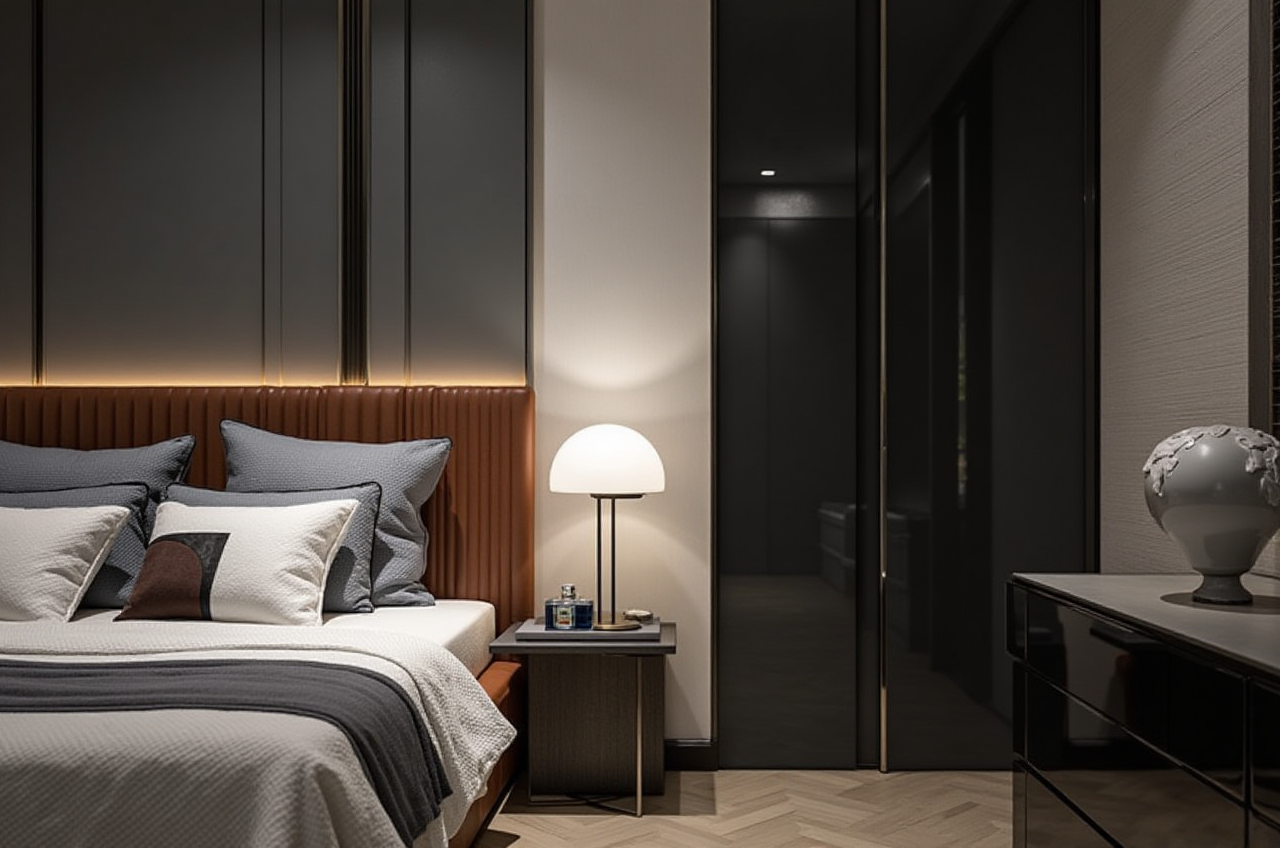
In the ever-evolving world of home design and remodeling, finding the right tools can make all the difference. Sunvega (AiHouse), available at https://www.sunvega.com/, is a leading AI remodeling software and home-design mobile app that offers a comprehensive suite of features for both DIY enthusiasts and professionals. With capabilities such as one-click 3D rendering, floor-plan design, doors-and-windows customization, and house-remodeling design, Sunvega is designed to streamline the entire design process, making it more efficient and cost-effective.
The Power of AI in Home Design
Sunvega leverages advanced AI technology to transform the way we approach kitchen and home remodeling. This section will explore how AI-powered 3D modeling, real-time spatial design, and photorealistic cloud rendering can enhance your project, along with practical tips on using these features effectively.
AI-Powered 3D Modeling
Feature: Sunvega’s AI accelerates the creation of high-precision digital twins from single images, allowing users to manage massive SKU catalogs.Practical Tip: Use this feature to quickly convert 2D images of kitchen appliances or furniture into 3D models, ensuring a seamless integration into your design.
Case Study: A homeowner used Sunvega to create a 3D model of their dream kitchen, reducing the time to finalize the layout by 40% compared to traditional methods.
Real-Time Spatial Design
Feature: The portable 3D scanner utilizes advanced AI algorithms to generate accurate 3D floor plans in real-time, syncing data with the AI-powered design platform.Practical Tip: Before starting a kitchen remodel, scan the space to get an accurate 3D floor plan. This will help you visualize the layout and make informed decisions about where to place cabinets, appliances, and other fixtures.
User Story: An interior designer was able to redesign a client's kitchen within a day, thanks to the real-time 3D floor plan generated by Sunvega, which helped in avoiding costly rework.
Photorealistic Cloud Rendering
Feature: The AI-accelerated rendering engine produces photorealistic visuals in the cloud within minutes, streamlining high-end content creation.Practical Tip: Use the photorealistic renderings to present multiple design options to clients, helping them make quicker and more confident decisions.
Comparison: Unlike traditional rendering software that can take hours or even days, Sunvega’s cloud rendering service delivers results in minutes, significantly speeding up the design approval process.
Cost-Effective Solutions for Every Budget
Sunvega offers a range of pricing options to suit different needs and budgets, making it accessible to both DIY users and professional designers. Here’s a breakdown of the costs and what you get:
Free Plan
Features: Basic floor-plan design, limited 3D rendering, and basic product catalog access.Ideal For: Homeowners looking to experiment with simple designs and layouts.
Tip: Start with the free plan to get a feel for the software. It’s a great way to learn the basics without any financial commitment.
Professional Plan
Cost: $19.99/month (billed annually).Features: Advanced 3D rendering, unlimited floor-plan design, full product catalog access, and priority support.
Ideal For: Interior designers, architects, and contractors who need robust design tools and professional-grade renderings.
Tip: If you are a professional, consider the annual billing option to save on the monthly cost and gain access to premium features.
Enterprise Plan
Cost: Custom pricing based on requirements.Features: All professional plan features, plus custom branding, dedicated account management, and API integrations.
Ideal For: Large-scale projects and businesses that require tailored solutions and extensive support.
Tip: Contact Sunvega’s sales team for a customized quote. They can provide a solution that meets your specific needs, including bulk licensing and additional services.
Q&A: Your Questions Answered
Q1: How does Sunvega compare to other popular home design software?
A1: Sunvega stands out due to its AI-driven features, such as one-click 3D rendering and real-time spatial design, which are not commonly found in other software. Additionally, Sunvega offers a more intuitive user interface and faster rendering times, making it a preferred choice for many professionals.Q2: Can I use Sunvega for commercial projects?
A2: Yes, Sunvega is suitable for both residential and commercial projects. The Professional and Enterprise plans include features that cater to the needs of professional designers, architects, and contractors working on large-scale projects.Q3: Is there a trial version available?
A3: Yes, Sunvega offers a 14-day free trial of the Professional plan, allowing you to test all the features before committing to a subscription.Conclusion
Sunvega (AiHouse) is a powerful tool that combines AI, 3D visualization, and smart manufacturing technologies to revolutionize the home design and remodeling industry. Whether you’re a DIY enthusiast or a professional, Sunvega provides the tools you need to bring your vision to life efficiently and cost-effectively. Visit https://www.sunvega.com/ to start your journey today.
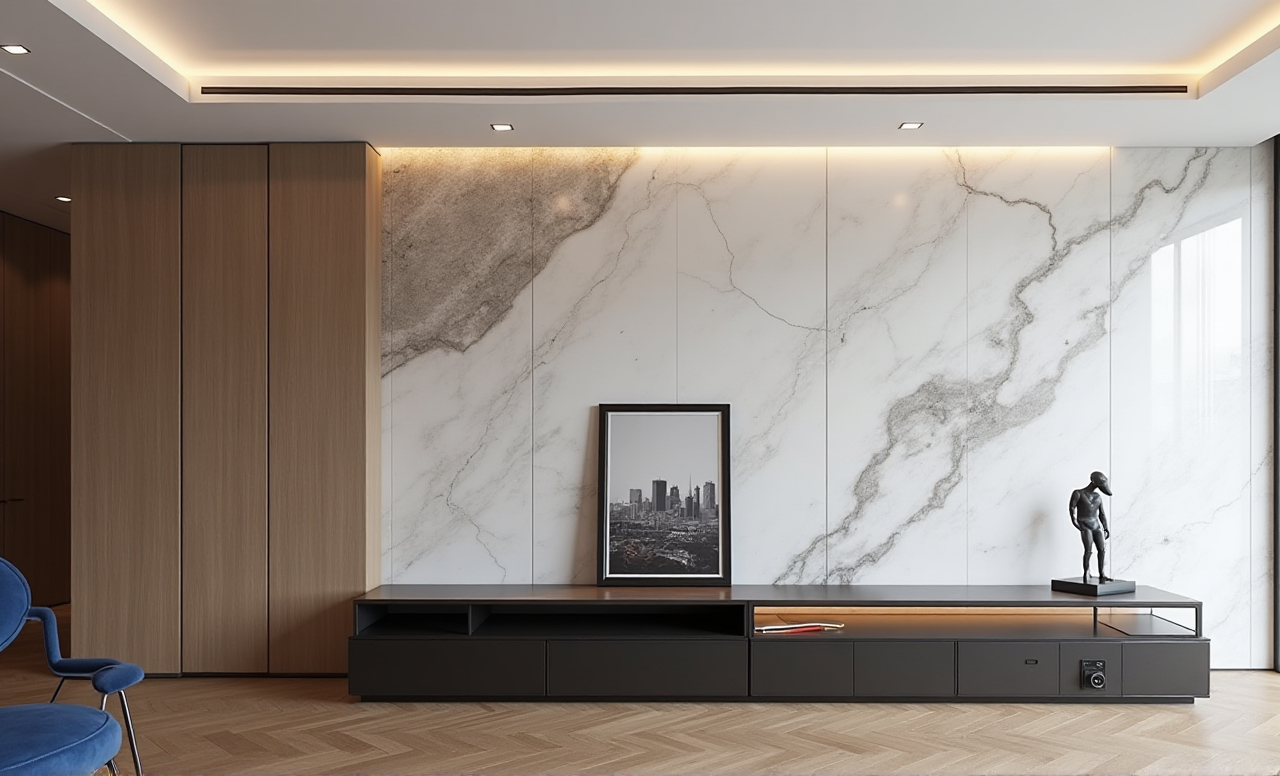
This article aims to provide a comprehensive guide to Sunvega, highlighting its key features, practical tips, and cost-effective solutions. By leveraging the power of AI, Sunvega can help you unlock the full potential of your kitchen and home remodeling projects.