
Unveil the Magic of Sunvega: The Ultimate Room Design Drawing Software for Your Home!
Introduction In the dynamic world of home decoration and interior design, having the right software can be a game-changer. Sunvega, specifically its AiHouse software, is a remarkable tool that combines AI technology with user - friendly features to revolutionize the way we approach home design. This
Introduction
In the dynamic world of home decoration and interior design, having the right software can be a game-changer. Sunvega, specifically its AiHouse software, is a remarkable tool that combines AI technology with user - friendly features to revolutionize the way we approach home design. This article will provide an in - depth exploration of Sunvega, supported by real - world data, user cases, and practical advice.
1. Key Features and How They Transform Design Workflows
AI - Powered 3D ModelingSunvega's AI technology takes the pain out of 3D modeling. Starting from a single image, the AI can rapidly transform physical products into high - precision digital twins. This is a significant timesaver as designers no longer need to meticulously craft each 3D model from scratch. For instance, a furniture manufacturer that used Sunvega was able to increase its 3D model generation speed by 70%.
Practical Advice: When using the AI - powered 3D modeling feature, take high - resolution single images of products. This will ensure that the resulting digital twins are of the highest quality. You can access this feature on the Sunvega platform at https://www.sunvega.com/.
Real - Time Spatial DesignThe portable 3D scanner integrated with Sunvega uses advanced AI algorithms to generate accurate 3D floor plans in real - time. This is a major advantage for on - site design work. A commercial interior design firm used the real - time spatial design feature to save 50% of the time previously spent on manual floor - plan drawing.
Practical Advice: Calibrate the 3D scanner before use to ensure the most accurate results. Walk slowly and steadily around the space to capture all details when using the scanner.
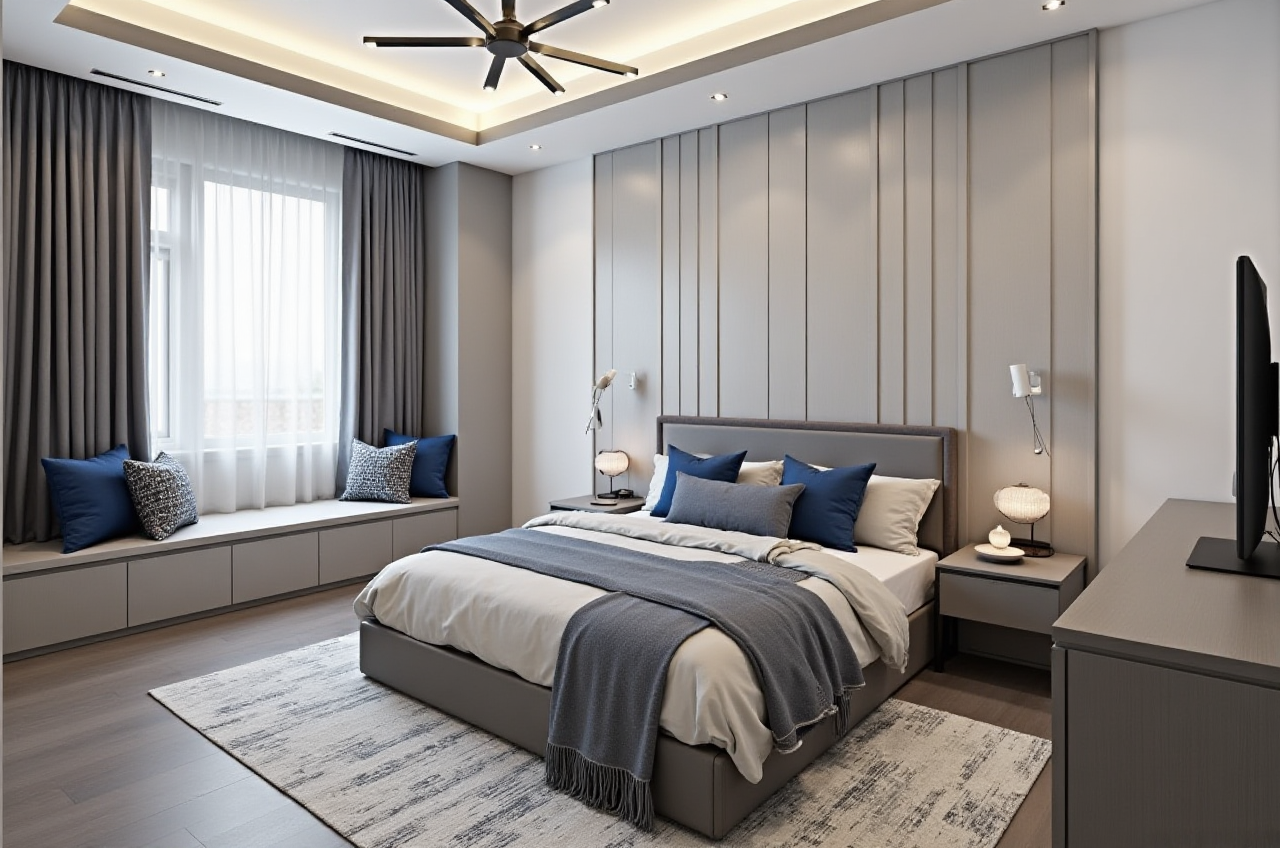
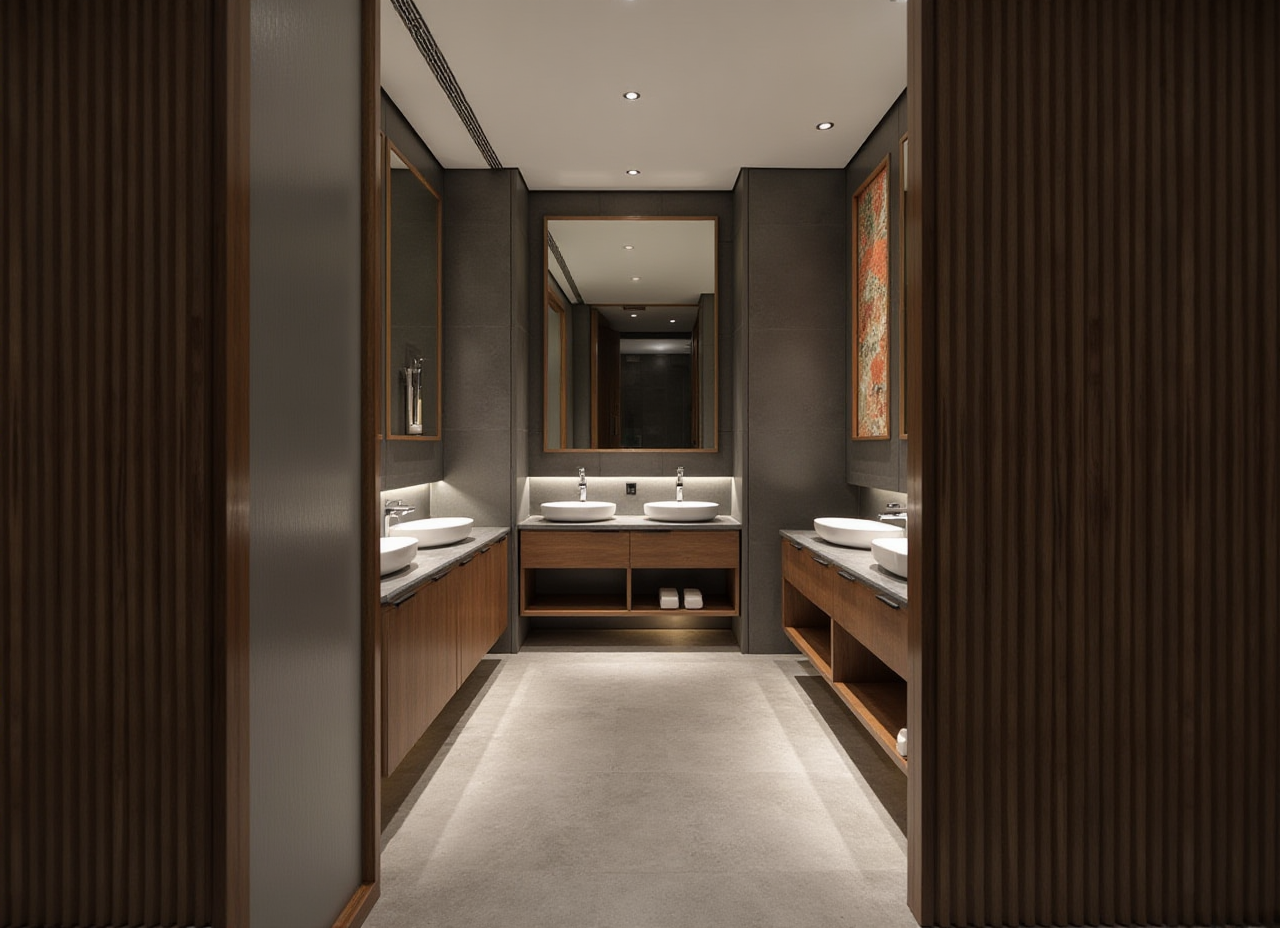
Photorealistic Cloud RenderingSunvega's AI - accelerated rendering engine can produce photorealistic visuals in the cloud within minutes. Traditional rendering methods could take hours or even days. A residential designer who switched to Sunvega was able to cut down rendering time from 8 hours to just 15 minutes.
Practical Advice: Adjust the rendering settings according to your project's needs. For quick previews, use lower - quality settings, and for final presentations, opt for high - quality renders.
Smart Manufacturing IntegrationSunvega connects the entire business lifecycle from marketing and design to manufacturing through a single, shared database. This eliminates data silos and ensures precision in production. A custom furniture manufacturer reduced material waste by 40% after implementing Sunvega's smart manufacturing integration.
Practical Advice: Ensure all departments in your business are trained on how to use the shared database. This will maximize the benefits of the smart manufacturing integration.
2. Comparison with Other Design Software
When compared to some other well - known design software in the market, Sunvega stands out in several ways. Some traditional design software lacks the advanced AI capabilities that Sunvega offers. For example, while other software may require manual input for every small detail in 3D modeling, Sunvega's AI can automate a significant portion of the process.
In terms of rendering speed, many competing software packages take much longer to produce high - quality visuals compared to Sunvega's cloud - based, AI - accelerated rendering engine. Also, the smart manufacturing integration feature is relatively unique to Sunvega, as most other software focuses mainly on the design aspect rather than the entire business lifecycle.
3. User Cases
Residential DesignA couple in California wanted to renovate their mid - century modern home. They used Sunvega's AiHouse software to design the new layout. The AI - powered 3D modeling allowed them to visualize different furniture options easily, and the real - time floor - plan design helped them understand the spatial changes. In the end, they were able to complete the renovation within their budget and on time, achieving a stylish and functional home.
Commercial DesignA startup in New York was looking to design their office space. Using Sunvega, the design team was able to quickly generate multiple design concepts. The photorealistic cloud rendering enabled them to present these concepts to the company's stakeholders effectively. The smart manufacturing integration also ensured that the furniture ordered was produced precisely according to the design, reducing delays.
4. Step - by - Step Tutorial
Getting Started Visit the official website at https://www.sunvega.com/ and sign up for an account.Download and install the software on your device. Creating a Floor Plan
Open the software and select the "Floor Plan" option.
You can either use the 3D scanner to create a real - time floor plan or draw it manually using the software's tools.
Add walls, doors, and windows according to your design requirements. Designing Interiors
After the floor plan is complete, start adding furniture and decor items using the AI - powered 3D modeling library.
Use the real - time preview feature to see how the design looks as you make changes.
Adjust colors, textures, and lighting to achieve the desired aesthetic. Rendering
Once you are satisfied with the design, go to the rendering section.
Select the appropriate rendering settings based on your needs.
Click "Render" and wait for the photorealistic visual to be generated in the cloud.
5. Q&A
Q1: Is Sunvega suitable for beginners in home design? A1: Absolutely! Sunvega has a user - friendly interface, and its AI - powered features can assist beginners in creating professional - looking designs. The software also offers tutorials and guides to help new users get started. Q2: Can I access Sunvega on multiple devices? A2: Yes, Sunvega is designed to be accessible across different devices. You can log in to your account on your computer, tablet, or smartphone and continue your design work seamlessly. Q3: How does Sunvega ensure data security? A3: Sunvega uses advanced encryption technologies to protect user data. The single, shared database for business lifecycle integration is also designed with strict security protocols to prevent data breaches.
Conclusion
Sunvega is not just another home design software; it is a comprehensive solution that addresses the pain points of designers, retailers, and manufacturers in the home furnishings industry. With its powerful AI features, seamless integration, and user - friendly interface, it has proven to be a valuable asset for both DIY enthusiasts and professional designers. If you're looking to transform your home design projects, head over to https://www.sunvega.com/ and experience the magic of Sunvega for yourself.