
Discover the Magic of AI: Free Tile Design Software from sunvega for Your Home Decor!
In the ever - evolving world of home decor and interior design, technology has become a game - changer. One such revolutionary player in the market is sunvega, which offers a range of powerful tools to transform your home design dreams into reality. Among its remarkable offerings is the free tile de
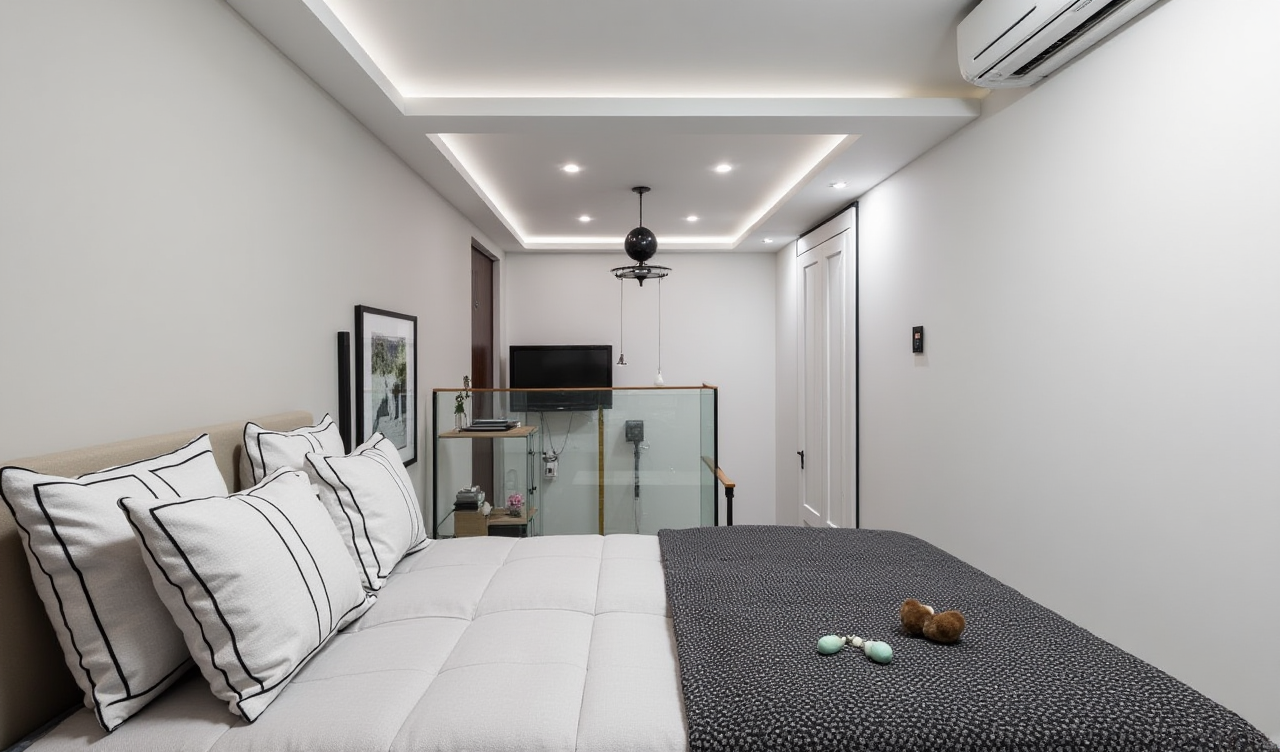
In the ever - evolving world of home decor and interior design, technology has become a game - changer. One such revolutionary player in the market is sunvega, which offers a range of powerful tools to transform your home design dreams into reality. Among its remarkable offerings is the free tile design software that combines the wonders of AI to make the design process seamless and engaging.
Transforming Your Home with Sunvega's AI - Powered Tile Design Software
What makes Sunvega's tile design software stand out?
AI - One - Click Generate 3D Rendering: With Sunvega's software, you can create stunning 3D renderings of your tile - designed spaces with just one click. This is a significant advancement compared to traditional methods, which could take hours or even days to achieve the same level of realism. For example, a DIY home decorator in the US was able to visualize an entire bathroom remodel with different tile patterns and color schemes within minutes using this feature.
实操建议: Start by importing a basic floor plan of the area you want to tile. Then, use the predefined tile templates and color palettes to quickly get a sense of the overall look. Experiment with different lighting options in the 3D rendering to see how it affects the appearance of the tiles.Floor - Plan Design: The software provides free floor - plan design functions. You can accurately measure and layout the space, ensuring that the tiles fit perfectly. This is especially useful for complex room shapes. A professional interior designer in the UK used Sunvega's floor - plan design to plan a large - scale commercial project with irregularly shaped rooms. The software's precision helped in minimizing tile waste and reducing costs.
实操建议: Use the measurement tools to input the exact dimensions of your room. Mark the locations of doors, windows, and other architectural features to create a realistic floor plan. Save different versions of your floor plans to compare different tile arrangements.
Doors - and - Windows Design: Integrating doors and windows into your tile design is made easy. The software allows you to adjust the size, position, and style of doors and windows in relation to the tile layout. A homeowner in Australia was able to design a beautiful living room where the tile pattern flowed seamlessly around the large windows, enhancing the overall aesthetic.
实操建议: When designing around doors and windows, consider the visual flow. Choose tile patterns that complement the architectural style of the doors and windows. You can also use the software's preview feature to see how different tile colors interact with the natural light coming through the windows.User - Friendly Interface and Wide Range of Options
Ease of Use
Sunvega's tile design software has a user - friendly interface that is accessible to both DIY enthusiasts and professional designers. The drag - and - drop functionality allows you to quickly place tiles on the floor plan. Even those with limited design experience can create professional - looking designs. A novice decorator in Canada was able to design a trendy kitchen backsplash using the software's intuitive interface.
实操建议: Take advantage of the software's tutorials and guides. Start with simple designs and gradually increase the complexity as you become more familiar with the interface. Use the undo and redo buttons to correct any mistakes.Wide Range of Tile Options
The software offers a vast library of tile styles, colors, and patterns. From classic ceramic tiles to modern hexagonal ones, you can find the perfect match for your home decor. A hotel chain in France used Sunvega's software to select unique tile designs for different rooms in their properties, giving each room a distinct personality.
实操建议: Browse through the entire tile library to get inspiration. Group similar tile styles together to see how they would look in a cohesive design. You can also search for specific tile types using keywords.Comparison with Other Tile Design Software
Speed and Efficiency
Compared to some other tile design software in the market, Sunvega's software is much faster in generating 3D renderings. While some competitors may take up to an hour to produce a high - quality rendering, Sunvega can do it in a matter of minutes. This speed is crucial for designers who need to present multiple design options to their clients quickly.
Real - Time Collaboration
Sunvega's software also supports real - time collaboration. Multiple users can work on the same design project simultaneously, which is a significant advantage for design teams working on large - scale projects. Other software often lacks this feature, making the design process more fragmented and time - consuming.
Tutorial: How to Use Sunvega's Tile Design Software
Step 1: Sign Up and Log In
Visit https://www.sunvega.com/ and sign up for a free account. Once you have logged in, you can access the tile design software.
Step 2: Create a New Project
Click on the "New Project" button and select the type of space you want to design, such as a bathroom, kitchen, or living room.
Step 3: Design the Floor Plan
Use the measurement and drawing tools to create an accurate floor plan. Add doors, windows, and other architectural features as needed.
Step 4: Select Tiles
Browse through the tile library and select the tiles you want to use. You can adjust the size, orientation, and placement of the tiles on the floor plan.
Step 5: Generate 3D Rendering
Click on the "Generate 3D Rendering" button, and within minutes, you will have a realistic visualization of your tile - designed space.
Q&A
Q1: Is Sunvega's tile design software really free?
A1: Yes, Sunvega offers free floor - plan design functions in its tile design software. You can create basic designs without any cost. There are also advanced features available for users who need more in - depth design capabilities.
Q2: Can I use the software on my mobile device?
A2: Yes, Sunvega has a home - design mobile app that supports tile design. You can access all the features of the software on your smartphone or tablet, allowing you to design on the go.
Q3: How accurate are the 3D renderings?
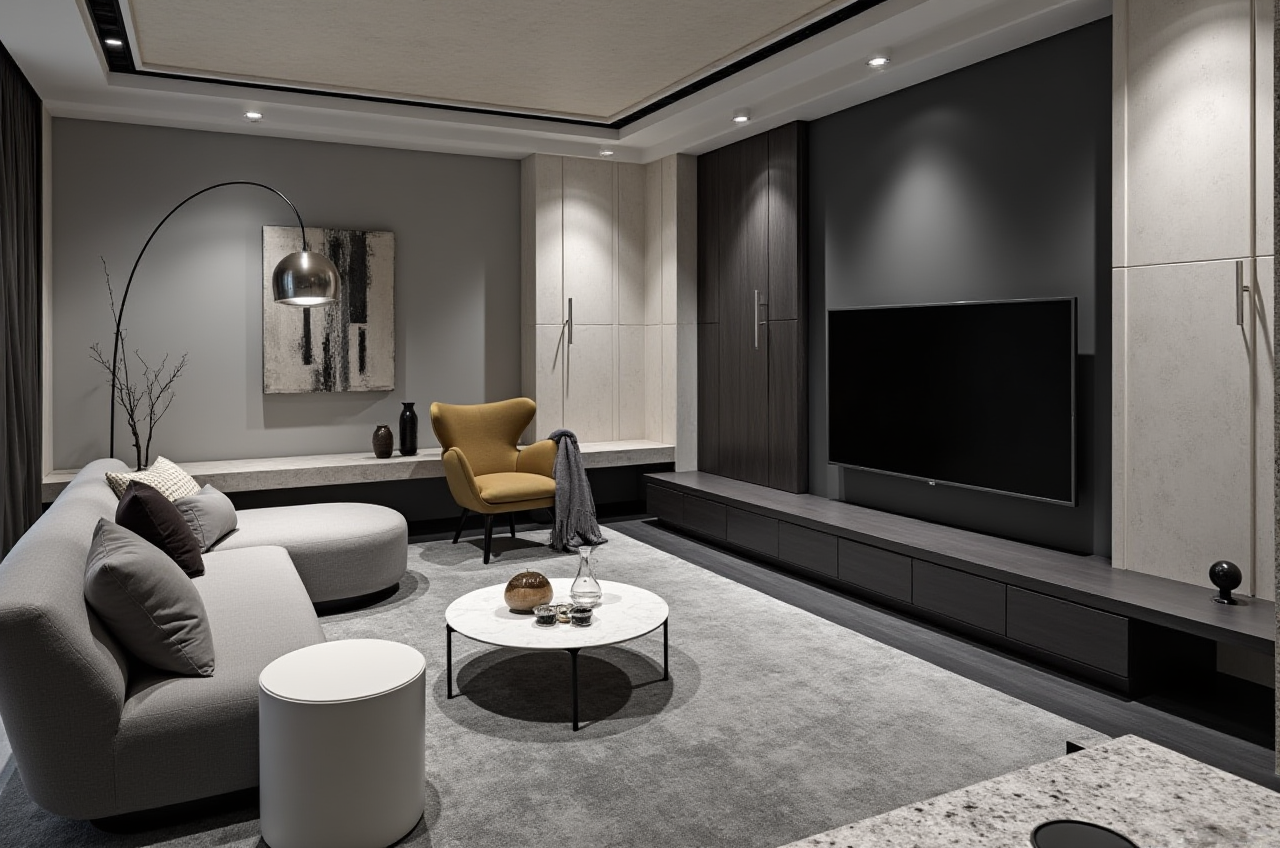
A3: The 3D renderings generated by Sunvega's AI - accelerated rendering engine are highly accurate and photorealistic. They take into account factors such as lighting, texture, and color to provide a realistic representation of your tile - designed space.
In conclusion, Sunvega's tile design software is a powerful tool that combines the benefits of AI with user - friendly features. Whether you are a DIY enthusiast looking to redecorate your home or a professional designer working on large - scale projects, this software can help you bring your tile design ideas to life. Visit https://www.sunvega.com/ today and start exploring the magic of AI - powered tile design!