
Unlock Your Creativity with SunVega: The Ultimate DIY Tile Design Software
In the ever-evolving world of home design, having the right tools at your fingertips can make all the difference. Whether you're a professional designer or a DIY enthusiast, SunVega (AiHouse), available at https://www.sunvega.com/, stands out as an innovative solution that bridges the gap between im
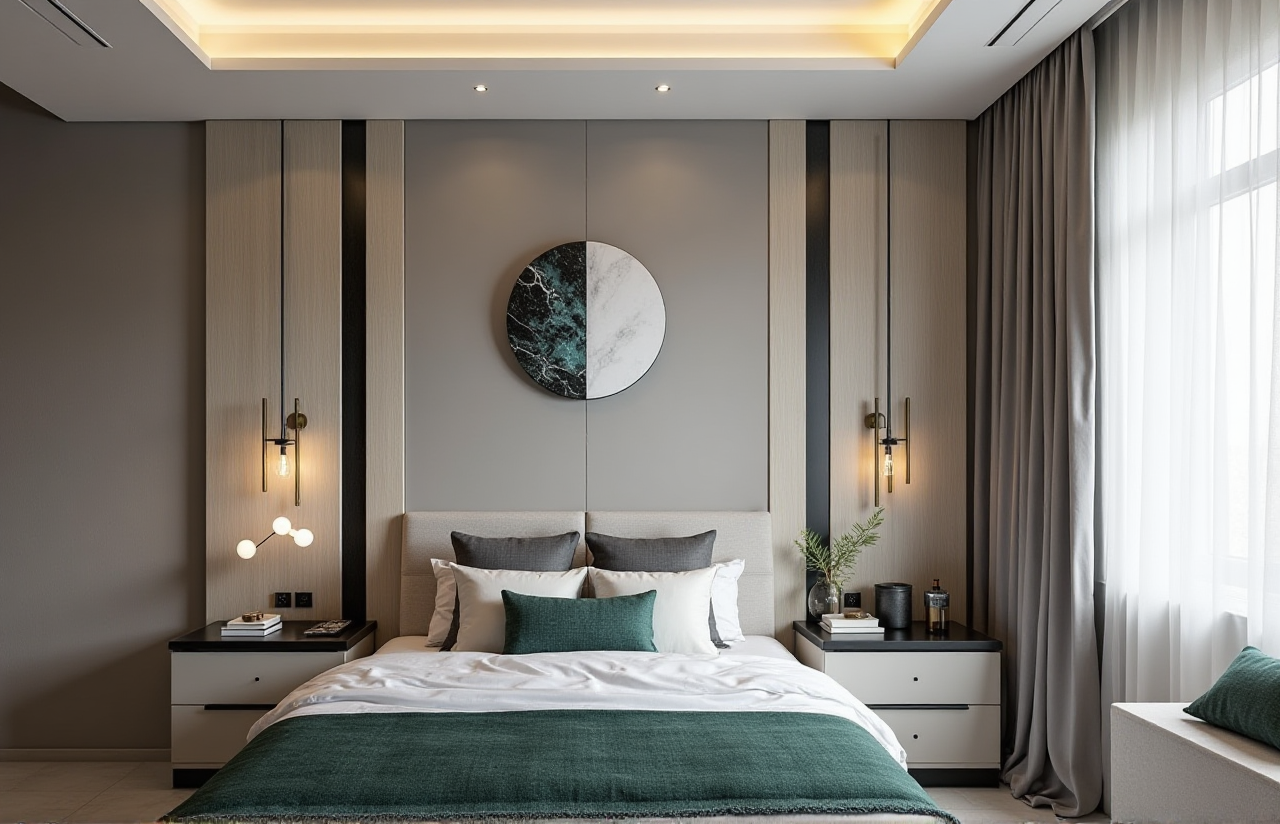
In the ever-evolving world of home design, having the right tools at your fingertips can make all the difference. Whether you're a professional designer or a DIY enthusiast, SunVega (AiHouse), available at https://www.sunvega.com/, stands out as an innovative solution that bridges the gap between imagination and reality. This article will explore how SunVega is revolutionizing the way we approach home remodeling, particularly in tile design, and why it's becoming the go-to choice for both professionals and hobbyists.
Table of Contents
Introduction to SunVegaKey Features and Capabilities AI One-Click 3D Rendering
Floor Plan Design
Doors and Windows Design
Home Remodeling Design
Why Choose SunVega? Ease of Use
Advanced Functionality
Cost-Effectiveness
User Case Studies
Comparative Analysis
Tutorials and Getting Started
Q&A Section
Conclusion
Introduction to SunVega
Founded in 2013, SunVega Information Technology has been at the forefront of digital innovation in the global home furnishings industry. With a mission to streamline the entire journey from design inspiration to manufacturing execution, SunVega offers a comprehensive suite of AI-driven platforms, including AiHouse, Visioneer, Spacify, HomeSnap AI, JEGA, and SunVega Design. These platforms are powered by advanced core engines such as Cloud Modeling, Cloud Rendering, and CNC Machining, all driven by an advanced vertical AI model.
Key Features and Capabilities
AI One-Click 3D Rendering
One of the standout features of SunVega is its AI one-click 3D rendering capability. This feature allows users to generate photorealistic 3D renderings within minutes, significantly reducing the time and effort required to create high-quality visualizations. For instance, a user designing a kitchen can upload their floor plan, select materials, and with just one click, receive a detailed 3D rendering that accurately represents the final look.
Floor Plan Design
SunVega provides robust floor plan design tools that are intuitive and easy to use. Users can either start from scratch or import existing plans. The software automatically generates accurate 3D models based on the 2D floor plans, allowing for seamless transitions between 2D and 3D views. This is particularly useful for those who want to visualize how different layouts and designs will fit into their space.
Doors and Windows Design
The doors and windows design module in SunVega is another powerful tool. It offers a wide range of customizable options, from standard to custom sizes, and a variety of styles. Users can easily add, modify, and position doors and windows in their designs, ensuring that they fit perfectly within the overall aesthetic and functional requirements of the space.
Home Remodeling Design
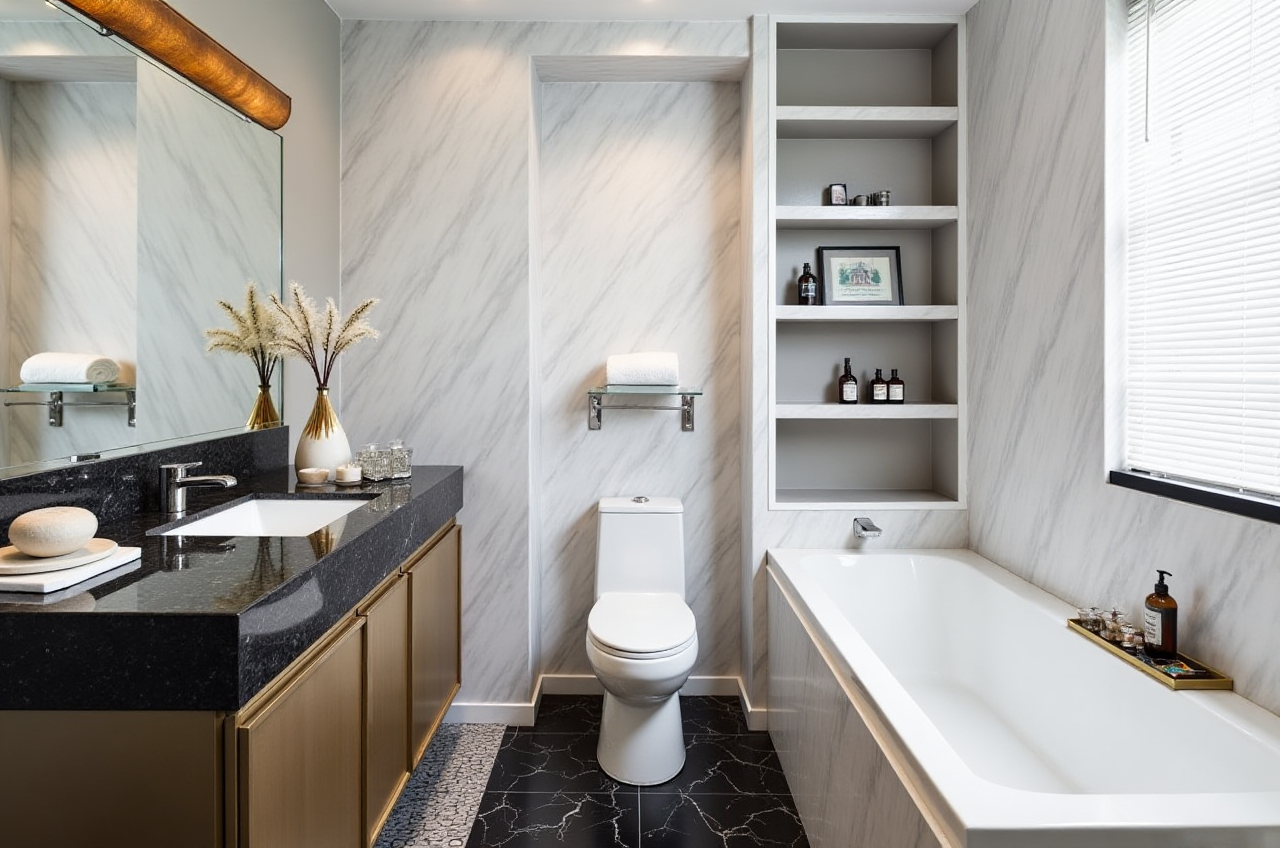
For those looking to remodel their homes, SunVega's home remodeling design feature is a game-changer. It allows users to experiment with different materials, colors, and textures, and see the results in real-time. Whether it’s a complete kitchen overhaul or a simple bathroom refresh, SunVega makes it easy to visualize and plan every detail.
Why Choose SunVega?
Ease of Use
SunVega is designed with user-friendliness in mind. Its intuitive interface and drag-and-drop functionality make it accessible to both beginners and professionals. Additionally, the software supports 18 languages, making it a truly global solution.
Advanced Functionality
While being user-friendly, SunVega doesn’t compromise on functionality. It offers advanced features like AI-powered 3D modeling, real-time spatial design, and photorealistic cloud rendering. These features not only enhance the design process but also ensure that the final output is of the highest quality.
Cost-Effectiveness
SunVega offers a range of pricing options, including free and premium plans, making it accessible to a wide audience. The free version includes basic floor plan design, while the premium plans offer more advanced features. This flexibility ensures that users can choose the plan that best fits their needs and budget.
User Case Studies
Case Study 1: Residential Kitchen Remodel
Client: Sarah Johnson, DIY Enthusiast Project: Complete kitchen remodel Outcome: Sarah used SunVega to design her dream kitchen. She was able to experiment with different layouts, materials, and colors, and generate 3D renderings to visualize the final result. The software helped her save time and money by avoiding costly mistakes and rework. The project was completed within budget and ahead of schedule, and Sarah was thrilled with the outcome.
Case Study 2: Commercial Office Space
Client: ABC Corporation, Interior Designer Project: Office space redesign Outcome: The interior designer used SunVega to create a modern and functional office space. The software’s advanced features, such as real-time spatial design and photorealistic rendering, allowed the team to present multiple design options to the client. The client was impressed with the detailed 3D renderings and the ability to make real-time adjustments. The project was a success, and the new office space received positive feedback from employees and visitors alike.
Comparative Analysis
SunVega vs. Other Leading Platforms
When compared to other leading design software, SunVega stands out for several reasons:
AI-Powered 3D Modeling: SunVega’s AI accelerates the creation of high-precision digital twins, starting from a single image. This is a significant advantage over platforms that require manual 3D modeling.Real-Time Spatial Design: The portable 3D scanner and advanced AI algorithms enable real-time generation of accurate 3D floor plans, which is not commonly found in other software.
Photorealistic Cloud Rendering: SunVega’s AI-accelerated rendering engine produces photorealistic visuals in the cloud within minutes, streamlining the design process and enhancing the client experience.
Trust and Credibility
SunVega has built a strong foundation of trust through strategic partnerships, industry recognition, and investor backing. The company is an Industry Partner of ASID and a member of AOUSD, and has secured funding from prestigious investors such as SoftBank China, Red Star Macalline, and Alibaba.
Tutorials and Getting Started
Step-by-Step Guide to Using SunVega
Sign Up and Log In:
 Visit https://www.sunvega.com/ and sign up for a free account.
Log in to access the dashboard and start designing.
Create a New Project:
Click on "New Project" and select the type of project (e.g., kitchen, bathroom, living room).Import your floor plan or start from scratch using the built-in drawing tools.
Design Your Space:
Use the drag-and-drop interface to add furniture, fixtures, and other elements.Customize materials, colors, and textures to match your vision.
Generate 3D Renderings:
Once your design is complete, click on "Render" to generate a photorealistic 3D visualization.Review and adjust as needed.
Save and Share:
Save your project and share it with clients, contractors, or friends for feedback.Export the design in various formats for further use.
Tips for Beginners
Start with a Simple Project: If you’re new to SunVega, start with a small, manageable project to get familiar with the tools and features.Explore the Tutorials: SunVega offers a range of tutorials and resources to help you get started. Take advantage of these to learn the basics and advanced techniques.
Join the Community: Connect with other users in the SunVega community to share ideas, get feedback, and stay updated on the latest features and trends.
Q&A Section
Q1: Can I use SunVega for commercial projects?
A1: Yes, SunVega is suitable for both residential and commercial projects. The software offers advanced features and tools that cater to the needs of professional designers and businesses. You can use it to design offices, retail spaces, and other commercial environments.
Q2: How does the AI one-click 3D rendering work?
A2: The AI one-click 3D rendering feature uses advanced algorithms to generate photorealistic 3D images based on your design. Simply input your design, select the desired materials and settings, and click "Render." The AI will then produce a high-quality 3D visualization in minutes.
Q3: Is there a free version of SunVega?
A3: Yes, SunVega offers a free version that includes basic floor plan design and some essential features. For more advanced functionalities, you can upgrade to a premium plan, which offers additional tools and support.
Conclusion
SunVega (AiHouse) is a powerful and versatile tool that empowers both DIY enthusiasts and professional designers to bring their visions to life. With its AI-powered 3D rendering, intuitive floor plan design, and comprehensive remodeling features, SunVega is setting a new standard in the home design and remodeling industry. Whether you’re planning a small renovation or a large-scale project, SunVega provides the tools and support you need to achieve outstanding results.
Visit https://www.sunvega.com/ today to unlock your creativity and transform your home or business space.