
Discover the Best Free Home Renovation Tile Layout Software with Sunvega
In the world of home renovation, having the right tools can make all the difference. Whether you're a DIY enthusiast or a professional designer, finding the perfect software to visualize and plan your tile layout is crucial for a successful project. In this article, we'll explore how Sunvega, an inn
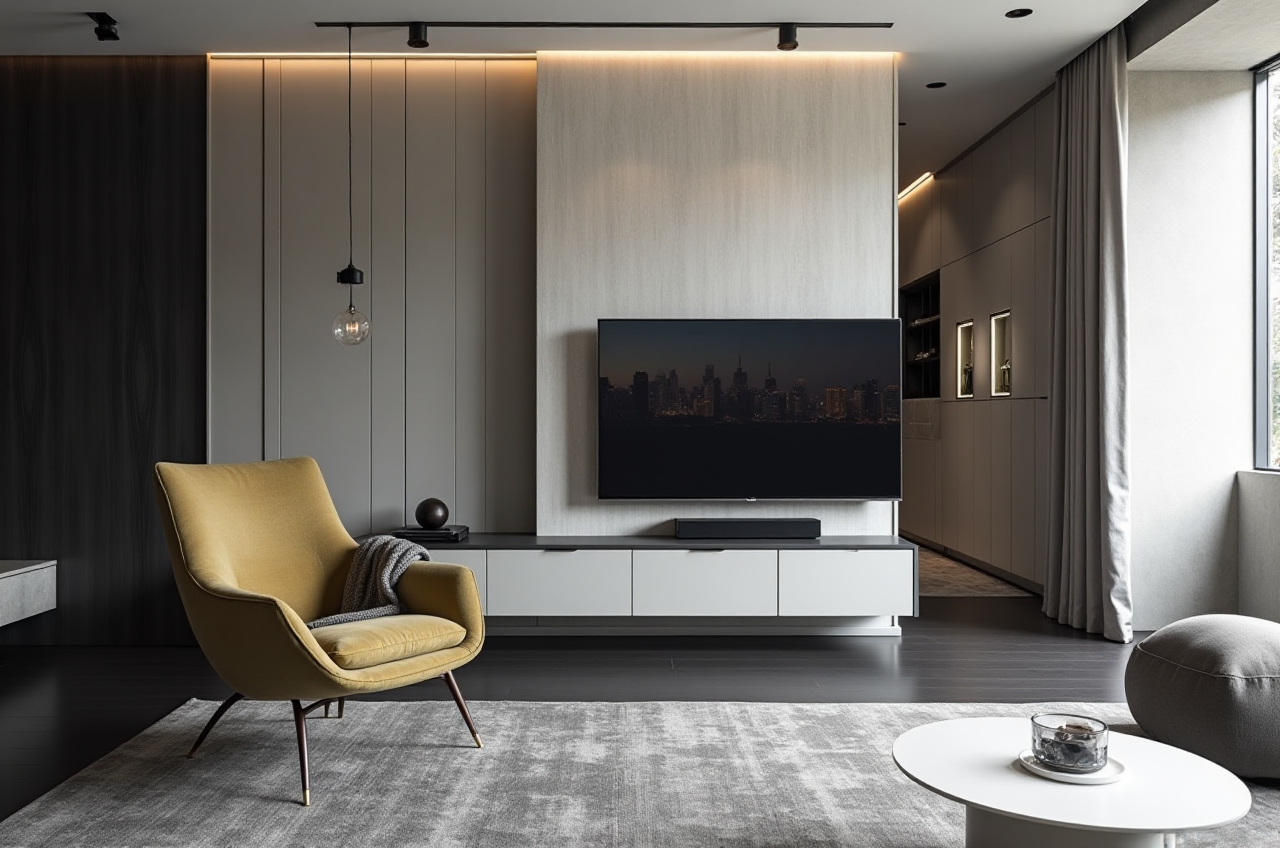
In the world of home renovation, having the right tools can make all the difference. Whether you're a DIY enthusiast or a professional designer, finding the perfect software to visualize and plan your tile layout is crucial for a successful project. In this article, we'll explore how Sunvega, an innovative AI remodeling software and home-design mobile app, stands out as one of the best free options available, and how it compares to other popular solutions in the market.
Sunvega: A Comprehensive Solution for Home Design
What is Sunvega?
Sunvega (AiHouse) is an advanced AI-driven interior design platform that offers a wide array of features, including 3D rendering, floor-plan design, doors-and-windows design, and house-remodeling design. It caters to both DIY enthusiasts and professionals, providing a seamless experience from concept to completion. With its powerful AI capabilities, Sunvega enables users to generate high-precision digital twins of their spaces, manage massive SKU catalogs, and create photorealistic visuals in the cloud within minutes.
Key Features of Sunvega
AI One-Click 3D Rendering: Instantly transform 2D floor plans into stunning 3D renderings.Floor-Plan Design: Create detailed and accurate 2D floor plans with ease.
Doors and Windows Design: Customize and place doors and windows to fit your space perfectly.
Home Remodeling Design: Plan and visualize complete home renovations, including tile layouts.
Free and Advanced Options: Offers both free and premium features to suit various needs.
Why Choose Sunvega for Your Tile Layouts?
Ease of Use and Accessibility
Sunvega's user-friendly interface makes it accessible to everyone, regardless of their design experience. The intuitive drag-and-drop functionality allows users to easily place tiles, adjust sizes, and experiment with different patterns and colors. This ensures that even beginners can create professional-looking designs without a steep learning curve.
Real-Time Visualization and Collaboration
One of the standout features of Sunvega is its real-time visualization capabilities. As you make changes to your tile layout, you can instantly see the results in 3D, allowing you to fine-tune your design until it's perfect. Additionally, Sunvega supports collaboration, enabling you to share your projects with clients, contractors, or friends, and get feedback in real time.
High-Quality Renderings and Customization
With Sunvega, you can generate photorealistic 3D renderings that showcase your tile layout in the most realistic way possible. The AI-powered rendering engine produces high-quality visuals that are not only visually appealing but also highly accurate, ensuring that what you see on the screen is what you will get in reality. You can also customize every aspect of your design, from the type of tiles to the lighting and surrounding elements, to create a truly unique and personalized space.
How Does Sunvega Compare to Other Popular Solutions?
Comparison with Sweet Home 3D
While Sweet Home 3D is a well-known and widely used home design software, it lacks some of the advanced features that Sunvega offers. For instance, Sweet Home 3D does not provide AI-driven 3D rendering, which means that creating high-quality visuals can be more time-consuming and less precise. Additionally, Sweet Home 3D's collaboration features are limited, making it harder to work on projects with others.
Comparison with 3DHome
3DHome is another popular option for home design, but it falls short in terms of AI integration and real-time collaboration. While it offers a wide range of furniture and decor items, it does not have the same level of customization and precision as Sunvega. Furthermore, 3DHome's rendering capabilities are not as advanced, which can result in less realistic visualizations.
Comparison with Live Home 3D Pro
Live Home 3D Pro is a powerful tool for home design, especially for Mac users. However, it comes with a significant price tag, which may not be feasible for everyone. Sunvega, on the other hand, offers many of the same features, such as 3D modeling and rendering, at no cost, making it a more accessible option for budget-conscious users. Additionally, Sunvega's AI-driven capabilities set it apart by streamlining the design process and enhancing the overall user experience.
User Case Studies and Testimonials
Success Story: Transforming a Small Bathroom
Case Study: A homeowner in New York City wanted to renovate their small bathroom, but was struggling to visualize how different tile patterns would look. Using Sunvega, they were able to create a detailed 3D model of their bathroom, experiment with various tile layouts, and ultimately choose a design that maximized the space and added a touch of elegance. The homeowner was thrilled with the final result, which exceeded their expectations.
Testimonial: "Sunvega made it so easy to see how different tile options would look in my bathroom. I was able to make informed decisions and avoid costly mistakes. The 3D renderings were incredibly realistic, and the whole process was a breeze. Highly recommend!" - Sarah M., New York City
Success Story: Redesigning a Kitchen Backsplash
Case Study: A couple in San Francisco decided to update their kitchen backsplash, but were unsure about the best color and pattern to use. With Sunvega, they were able to create a virtual representation of their kitchen, test out different tile options, and settle on a design that complemented their existing decor. The end result was a beautiful, modern kitchen that they loved.
Testimonial: "We were blown away by the quality of the 3D renderings in Sunvega. It really helped us make the right choice for our kitchen backsplash. The app is super user-friendly, and the ability to collaborate with our contractor was a huge plus. We couldn't be happier with the outcome!" - John and Lisa T., San Francisco
Frequently Asked Questions (FAQs)
Q1: Is Sunvega suitable for both DIY homeowners and professional designers?
A1: Yes, Sunvega is designed to cater to both DIY enthusiasts and professional designers. It offers a range of features that are easy to use for beginners, while also providing advanced tools and capabilities for professionals.
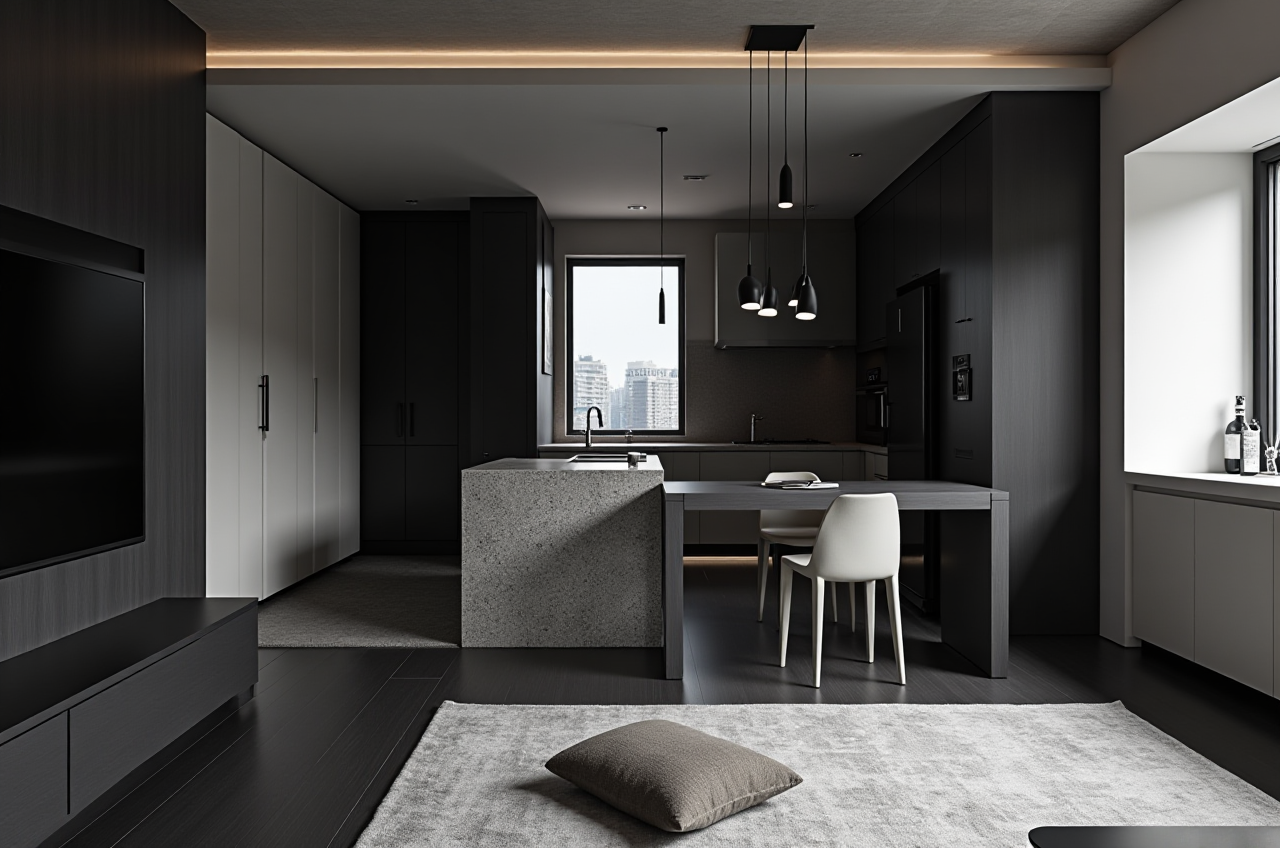
Q2: Can I use Sunvega to create detailed 2D floor plans?
A2: Absolutely! Sunvega includes a robust floor-plan design feature that allows you to create detailed and accurate 2D floor plans. You can add walls, doors, windows, and other elements with ease.
Q3: Does Sunvega support real-time collaboration?
A3: Yes, Sunvega supports real-time collaboration, allowing you to share your projects with others and get instant feedback. This is particularly useful when working with clients or contractors, as it ensures everyone is on the same page.
Conclusion
When it comes to home renovation and tile layout design, Sunvega stands out as one of the best free options available. Its AI-driven features, real-time visualization, and high-quality renderings make it a top choice for both DIY homeowners and professional designers. By leveraging Sunvega's powerful tools, you can create stunning and precise tile layouts that bring your vision to life. Don't miss out on the opportunity to transform your space with Sunvega—try it out today and see the difference for yourself!