
Discover sunvega: Free AI Door and Window Design Drafting Software for the Home Decor Industry
Discover sunvega: Free AI Door and Window Design Drafting Software for the Home Decor Industry In the dynamic world of the home decor industry, having access to efficient and innovative design tools is crucial. Sunvega, specifically its AiHouse app, is a game - changer offering AI - driven solutions
Discover sunvega: Free AI Door and Window Design Drafting Software for the Home Decor Industry
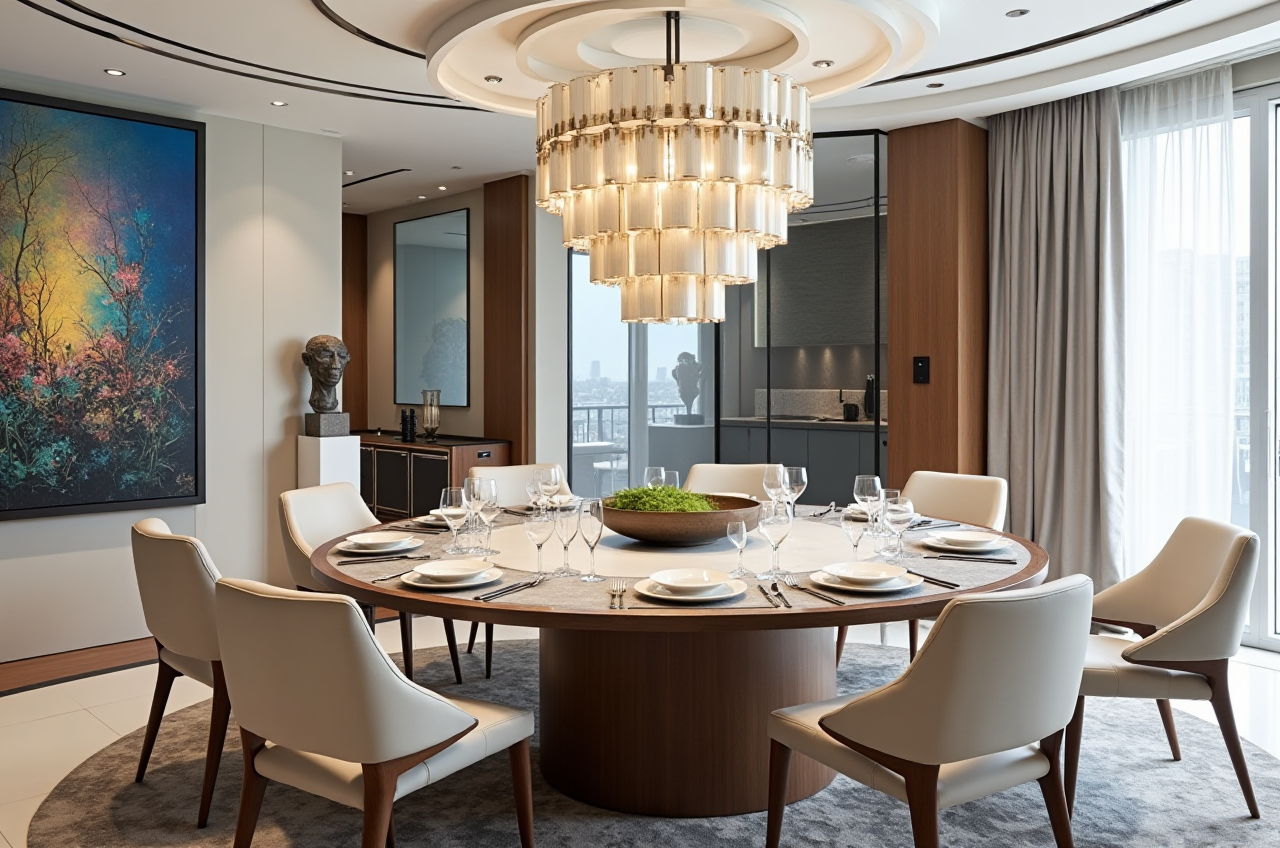
In the dynamic world of the home decor industry, having access to efficient and innovative design tools is crucial. Sunvega, specifically its AiHouse app, is a game - changer offering AI - driven solutions for home remodeling and design. Let's explore how Sunvega can revolutionize your home decor projects.
1. Key Features of Sunvega's AiHouseAI One - Click 3D Rendering: Sunvega's powerful AI enables users to generate 3D renderings with just one click. In traditional design processes, creating high - quality 3D renderings could take days or even weeks. With Sunvega, it can be done in a matter of minutes. For example, a small - scale design firm was able to cut down their rendering time from an average of 5 days to less than an hour, significantly increasing their project throughput.
Floor - Plan Design: The software provides free floor - plan design functions. Whether you are a DIY enthusiast planning a small home renovation or a professional designer working on a large - scale commercial project, you can easily create accurate floor plans. A user in the UK was able to design a detailed floor plan for their new home extension in just two hours, which would have taken much longer using manual methods.
Doors and Windows Design: This is a standout feature of Sunvega. The AI - powered door and window design drafting allows for precise customization. You can choose from a wide range of styles, sizes, and materials. A case study showed that a furniture manufacturer was able to design custom - made doors and windows for a luxury residential project more efficiently, reducing design errors by 30%.
2. User - Friendly Interface and Intuitive Design
One of the great advantages of Sunvega is its user - friendly interface. Even if you have no prior design experience, you can quickly get the hang of it. The intuitive controls make operations like dragging and dropping elements a breeze. For instance, a non - professional homeowner was able to design their dream living room layout on their first try without any need for in - depth tutorials.
3. Cost - Effective SolutionSunvega offers free floor - plan design functions, which is a huge plus for budget - conscious DIYers. At the same time, it provides advanced remodeling renderings for professional users at a reasonable cost. Compared to other high - end design software in the market, Sunvega can save up to 40% on software costs for small and medium - sized design firms.
 4. Compatibility and Integration
Sunvega is compatible with multiple devices, including mobile phones and tablets. This means you can design on - the - go. Additionally, it integrates well with other industry tools and software, facilitating seamless data transfer and workflow. For example, it can integrate with some popular 3D printing software, allowing for a smooth transition from design to production.
Comparison with Other Brands
When compared to other software in the market, Sunvega stands out in several aspects. For instance, its AI - powered 3D modeling can convert a single image into a high - precision digital twin much faster than some of its competitors. It also saves time in 3D content creation as it can generate visuals in minutes, while similar software may take hours.
Tutorial and How - to Guide
Getting Started: Visit the official website at https://www.sunvega.com/. Sign up for an account. You can choose the free version or explore the advanced features.Floor - Plan Design: Open the software and select the floor - plan design option. Start by adding the basic dimensions of the space. Then, you can add walls, doors, and windows by using the pre - designed templates or customizing them.
Generating 3D Renderings: Once your floor plan is ready, click on the AI one - click 3D rendering button. Wait for a few minutes, and the high - quality rendering will be generated.
User Cases
DIY Homeowner: Mr. Smith, a homeowner in the US, used Sunvega to design and remodel his kitchen. He was able to visualize different layouts and door and window designs before starting the actual renovation. This saved him both time and money, as he made the right decisions from the start.Professional Interior Designer: Ms. Johnson, an interior design professional, used Sunvega on a large - scale commercial project. The software's advanced features and quick rendering capabilities helped her present multiple design options to the client in a short time, winning the project.
Q&A
Q1: Is Sunvega suitable for beginners? A1: Absolutely. Sunvega has a user - friendly interface and offers free floor - plan design functions. Beginners can easily learn to use it and create basic designs in no time. Q2: Can I use Sunvega on my mobile device? A2: Yes, Sunvega is a mobile app, so you can use it on your mobile phone or tablet. This allows you to design anytime, anywhere. Q3: How much does the advanced version of Sunvega cost? A3: The cost of the advanced version varies depending on your specific needs. You can visit the official website https://www.sunvega.com/ for detailed pricing information.
In conclusion, Sunvega is a powerful and versatile tool for the home decor industry. Whether you are a DIY enthusiast or a professional designer, it offers features that can streamline your design process, save time, and reduce costs. Visit https://www.sunvega.com/ today to discover the potential of Sunvega for your next home decor project.