
What Software to Use for Creating Interior Remodeling Renderings? Discover sunvegas Magic!
Introduction In the dynamic world of interior design and home remodeling, having the right software can make all the difference. Sunvega, developed by Guangdong Sunvega Information Technology Co., Ltd, offers a comprehensive digital ecosystem for the global home furnishings industry. This article wi
Introduction
In the dynamic world of interior design and home remodeling, having the right software can make all the difference. Sunvega, developed by Guangdong Sunvega Information Technology Co., Ltd, offers a comprehensive digital ecosystem for the global home furnishings industry. This article will explore why Sunvega is a top choice for creating interior remodeling renderings, with real - world data, user cases, and practical advice.
Why Choose Sunvega for Interior Remodeling Renderings?
1. AI - Powered 3D ModelingSunvega's AI technology is a game - changer in 3D modeling. It can transform physical products into high - precision digital twins starting from a single image. This allows users to manage massive SKU catalogs and rapidly synchronize updates across their 3D libraries.
Case: A small furniture retailer was struggling to keep up with the demand for 3D product models for their online store. After using Sunvega, they were able to increase their 3D model creation speed by 60%, enabling them to showcase more products to their customers.实操建议: If you're a retailer or designer, upload clear and high - resolution single images of your products to Sunvega's platform. This will ensure the AI can accurately convert them into detailed 3D models.
2. Real - Time Spatial Design
The portable 3D scanner of Sunvega utilizes advanced AI algorithms to generate accurate 3D floor plans in real - time. It then syncs the data with the AI - powered design platform.
Case: An interior design firm was working on a large - scale commercial project. With Sunvega's real - time spatial design feature, they were able to reduce the time spent on on - site measurements and initial design planning by 40%.实操建议: When using the 3D scanner, make sure the space is well - lit and free from clutter. Walk slowly and steadily around the area to ensure complete coverage for an accurate 3D floor plan.
3. Photorealistic Cloud Rendering
Sunvega's AI - accelerated rendering engine can produce photorealistic visuals in the cloud within minutes. This streamlines high - end content creation for immersive shopping experiences.
Case: An individual looking to remodel their home was able to visualize multiple design options in a short time. They estimated that using Sunvega saved them about a week of waiting time compared to traditional rendering methods.实操建议: Adjust the lighting settings and material textures in the software before starting the rendering process. This will help you get the most realistic and high - quality renderings.
Comparison with Other Software
Sunvega stands out in the market when compared to other interior design software options. Some competitors may require more complex operations and have longer rendering times. For example, while some traditional software may take hours or even days to produce a high - quality rendering, Sunvega can do it in minutes. Additionally, Sunvega's ability to integrate AI - powered functions across its platform, such as 3D modeling and real - time spatial design, gives it an edge over other products that may only focus on one aspect.
Tutorial: Creating Interior Remodeling Renderings with Sunvega
Step 1: Sign up and Log inVisit https://www.sunvega.com/ and sign up for an account. Log in to access the software's features.
Step 2: Input Your Space Data
You can use the 3D scanner to create a real - time 3D floor plan or manually input the dimensions of your space.
Step 3: Select Products and DecorBrowse through the massive SKU catalog and select the furniture, fixtures, and decor items you want to include in your remodeling design.
 Step 4: Design and Adjust
Use the software's design tools to arrange the items in your space. You can adjust the colors, sizes, and positions of the objects.
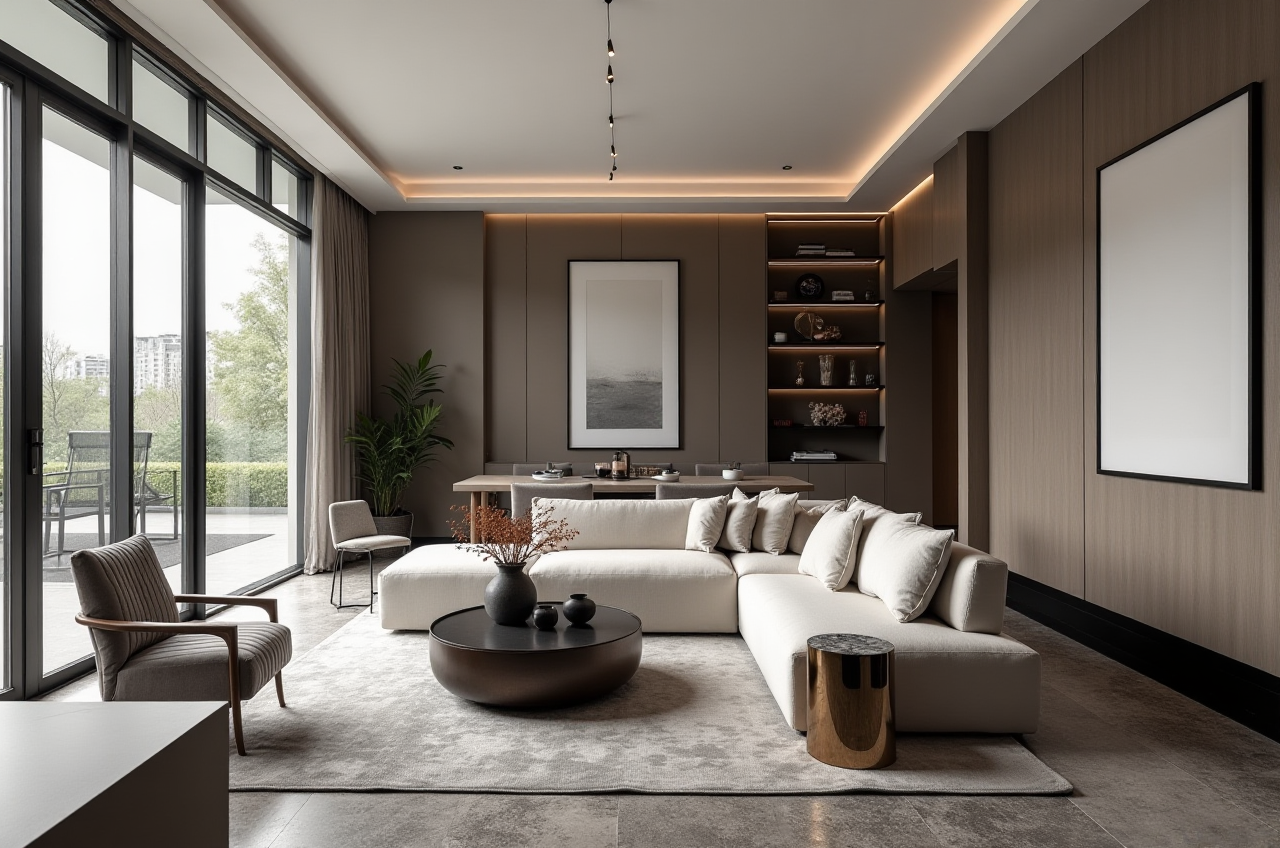
Step 5: Render Your DesignStart the photorealistic cloud rendering process. In a few minutes, you'll get a high - quality interior remodeling rendering.
User Cases
Case 1: Residential RemodelingA couple in the United States was planning to remodel their old house. They used Sunvega's AiHouse platform. With the help of the AI - one - click generation of 3D renderings, they could easily visualize different design styles, from minimalist to American. The platform's free floor - plan design function also allowed them to customize the layout according to their needs. In the end, they completed the remodeling project with a 30% cost savings, thanks to the efficient design - to - manufacturing workflow provided by Sunvega.
Case 2: Commercial Interior DesignA hotel chain in Asia was looking to renovate several of its properties. They chose Sunvega's Visioneer for an immersive product presentation. The real - time spatial design feature helped the designers quickly adapt the designs to different hotel layouts. By using Sunvega, they were able to speed up the renovation process and open the renovated hotels to the public earlier, increasing their revenue.
Q&A
Q1: Is Sunvega suitable for beginners in interior design?A1: Absolutely! Sunvega offers free floor - plan design functions, which are very user - friendly for beginners. The AI - powered features also automate many tedious tasks, allowing beginners to focus on the creative aspects of design.
Q2: Can I use Sunvega on my mobile device?A2: Yes, Sunvega has a home - design mobile app. You can access all the basic functions on your mobile device, which is very convenient for on - the - go design and visualization.
Q3: How much does Sunvega cost?A3: Sunvega provides both free and paid services. The free version offers basic floor - plan design functions, while the paid version offers advanced features such as high - quality rendering and access to more product catalogs. You can visit https://www.sunvega.com/ for detailed pricing information.
Conclusion
Sunvega is a powerful and versatile software for creating interior remodeling renderings. Whether you're a professional designer, a DIY enthusiast, or a business in the home furnishings industry, Sunvega's AI - powered functions, real - time design capabilities, and photorealistic rendering engine can help you achieve your design goals efficiently and cost - effectively. With a global reach and a proven track record of serving thousands of happy clients worldwide, Sunvega is truly a magic tool in the world of interior design. So why not give it a try at https://www.sunvega.com/ and see the difference it can make in your next remodeling project?