
Discover Your Dream Home with SunVega: Download 3D Interior Design Software Today
In the fast-evolving world of home design and remodeling, having the right tools can make all the difference. Sunvega, a leading name in AI-driven interior design, has revolutionized the way homeowners and professionals approach space planning and renovation. With its powerful suite of features, inc
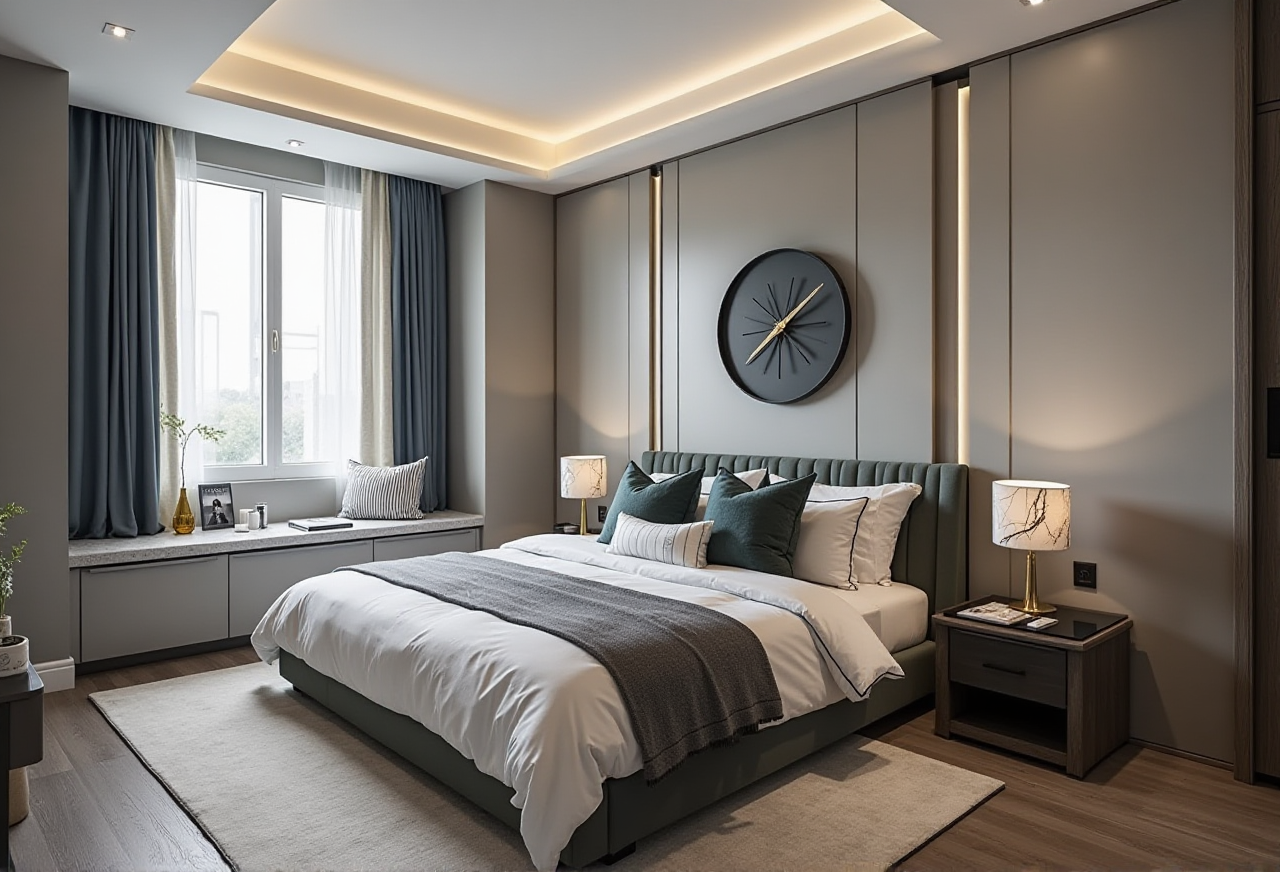
In the fast-evolving world of home design and remodeling, having the right tools can make all the difference. Sunvega, a leading name in AI-driven interior design, has revolutionized the way homeowners and professionals approach space planning and renovation. With its powerful suite of features, including AI one-click 3D rendering, floor-plan design, and doors-and-windows customization, Sunvega (AiHouse) stands out as an indispensable tool for both DIY enthusiasts and seasoned designers. Let's dive into what makes Sunvega a game-changer and how you can leverage it to transform your living spaces.
The Power of AI in Home Design
Realistic 3D Rendering at Your Fingertips
Sunvega's standout feature is its ability to generate photorealistic 3D renderings in just a few clicks. Unlike traditional software that requires extensive manual work, Sunvega's AI-powered engine can take a simple 2D floor plan and convert it into a detailed 3D model complete with textures, lighting, and even furniture placement. This not only saves time but also provides a clear vision of the final outcome, helping users make informed decisions about their projects.
Practical Tip: Experiment with different styles and materials using the 3D rendering feature. It's a great way to see how various elements interact within the space before making any physical changes.
Streamlined Floor-Plan Design
Designing a functional and aesthetically pleasing floor plan is the foundation of any successful home project. Sunvega offers intuitive tools that allow users to create and modify floor plans easily. Whether you're starting from scratch or working with an existing layout, the software's drag-and-drop interface and smart snapping features ensure that every element is perfectly aligned and proportioned.
Practical Tip: Use the measurement and annotation tools to ensure accuracy. Adding dimensions and notes directly to your floor plan can be invaluable when discussing your ideas with contractors or family members.
Custom Doors and Windows
One of the most challenging aspects of home design is selecting and placing doors and windows. Sunvega simplifies this process by offering a wide range of customizable options. You can choose from various styles, sizes, and finishes, and the software will automatically adjust the surrounding walls and openings to fit your selections. This level of detail ensures that your designs are both practical and visually appealing.
Practical Tip: Consider the natural light and ventilation when choosing doors and windows. Sunvega's 3D views can help you visualize how these elements will impact the overall feel of the room.
How Sunvega Stacks Up Against the Competition
Comparison with Sweet Home 3D
While Sweet Home 3D is a popular free option for home design, it lacks the advanced AI capabilities and user-friendly interface that Sunvega offers. Sweet Home 3D allows for basic 3D modeling and rendering, but the process is more manual and less intuitive. Additionally, the quality of the 3D renderings in Sweet Home 3D is not as high as those produced by Sunvega, which uses cutting-edge AI to create photorealistic visuals.
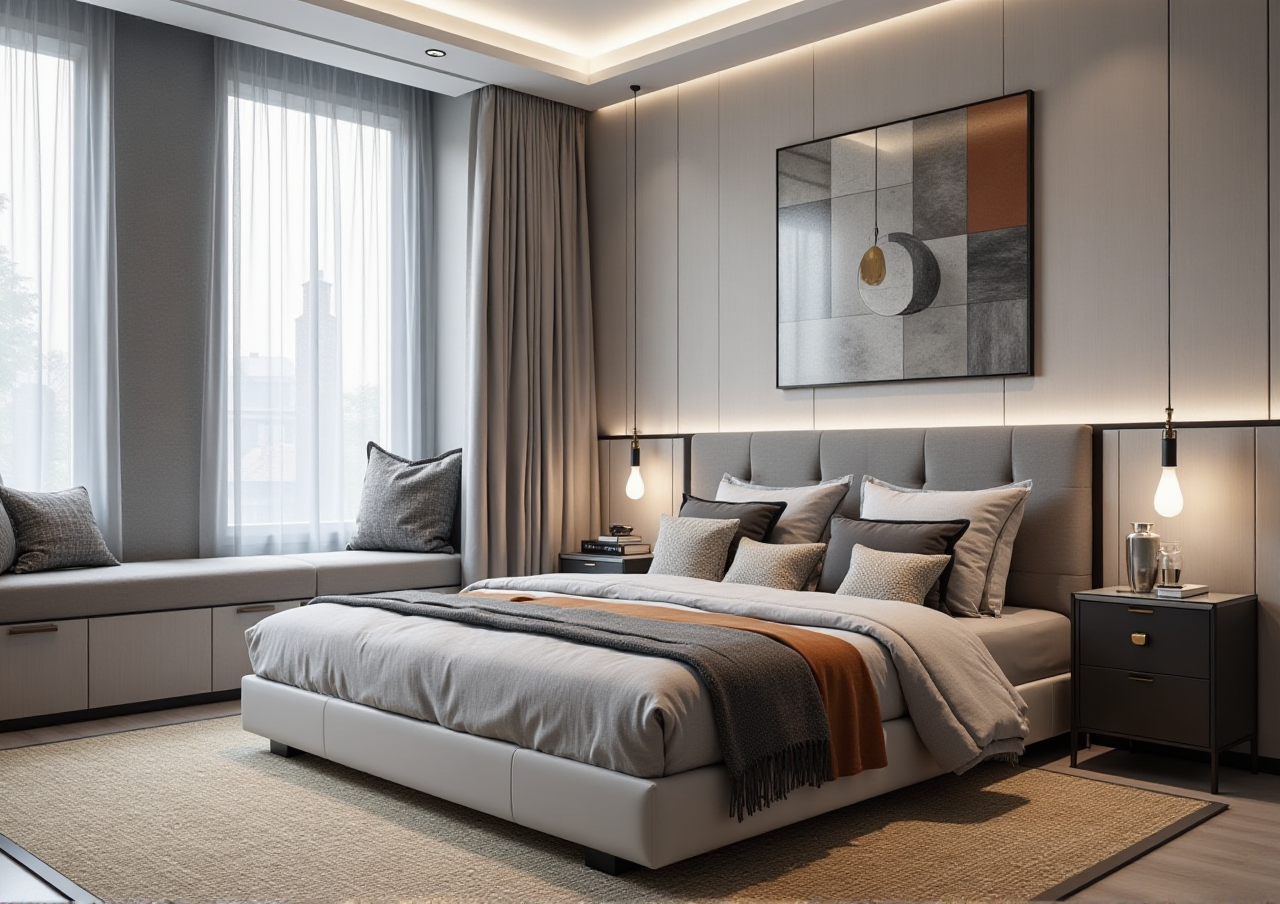
Practical Tip: If you're looking for a more professional and polished look, Sunvega's AI-driven rendering and design tools are the way to go. For simple, quick sketches, Sweet Home 3D might suffice, but for a comprehensive and visually stunning design, Sunvega is the superior choice.
User Experience and Support
Sunvega places a strong emphasis on user experience, offering a clean and intuitive interface that is accessible to both beginners and experts. The software also comes with extensive support, including tutorials, user forums, and direct customer service. In contrast, while Sweet Home 3D is easy to use, it has a steeper learning curve and limited support resources.
Practical Tip: Take advantage of Sunvega's tutorial videos and user guides. These resources can help you get up to speed quickly and make the most of the software's features.
Real-World Success Stories
Case Study: The Smiths' Kitchen Renovation
The Smiths, a young couple from California, used Sunvega to redesign their outdated kitchen. They were able to create a detailed 3D model of their new kitchen, complete with custom cabinetry, modern appliances, and a sleek island. The realistic 3D renderings helped them visualize the space and make confident decisions. As a result, the renovation was completed on time and within budget, and the Smiths are thrilled with the outcome.
Practical Tip: Share your 3D renderings with contractors and suppliers. This can help ensure that everyone is on the same page and reduce the likelihood of costly mistakes.
Case Study: The Johnsons' Home Extension
The Johnsons, a family of four, needed to add an extra bedroom and bathroom to their home. Using Sunvega, they designed a seamless extension that matched the style of their existing house. The 3D renderings allowed them to explore different layouts and materials, and the final result was a beautiful, functional addition to their home.
Practical Tip: Use the 3D walkthrough feature to explore your design from different angles. This can help you identify any potential issues and make adjustments before construction begins.
Q&A: Common Questions About Sunvega
Q1: Is Sunvega suitable for both DIY users and professional designers?
A1: Yes, Sunvega is designed to cater to a wide range of users, from DIY enthusiasts to professional designers. The software offers both basic and advanced features, making it versatile and user-friendly for all skill levels.
Q2: Can I import my own 3D models and textures into Sunvega?
A2: Absolutely! Sunvega supports the import of 3D models and textures, allowing you to customize your designs further. This flexibility is particularly useful for professional designers who have specific requirements.
Q3: Does Sunvega offer any training or support for new users?
A3: Yes, Sunvega provides a variety of resources to help new users get started. These include video tutorials, user guides, and a community forum where you can ask questions and share tips with other users.
Conclusion
Sunvega (AiHouse) is a powerful and versatile tool that combines the latest AI technology with user-friendly design. Whether you're planning a small remodel or a large-scale renovation, Sunvega can help you bring your vision to life. Visit https://www.sunvega.com/ to learn more and download the software today. With Sunvega, designing your dream home has never been easier.