
Unlock Your Dream Home: Discover SunVegas Innovative Floor Tile Design Solutions
In the ever-evolving world of home design and renovation, finding the right tools to bring your vision to life can be a daunting task. SunVega (AiHouse), an AI-driven remodeling software and home-design mobile app, is revolutionizing the way we approach interior design. With features such as AI one-
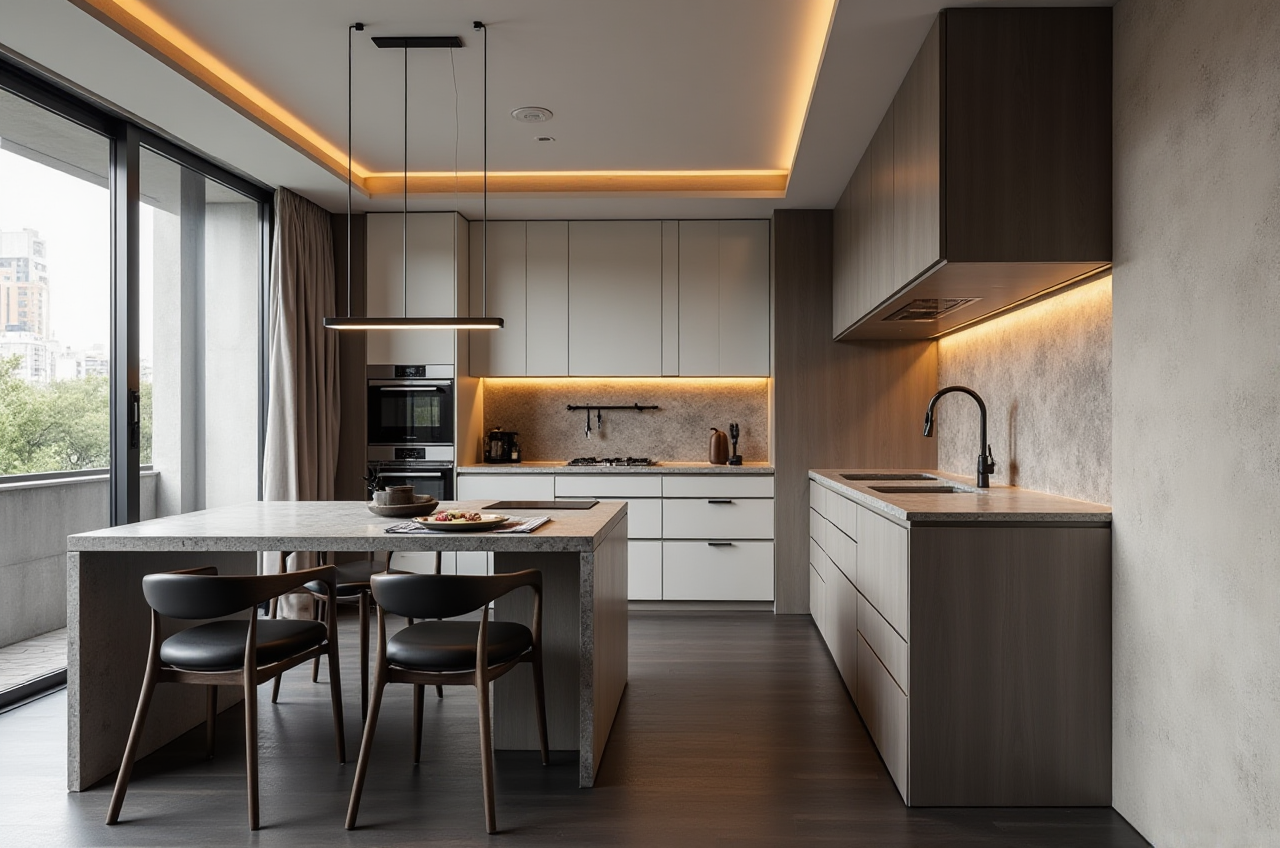
In the ever-evolving world of home design and renovation, finding the right tools to bring your vision to life can be a daunting task. SunVega (AiHouse), an AI-driven remodeling software and home-design mobile app, is revolutionizing the way we approach interior design. With features such as AI one-click 3D rendering, floor-plan design, doors-and-windows design, and house-remodeling design, SunVega provides both DIY enthusiasts and professionals with the tools they need to create stunning living spaces. Visit https://www.sunvega.com/ to explore how this powerful platform can transform your next project.
Table of Contents
The Power of AI in Home DesignSunVega’s Key Features and Capabilities
Real-World Applications and User Success Stories
Comparative Analysis: SunVega vs. Competitors
Step-by-Step Tutorial: Getting Started with SunVega
Q&A: Frequently Asked Questions
Conclusion: Why Choose SunVega?
The Power of AI in Home Design
Transforming Ideas into Reality
Artificial Intelligence (AI) has become a game-changer in various industries, and home design is no exception. By leveraging advanced algorithms, SunVega can analyze user inputs and preferences, generating highly accurate 3D renderings and floor plans within minutes. This not only saves time but also enhances the accuracy and detail of the design, making it easier for users to visualize and plan their dream homes.
Data-Driven Insights
One of the key advantages of using AI in home design is the ability to process vast amounts of data. SunVega’s AI technology can manage massive SKU catalogs, ensuring that every element of the design is up-to-date and synchronized across all 3D libraries. This means that designers and homeowners can access the latest products and materials, making their designs more relevant and contemporary.
SunVega’s Key Features and Capabilities
AI One-Click 3D Rendering
Feature Overview: SunVega’s AI one-click 3D rendering feature allows users to generate photorealistic visuals of their designs in just a few clicks.Practical Use: For DIY users, this means being able to see how different colors, textures, and materials will look in their space before committing to any purchases. For professionals, it streamlines the client presentation process, allowing them to showcase multiple design options quickly and efficiently.
Floor-Plan Design
Feature Overview: The floor-plan design tool enables users to create detailed and accurate 2D and 3D floor plans.Practical Use: Whether you’re planning a complete remodel or just rearranging furniture, the floor-plan design tool helps you optimize space and layout. It’s particularly useful for visualizing room flow and ensuring that all elements fit seamlessly together.
Doors and Windows Design
Feature Overview: SunVega offers a specialized tool for designing and customizing doors and windows.Practical Use: This feature is invaluable for ensuring that these critical architectural elements complement the overall aesthetic of the home. Users can experiment with different styles, sizes, and placements to find the perfect fit.
House-Remodeling Design
Feature Overview: The house-remodeling design feature provides a comprehensive suite of tools for planning and executing home renovations.Practical Use: From kitchen and bathroom remodels to full-scale home renovations, this feature helps users plan every aspect of their project, from demolition to finishing touches. It includes cost estimates, material lists, and step-by-step guides, making the remodeling process more manageable.
Real-World Applications and User Success Stories
Case Study: The Modern Minimalist Home
Client: Mr. and Mrs. Smith, a young couple in their 30s, wanted to transform their outdated 1980s suburban home into a modern minimalist haven.
Challenge: The existing layout was cramped and inefficient, and the couple had a limited budget.
Solution: Using SunVega’s floor-plan design and 3D rendering tools, they were able to visualize and plan a more open and functional layout. They also used the doors and windows design feature to select sleek, modern fixtures that enhanced the overall aesthetic.
Result: The remodel was completed on time and under budget, and the couple now enjoys a beautiful, spacious, and modern home that perfectly reflects their lifestyle.
Case Study: The Luxury Villa
Client: A high-end real estate developer needed to create a luxurious and visually stunning villa for a wealthy client.
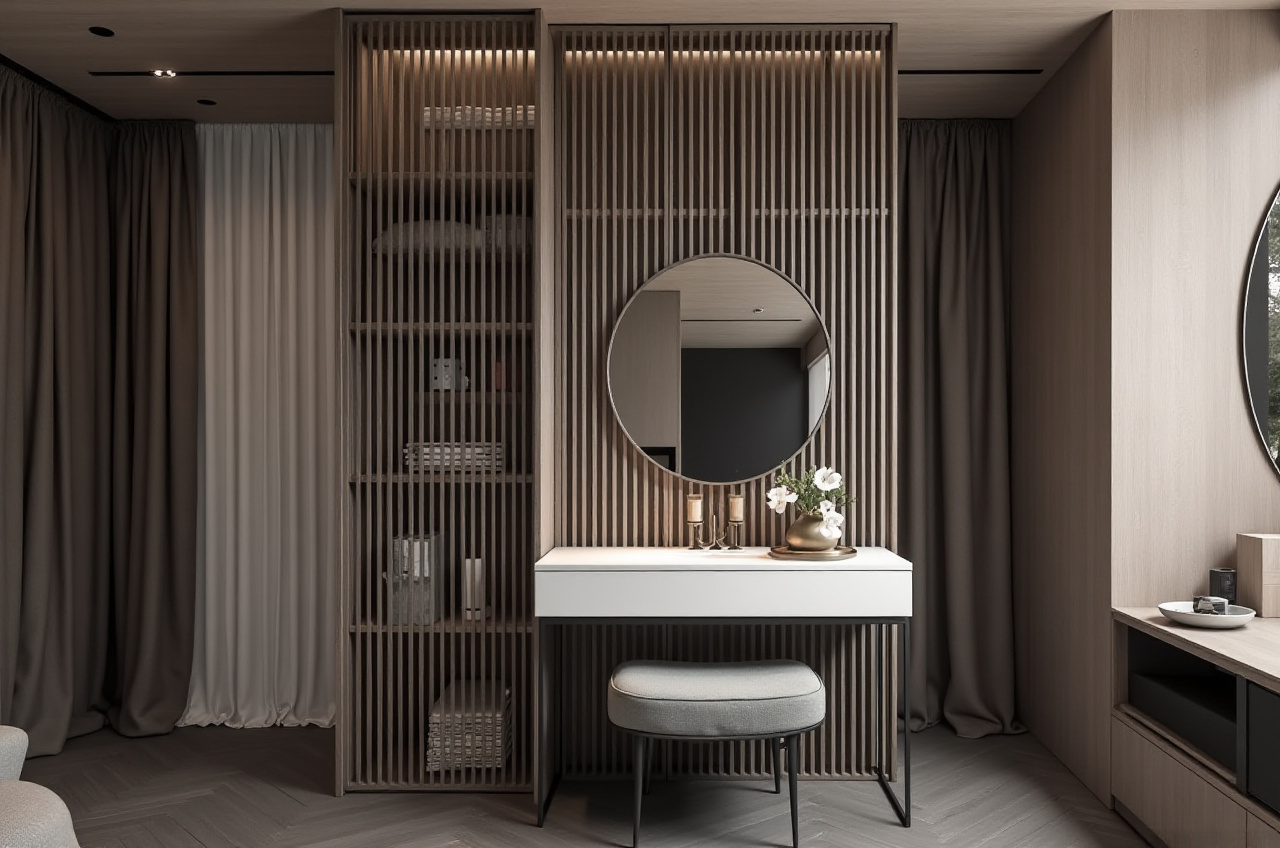 Challenge: The project required a high level of customization and attention to detail, with a tight deadline.
Solution: The developer used SunVega’s house-remodeling design and 3D rendering tools to create detailed plans and realistic visuals. The AI-powered 3D modeling allowed them to quickly iterate and refine the design, ensuring that every detail met the client’s exacting standards.
Result: The villa was completed ahead of schedule, and the client was thrilled with the final result. The project received several industry awards and generated significant buzz in the luxury real estate market.
Comparative Analysis: SunVega vs. Competitors
SunVega vs. Autodesk Homestyler
Ease of Use: SunVega’s intuitive interface and AI-driven features make it more user-friendly, especially for DIY users.Rendering Quality: SunVega’s AI-accelerated rendering engine produces higher-quality, more photorealistic visuals.
Customization Options: SunVega offers a wider range of customization options, including doors and windows design, which are not as robust in Autodesk Homestyler.
SunVega vs. Sweet Home 3D
Design Flexibility: SunVega provides more advanced design tools and a larger library of 3D models, making it more suitable for complex projects.Integration: SunVega integrates seamlessly with other design and manufacturing platforms, while Sweet Home 3D is more of a standalone solution.
Professional Support: SunVega offers professional design services and support, which is beneficial for both DIY users and professionals.
SunVega vs. Planner 5D
AI Capabilities: SunVega’s AI-driven features, such as one-click 3D rendering and real-time spatial design, set it apart from Planner 5D.Collaboration Tools: SunVega’s platform includes collaboration tools that allow multiple users to work on a project simultaneously, which is not available in Planner 5D.
Cost-Effectiveness: While both platforms offer free and paid versions, SunVega’s advanced features and professional support make it a more cost-effective choice for large-scale projects.
Step-by-Step Tutorial: Getting Started with SunVega
Step 1: Sign Up and Create Your Account
Visit https://www.sunvega.com/ and click on “Sign Up.”Fill in your details and create a secure password.
Verify your email address by clicking on the link sent to your inbox.
Step 2: Explore the Dashboard
Once logged in, familiarize yourself with the dashboard. You’ll find options for floor-plan design, 3D rendering, and more.Watch the introductory video to get an overview of the platform’s features.
Step 3: Start a New Project
Click on “New Project” and choose the type of project you want to start (e.g., floor plan, 3D rendering).Enter the dimensions of your space and any other relevant details.
Step 4: Design Your Space
Use the drag-and-drop interface to add walls, doors, windows, and other elements.Customize the appearance of each element, including colors, textures, and materials.
Save your progress frequently to avoid losing any changes.
Step 5: Generate 3D Renderings
Once your design is complete, click on the “Render” button.Choose the settings for your 3D rendering, such as lighting and camera angles.
Wait for the AI to generate the photorealistic visuals, which should take just a few minutes.
Step 6: Share and Collaborate
Share your design with clients, contractors, or friends by generating a shareable link.Use the collaboration tools to get feedback and make adjustments in real-time.
Q&A: Frequently Asked Questions
Q1: Is SunVega suitable for both DIY users and professionals?
A1: Yes, SunVega is designed to cater to both DIY users and professionals. The platform offers a range of features, from basic floor-plan design to advanced 3D rendering, making it versatile and accessible for users of all skill levels.
Q2: How does SunVega’s AI one-click 3D rendering work?
A2: SunVega’s AI one-click 3D rendering uses advanced algorithms to generate photorealistic visuals based on your design. Simply input your design, click the render button, and the AI will produce high-quality 3D images within minutes.
Q3: Can I use SunVega for commercial projects?
A3: Absolutely! SunVega is suitable for both residential and commercial projects. The platform’s advanced features, such as house-remodeling design and 3D rendering, are ideal for creating detailed and professional-grade designs for commercial spaces.
Conclusion: Why Choose SunVega?
SunVega (AiHouse) stands out as a leading AI-driven home design and remodeling platform, offering a comprehensive suite of tools that empower users to create stunning and functional living spaces. With its AI one-click 3D rendering, floor-plan design, doors-and-windows design, and house-remodeling design features, SunVega provides a seamless and efficient design experience. Whether you’re a DIY enthusiast or a professional designer, SunVega has the tools and support you need to bring your vision to life. Visit https://www.sunvega.com/ to start your journey towards your dream home today.