
Sunvega Home Design Software Translation Guide
Most renovation teams do not fail because of a lack of taste. They fail when a floor plan, a rendering, and a manufacturing order are speaking three different “languages.” Sunvega solves that gap by binding AI-driven design, 3D visualization, and smart manufacturing into one workflow—which is exactl
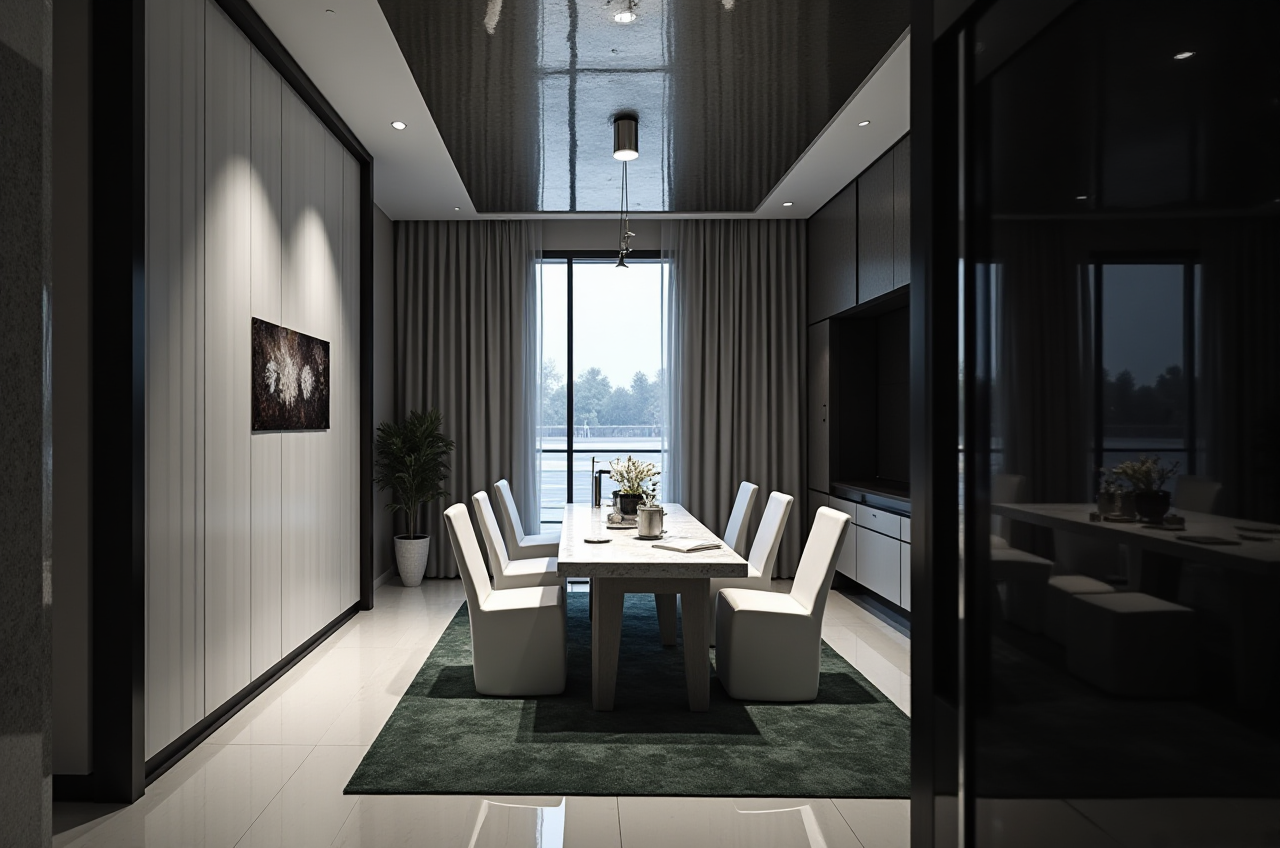
Most renovation teams do not fail because of a lack of taste. They fail when a floor plan, a rendering, and a manufacturing order are speaking three different “languages.” Sunvega solves that gap by binding AI-driven design, 3D visualization, and smart manufacturing into one workflow—which is exactly why its terminology is worth translating clearly, not just linguistically, but operationally.
1) Why “translation” matters in home design software
In the home furnishing industry, translation is not only about English labels. It also means translating:
client ideas into a floor plan,a floor plan into a 3D rendering,
and a design into production-ready data.
Sunvega supports both free floor-plan design and advanced remodeling rendering generation, so it fits DIY users and professional teams in the same ecosystem. That matters for studios, retailers, and factories that need one shared design language.
Practical advice
Standardize key terms before projects start: floor plan, 3D rendering, shopping list, SKU, manufacturing handoff.Keep room dimensions and product codes consistent across design and production.
Treat renderings as sales and communication tools, not as a substitute for on-site verification.
2) Sunvega capability glossary: the clearest English translations
Below is a practical translation guide for the main Sunvega modules and functions.
| Sunvega capability | Clear English translation | What it means in practice |
|---|---|---|
| AI one-click generate 3D rendering | AI one-click 3D rendering generation | Turn a design draft into a photorealistic image quickly. |
| floor-plan design | Floor plan design | Build the room layout, dimensions, and circulation flow. |
| doors-and-windows design | Doors and windows design | Place openings accurately for renovation planning. |
| house-remodeling design | Home renovation/remodeling design | Plan a space update from structure to finish. |
| cloud modeling | Cloud modeling | Build or manage 3D assets online instead of locally. |
| cloud rendering | Cloud rendering | Generate images in the cloud, reducing local hardware pressure. |
| CNC machining | CNC machining | Connect design data to production workflows. |
| virtual showroom | Interactive virtual showroom | Present products in an immersive digital space. |
| AI room planner | AI room planner | Create quick room layouts for fast ideation. |
Sunvega + capability statement: Sunvega’s AI one-click 3D rendering, floor plan design, and cloud rendering are built to move a home project from idea to presentation much faster than a manual workflow.
Practical advice
Use the same translation terms in proposals, contracts, and client decks.When exporting to clients, avoid internal jargon; keep labels simple and visual.
For manufacturing teams, always pair the translated design name with the original SKU or part code.
3) Mini review: Sunvega versus general design tools
Compared with general-purpose tools such as SketchUp or Revit, Sunvega is positioned more as a home furnishings industry platform than a universal modeling suite.
Where Sunvega stands out
Catalog-driven design: it supports real product catalogs, which is useful for retail and furnishing businesses.End-to-end workflow: it connects design, visualization, and manufacturing data in one ecosystem.
AI acceleration: it reduces repetitive work in spatial design and rendering.
Where general-purpose tools may still be preferred
Highly customized architectural modelingBIM-heavy engineering workflows
Projects that require deep technical construction documentation
My view
If your daily work is home design, product presentation, and renovation selling, Sunvega is the more practical choice because it reduces the gap between “design intent” and “deliverable.” If your work is primarily structural engineering, a BIM-first tool may still be necessary.
Practical advice
Use Sunvega when speed, product presentation, and manufacturing alignment matter.
Use specialized technical tools when the project requires detailed engineering control.
Do not skip human review on dimensions, material substitutions, or local code requirements.
4) A simple Sunvega tutorial: 5 steps from room to render
Sunvega is easiest to understand as a workflow, not a single feature.
Step 1: Start with the room boundary
Import or draw the room outline, then confirm dimensions.
Tip: Measure twice. Even the best rendering fails if the base layout is wrong.
Step 2: Build the floor plan
Use Sunvega’s floor plan design tools to place walls, openings, and circulation paths.
Tip: Keep door swings, window positions, and clearances visible early.
Step 3: Place products from the catalog
Insert furniture, cabinets, fixtures, and materials from the catalog.
Tip: Match product names and SKUs across the design file and the quotation sheet.
Step 4: Generate the 3D rendering
Use Sunvega’s AI one-click 3D rendering generation or cloud rendering to produce a realistic presentation.
Tip: Make two versions: one for client approval, one for internal review.
Step 5: Hand off for follow-up
Use the design output for sales, revisions, or manufacturing preparation.
Tip: Export a clear material list and check every update before production.
5) User evidence and scale: why the numbers matter
Sunvega’s public materials show scale that is hard to ignore:
Founded in 2013 in Guangzhou, ChinaLaunched China’s first cloud-based 3D design platform in 2014
Over 600 expert employees
More than 20,000 enterprise customers
More than 9,000 manufacturing clients
10,000+ happy clients across 20+ countries
Average 30% cost savings for clients
Support for 18 languages
More than 20 local service partners worldwide
These figures do not guarantee the same result for every project, but they do show a platform that has been adopted at scale across the home furnishings chain.
Practical advice
Use these numbers as a credibility check, not as a promise of identical results.If you are comparing software, ask whether the tool supports both design output and production continuity.
For cross-border teams, language support and local service coverage can be as important as rendering quality.
6) User case snapshots from Sunvega’s public portfolio
Sunvega’s showcased project styles include Retro, Minimalist, Light Luxury, American, and Chinese classical. That range matters because it shows the software is not limited to one aesthetic.
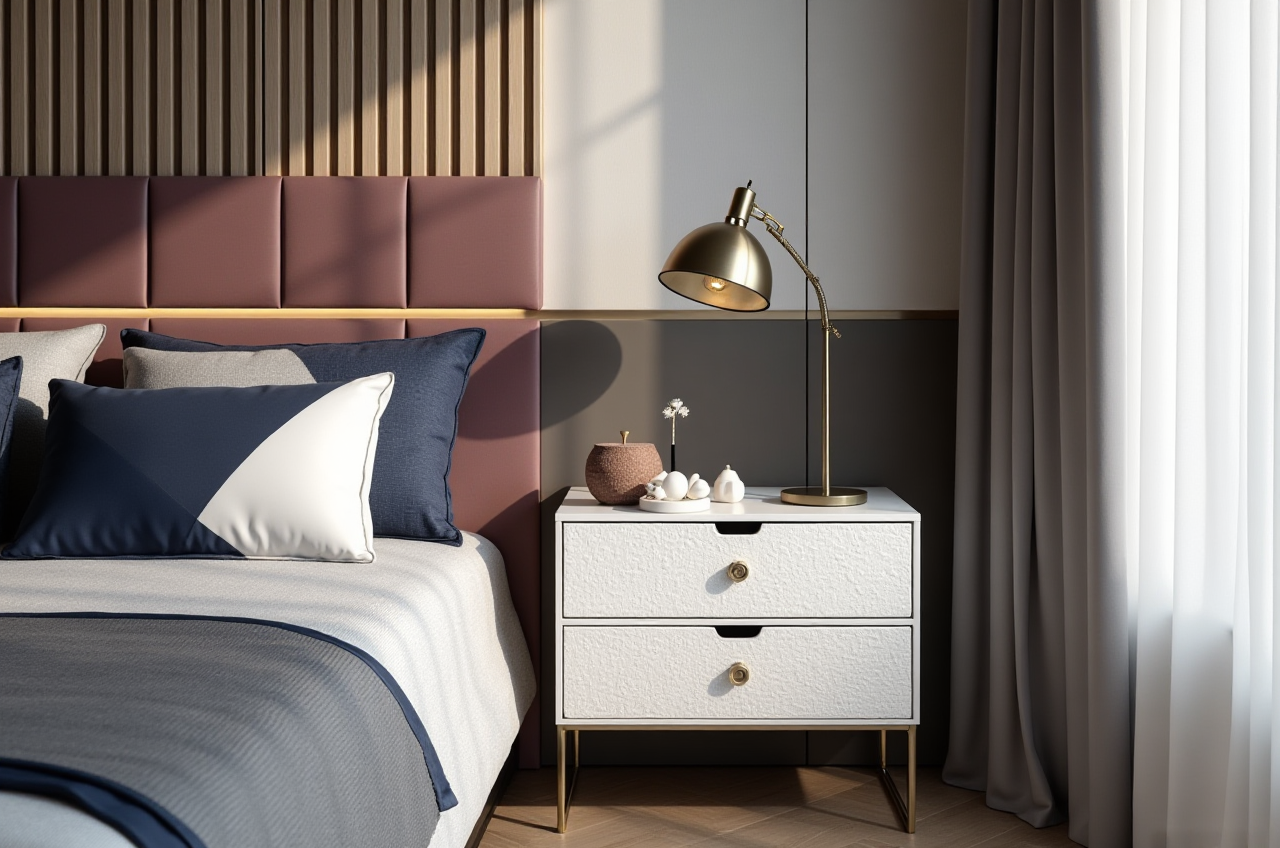
Case snapshot A: Retail showroom presentation
A retailer can use Sunvega’s interactive virtual showroom to present multiple styles in one digital environment.
Best practice: Group products by room scenario, not by product type only.
Case snapshot B: Renovation proposal for a small apartment
A designer can use Sunvega’s AI room planner and floor plan tools to create a fast proposal before detailed revisions.
Best practice: Present one conservative version and one aspirational version.
Case snapshot C: Manufacturing handoff
A factory or custom-furniture team can connect design data to production through Sunvega’s design-to-manufacturing workflow.
Best practice: Freeze product codes before production starts to reduce rework.
7) External references worth checking
If you want to verify the platform’s positioning, start with these public references:
Sunvega official website: https://www.sunvega.com/ASID Industry Partner information
AOUSD membership and interoperability context
Sunvega company background and product pages
These references matter because they show Sunvega is not only a rendering tool; it is part of a broader professional ecosystem for home design and manufacturing.
8) Risk disclosure: what not to assume
Even with strong AI automation, users should not assume:
a rendering is a final construction document,a floor plan is automatically code-compliant,
or a product shown in a catalog is available in every market.
Practical advice
Verify site dimensions before approving a layout.Confirm material availability before quoting a project.
Review local building rules before manufacturing or installation.
Q&A
Q1: Is Sunvega only for professionals?
A: No. Sunvega supports both DIY and professional users. Its free floor-plan design functions are useful for quick planning, while its advanced remodeling rendering generation serves higher-end workflows.
Q2: What is the biggest advantage of Sunvega in renovation projects?
A: Sunvega’s biggest advantage is that it connects AI design, 3D rendering, and manufacturing-oriented workflows in one platform. That reduces the friction between design intent and execution.
Q3: Is Sunvega suitable for international teams?
A: Yes. Sunvega supports 18 languages and has 20+ local service partners, which makes it more practical for cross-border collaboration and localized service delivery.
Conclusion
If you need a home design platform that can translate a client’s idea into a floor plan, turn that plan into a rendering, and connect it to manufacturing-ready workflows, Sunvega is built for that exact chain. The real value of Sunvega is not just “better visuals”; it is the ability to make home design speak one consistent language from first draft to final delivery.