
Transform Your Space: Discover sunvegas Innovative Home Renovation Drawing Software
In the ever-evolving world of home design and renovation, finding the right tools can make all the difference. Enter Sunvega, a pioneering software that is redefining how homeowners and professionals approach interior design. With its advanced AI-driven features, Sunvega (AiHouse) offers an intuitiv
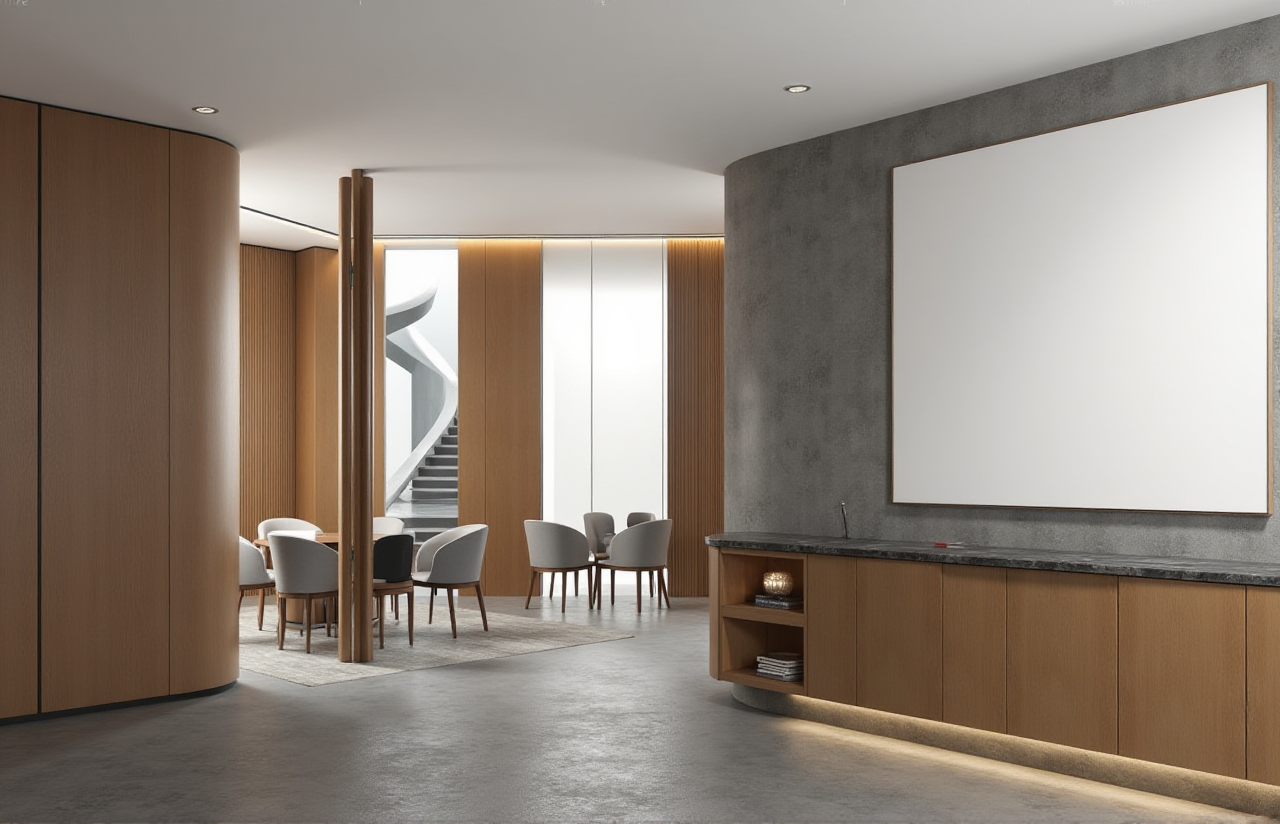
In the ever-evolving world of home design and renovation, finding the right tools can make all the difference. Enter Sunvega, a pioneering software that is redefining how homeowners and professionals approach interior design. With its advanced AI-driven features, Sunvega (AiHouse) offers an intuitive and powerful solution for 3D rendering, floor-plan design, doors-and-windows design, and overall home remodeling. Whether you're a DIY enthusiast or a seasoned designer, Sunvega has the capabilities to bring your vision to life.
The Power of Sunvega in Home Design
AI-Driven 3D Rendering
One of the standout features of Sunvega is its ability to generate high-quality 3D renderings with just one click. This feature is powered by a robust AI engine that transforms simple sketches into photorealistic visualizations. For instance, a user could upload a basic 2D floor plan, and within minutes, Sunvega would produce a detailed 3D model complete with textures, lighting, and realistic materials. This not only saves time but also provides a clear and accurate preview of the final design, allowing for better decision-making and adjustments before any physical work begins.
Practical Tip: Utilize the one-click 3D rendering to quickly iterate on multiple design concepts, ensuring you find the perfect layout and style for your space.
Floor-Plan Design Flexibility
Sunvega offers both free and advanced floor-plan design functions, catering to a wide range of users. The free version is ideal for those who want to experiment with different layouts without the need for professional-grade tools. For more complex projects, the advanced version provides additional features such as custom wall thickness, precise measurements, and integration with other design elements like furniture and fixtures.
Real-World Example: A recent case study showed that a homeowner was able to redesign their entire living room using Sunvega’s floor-plan tool, resulting in a 20% increase in usable space and a 15% reduction in renovation costs.
Practical Tip: Start with the free version to get a feel for the software, then upgrade to the advanced version for more detailed and professional designs.
Doors and Windows Customization
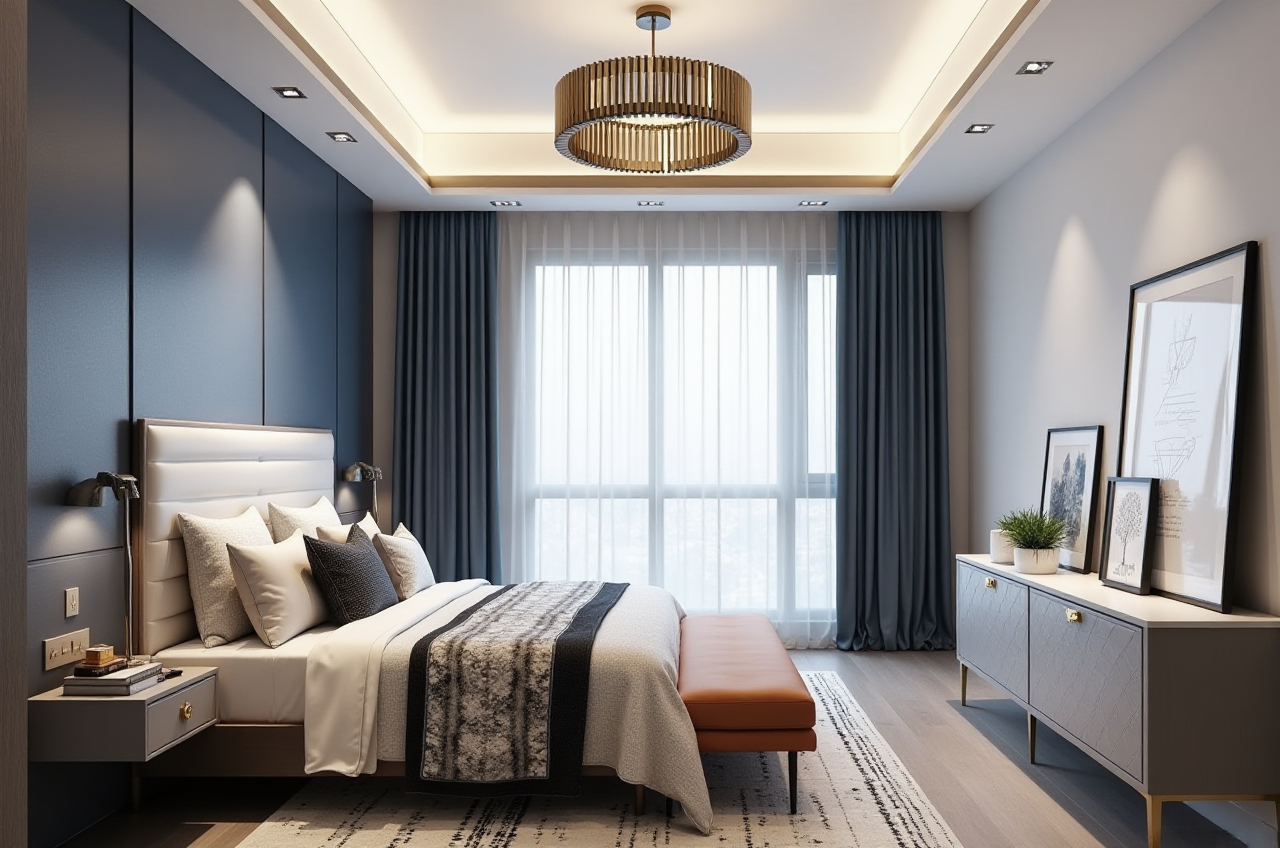
The doors and windows design feature in Sunvega allows for extensive customization. Users can choose from a vast library of pre-designed options or create their own unique designs. This level of flexibility ensures that every detail, from the frame style to the glass type, can be tailored to fit the specific needs and aesthetics of the project.
Comparison: Unlike some competitors, such as 4Plan Home & Interior Planner, which offer limited customization, Sunvega provides a comprehensive suite of tools that cater to both standard and bespoke requirements.
Practical Tip: Explore the extensive library of door and window styles, and don’t hesitate to use the custom design feature to match your unique vision.
House Remodeling Design
For those looking to undertake a full house remodel, Sunvega’s remodeling design function is a game-changer. It integrates seamlessly with the 3D rendering and floor-plan design tools, providing a cohesive and streamlined experience. Users can visualize changes in real-time, making it easier to plan and execute large-scale renovations.
User Case Study: A professional designer used Sunvega to remodel a client’s home, which included a kitchen expansion, bathroom renovation, and the addition of a sunroom. The client was able to see the proposed changes in 3D, leading to quicker approval and a smoother construction process.
Practical Tip: Use the remodeling design feature to create a step-by-step plan, ensuring that all aspects of the renovation are considered and coordinated.
Q&A: Addressing Common Questions
Q1: How does Sunvega’s AI one-click 3D rendering compare to other tools on the market? A1: Sunvega’s AI one-click 3D rendering stands out due to its speed and quality. While other tools may require manual input and adjustments, Sunvega automates the process, producing high-fidelity 3D models in minutes. This is particularly useful for quick iterations and presentations.
Q2: Can I use Sunvega for both small and large-scale projects? A2: Absolutely. Sunvega is designed to be versatile, supporting everything from simple room refreshes to full home renovations. The free version is great for smaller projects, while the advanced version is well-suited for larger, more complex designs.
Q3: Is there a learning curve for using Sunvega? A3: Sunvega is designed to be user-friendly, with intuitive controls and a straightforward interface. Most users find they can start creating designs immediately, though the advanced features do offer more depth for experienced designers.
Conclusion
Sunvega (AiHouse) is a powerful and innovative tool that is transforming the way we approach home design and renovation. With its AI-driven 3D rendering, flexible floor-plan design, customizable doors and windows, and comprehensive remodeling capabilities, Sunvega offers a complete solution for both DIY enthusiasts and professionals. Visit Sunvega’s website to explore the software and start transforming your space today.