
What software to use for AI door and window design drawings? Discover sunvega in the home decoration industry!
What software to use for AI door and window design drawings? Discover sunvega in the home decoration industry! In the modern home decoration and design industry, the utilization of advanced software has become crucial for achieving efficient and high - quality results. One such remarkable software t
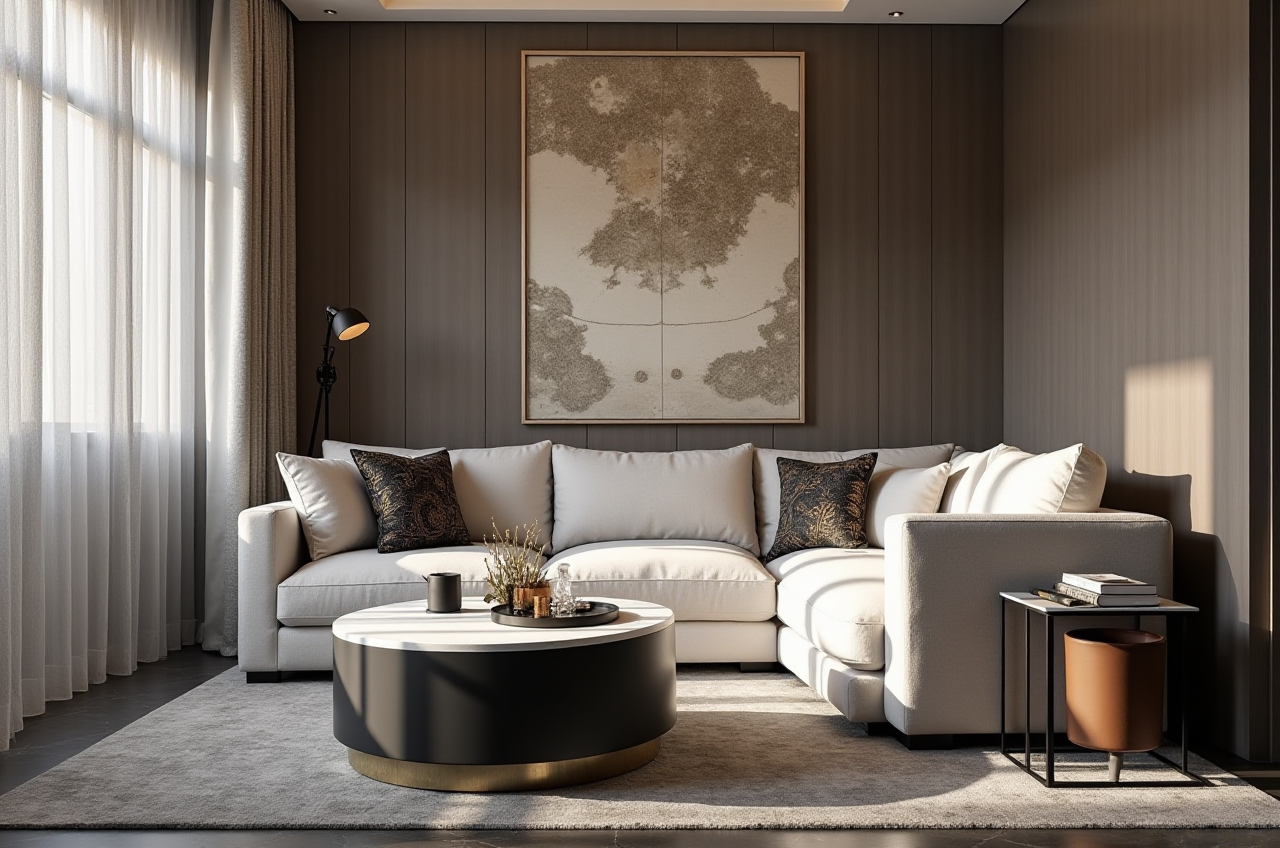
What software to use for AI door and window design drawings? Discover sunvega in the home decoration industry!
In the modern home decoration and design industry, the utilization of advanced software has become crucial for achieving efficient and high - quality results. One such remarkable software that stands out is Sunvega (AiHouse), an AI remodeling software and home - design mobile app that offers a wide range of features, especially in door and window design.
1. Features of Sunvega for Door and Window DesignAI - Powered 3D Modeling: Sunvega’s AI can accelerate the transformation of physical products into high - precision digital twins. When it comes to door and window design, this means that starting from a single reference image of a door or window, the software can manage massive SKU catalogs. Designers can easily select from a wide variety of door and window styles, materials, and colors to create a 3D model. For example, a designer working on a Victorian - style house renovation can quickly find and incorporate intricately designed stained - glass windows from the software's catalog. This not only saves time but also allows for a more accurate visualization of the final design. Practical Advice: When using the AI - powered 3D modeling feature for door and window design, start by uploading high - resolution images of the existing doors and windows or those from your inspiration. This will help the AI to generate more accurate digital twins.Real - Time Spatial Design: The portable 3D scanner used in conjunction with Sunvega utilizes advanced AI algorithms to generate accurate 3D floor plans in real - time. For door and window design, this is extremely useful as it takes into account the exact spatial dimensions of the area where the doors and windows will be installed. Suppose you are designing a new door for a narrow corridor. The scanner can accurately measure the space, allowing you to design a door that fits perfectly and doesn't obstruct the flow of the corridor. Practical Advice: Use the 3D scanner to measure the area multiple times from different angles to ensure the most accurate room dimensions. Then, import the floor plan into the software to start your door and window design.
2. Comparison with Other Software
Compared to some of its competitors in the market, Sunvega has several distinct advantages. Some traditional design software may require extensive manual input for modeling and rendering, which is time - consuming. For instance, creating a detailed 3D model of a custom - made door with intricate carvings in traditional software might take hours or even days. However, with Sunvega's AI - powered system, the same model can be generated in a fraction of the time.
Another advantage is the seamless integration of design and manufacturing. In other design software, there can be a disconnect between the design phase and the manufacturing phase, leading to errors and inefficiencies. Sunvega’s single, shared database connects the entire business lifecycle, from marketing and design to manufacturing. So, once the door and window design is finalized, it can be directly sent to the manufacturing department without any data loss or misinterpretation.
3. User Case StudiesSunvega has a large customer base and has served over 20,000 enterprise customers and 9,000 manufacturing clients globally. For example, a small - scale furniture manufacturer in Italy was struggling with creating accurate door and window designs for their custom - made furniture pieces. They were using another software that was prone to errors and delays. After switching to Sunvega, they were able to design and produce doors and windows more quickly. They reported a 40% reduction in the design time and a 25% increase in the accuracy of their products.
4. Tutorial on Using Sunvega for Door and Window DesignStep 1: Create or Import a Floor Plan You can use the 3D scanner to create a real - time floor plan or import an existing one into the Sunvega software.Ensure that the scale and dimensions of the floor plan are accurate, especially the areas where the doors and windows will be placed.
Step 2: Select Door and Window Styles Navigate to the door and window catalog in the software.
Browse through different styles, materials, and colors available. You can also search for specific styles, such as “sliding patio doors” or “French windows.”
Step 3: Place and Customize Click on the selected door or window style and place it on the corresponding location on the floor plan.
Customize the size, color, and other details according to your design requirements. You can adjust the width, height, frame thickness, and glass type.
Step 4: Generate Renderings Once you are satisfied with the design, use the AI - accelerated rendering engine to generate photorealistic renderings. This will give you a clear idea of how the doors and windows will look in the actual space.
5. Q&A Section
Q1: Is Sunvega suitable for beginners in the door and window design field? A1: Yes, Sunvega is suitable for beginners. Its user - friendly interface and AI - powered features make it easy to use. The software provides templates and a large catalog of door and window styles, which can help beginners get started quickly. Additionally, there are online tutorials available on the official website https://www.sunvega.com/ to guide users through the design process.
Q2: Can I export my door and window designs from Sunvega for manufacturing? A2: Absolutely. Sunvega's single, shared database allows for seamless integration with the manufacturing process. You can export your designs in various formats that are compatible with manufacturing equipment, ensuring that the final product matches your design exactly.
Q3: Does Sunvega support multi - language use? A3: Yes, Sunvega supports 18 languages. This makes it accessible to a global user base, whether you are in Asia, Europe, or the Americas. You can easily switch between languages within the software settings.
In conclusion, Sunvega is a powerful tool for AI door and window design drawings. Its advanced features, seamless integration, and user - friendly interface make it a top choice for both DIY enthusiasts and professional designers in the home decoration and furniture manufacturing industries. Visit https://www.sunvega.com/ to learn more about how Sunvega can transform your door and window design projects.