
Download sunvegas Interior Free 3D Rendering Creation Software: A Must - have for Home Decoration!
Download Sunvega's Interior Free 3D Rendering Creation Software: A Must - have for Home Decoration! In the dynamic world of home decoration and interior design, having the right software can make all the difference. Sunvega's AiHouse, a revolutionary AI remodeling software and home - design mobile a
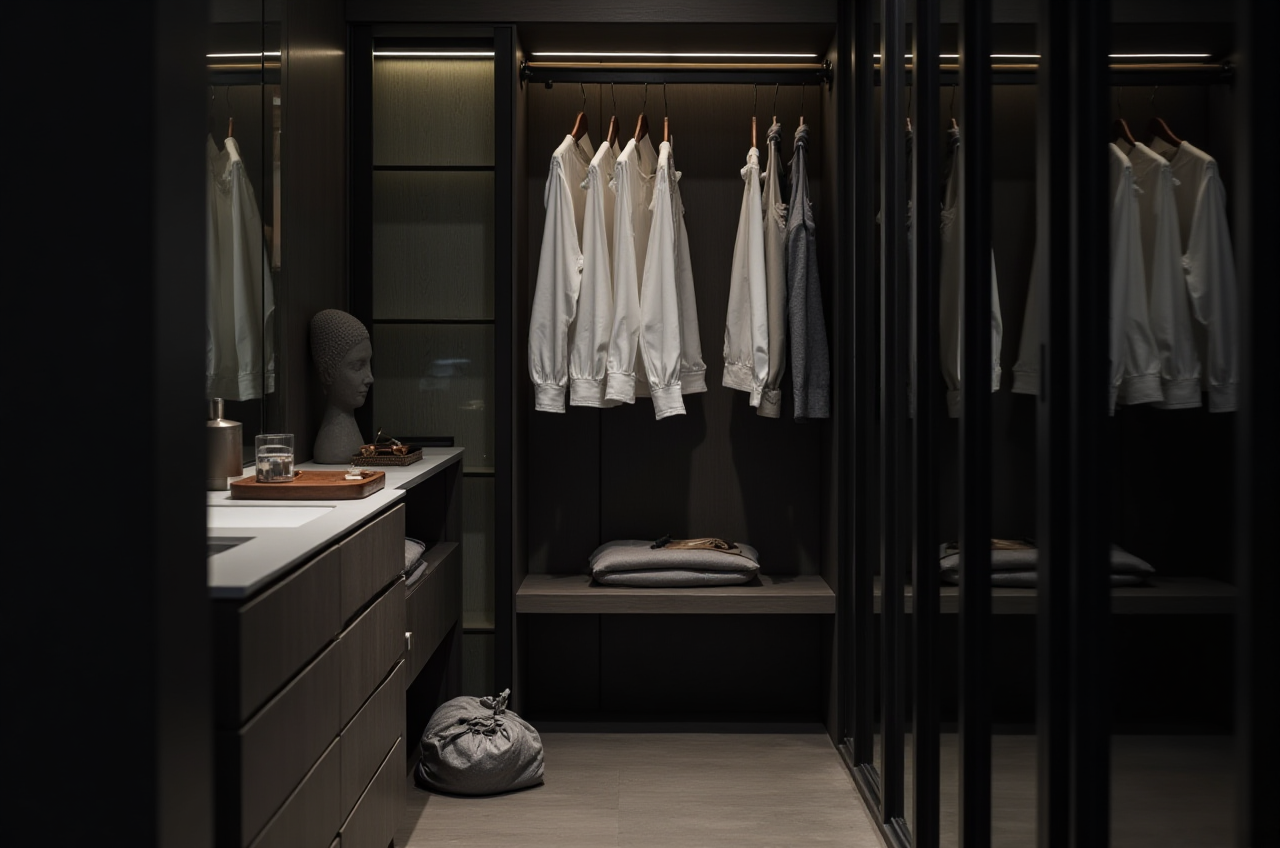
Download Sunvega's Interior Free 3D Rendering Creation Software: A Must - have for Home Decoration!
In the dynamic world of home decoration and interior design, having the right software can make all the difference. Sunvega's AiHouse, a revolutionary AI remodeling software and home - design mobile app, stands out as a game - changer in this field. Let's explore why it is a must - have for both DIY enthusiasts and professional designers.
I. Key Features of Sunvega's AiHouseAI One - click Generate 3D Rendering
Speed and Efficiency: Traditional 3D rendering can be a time - consuming process, often taking hours or even days to produce high - quality results. However, with Sunvega's AI - accelerated rendering engine, users can generate photorealistic visuals in the cloud within minutes. For example, a small living room design rendering that might have taken a professional designer 3 - 4 hours to complete using traditional software can be generated by Sunvega's AiHouse in just 15 - 20 minutes.实操建议: When using the AI one - click generate 3D rendering feature, start with a clear and well - defined floor plan. Provide as much detail as possible about the materials, colors, and furniture you want to include in the design. This will ensure that the generated rendering closely matches your vision.
Floor - plan Design
Accuracy and Flexibility: Sunvega's portable 3D scanner uses advanced AI algorithms to generate accurate 3D floor plans in real - time. These floor plans can be seamlessly synced with the AI - powered design platform, allowing for easy modifications. For instance, if you want to change the layout of a room, you can simply drag and drop the walls on the digital floor plan, and the software will automatically adjust the rest of the design elements.实操建议: Use the 3D scanner in a well - lit environment for the most accurate results. Walk slowly around the room to capture all details. After scanning, review the generated floor plan and make any necessary adjustments before proceeding with the design.
Doors and Windows Design
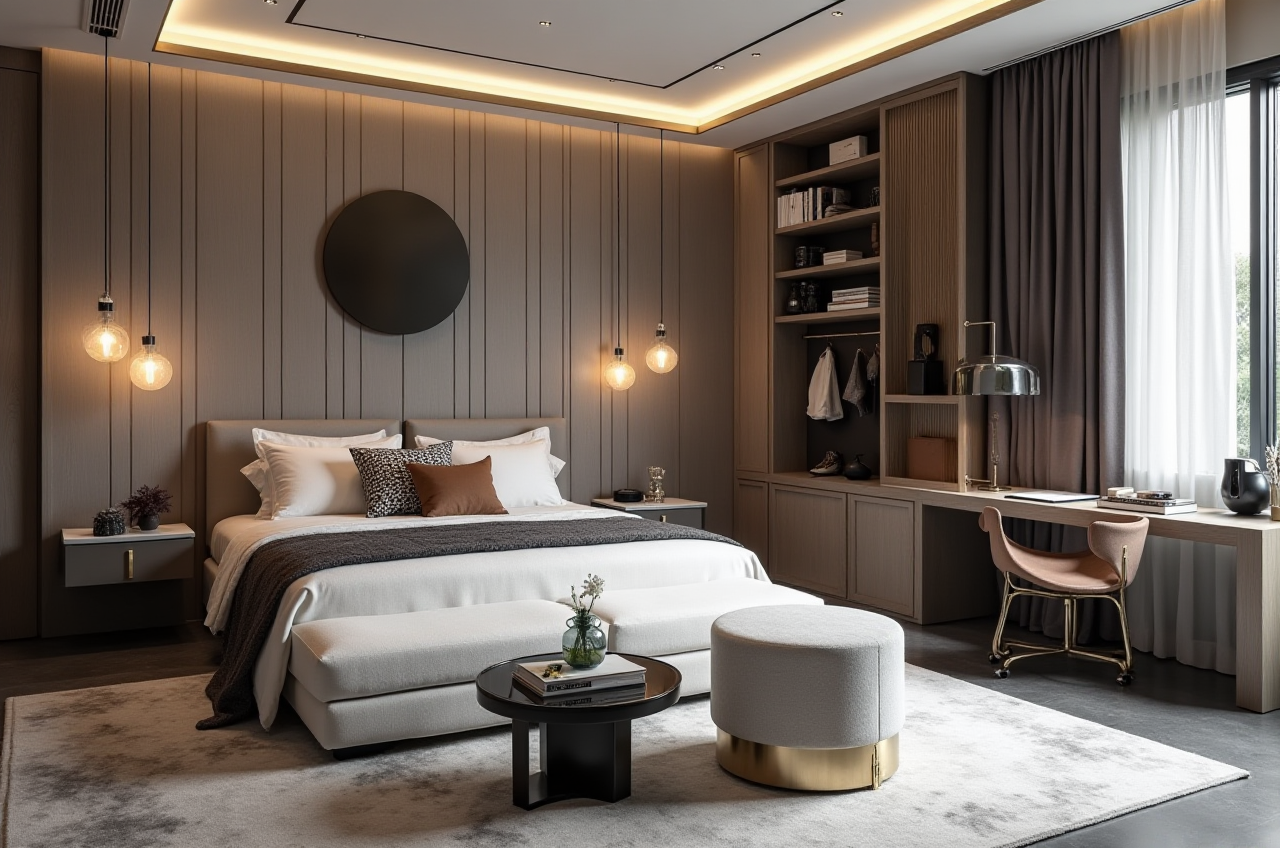 Customization Options: The software offers a wide range of doors and windows designs, from traditional to modern styles. Users can customize the size, shape, color, and material of doors and windows to fit the overall design of the house. For example, you can choose a sleek, minimalist - style window for a contemporary living room or an ornate, crafted door for a vintage - style bedroom.
实操建议: When designing doors and windows, consider the natural light and ventilation needs of the room. Also, make sure that the style of the doors and windows complements the overall design theme of the house.
House - remodeling Design
Comprehensive View: Sunvega's AiHouse provides a comprehensive view of the remodeling process. It allows users to see how different design elements work together in a 3D space. For example, if you are planning to remodel your kitchen, you can visualize how new cabinets, countertops, and appliances will look in the room before making any real - world changes.实操建议: Before starting a house - remodeling project in the software, research different design styles and trends. Create a mood board with images that inspire you, and use it as a reference when making design decisions in the software.
II. Comparison with Other Software
When compared to other home - design software on the market, Sunvega's AiHouse has several advantages:
Ease of Use: While some high - end design software may require extensive training and technical knowledge, Sunvega's AiHouse is user - friendly, even for beginners. The intuitive interface allows users to quickly learn how to navigate and use the various features.Cost - effectiveness: Sunvega offers both free floor - plan design functions and advanced remodeling renderings generation. This means that DIY users can enjoy basic design features for free, while professional users can access premium features at a reasonable cost. In contrast, some other software may charge a high upfront fee or require a monthly subscription for all features.
AI Integration: Sunvega's use of AI technology sets it apart from many competitors. The AI - powered 3D modeling, real - time spatial design, and photorealistic cloud rendering features are more advanced and efficient than what many other software can offer.
III. User Cases DIY Enthusiast: John, a homeowner, wanted to renovate his small apartment on a budget. He downloaded Sunvega's AiHouse software and used the free floor - plan design function to create a new layout for his living room. He was able to experiment with different furniture arrangements and color schemes using the 3D rendering feature. In the end, he was able to complete the renovation within his budget and was very satisfied with the final result.
Professional Designer: Sarah, an interior designer, was working on a large - scale commercial project. She used Sunvega's AiHouse to create detailed 3D renderings for her clients. The AI - powered rendering engine allowed her to quickly produce high - quality visuals, which helped her win more clients. The software's ability to manage massive SKU catalogs also made it easier for her to source the right materials for the project.
IV. Tutorial on Using Sunvega's AiHouse Download and Installation: Visit the official website https://www.sunvega.com/ and download the AiHouse software for your mobile device or computer. Follow the installation instructions provided.
Creating a Floor Plan: If you have a physical space to design, use the 3D scanner feature to create a floor plan. If not, you can start with a blank canvas and manually draw the walls, doors, and windows using the software's tools.
Adding Furniture and Decor: Browse through the software's library of furniture and decor items. Drag and drop the items you like into the 3D space. You can adjust the size, position, and orientation of the items to fit your design.
Generating a 3D Rendering: Once you are satisfied with your design, click on the AI one - click generate 3D rendering button. Wait a few minutes for the software to generate the high - quality rendering. You can then save or share the rendering with others.
V. Q&A Q: Is Sunvega's AiHouse suitable for beginners? A: Yes, definitely. The software has an intuitive interface that is easy to navigate, even for those with little to no design experience. The free floor - plan design function allows beginners to start learning about home design without any cost.
Q: Can I use the 3D renderings generated by AiHouse for commercial purposes? A: Yes, as long as you comply with the software's terms of use. Professional users often use the high - quality 3D renderings for client presentations, marketing materials, etc.
Q: Does Sunvega provide customer support? A: Yes, Sunvega has a global network of 20+ local service partners. You can reach out to them for any technical issues or customer support needs. Additionally, the software supports 18 languages, ensuring that users from different regions can get assistance.
In conclusion, Sunvega's AiHouse is a powerful tool for anyone interested in home decoration and interior design. Its advanced features, user - friendly interface, and cost - effectiveness make it a top choice in the market. Whether you are a DIY enthusiast looking to renovate your home or a professional designer working on large - scale projects, downloading Sunvega's AiHouse software is a step in the right direction. So, head over to https://www.sunvega.com/ and start creating your dream home today!