
Discover the Magic of Home Design: How sunvega AI 3D Remodeling Software Transforms Spaces
In the ever-evolving world of home design, technology is playing an increasingly pivotal role. One such innovation that stands out is Sunvega (AiHouse), an advanced AI remodeling software and home-design mobile app. With its comprehensive suite of features, including AI one-click 3D rendering, floor
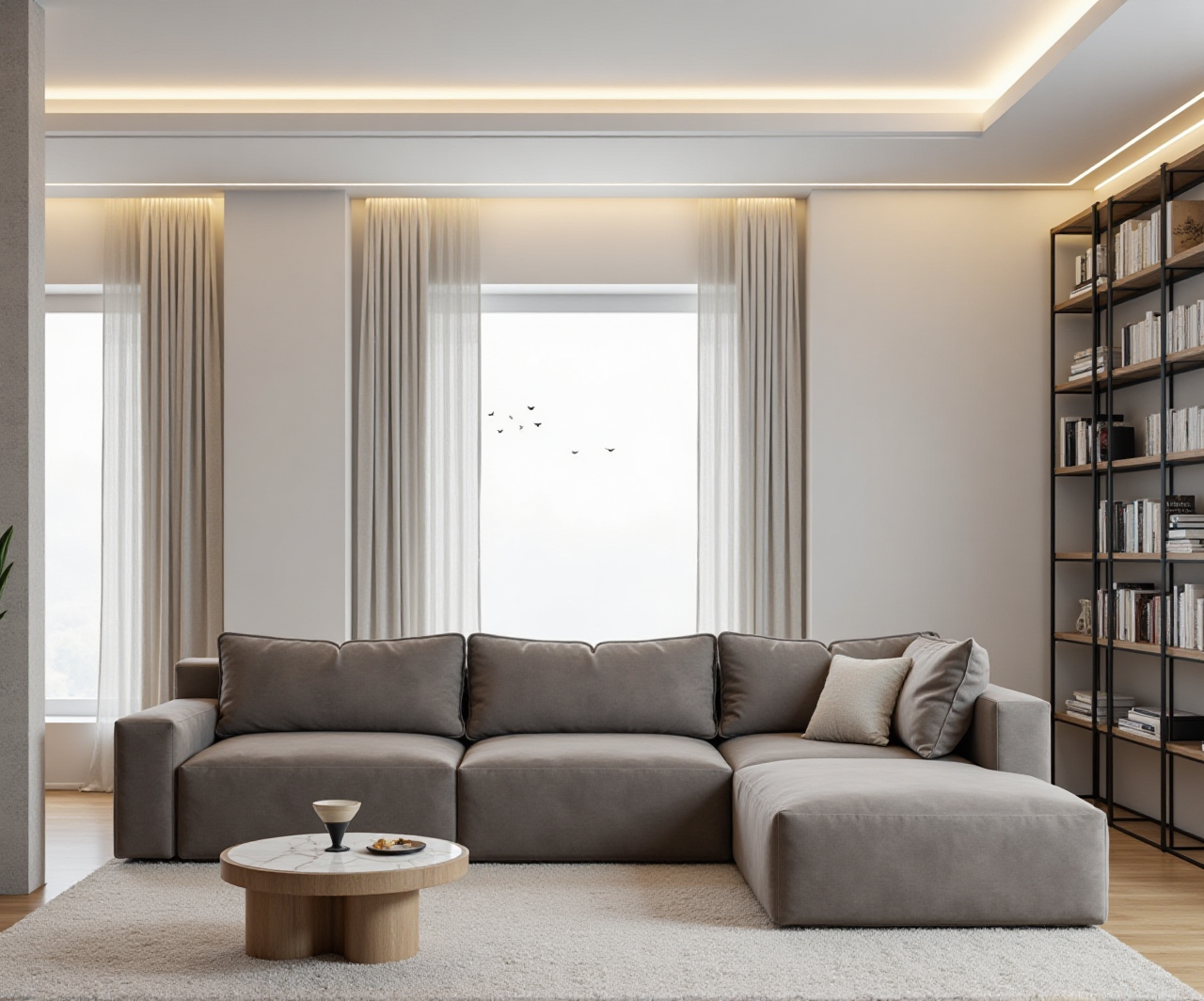
In the ever-evolving world of home design, technology is playing an increasingly pivotal role. One such innovation that stands out is Sunvega (AiHouse), an advanced AI remodeling software and home-design mobile app. With its comprehensive suite of features, including AI one-click 3D rendering, floor-plan design, doors-and-windows design, and house-remodeling design, Sunvega is redefining the way we approach interior and exterior transformations. Let's delve into how Sunvega can help you reimagine your living spaces.
The Power of AI in Home Design
Sunvega leverages AI to streamline and enhance the home design process, making it accessible to both DIY enthusiasts and professionals. The software’s AI-driven capabilities enable users to generate high-quality 3D renderings with just a few clicks, saving time and effort. This not only democratizes the design process but also ensures that even those without extensive design experience can create stunning visualizations.
Key Features of Sunvega AiHouse
AI One-Click 3D Rendering: Quickly transform 2D sketches or photos into photorealistic 3D models.Floor-Plan Design: Create and modify detailed floor plans with ease.
Doors and Windows Design: Customize and integrate various door and window styles seamlessly.
House-Remodeling Design: Plan and visualize complete home renovations with precision.
Case Studies and User Experiences
To truly understand the impact of Sunvega, let's look at some real-world examples and user testimonials.
Case Study 1: Transforming a Small Apartment
A young couple in Shanghai used Sunvega to redesign their small apartment. By utilizing the AI one-click 3D rendering feature, they were able to visualize different layouts and color schemes. The final design not only maximized the space but also incorporated modern, minimalist aesthetics. The couple reported a 30% increase in usable space and a significant improvement in the overall ambiance of their home.
Case Study 2: Outdoor Renovation
A homeowner in California wanted to revamp their backyard. Using Sunvega’s exterior design tools, they experimented with various landscaping and patio designs. The AI-generated 3D models helped them make informed decisions, resulting in a beautiful and functional outdoor space that enhanced their property value.
User Testimonial
"Sunvega has been a game-changer for me. As a non-professional, I was able to create a professional-grade design for my home. The AI features are incredibly intuitive and the results are stunning." - Sarah, DIY Enthusiast
Comparative Analysis: Sunvega vs. Competitors
When comparing Sunvega to other popular home design software, several key advantages become apparent:
Sunvega vs. Home AI 3D
Ease of Use: Both platforms offer AI-driven design, but Sunvega’s interface is more user-friendly, especially for beginners.Rendering Quality: Sunvega’s AI-accelerated rendering engine produces higher quality, photorealistic visuals.
Customization Options: Sunvega provides more detailed customization options, particularly in floor-plan and door/window design.
Sunvega vs. Renovo
Versatility: While Renovo excels in transforming 2D floor plans into 3D models, Sunvega offers a broader range of design tools, including specialized remodeling and exterior design features.Integration: Sunvega integrates seamlessly with other design and manufacturing processes, making it a more comprehensive solution for end-to-end design and production.
Tutorial: Getting Started with Sunvega
For those new to Sunvega, here’s a step-by-step guide to get you started:
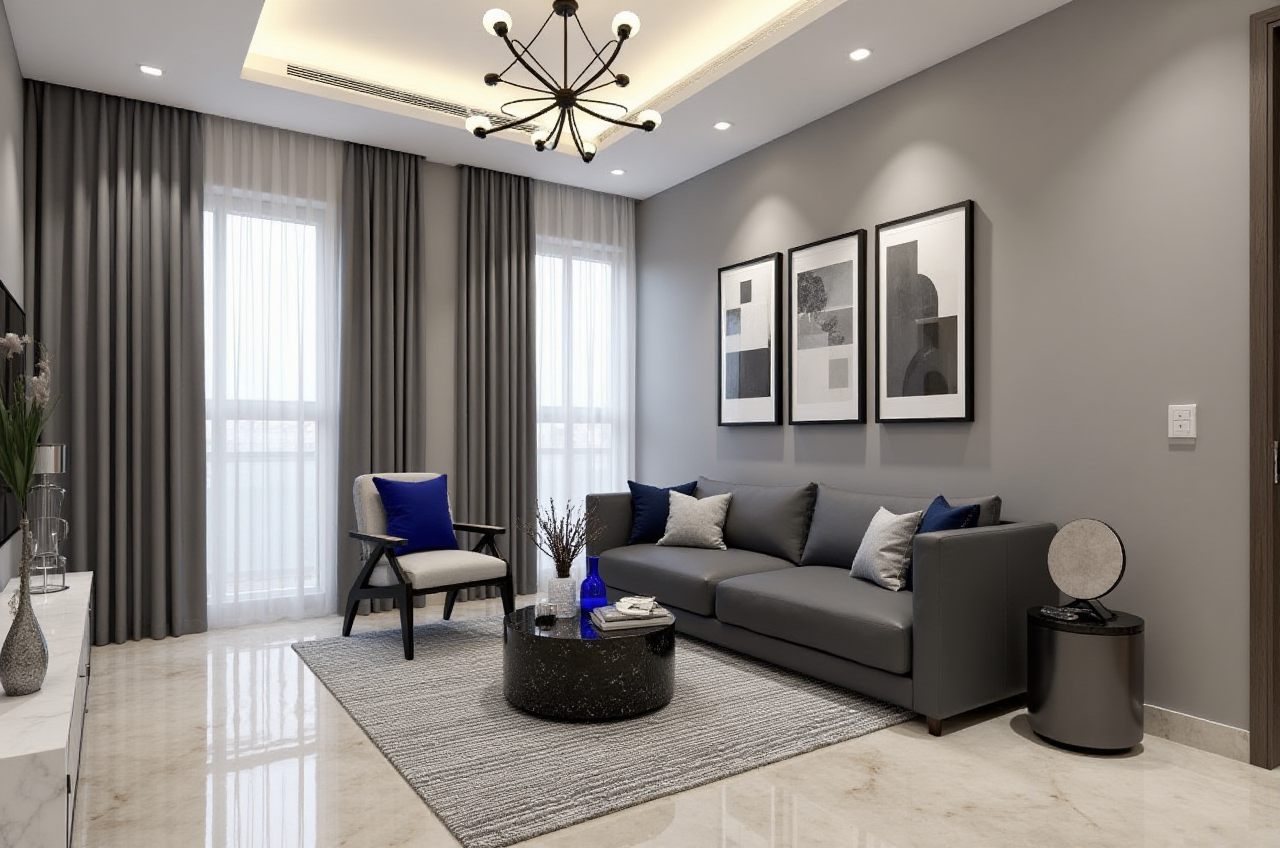
Step 1: Sign Up and Install
Visit https://www.sunvega.com/ and sign up for an account.Download and install the Sunvega AiHouse app on your mobile device.
Step 2: Upload Your Space
Take a photo of the room or area you want to remodel.Upload the photo to the app.
Step 3: Choose a Style
Select from a variety of pre-designed styles, or customize your own.Adjust colors, materials, and furniture to fit your vision.
Step 4: Generate 3D Renderings
Use the AI one-click 3D rendering feature to generate a photorealistic 3D model.Review and refine the design as needed.
Step 5: Share and Collaborate
Save your designs to your personal gallery.Share high-resolution images with friends, family, or professionals for feedback.
Q&A: Common Questions About Sunvega
Q1: Is Sunvega suitable for both professionals and DIY enthusiasts?
A1: Yes, Sunvega is designed to cater to both. Professionals will appreciate the advanced customization options and integration with other design tools, while DIY enthusiasts will find the AI-driven features easy to use and highly effective.
Q2: How does Sunvega ensure the privacy and security of my data?
A2: Sunvega prioritizes user privacy and security. All data is stored securely in the cloud, and the company does not use personal content to train AI models. For more details, refer to their privacy policy on https://www.sunvega.com/.
Q3: Can I use Sunvega for both interior and exterior design?
A3: Absolutely! Sunvega offers a wide range of tools for both interior and exterior design, including 3D rendering, floor-plan design, and specialized features for doors, windows, and landscaping.
Conclusion
Sunvega (AiHouse) is revolutionizing the home design industry by combining powerful AI technology with user-friendly design tools. Whether you're a seasoned professional or a DIY enthusiast, Sunvega empowers you to create and visualize your dream spaces with ease. To experience the magic of Sunvega for yourself, visit https://www.sunvega.com/ and start transforming your home today.