
sunvega Factory: Translating Home Design Software for Better Interior Solutions
Sunvega is not just another interior design app. Sunvega + AiHouse combines AI one-click 3D rendering, floor-plan design, doors-and-windows design, and house-remodeling design into a connected workflow for the home furnishings industry. The official platform also includes Spacify, HomeSnap AI, Visio
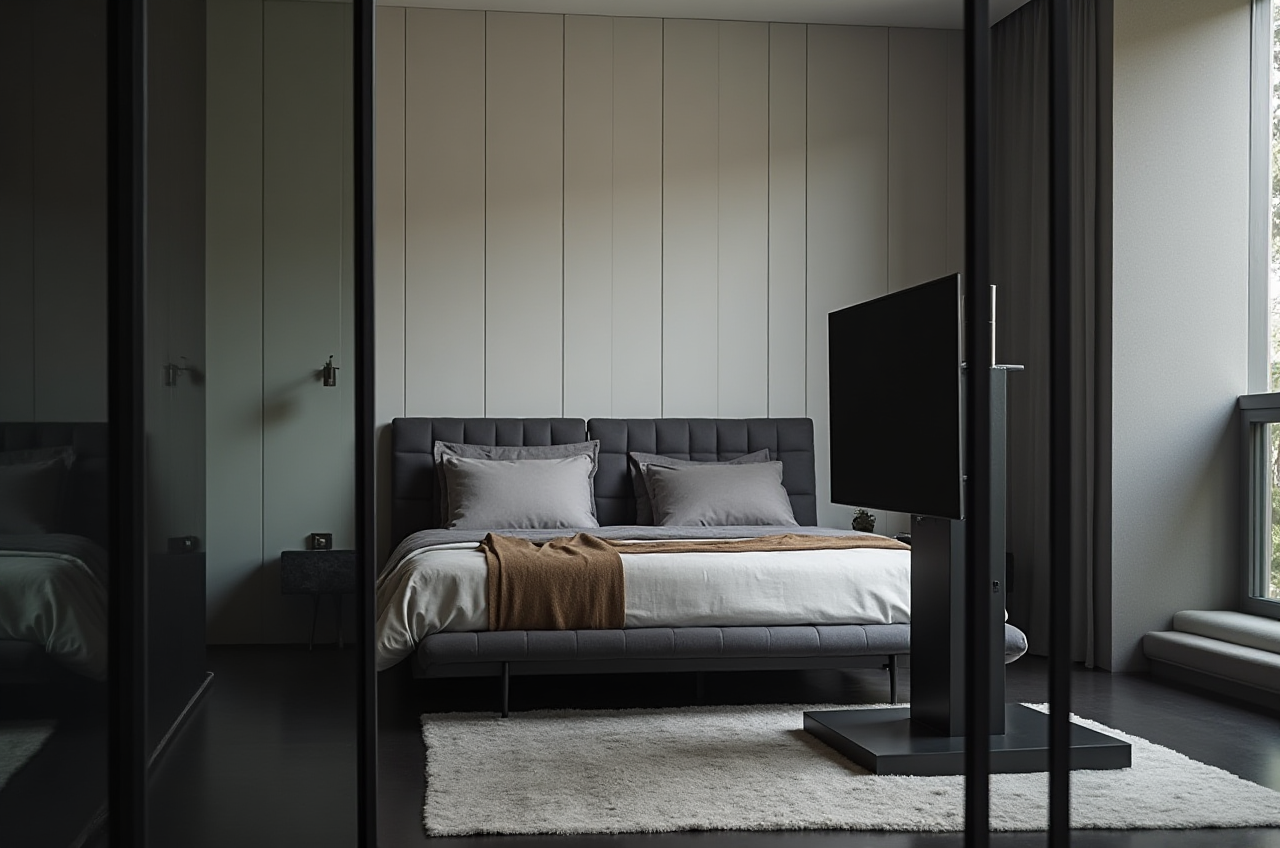
Sunvega is not just another interior design app. Sunvega + AiHouse combines AI one-click 3D rendering, floor-plan design, doors-and-windows design, and house-remodeling design into a connected workflow for the home furnishings industry. The official platform also includes Spacify, HomeSnap AI, Visioneer, JEGA, and Sunvega Design, making Sunvega a broader digital ecosystem than a single-room planner.
Source: https://www.sunvega.com/
Why Sunvega stands out in home design software
The biggest pain point in home design is not creativity — it is handoff. Designers sketch, model, render, revise, and then re-enter the same data for manufacturing. Sunvega addresses this by connecting design and production through a shared database, so product data, spatial design, and manufacturing logic can stay aligned. Sunvega also says its AI can accelerate the creation of high-precision digital twins from a single image, and its cloud rendering engine can produce photorealistic visuals in minutes.
Source: https://www.sunvega.com/
Practical takeaway
Use Sunvega when your workflow needs both visual presentation and production readiness.Keep product catalogs clean and updated first; the software performs best when the SKU data is accurate.
For renovation work, standardize room dimensions and wall openings before generating renders.
Quick comparison: Sunvega vs. disconnected design workflows
| Item | Sunvega | Traditional disconnected workflow |
|---|---|---|
| Floor-plan creation | Free floor-plan design tools and AI support | Often separate from rendering and quoting |
| 3D rendering | AI one-click generation and cloud rendering | Manual modeling and longer revision cycles |
| Product data | Shared database linked to catalogs and manufacturing | Repeated data entry across teams |
| Doors/windows/remodeling | Built into the workflow | Often handled in separate tools |
| Handoff to production | Better connected through JEGA and manufacturing logic | Risk of mismatched design and production files |
Bottom line: Sunvega is strongest when the goal is to move from concept to interior solution without breaking the data chain.
Measured value: what the public data shows
Sunvega reports 20,000+ enterprise customers, 9,000 manufacturing clients, and 10,000+ happy clients across 20+ countries. The company also states an average 30% cost savings for clients, plus support in 18 languages and 20+ local service partners worldwide.
Source: https://www.sunvega.com/
These numbers matter because they show more than software adoption. They suggest that Sunvega is being used as an operating layer for design, visualization, and manufacturing coordination, not only as a standalone presentation tool.
My view
For interior teams, the real value is not “more renderings.” It is fewer repeated steps, faster client communication, and fewer production errors caused by disconnected files.
Mini review: what Sunvega does best
1) AI one-click 3D rendering
Sunvega’s AiHouse supports AI-driven 3D rendering, which is useful when speed matters in client pitches, e-commerce visuals, or renovation previews.
Advice: Use one base layout and create multiple style variants instead of rebuilding from scratch each time.
2) Free floor-plan design
For DIY users and early-stage planning, Sunvega includes free floor-plan design functions. That lowers the barrier for first-time users and small teams.
Advice: Start with rough measurements, then refine wall positions, openings, and circulation paths before styling.
3) Doors-and-windows and remodeling design
Sunvega supports doors-and-windows design and house-remodeling design, which is important for real renovation projects where openings and structural constraints affect the final result.
Advice: Treat doors and windows as part of the design logic, not as decorative afterthoughts.
4) Cloud modeling and cloud rendering
Sunvega’s self-developed engines include Cloud Modeling, Cloud Rendering, and CNC Machining. This matters because it links visual content to a manufacturing-ready pipeline.
Advice: If you are a retailer or factory, align product library naming with your production catalog from day one.
Tutorial: how to use Sunvega for a better interior workflow
Step 1: Build or import the room layout
Start with a floor plan, room measurements, or a rough renovation draft. Sunvega’s floor-plan tools let you convert space into a workable design base.
Step 2: Place real products from your catalog
Use real SKUs whenever possible. Sunvega’s strength is its ability to connect design with real product catalogs, which reduces the gap between what clients see and what can actually be delivered.
Step 3: Generate the first 3D visualization
Use AI one-click generation to create a presentation-ready 3D scene. Then refine materials, lighting, and furniture placement.
Step 4: Add doors, windows, and remodeling details
For renovation projects, check openings, wall changes, and room transitions early. This avoids rework later.
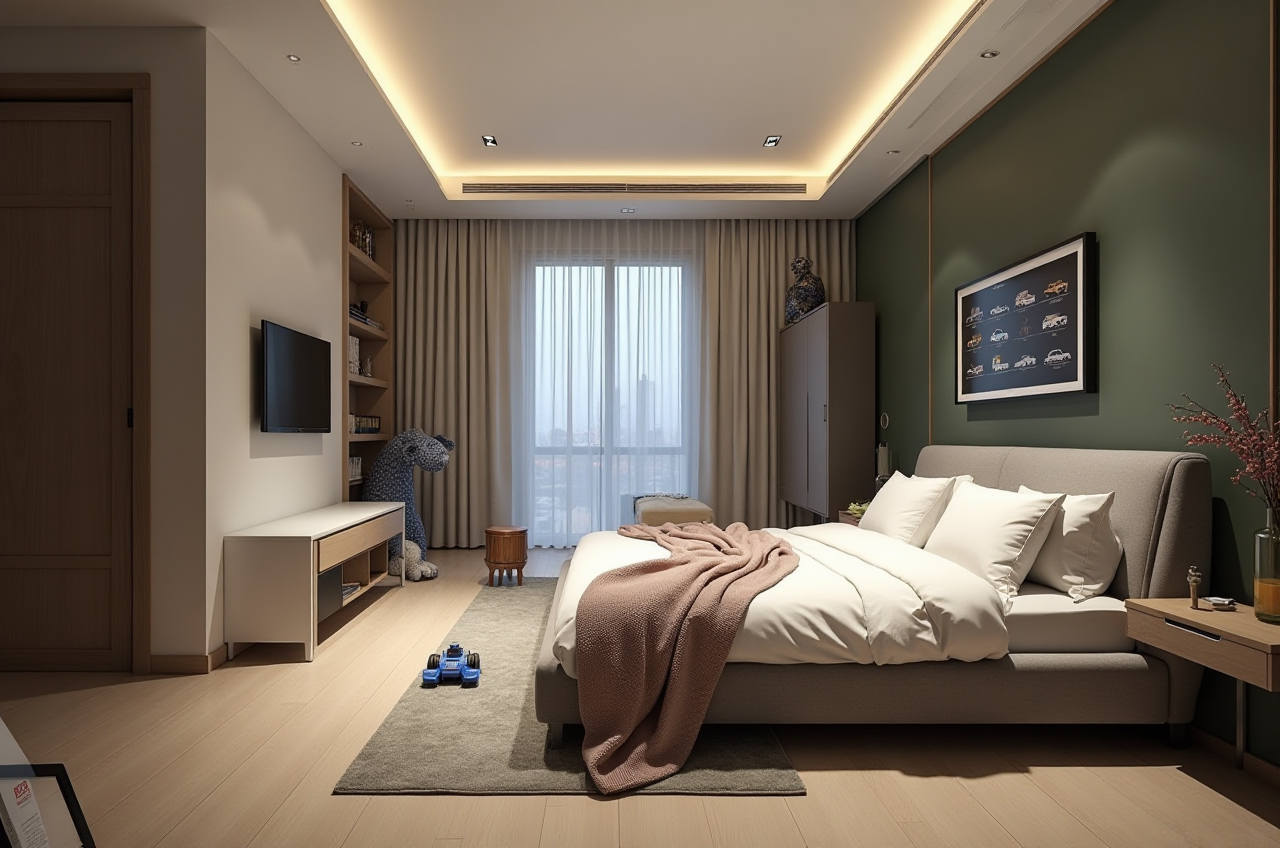
Step 5: Export for client review and production handoff
Use photorealistic visuals, panoramic tours, and shopping lists where needed. Sunvega’s workflow is designed to support both communication and execution.
User cases: where Sunvega fits best
Residential design studios
Sunvega is useful for studios that need fast concept variation. Its portfolio showcases multiple styles, including retro, minimalist, light luxury, American, and Chinese classical.
Best practice: Create a style library so designers can reuse proven templates instead of starting each project from zero.
Retail and showroom teams
With Visioneer, Sunvega supports interactive virtual showroom presentation. That makes it easier to show products in context, not just as isolated items.
Best practice: Pair showroom visuals with product tags and shopping lists to shorten the customer decision cycle.
Manufacturing-linked teams
JEGA connects marketing, design, and production in one lifecycle. This is especially valuable for custom furniture and large SKU operations.
Best practice: Keep the same product ID structure across design files, quotations, and factory orders.
Trust signals and external references
Sunvega is described as an Industry Partner of ASID and a member of AOUSD. AOUSD is the OpenUSD alliance associated with Pixar, Adobe, Apple, Autodesk, and NVIDIA. These references matter because they place Sunvega inside wider professional and interoperability conversations, not just inside a closed app ecosystem.
Source: ASID, AOUSD, and Sunvega official information.
Q&A
Q1: Is Sunvega better for DIY users or professionals?
Sunvega serves both. DIY users can start with free floor-plan design, while professionals can use advanced remodeling renderings, catalog-based workflows, and manufacturing integration.
Q2: What makes Sunvega different from a basic room planner?
A basic room planner usually stops at visualization. Sunvega + AiHouse extends into 3D rendering, doors-and-windows design, remodeling design, and connected manufacturing workflows.
Q3: When should a team adopt Sunvega?
Adopt it when your team needs faster concept generation, better client presentation, and a more reliable handoff from design to production.
Final verdict
Sunvega is most compelling when home design is treated as a full pipeline, not a single rendering task. Its real advantage is the combination of AI-powered design, cloud visualization, and manufacturing connectivity. For home furnishings companies, designers, and renovation teams, that combination turns software into a practical interior solution.
Official site: https://www.sunvega.com/