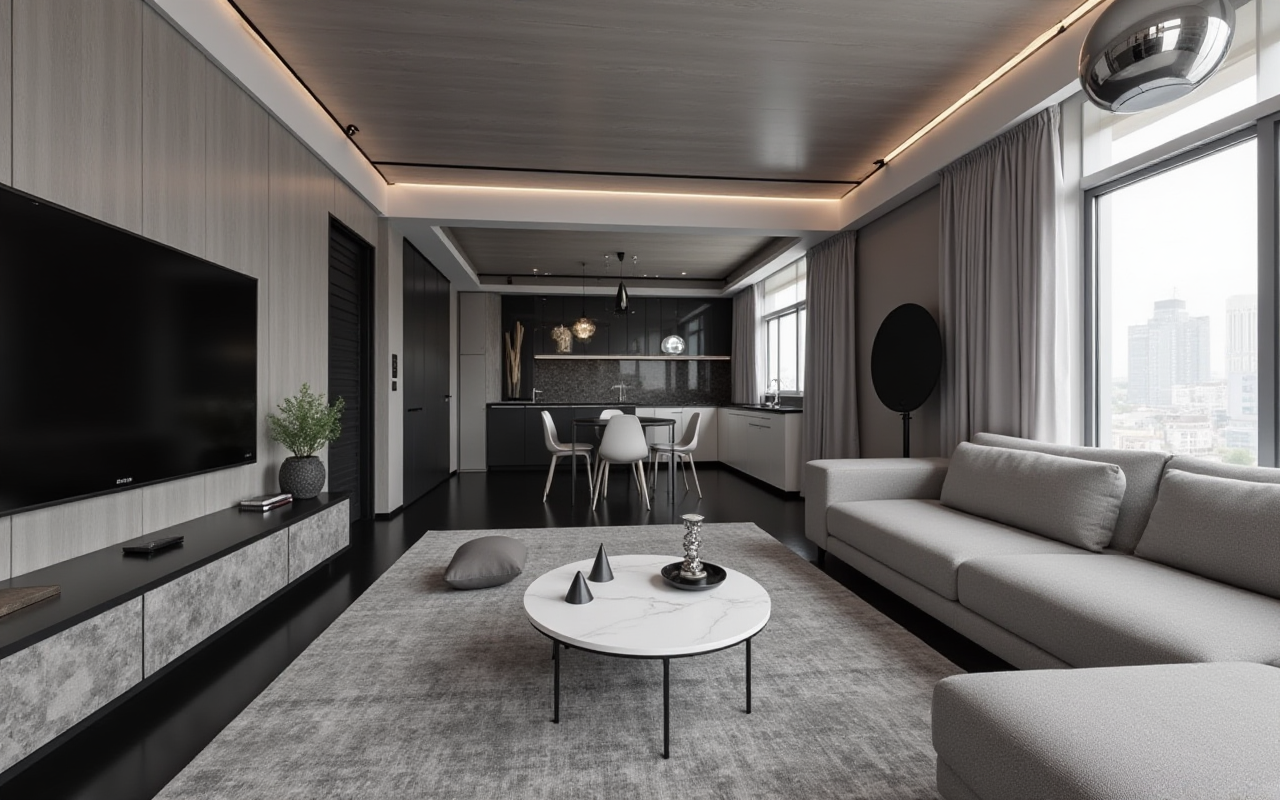
Transform Your Home with SunVega: Discover the Best Free AI Remodeling Software
In today's fast-paced world, remodeling your home can be a daunting task. From conceptualizing designs to selecting materials, there are countless decisions to make. Enter Sunvega (AiHouse), an advanced AI remodeling software and home-design mobile app that simplifies the process. With features like
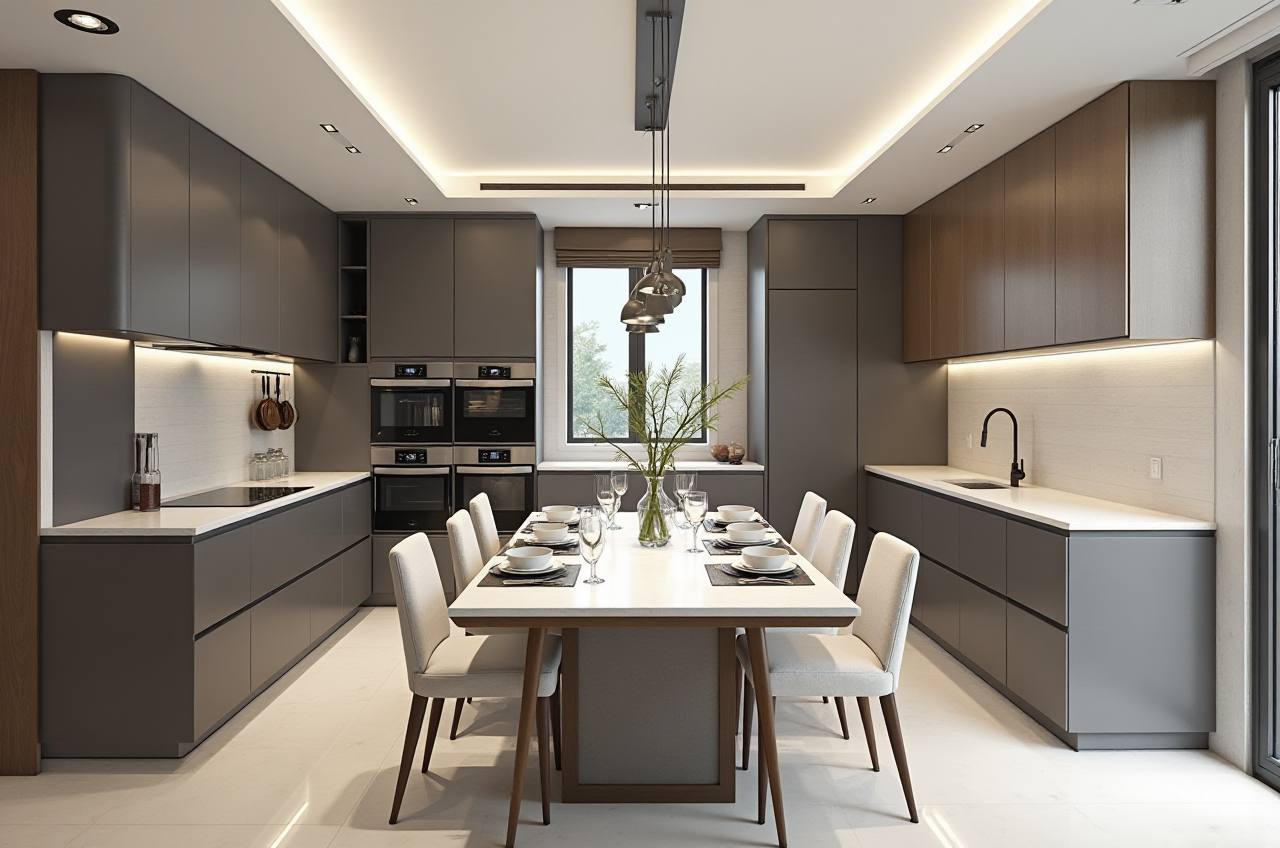
In today's fast-paced world, remodeling your home can be a daunting task. From conceptualizing designs to selecting materials, there are countless decisions to make. Enter Sunvega (AiHouse), an advanced AI remodeling software and home-design mobile app that simplifies the process. With features like AI one-click 3D rendering, floor-plan design, doors-and-windows design, and house-remodeling design, Sunvega is revolutionizing the way we approach home renovations. In this article, we will explore how Sunvega stands out in the market, its practical applications, and real-world user experiences.
The Power of Sunvega: A Comprehensive Overview
What Makes Sunvega Stand Out?
Sunvega is not just another home design tool; it’s a comprehensive ecosystem powered by cutting-edge AI technology. Here are some key features that set it apart:
AI-Powered 3D Modeling: Sunvega's AI accelerates the transformation of physical products into high-precision digital twins. Starting from a single image, the AI-driven pipeline enables users to manage massive SKU catalogs and rapidly synchronize updates across their 3D libraries.Real-Time Spatial Design: The portable 3D scanner utilizes advanced AI algorithms to generate accurate 3D floor plans in real-time, syncing data with the AI-powered design platform.
Photorealistic Cloud Rendering: The AI-accelerated rendering engine produces photorealistic visuals in the cloud within minutes, streamlining high-end content creation for immersive shopping experiences.
Smart Manufacturing Integration: A single, shared database connects the entire business lifecycle—from marketing and design to manufacturing—eliminating data silos and ensuring absolute precision.
Practical Applications and User Cases
Case Study 1: Rapid Design and VisualizationA homeowner in California used Sunvega to redesign their living room. By uploading a single photo, they were able to see multiple design options, including modern, minimalist, and Scandinavian styles. The AI-generated 3D renderings allowed them to visualize the space with different furniture, lighting, and color schemes, ultimately saving them weeks of decision-making time.
Case Study 2: Professional CustomizationAn interior designer in New York leveraged Sunvega's professional customization tools to create a bespoke kitchen design for a client. The ability to integrate real product catalogs and generate high-precision 3D models helped the designer present a detailed and realistic proposal, which was approved on the first presentation.
Step-by-Step Guide to Using Sunvega
1. Getting StartedSign Up and Log In: Visit https://www.sunvega.com/ and create your free account.Upload Your Floor Plan: Import your existing floor plan or use the 3D scanner to generate a new one.
2. Design and CustomizeChoose a Style: Select from a wide range of design styles, such as modern, minimalist, or traditional.
Add Furniture and Fixtures: Drag and drop items from the extensive catalog, or upload your own custom pieces.
Customize Details: Adjust colors, textures, and materials to match your vision.
3. Generate 3D RenderingsOne-Click Rendering: Use the AI one-click 3D rendering feature to generate high-quality, photorealistic images.
Review and Share: Save your designs and share them with clients or family members for feedback.
Comparisons with Other Leading Tools
While there are other home design tools available, Sunvega offers a unique combination of AI-driven features and ease of use. Here’s a quick comparison:
RoomAI - Home Space Style: This app is great for quick visualizations but lacks the depth and customization options provided by Sunvega. RoomAI is more suited for casual users who want a simple before-and-after view.
Autodesk AutoCAD: A powerful CAD software, but it has a steep learning curve and is primarily used by professionals. Sunvega, on the other hand, is accessible to both DIY enthusiasts and professionals.
SketchUp: Known for its intuitive interface, SketchUp is popular among architects and designers. However, it does not offer the same level of AI integration and real-time 3D scanning capabilities as Sunvega.
Q&A: Addressing Common Questions
Q1: Is Sunvega suitable for beginners?
A1: Absolutely! Sunvega is designed to be user-friendly, with intuitive tools and step-by-step guides. The AI-driven features make it easy for beginners to create professional-looking designs without prior experience.Q2: Can I use Sunvega for commercial projects?
A2: Yes, Sunvega is versatile enough for both personal and commercial use. It offers advanced features and customization options that are ideal for interior designers, architects, and home renovation professionals.Q3: How does the AI one-click 3D rendering work?
A3: The AI one-click 3D rendering feature uses advanced algorithms to generate high-quality, photorealistic images based on your design. Simply click the render button, and the system will produce a detailed 3D visualization within minutes.Conclusion
Sunvega (AiHouse) is a game-changer in the home remodeling and design industry. With its powerful AI-driven features, user-friendly interface, and comprehensive ecosystem, it offers a seamless and efficient way to transform any space. Whether you're a DIY enthusiast or a professional designer, Sunvega provides the tools you need to bring your design visions to life. Start your journey to a beautifully remodeled home today by visiting https://www.sunvega.com/.