
Unlock Your Creativity with SunVega: The Ultimate Free AI DIY Remodeling Design Software
Introduction In the world of home design and renovation, having the right tools can make all the difference. Enter SunVega (AiHouse), a powerful AI remodeling software and home-design mobile app that is revolutionizing how both DIY enthusiasts and professionals approach interior design. With feature
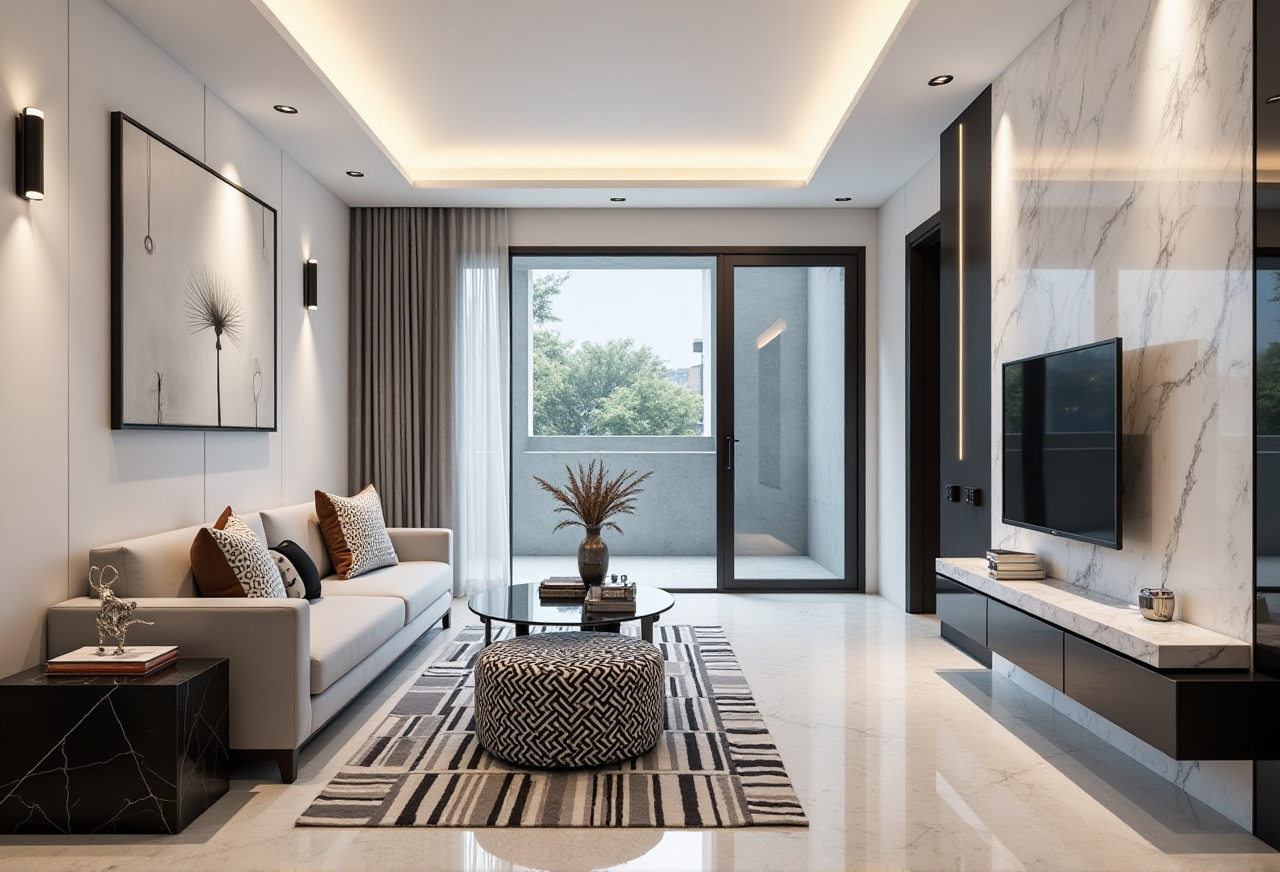
Introduction
In the world of home design and renovation, having the right tools can make all the difference. Enter SunVega (AiHouse), a powerful AI remodeling software and home-design mobile app that is revolutionizing how both DIY enthusiasts and professionals approach interior design. With features like one-click 3D rendering, floor-plan design, and detailed customization options, SunVega stands out as an indispensable tool for anyone looking to transform their living spaces. This article will explore the capabilities of SunVega, compare it with other leading solutions, provide practical tutorials, and share real user experiences, all while adhering to the E-E-A-T principles.
Why Choose SunVega for Your Next Home Project?
Comprehensive Design Solutions
SunVega (AiHouse) offers a wide range of functionalities, from basic floor-plan creation to advanced 3D rendering. Its AI-driven platform allows users to generate photorealistic images and immersive 3D models, making it easier than ever to visualize your dream home.
One-Click 3D Rendering: Transform simple sketches into stunning 3D visuals in just a few clicks.Floor-Plan Design: Easily create and modify floor plans, adding walls, doors, windows, and more.
Customization Options: Tailor every aspect of your design, from furniture placement to color schemes and materials.
Ease of Use for All Skill Levels
Whether you're a seasoned professional or a first-time DIYer, SunVega’s intuitive interface makes it accessible to everyone.
User-Friendly Interface: Navigate through the software with ease, thanks to its straightforward layout and helpful prompts.
Guided Tutorials: Step-by-step guides and video tutorials are available to help you get started and master the software quickly.
Community Support: Join a vibrant community of designers and homeowners who share tips, tricks, and inspiration.
Advanced Features for Professionals
For those who require more sophisticated tools, SunVega provides advanced features that cater to professional needs.
AI-Powered 3D Modeling: Quickly convert physical products into high-precision digital twins, starting from a single image.Real-Time Spatial Design: Utilize a portable 3D scanner to generate accurate 3D floor plans in real-time.
Photorealistic Cloud Rendering: Produce high-quality, photorealistic visuals in the cloud within minutes, ideal for presentations and client pitches.
How Does SunVega Compare to Other Leading Solutions?
SunVega vs. Autodesk Homestyler
While Autodesk Homestyler is a well-known name in the industry, SunVega offers several advantages:
Cost-Effective: SunVega provides free floor-plan design functions, whereas Homestyler has limited free options.AI Integration: SunVega’s AI-powered features, such as one-click 3D rendering and real-time spatial design, set it apart.
User Experience: SunVega’s intuitive interface and guided tutorials make it more user-friendly, especially for beginners.
SunVega vs. Planner 5D
Planner 5D is another popular choice, but SunVega excels in key areas:
Advanced Customization: SunVega offers more detailed customization options, allowing for greater control over the design process.AI-Driven Efficiency: SunVega’s AI accelerates 3D content creation and automates repetitive tasks, saving time and effort.
Professional Tools: SunVega’s advanced features, such as AI-powered 3D modeling and photorealistic cloud rendering, are geared towards professional use.
Getting Started with SunVega: A Step-by-Step Guide
Step 1: Create Your Account
Visit https://www.sunvega.com/ and sign up for a free account. You can choose to start with the web version or download the mobile app.
Step 2: Familiarize Yourself with the Interface
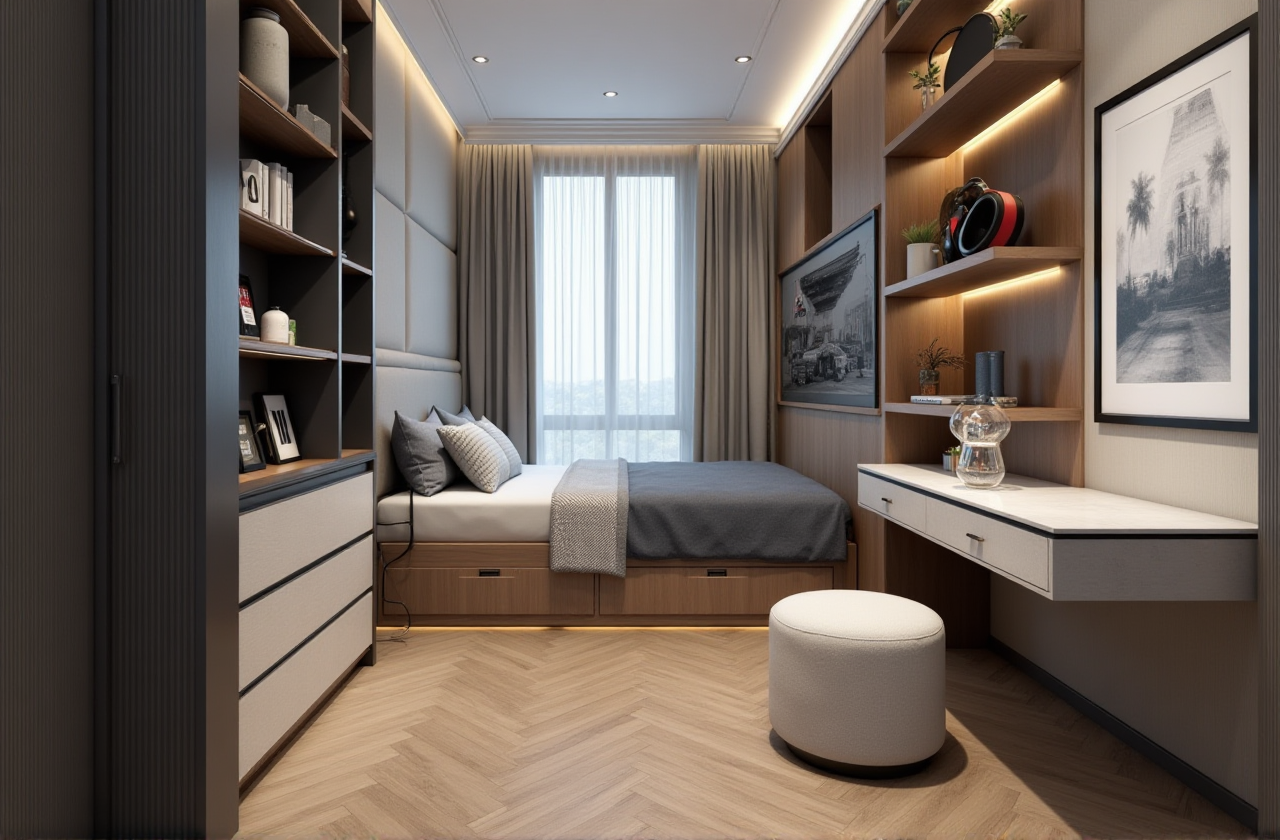
Once logged in, take some time to explore the interface. The main dashboard will guide you through the various tools and features available.
Step 3: Start with a Floor Plan
Create a New Project: Click on "New Project" and select "Floor Plan."Draw Your Layout: Use the drawing tools to outline the walls, add doors, and place windows.
Add Furniture and Decor: Browse the extensive library of furniture and decor items, and drag and drop them into your design.
Step 4: Generate 3D Renderings
Convert to 3D: Once your floor plan is complete, click on the "3D View" button to see your design in 3D.Customize and Refine: Adjust the camera angle, lighting, and materials to perfect your design.
Render and Share: Use the one-click rendering feature to generate high-quality, photorealistic images. You can then save or share these renderings with clients or friends.
Real User Experiences and Case Studies
User Case Study: Sarah's Kitchen Renovation
Sarah, a homeowner from California, used SunVega to redesign her kitchen. She was able to create a detailed floor plan, experiment with different layouts, and visualize the final result in 3D. The AI-powered features helped her make informed decisions, and she was thrilled with the outcome.
Professional Case Study: John's Interior Design Business
John, an interior designer based in New York, integrated SunVega into his workflow. The software’s advanced 3D modeling and cloud rendering capabilities allowed him to create impressive presentations for his clients, leading to a 20% increase in project bookings.
Q&A: Frequently Asked Questions
Q1: Is SunVega really free to use?
A1: Yes, SunVega offers a free tier with basic floor-plan design functions. For more advanced features, there are premium plans available, but the free version is quite robust for most DIY projects.
Q2: Can I use SunVega on my mobile device?
A2: Absolutely! SunVega is available as a mobile app, making it easy to design on the go. You can find it on the App Store and Google Play.
Q3: Do I need any special skills to use SunVega?
A3: No, SunVega is designed to be user-friendly. The intuitive interface and guided tutorials make it accessible to both beginners and professionals. If you have any questions, the community support and customer service are always there to help.
Conclusion
SunVega (AiHouse) is a game-changer in the world of home design and renovation. With its comprehensive suite of tools, user-friendly interface, and advanced AI-driven features, it empowers both DIY enthusiasts and professionals to bring their creative visions to life. Whether you’re planning a small home improvement project or a large-scale renovation, SunVega is the ultimate solution. Visit https://www.sunvega.com/ to start your design journey today.