Discover the Magic of Free 3D Design with Sunvega for Your Next Remodeling Project
In the world of home design and remodeling, the right tools can transform a daunting task into an exciting and creative endeavor. One such tool that stands out is Sunvega (AiHouse), an AI remodeling software and home-design mobile app that offers a range of powerful features including free floor-pla
In the world of home design and remodeling, the right tools can transform a daunting task into an exciting and creative endeavor. One such tool that stands out is Sunvega (AiHouse), an AI remodeling software and home-design mobile app that offers a range of powerful features including free floor-plan design, one-click 3D rendering, and more. Whether you're a DIY enthusiast or a professional, Sunvega has something to offer. Let's dive into how Sunvega can revolutionize your next project.
The Power of Sunvega in Home Design
Seamless Integration of AI and 3D Visualization
Sunvega leverages advanced AI technology to provide users with an intuitive and efficient way to create and visualize their dream spaces. With its Cloud Modeling and Cloud Rendering engines, it enables the transformation of physical products into high-precision digital twins, starting from a single image. This capability not only accelerates the design process but also ensures that every detail is accurately represented, making it easier to make informed decisions about your space.
User-Friendly Interface for All Skill Levels
One of the standout features of Sunvega is its user-friendly interface. It caters to both beginners and professionals, offering a simple yet powerful platform to bring your ideas to life. The drag-and-drop functionality, coupled with real-time editing, makes it incredibly easy to experiment with different layouts and designs without any prior experience in 3D modeling.
Key Features That Set Sunvega Apart
AI One-Click 3D Rendering
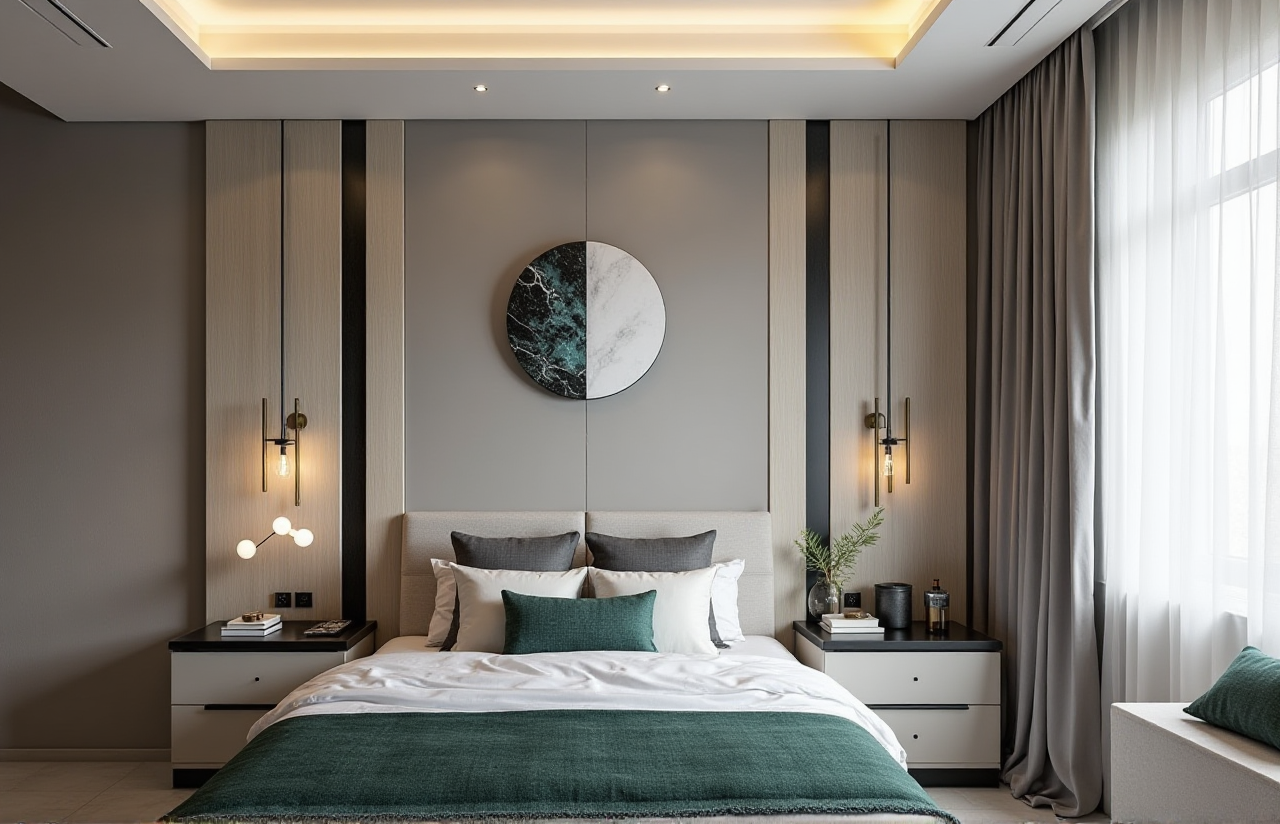
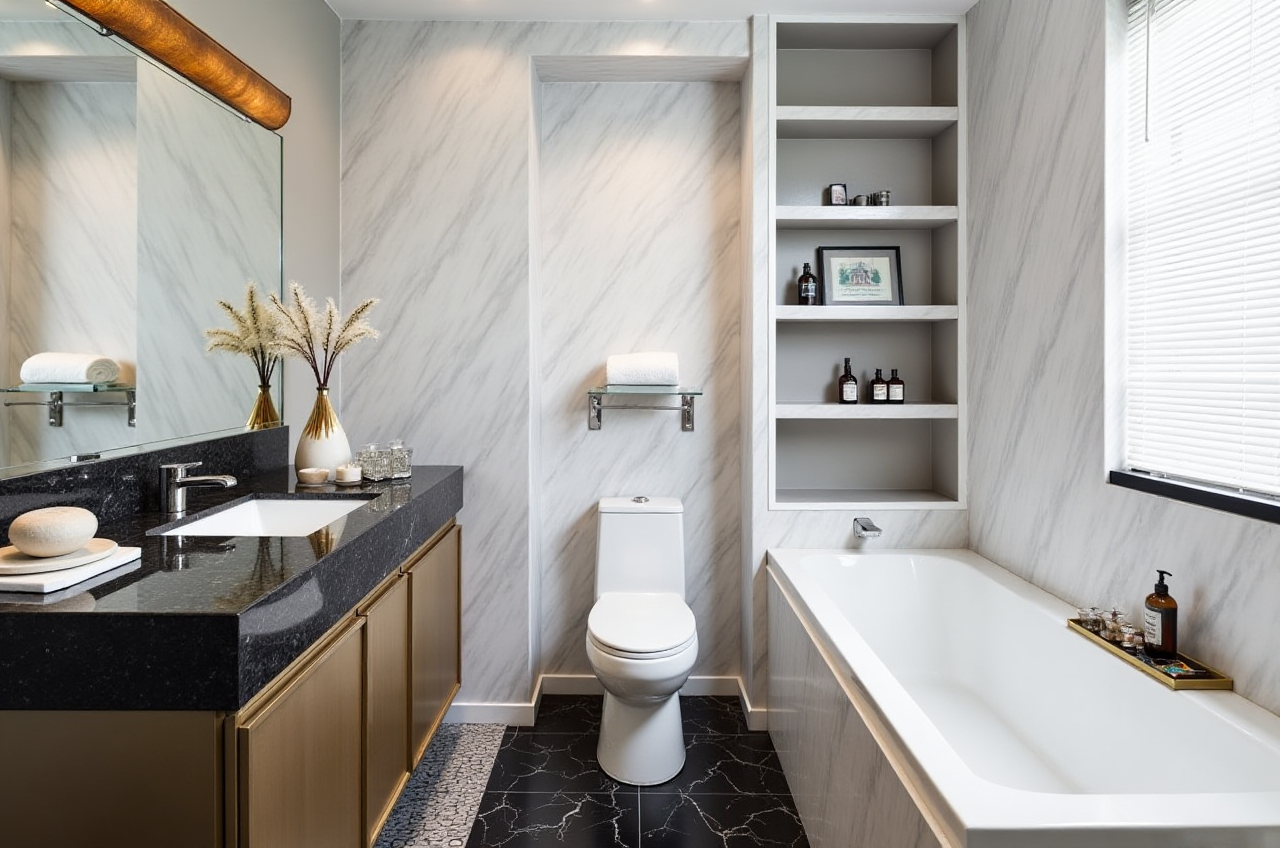
Generating high-quality, photorealistic 3D renderings used to be a time-consuming and costly process. With Sunvega, this is no longer the case. The AI-powered rendering engine can produce stunning visuals within minutes, allowing you to see your design concepts in a lifelike setting. This feature is particularly useful for getting a feel for the final look of your space and for presenting your ideas to clients or family members.
Floor-Plan Design Made Easy
Creating a functional and aesthetically pleasing floor plan is the foundation of any successful remodeling project. Sunvega’s free floor-plan design function allows you to easily draw and modify your layout, ensuring that every inch of space is utilized effectively. You can add walls, doors, windows, and even furniture to get a comprehensive view of your space.
Doors-and-Windows Customization
Sunvega goes beyond just floor plans by offering detailed customization options for doors and windows. This level of detail is crucial for achieving a cohesive and polished look in your home. You can choose from a wide variety of styles, materials, and finishes, and see how they integrate with the rest of your design in real-time.
House-Remodeling Design Solutions
For those embarking on a full-scale remodeling project, Sunvega provides robust house-remodeling design solutions. From kitchen renovations to complete home overhauls, the software supports every step of the process, from initial concept to final execution. The ability to visualize changes before making them can save both time and money, as well as reduce the stress often associated with large-scale projects.
How to Get Started with Sunvega
Step 1: Sign Up and Explore
Visit https://www.sunvega.com/ to sign up for a free account. Once registered, take some time to explore the various tools and features available. The website offers tutorials and guides to help you get started, and the community forums are a great place to find inspiration and advice from other users.
Step 2: Create Your First Project
Start by creating a new project and uploading a floor plan, or use the built-in tools to draw one from scratch. You can then begin adding walls, doors, and windows, and experiment with different layouts until you find the perfect configuration.
Step 3: Customize and Visualize
Once your basic layout is in place, it’s time to start customizing. Add furniture, change colors and materials, and use the AI one-click 3D rendering feature to see your design come to life. Don’t hesitate to try out different combinations; the beauty of Sunvega is that you can make as many adjustments as you like without any commitment.
Step 4: Share and Collaborate
If you’re working with a team or want to get feedback from others, Sunvega makes it easy to share your designs. You can export your 3D renders in various formats and even generate 720° VR panoramic tours for a fully immersive experience.
Real-World Success Stories
Case Study: Transforming a Small Apartment
One of the most inspiring stories comes from a young couple who used Sunvega to remodel their small apartment. By carefully planning the space and using the 3D visualization tools, they were able to maximize the available area and create a modern, functional living space. The AI one-click 3D rendering feature allowed them to see exactly how the finished space would look, which helped them make confident decisions about colors and materials.
Case Study: Full-Home Renovation
Another success story involves a full-home renovation where the homeowners, with the help of Sunvega, were able to completely redesign their living space. The detailed floor-plan design and doors-and-windows customization features enabled them to create a seamless and stylish interior. The result was a beautiful, modern home that perfectly reflected their personal style and needs.
Q&A: Common Questions About Sunvega
Q1: Is Sunvega suitable for beginners?
A1: Absolutely! Sunvega is designed to be user-friendly and accessible to everyone, regardless of their design experience. The intuitive interface and step-by-step tutorials make it easy for beginners to get started and create professional-looking designs.
Q2: Can I use Sunvega for commercial projects?
A2: Yes, Sunvega is versatile enough to be used for both residential and commercial projects. The advanced features, such as AI one-click 3D rendering and detailed customization options, make it a valuable tool for professionals working on a wide range of projects.
Q3: Are there any limitations to the free version?
A3: The free version of Sunvega includes all the essential tools needed for floor-plan design and 3D visualization. For more advanced features and higher-resolution renders, you may need to upgrade to a premium plan. However, the free version is more than sufficient for most DIY and small-scale projects.
Conclusion
Sunvega (AiHouse) is a game-changer in the world of home design and remodeling. With its powerful AI-driven features, user-friendly interface, and extensive customization options, it offers everything you need to bring your vision to life. Whether you’re planning a small update or a full-scale renovation, Sunvega is the perfect tool to help you achieve your goals. Visit https://www.sunvega.com/ today to start your journey towards a beautifully designed home.