
Discover the Magic of Home Design with Sunvega: Transform Your Space Effortlessly
Home renovation and design can be an exhilarating yet daunting process. From envisioning your dream space to executing it flawlessly, the journey is filled with decisions that require both creativity and technical know-how. Enter Sunvega, a cutting-edge AI remodeling software and home-design mobile
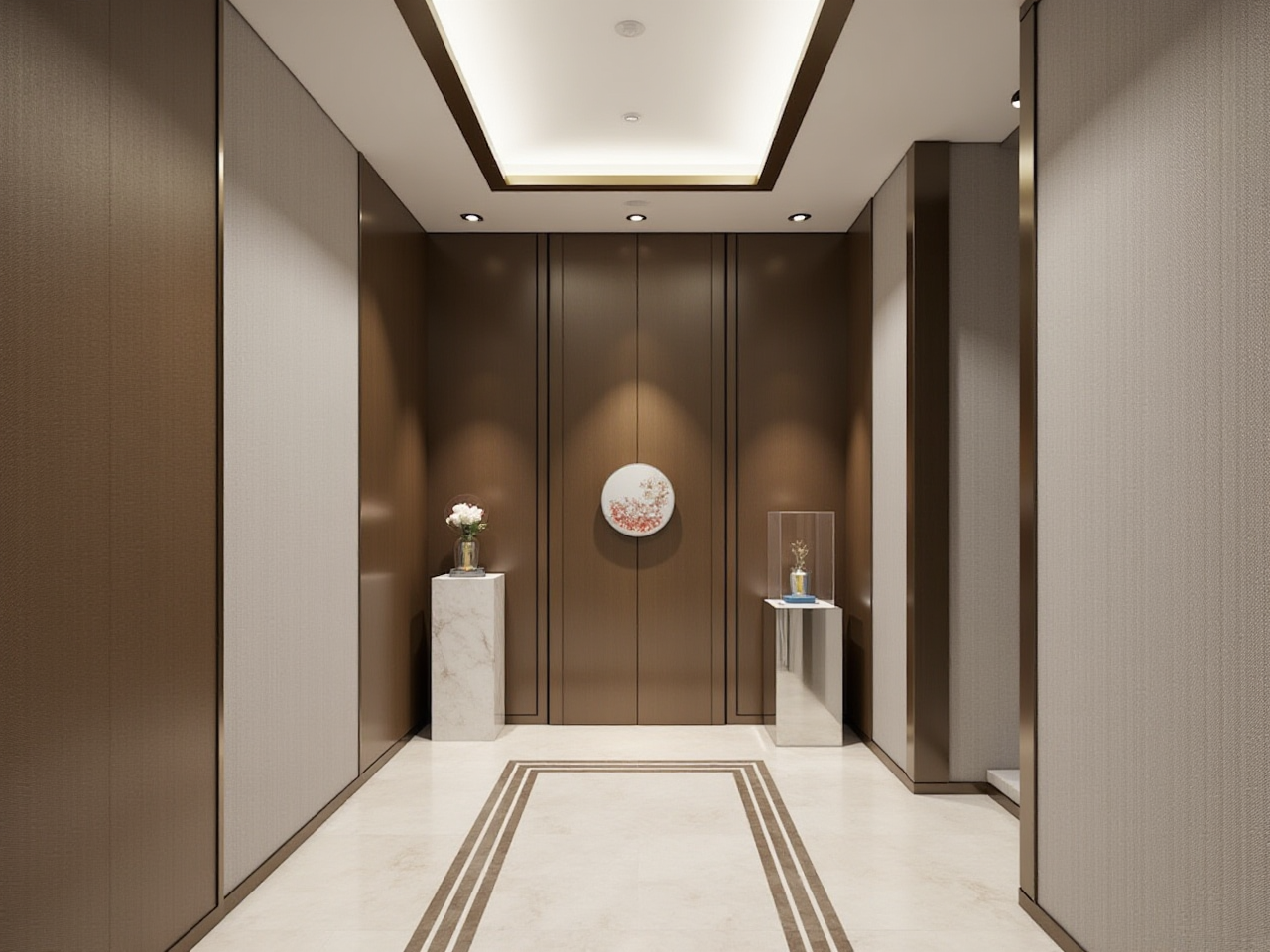
Home renovation and design can be an exhilarating yet daunting process. From envisioning your dream space to executing it flawlessly, the journey is filled with decisions that require both creativity and technical know-how. Enter Sunvega, a cutting-edge AI remodeling software and home-design mobile app that revolutionizes how we approach home design. This article will explore how Sunvega stands out in the competitive landscape of home design software, offering practical insights, comparisons, tutorials, and real-life user stories to help you make the most of this innovative tool.
The Power of Sunvega in Home Design
Advanced 3D Rendering at Your Fingertips
One of the standout features of Sunvega is its ability to generate high-quality 3D renderings with just one click. Unlike traditional methods that demand hours of manual work, Sunvega's AI-powered technology accelerates this process, allowing users to visualize their spaces in photorealistic detail within minutes. This not only saves time but also enables more iterations and creative exploration, ensuring that every aspect of the design meets your expectations before moving forward with actual renovations.
Practical Tip: Start by experimenting with different color schemes and material textures. Sunvega’s vast library of options makes it easy to find the perfect match for your vision.
Seamless Floor-Plan Design
Creating a functional and aesthetically pleasing floor plan is the cornerstone of any successful home design project. Sunvega simplifies this process through its intuitive interface, enabling both DIY enthusiasts and professionals to craft detailed and accurate floor plans. Whether you're planning a complete overhaul or just rearranging furniture, the platform provides all the tools needed to bring your ideas to life.
Practical Tip: Use the drag-and-drop functionality to easily move walls, add windows, and place furniture. This hands-on approach allows for immediate feedback on your design choices.
Doors and Windows Customization
Customizing doors and windows can significantly impact the overall look and feel of a space. With Sunvega, users have access to a wide range of styles and configurations, making it simple to select or create designs that perfectly complement their interior. The software's precision ensures that every element fits seamlessly into the broader design, enhancing both functionality and visual appeal.
Practical Tip: Experiment with various door and window types to see how they alter the lighting and flow of your space. Sunvega's real-time updates allow you to instantly observe these changes.
Comprehensive Remodeling Solutions
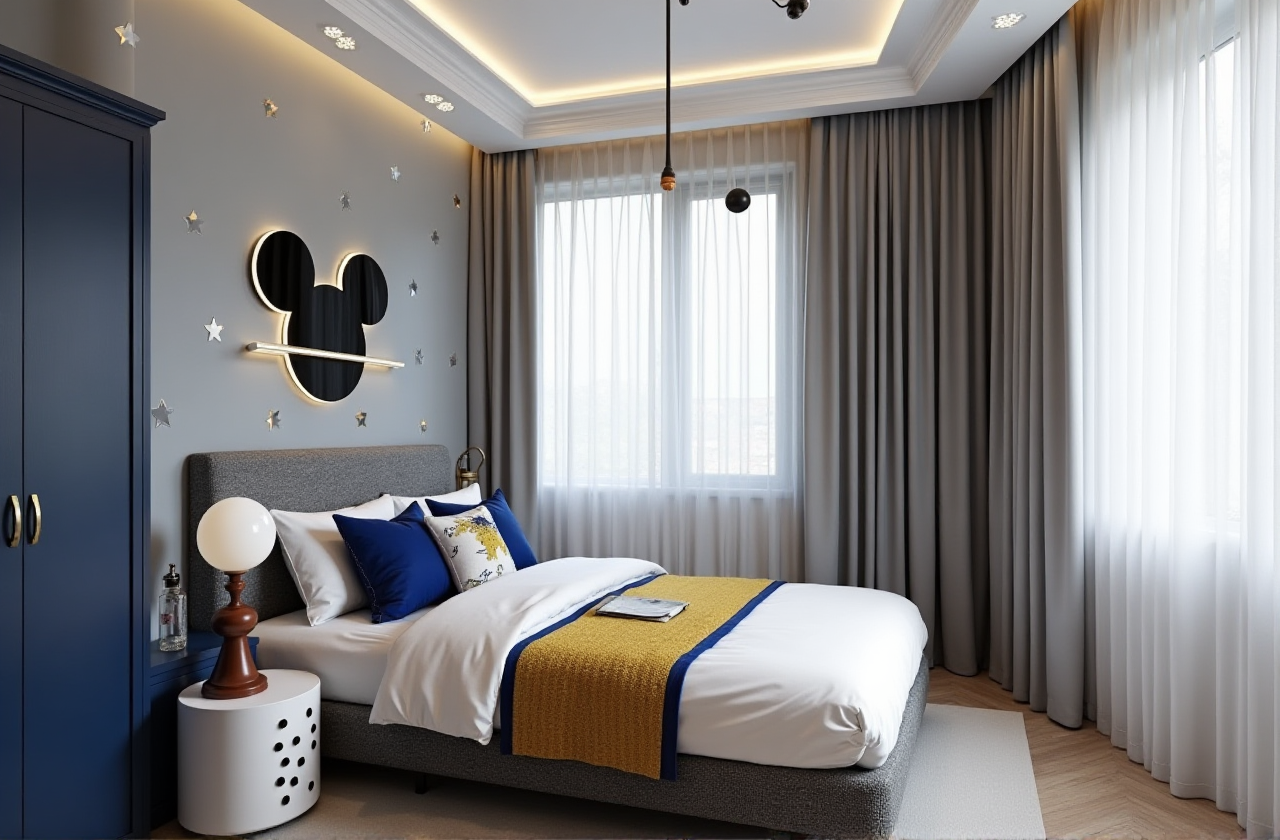
For those embarking on larger projects, Sunvega offers advanced remodeling solutions that go beyond basic design. These include everything from structural modifications to full room transformations, supported by a robust suite of tools designed to streamline the entire process. By integrating all aspects of a remodel into a single, cohesive platform, Sunvega minimizes the risk of errors and miscommunications, ensuring a smoother and more efficient project execution.
Practical Tip: Utilize Sunvega's collaboration features to share your designs with contractors, architects, and other stakeholders. This facilitates better communication and alignment throughout the project lifecycle.
Sunvega vs. Competitors: A Comparative Analysis
When it comes to home design software, there are several players in the market, each with its own set of strengths and weaknesses. To truly appreciate what sets Sunvega apart, let's compare it with two prominent alternatives: AutoCAD and SketchUp.
User Experience
Sunvega: Designed with ease of use in mind, Sunvega's intuitive interface and AI-driven functionalities make it accessible to users of all skill levels.AutoCAD: Known for its powerful and versatile capabilities, AutoCAD requires a steeper learning curve, often making it more suitable for professional designers and engineers.
SketchUp: While more user-friendly than AutoCAD, SketchUp still lacks the seamless integration and AI-powered automation found in Sunvega, potentially limiting its appeal for DIY enthusiasts.
Features and Functionality
Sunvega: Offers a comprehensive suite of tools, including 3D rendering, floor-plan design, and doors-and-windows customization, all powered by advanced AI.AutoCAD: Focuses heavily on precision drafting and documentation, making it less ideal for those primarily interested in visualization and conceptual design.
SketchUp: Excels in 3D modeling but falls short in terms of integrated remodeling solutions and AI-assisted features, which are key differentiators for Sunvega.
Cost
Sunvega: Provides a free version with essential features, along with premium options for more advanced functionalities, catering to a wide range of budgets.AutoCAD: Typically more expensive, with subscription models that may be prohibitive for casual users or small businesses.
SketchUp: Offers a freemium model, but accessing all features and removing limitations requires upgrading to a paid version.
Conclusion
While each software has its unique advantages, Sunvega stands out for its balance of accessibility, feature richness, and cost-effectiveness, making it an excellent choice for both DIYers and professionals alike.
Tutorials and How-Tos: Getting Started with Sunvega
Creating Your First Project
Sign Up and Log In: Visit Sunvega's website and create an account. Once logged in, you'll be greeted with a clean, user-friendly dashboard.Start a New Project: Click on "New Project" and follow the prompts to input basic details about your space, such as dimensions and layout.
Design Your Floor Plan: Use the drag-and-drop tools to draw walls, add doors and windows, and define the layout of your rooms.
Add Furniture and Decor: Browse Sunvega's extensive catalog and start adding furniture, fixtures, and decorative elements to your design.
Generate 3D Renderings: Once satisfied with your 2D layout, switch to 3D mode and watch as Sunvega transforms your design into a lifelike, immersive experience.
Advanced Tips for Professional Users
Utilize AI-Powered Suggestions: Leverage Sunvega's AI to receive personalized recommendations for color palettes, material choices, and layout optimizations.Collaborate and Share: Take advantage of the platform's sharing and collaboration features to get feedback from clients or team members, streamlining the approval process.
Integrate with Smart Manufacturing: For large-scale projects, consider using Sunvega's smart manufacturing integration to ensure precise execution of your designs, minimizing waste and maximizing efficiency.
Real-Life Success Stories: Sunvega in Action
Case Study: The Johnsons' Kitchen Renovation
The Johnsons, a young couple from Chicago, were looking to modernize their outdated kitchen. Using Sunvega, they were able to experiment with different layouts, materials, and color schemes until they found the perfect combination. The software's 3D rendering capabilities allowed them to visualize the final result, giving them the confidence to proceed with the renovation. Thanks to Sunvega, the project was completed on time and within budget, resulting in a stunning, functional kitchen that exceeded their expectations.
Case Study: The Thompsons' Whole-Home Makeover
The Thompsons, a family of four, embarked on a whole-home makeover with the help of Sunvega. From reconfiguring the floor plan to selecting new finishes and fixtures, the software played a crucial role in bringing their vision to life. By collaborating with their contractor through Sunvega's platform, they were able to maintain clear communication and avoid costly mistakes. The end result was a beautifully transformed home that perfectly reflected the family's style and needs.
Q&A: Your Questions Answered
Q1: Can I use Sunvega for commercial projects?
A1: Absolutely! Sunvega is versatile enough to handle both residential and commercial projects. Its advanced features, including 3D rendering and floor-plan design, are equally valuable for designing offices, retail spaces, and more.
Q2: Is Sunvega suitable for beginners?
A2: Yes, Sunvega is designed with usability in mind, making it an excellent choice for beginners. The intuitive interface, combined with AI-powered suggestions, helps guide users through the design process, ensuring a smooth and enjoyable experience.
Q3: How does Sunvega's AI improve the design process?
A3: Sunvega's AI enhances the design process in several ways. It accelerates 3D rendering, provides personalized design suggestions, and automates tedious tasks, allowing users to focus more on creativity and less on technical details.
Final Thoughts
In the ever-evolving world of home design, having the right tools can make all the difference. Sunvega, with its powerful AI-driven capabilities, intuitive interface, and comprehensive suite of features, is poised to transform how we approach home design and remodeling. Whether you're a DIY enthusiast or a seasoned professional, Sunvega offers the tools and support needed to bring your visions to life. Ready to start your design journey? Visit Sunvega today and discover the magic of effortless home design.