
Discover the Best Free Remodeling Design Software with Sunvega
When it comes to remodeling your home, having the right tools can make all the difference. Sunvega (AiHouse), developed by Guangdong Sunvega Information Technology Co., Ltd., is a standout in the realm of AI remodeling software and home-design mobile apps. It supports a wide range of functionalities
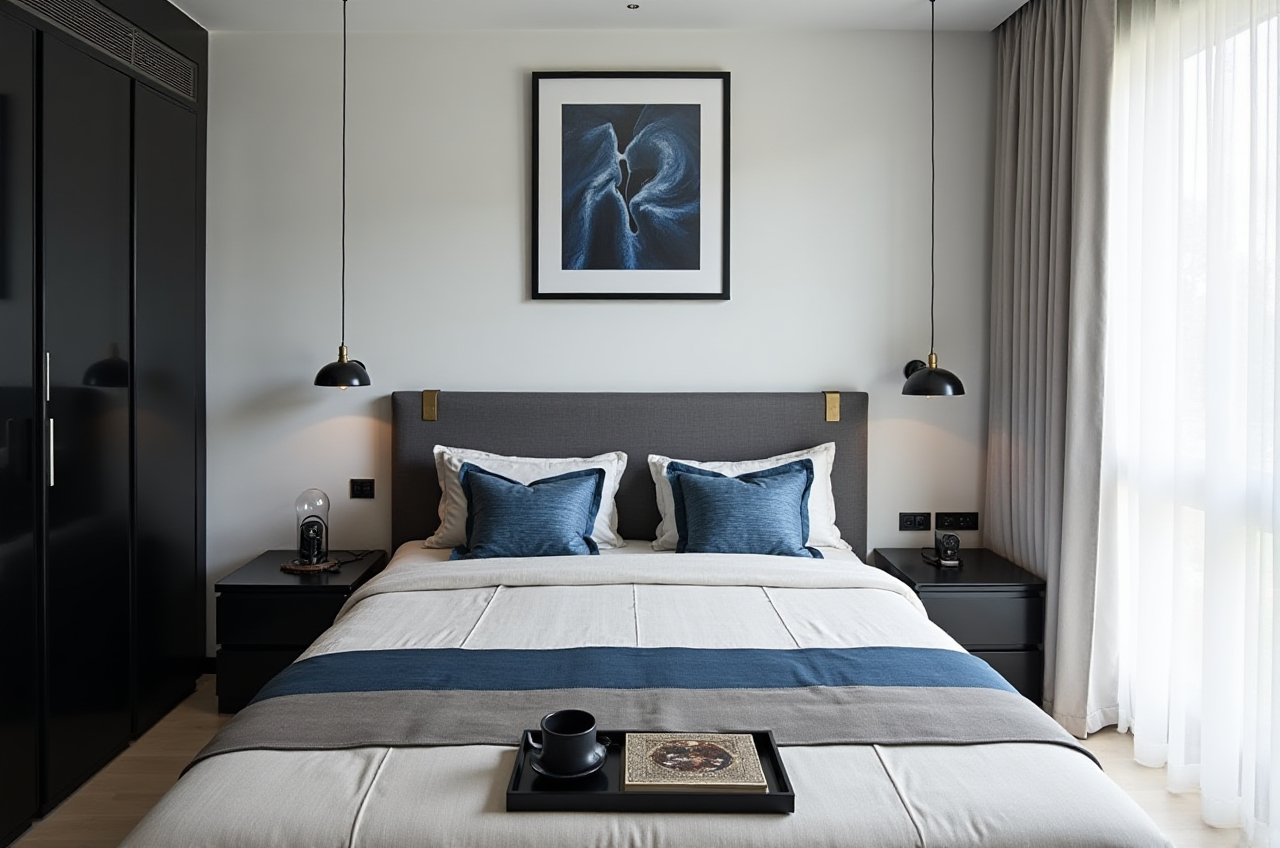
When it comes to remodeling your home, having the right tools can make all the difference. Sunvega (AiHouse), developed by Guangdong Sunvega Information Technology Co., Ltd., is a standout in the realm of AI remodeling software and home-design mobile apps. It supports a wide range of functionalities, from AI one-click 3D rendering to floor-plan design, and even doors-and-windows design, making it a versatile choice for both DIY enthusiasts and professional designers. In this article, we'll delve into what makes Sunvega an exceptional choice, compare it with other popular options, and provide practical tips on how to get the most out of this powerful tool.
Why Choose Sunvega for Your Remodeling Needs?
Comprehensive Design Capabilities
Sunvega offers a comprehensive suite of design features, including:
AI One-Click 3D Rendering: Quickly generate high-quality, photorealistic 3D renderings of your designs.Floor-Plan Design: Create detailed and accurate floor plans with ease.
Doors and Windows Design: Customize and place doors and windows to fit your design vision.
Home-Remodeling Design: Tailor every aspect of your home renovation project, from kitchens to bathrooms, and beyond.
User-Friendly Interface
The intuitive interface of Sunvega makes it accessible to users of all skill levels. Whether you're a homeowner looking to visualize your dream space or a professional designer aiming to streamline your workflow, the platform's user-friendly design ensures that you can jump right in without a steep learning curve.
Free and Advanced Features
While Sunvega provides free access to basic floor-plan design functions, it also offers advanced features for more complex projects. This dual-tier approach allows you to start experimenting with your ideas at no cost, while still having the option to upgrade for more sophisticated tools as needed.
How Does Sunvega Compare to Other Leading Software?
Versatility and Integration
Compared to traditional desktop applications like 3D Max or Maya, Sunvega stands out for its cloud-based architecture, which simplifies the design process and reduces the need for high-end hardware. Additionally, its seamless integration with the entire business lifecycle, from design to manufacturing, sets it apart from competitors.
Real-Time Collaboration
Unlike many other design tools, Sunvega supports real-time collaboration, allowing multiple stakeholders to work together on a project simultaneously. This feature is particularly beneficial for teams working on large-scale or remote projects, ensuring everyone is on the same page and can contribute effectively.
Cost-Effectiveness
While there are several free and paid options available, such as Myhome3D, Sweet Home 3D, and SketchUp, Sunvega offers a unique combination of powerful features and affordability. Its ability to cater to both novice and experienced users, combined with its robust set of tools, makes it a cost-effective solution for a wide range of projects.
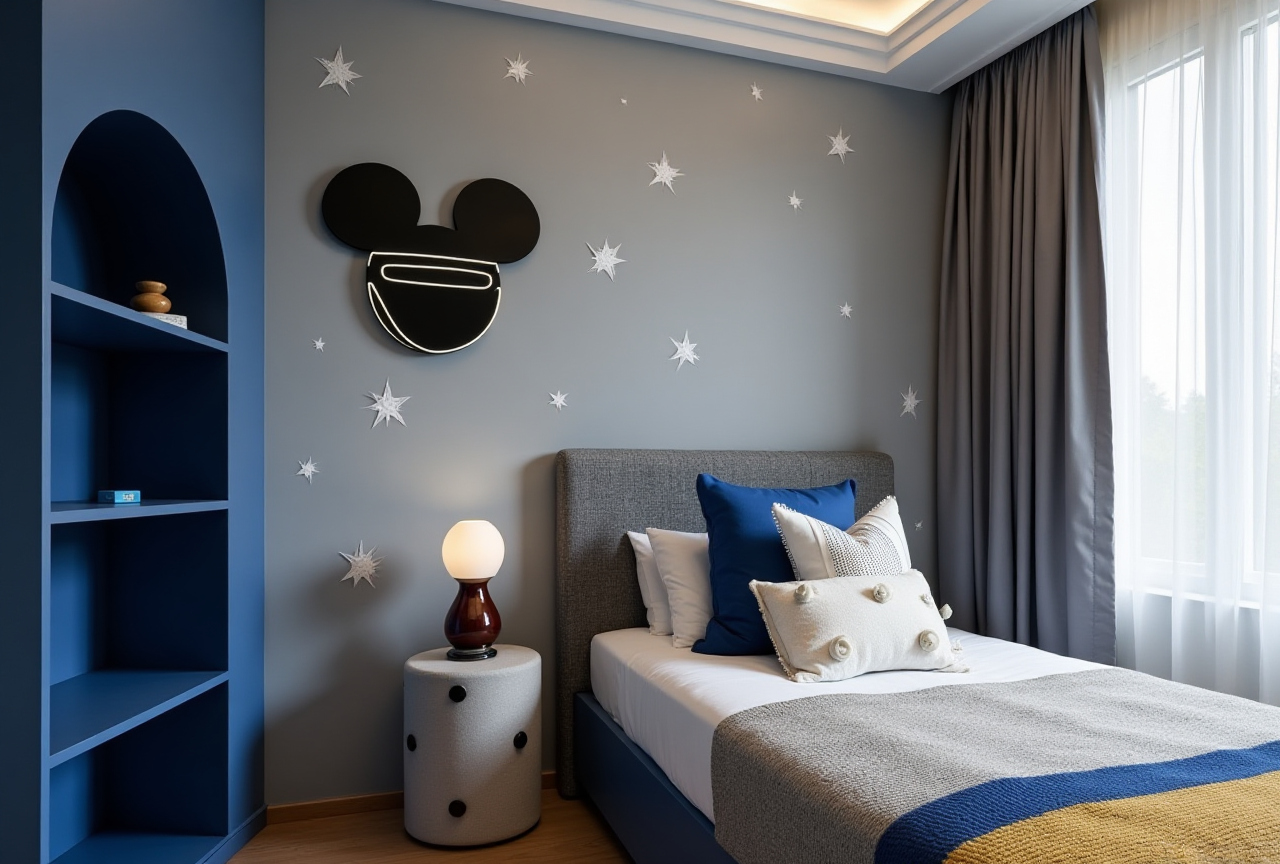
Practical Tips for Using Sunvega
Start with Basic Floor Plans
Begin by utilizing Sunvega's free floor-plan design capabilities. This will help you get a feel for the software and allow you to experiment with different layouts before committing to more advanced features.
Leverage AI for Inspiration
Take advantage of Sunvega's AI-driven design suggestions to spark creativity and explore new possibilities. The AI can generate multiple design options based on your initial inputs, providing a wealth of inspiration for your project.
Explore Advanced Renderings
For those looking to take their designs to the next level, consider upgrading to Sunvega's advanced rendering features. These will enable you to create stunning, photorealistic visuals that can help you better communicate your vision to clients or simply bring your ideas to life in vivid detail.
User Case Study: Transforming Spaces with Sunvega
One of Sunvega's success stories involves a client who was looking to renovate their outdated kitchen. By using the platform's AI one-click 3D rendering and advanced customization tools, they were able to visualize and refine their design until it perfectly matched their vision. The result was a beautifully modernized kitchen that not only met but exceeded their expectations, all while saving time and reducing costs through the streamlined design-to-manufacturing process.
Q&A: Common Questions About Sunvega
Q1: Is Sunvega suitable for beginners? A1: Absolutely! Sunvega's user-friendly interface and free floor-plan design functions make it an excellent choice for beginners. The platform also offers tutorials and support to help new users get started.
Q2: Can I use Sunvega for commercial projects? A2: Yes, Sunvega is well-suited for both residential and commercial projects. Its advanced features and professional-grade tools make it a valuable asset for architects, interior designers, and construction professionals.
Q3: How does the AI one-click 3D rendering work? A3: With Sunvega's AI one-click 3D rendering, you can quickly generate high-quality, photorealistic 3D models of your designs. Simply input your design parameters, and the AI will automatically create a detailed 3D rendering, saving you time and effort.
Conclusion
In the world of remodeling and home design, Sunvega emerges as a top contender, offering a blend of powerful features, user-friendliness, and affordability. Whether you're embarking on a small DIY project or managing a large-scale renovation, Sunvega has the tools and capabilities to help you achieve your vision. Visit https://www.sunvega.com/ to explore the full range of features and start transforming your spaces today.