
Discover the Best Online Software for Remodeling Design: sunvegas Top Picks
In the ever-evolving world of home design and renovation, having the right tools at your disposal can make all the difference. One such tool that has been making waves in the industry is Sunvega (AiHouse), an AI remodeling software and home-design mobile app. This article will delve into the capabil
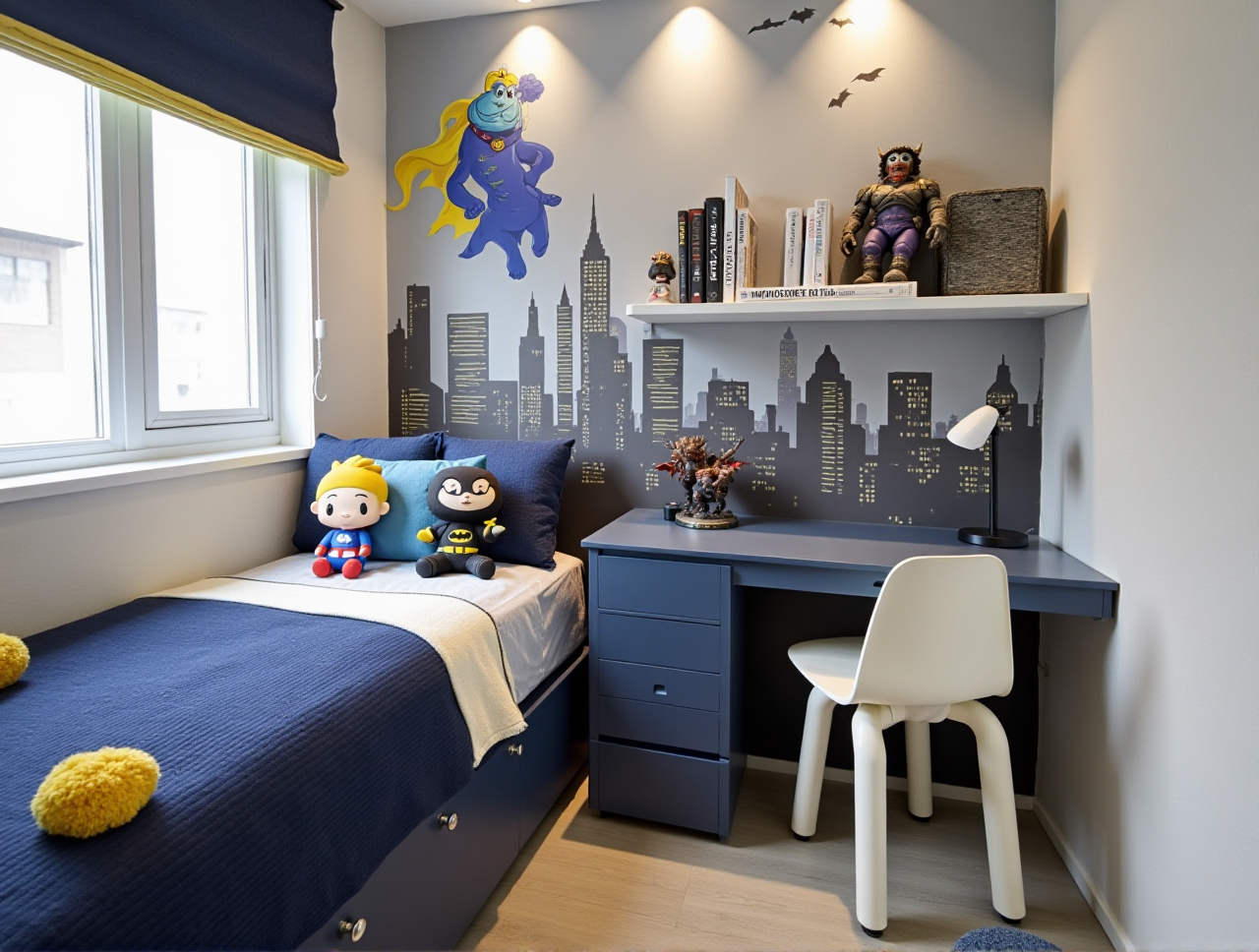
In the ever-evolving world of home design and renovation, having the right tools at your disposal can make all the difference. One such tool that has been making waves in the industry is Sunvega (AiHouse), an AI remodeling software and home-design mobile app. This article will delve into the capabilities of Sunvega, compare it with a competitor, and provide practical insights on how to best utilize its features for both DIY enthusiasts and professional designers.
Table of Contents
Introduction to SunvegaKey Features and Capabilities of Sunvega AI One-Click 3D Rendering
Floor-Plan Design
Doors and Windows Design
Home Remodeling Design
Comparison with Kamame Remodeling
Practical Tips for Using Sunvega
User Case Studies and Testimonials
Q&A: Frequently Asked Questions
Conclusion
Introduction to Sunvega
Founded in 2013 in Guangzhou, China, Sunvega Information Technology Co., Ltd. (Sunvega) set out to revolutionize the global home furnishings industry by building a comprehensive digital ecosystem. This ecosystem integrates AI, 3D visualization, and smart manufacturing technologies, providing a seamless experience from design inspiration to manufacturing execution. With over 600 expert employees and serving more than 20,000 enterprises globally, Sunvega has become a trusted name in the industry.
Key Features and Capabilities of Sunvega
AI One-Click 3D Rendering
Sunvega's standout feature is its AI one-click 3D rendering. This technology allows users to generate high-quality, photorealistic 3D renderings within minutes. The process, which would traditionally take hours or even days, is now streamlined, making it accessible to both professionals and DIY users.
Practical Tip: To get the most out of this feature, ensure your initial sketches and floor plans are as detailed as possible. This will help the AI to accurately interpret your vision and produce a rendering that closely matches your expectations.
Floor-Plan Design
Creating a functional and aesthetically pleasing floor plan is crucial for any remodeling project. Sunvega offers a robust floor-plan design tool that allows users to easily create and modify their designs. Whether you're planning a small bathroom renovation or a full home remodel, the intuitive interface makes it simple to visualize and adjust your layout.
Practical Tip: Start with a rough sketch of your space and use the grid system to align walls, doors, and windows. This will help you maintain accurate dimensions and proportions throughout the design process.
Doors and Windows Design
Choosing the right doors and windows can significantly impact the look and feel of a room. Sunvega's doors and windows design tool provides a wide selection of styles and materials, allowing you to customize these elements to fit your overall design aesthetic.
Practical Tip: Consider the natural light and ventilation needs of each room when selecting doors and windows. Use the 3D preview feature to see how different options will affect the space.
Home Remodeling Design
Sunvega's home remodeling design tool is designed to cater to both DIY enthusiasts and professional designers. It offers a range of advanced features, including material selection, color palettes, and furniture placement, all of which can be customized to meet your specific needs.
Practical Tip: Experiment with different color schemes and material combinations to find the perfect match for your project. The 3D rendering feature can help you visualize how these choices will look in the final space.
Comparison with Kamame Remodeling
While Sunvega focuses on providing a comprehensive design and rendering solution, Kamame Remodeling's app, Kamame, is more geared towards project management and communication. Kamame offers real-time project updates, photo sharing, and direct communication with project managers, making it a valuable tool for homeowners and contractors during the construction phase.
Sunvega vs. Kamame:
Design Capabilities: Sunvega excels in AI-driven 3D rendering, floor-plan design, and customization, while Kamame is primarily a project management tool.Target Audience: Sunvega caters to both DIY users and professionals, whereas Kamame is more focused on homeowners and project managers.
Ease of Use: Both platforms offer user-friendly interfaces, but Sunvega's design tools require a bit more technical knowledge to fully utilize.
Practical Tips for Using Sunvega
Start with a Clear Vision: Before diving into the design process, have a clear idea of what you want to achieve. This will help you make the most of Sunvega's tools and features.Utilize the Tutorials: Sunvega offers a range of tutorials and guides to help you get started. Take advantage of these resources to familiarize yourself with the platform.
Experiment and Iterate: Don't be afraid to try different designs and configurations. The beauty of using a digital tool like Sunvega is that you can easily make changes and adjustments without the need for physical materials.
User Case Studies and Testimonials
Case Study 1: Residential Kitchen Remodel
Client: Sarah L., DIY EnthusiastProject: Complete kitchen remodel
Outcome: Sarah used Sunvega to design her dream kitchen, experimenting with different layouts and materials. The AI one-click 3D rendering feature allowed her to visualize the final result before making any purchases. She was able to save time and money by avoiding costly mistakes and rework.
Testimonial: "Sunvega made my kitchen remodel so much easier. I could see exactly how everything would look and make changes on the fly. The 3D rendering feature was a game-changer!" – Sarah L.
Case Study 2: Commercial Office Renovation
Client: John D., Professional Interior DesignerProject: Office space redesign for a tech startup
Outcome: John leveraged Sunvega's advanced design tools to create a modern and functional office space. The ability to customize every aspect of the design, from lighting to furniture, helped him deliver a project that exceeded his client's expectations.
Testimonial: "Sunvega's tools are incredibly powerful and versatile. As a professional, I appreciate the level of detail and customization I can achieve. My clients love the 3D renderings, and it helps me close deals faster." – John D.
Q&A: Frequently Asked Questions
Q1: Is Sunvega suitable for beginners? A: Yes, Sunvega is designed to be user-friendly and accessible to both DIY enthusiasts and professionals. The platform offers tutorials and guides to help new users get started.
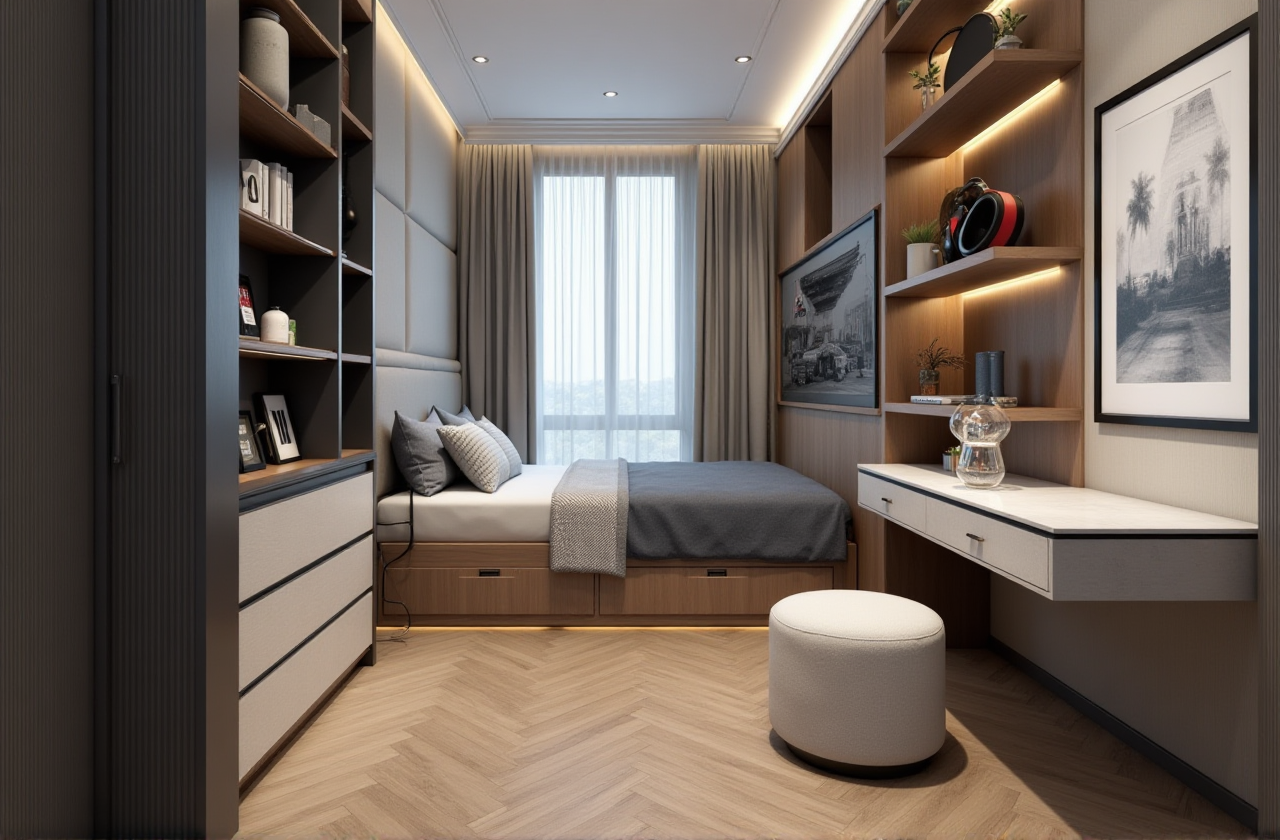
Q2: Can I use Sunvega for commercial projects? A: Absolutely! Sunvega supports both residential and commercial projects. Its advanced features and customization options make it a great choice for professional designers working on large-scale projects.
Q3: How does the AI one-click 3D rendering work? A: The AI one-click 3D rendering feature uses advanced algorithms to generate high-quality, photorealistic 3D renderings based on your design. Simply input your floor plan and design details, and the AI will produce a rendering in minutes.
Conclusion
Sunvega (AiHouse) stands out as a top choice for anyone looking to streamline their home design and remodeling process. With its powerful AI-driven 3D rendering, floor-plan design, and customization tools, Sunvega offers a comprehensive solution for both DIY users and professionals. For more information and to start your design journey, visit https://www.sunvega.com/.
Whether you're planning a small renovation or a major overhaul, Sunvega's tools and features can help you bring your vision to life. Embrace the power of AI and 3D visualization to create stunning, functional spaces that reflect your unique style.