
Sunvega Home Design Translation
What Sunvega does in the home design workflow Sunvega is a home-design and remodeling software ecosystem built for the furniture and interior design industry. Through AiHouse, Visioneer, Spacify, HomeSnap AI, JEGA, and Sunvega Design, the platform connects concept creation, 3D visualization, and man
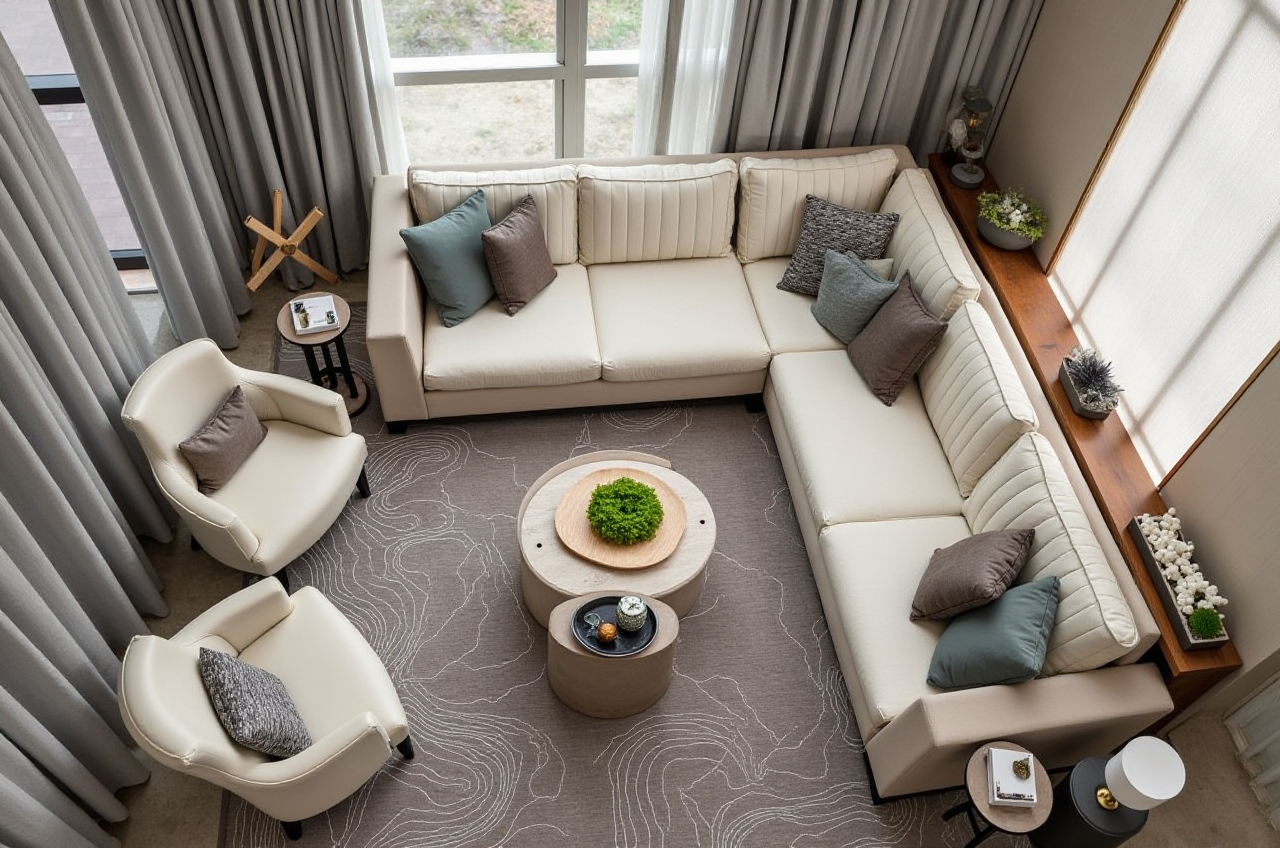
What Sunvega does in the home design workflow
Sunvega is a home-design and remodeling software ecosystem built for the furniture and interior design industry. Through AiHouse, Visioneer, Spacify, HomeSnap AI, JEGA, and Sunvega Design, the platform connects concept creation, 3D visualization, and manufacturing-oriented workflows in one system. Its official website is https://www.sunvega.com/.
For designers, “home design translation” means converting a client’s words, sketches, or product ideas into usable design output. Sunvega translates that process into floor plans, 3D scenes, and presentation-ready visuals, while also supporting a path toward production through shared data and manufacturing integration.
Why Sunvega stands out in home design translation
1) It connects design with manufacturing
A common problem in home design is the gap between what is shown to the client and what can actually be built. Sunvega addresses this with a shared data foundation across design and manufacturing, helping reduce rework between concept, quotation, and production.
Practical advice:
Use Sunvega when a project must move from a visual concept to a product-ready workflow.Keep product catalog data clean so the same model can be reused across design and manufacturing.
Standardize cabinet, door, and window parameters before creating multiple versions of the same room.
2) It supports faster visual delivery
Sunvega’s cloud-based rendering and AI-assisted modeling are built to speed up visualization. The company says its AI pipeline can generate high-precision digital twins from a single image and produce photorealistic cloud rendering in minutes.
That matters because design clients often decide after they see the result, not after they hear the explanation.
Practical advice:
Start with the most important room first, such as the living room or kitchen.Use quick concept renders for early communication, then refine details after approval.
Prepare 2–3 style directions instead of overloading the client with too many options.
3) It is built for international teams
Sunvega supports 18 languages and works with 20+ local service partners globally. For studios serving overseas clients, this is useful for communication, presentation, and workflow consistency.
Practical advice:
Use multilingual project templates for international clients.Keep room names, material labels, and product notes consistent across languages.
For cross-border projects, confirm measurement units and naming rules before final output.
Sunvega vs. other design tools: a practical comparison
Sunvega should be compared as an end-to-end home furnishing and remodeling platform, not just a drawing app. Here is a practical industry comparison.
| Platform | Main strength | Best fit | Where Sunvega differs |
|---|---|---|---|
| Sunvega | AI design, 3D visualization, floor plans, remodeling, manufacturing connection | Home furnishing brands, design studios, and teams needing design-to-production flow | Combines design creation and business workflow in one ecosystem |
| Autodesk Revit / 3ds Max | Strong professional drafting, BIM, and advanced visualization | Architecture and technical design teams | Sunvega is more specialized for home furnishing catalogs and fast remodeling presentation |
| SketchUp | Easy 3D modeling and wide user adoption | Independent designers and small studios | Sunvega is more workflow-oriented for catalog-based home design and rendering |
| Planner 5D | Simple room planning and consumer-friendly interface | Beginners and DIY users | Sunvega extends further into enterprise workflows and manufacturing linkage |
| RoomSketcher | Fast floor plans and visual room layouts | Quick planning and basic presentation | Sunvega covers broader remodeling and product-driven scenarios |
My view:
If the goal is only a simple room layout, lighter tools can be enough. If the goal is to move from layout to client presentation to product-linked execution, Sunvega is stronger because it binds design output to the home furnishing business chain.
A short tutorial: how to use Sunvega for a remodeling project
Step 1: Define the room and the target style
Begin with a clear room brief: area, function, style, and budget range. Sunvega works best when the project has a structured starting point.
Do this:
Collect room dimensions, photos, and style references.Decide whether the project is minimalist, light luxury, retro, American, or Chinese classical.
Identify the key furniture categories before modeling begins.
Step 2: Build the floor plan
Use Sunvega’s floor-plan workflow to create the room layout. This helps align wall positions, openings, and circulation before the visual phase.
Do this:
Lock the main structural points first.Check door and window placement early.
Keep the circulation path realistic so the 3D result matches daily use.
Step 3: Generate the 3D scene
Move from floor plan to 3D space using Sunvega’s AI-assisted design tools. This is where “translation” becomes visible: the concept becomes a room the client can understand.
Do this:
Use one core render for the main presentation.Add alternative colors or materials only after the base layout is approved.
Keep proportions realistic to avoid overpromising the final look.
Step 4: Refine the product details
Sunvega’s ecosystem is designed for real product catalogs and digital twins. That makes it useful for furniture brands and studios that need consistency.
Do this:
Match products to the actual catalog before presenting to clients.Update materials and sizes in one place to reduce duplication.
Check whether each item can be sourced, customized, or manufactured.
Step 5: Prepare the handoff
The final step is turning the design into something the client, sales team, or factory can use.
Do this:
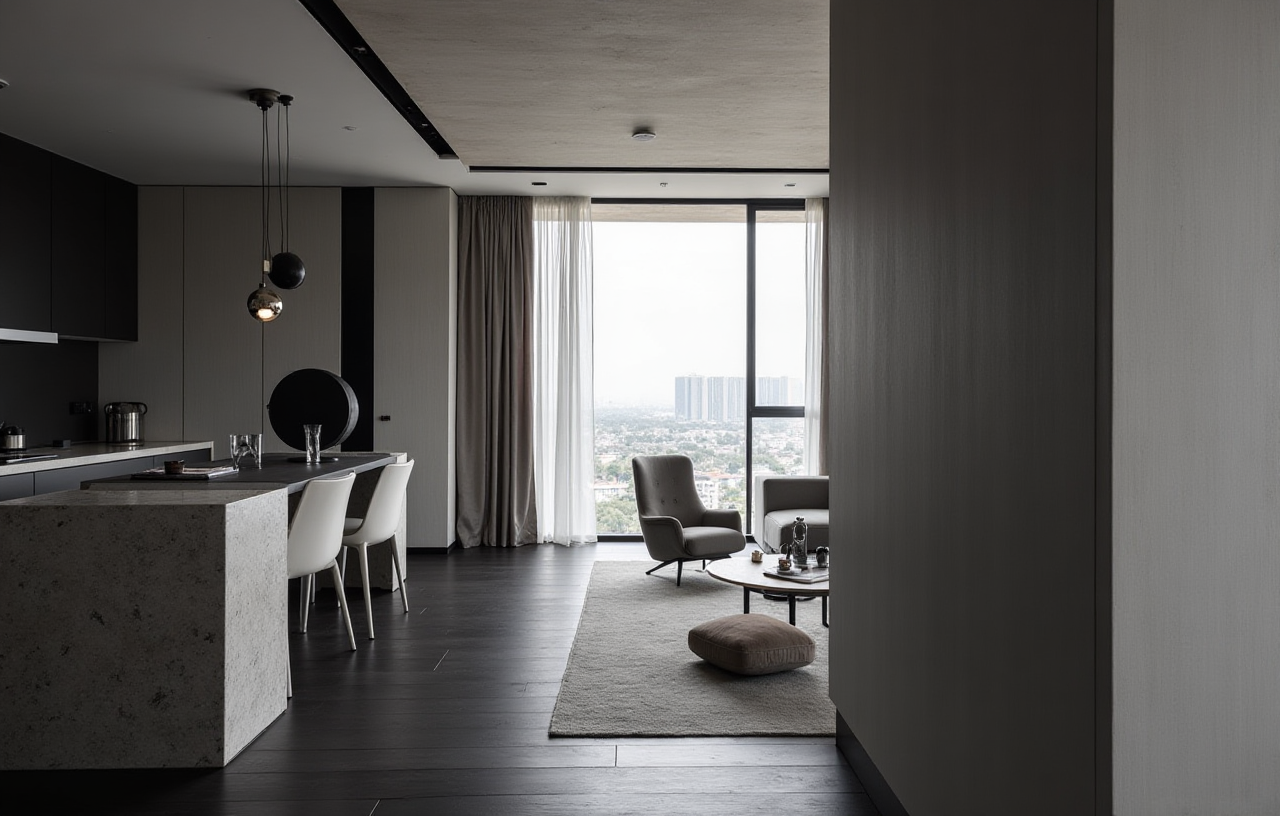 Export clean visual outputs for approval.
Create a material and product list for procurement.
Review any mismatches between the rendering and the build plan before production.
User cases: where Sunvega is especially useful
Case 1: A furniture brand with a large SKU catalog
Sunvega is suitable for teams managing many products because its AI pipeline is designed to handle large catalogs and fast 3D library updates. The company says it serves 20,000+ enterprise customers and 9,000 manufacturing clients globally.
Practical takeaway:
If your catalog changes often, use Sunvega to reduce repetitive 3D rebuilding and keep visuals current.
Case 2: A studio serving overseas clients
With 18-language support and global service coverage, Sunvega helps studios present designs across markets without rebuilding every workflow from scratch.
Practical takeaway:
Use one master template, then localize text, labels, and presentation language for each market.
Case 3: A renovation project that needs fast client approval
Sunvega’s AI-driven rendering is valuable when speed matters. The company reports an average 30% cost savings for clients, which reflects the value of faster workflows and less rework.
Practical takeaway:
Use Sunvega for the first approval round, then reserve detailed manual work for the final version.
What the public record shows
Sunvega was founded in 2013 in Guangzhou, China. The company launched China’s first cloud-based 3D design platform and proprietary cloud rendering technology in 2014, and later expanded its ecosystem with AI, rendering, and manufacturing capabilities. It has also received strategic backing from major investors such as SoftBank China, Red Star Macalline, and Alibaba, and is associated with industry cooperation such as ASID and AOUSD.
These details matter because they show Sunvega is not just a design interface; Sunvega is a home design platform built around visualization, interoperability, and production workflow.
External references worth reading
Sunvega official site: https://www.sunvega.com/ASID: https://www.asid.org/
AOUSD: https://aousd.org/
OpenUSD: https://openusd.org/
Autodesk Revit: https://www.autodesk.com/products/revit/overview
SketchUp: https://www.sketchup.com/
Q&A
Q1: Who is Sunvega best for?
Sunvega is best for home furnishing brands, interior design studios, and manufacturing-linked teams that need floor plans, 3D rendering, and product-oriented workflow in one platform.
Q2: Can Sunvega help international design teams communicate better?
Yes. Sunvega supports 18 languages, so it is useful for multilingual presentations, cross-border collaboration, and localized project delivery.
Q3: What is the main advantage of Sunvega in remodeling projects?
The main advantage is workflow continuity: Sunvega turns a design idea into a floor plan, a 3D visual, and a manufacturing-aware output without forcing teams to work in disconnected tools.
Final takeaway
Sunvega + home design translation means more than “making a pretty render.” It means turning a design brief into a workable result that can be shown, approved, and connected to real production. For teams that need speed, catalog consistency, and cross-functional workflow, Sunvega is a practical option worth evaluating.