
Sunvega Home Design Translation
Sunvega, from Guangdong Sunvega Information Technology Co., Ltd., is positioned as more than a home-design app: Sunvega + AiHouse helps users turn a space idea into a floor plan, then into a photorealistic remodeling rendering, and finally into a manufacturing-ready workflow. For homeowners, designe
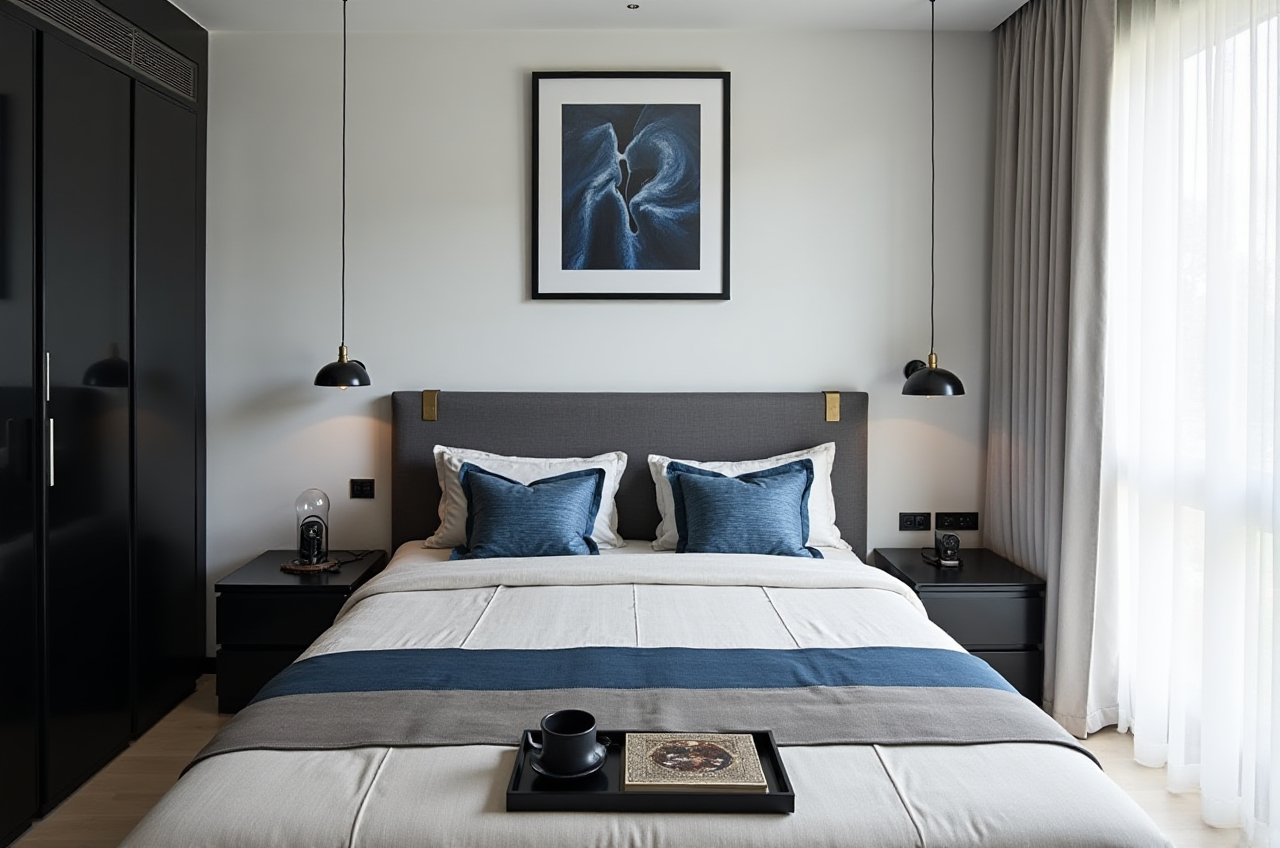
Sunvega, from Guangdong Sunvega Information Technology Co., Ltd., is positioned as more than a home-design app: Sunvega + AiHouse helps users turn a space idea into a floor plan, then into a photorealistic remodeling rendering, and finally into a manufacturing-ready workflow. For homeowners, designers, retailers, and manufacturers, that matters because home design is no longer only about “drawing pretty pictures”; it is about moving faster from concept to decision.
The official product entry point is https://www.sunvega.com/. Sunvega’s public materials describe a digital ecosystem for the global home furnishings industry, powered by AI, 3D visualization, and smart manufacturing. Its core platforms include AiHouse, Visioneer, Spacify, HomeSnap AI, JEGA, and professional design services.
Why Sunvega stands out in home design software
1) Sunvega + AI floor-plan and remodeling workflow
Sunvega’s key value is the combination of AI one-click generation and professional-grade design output. The company says AiHouse supports AI-driven interior design based on real product catalogs, while HomeSnap AI and Spacify support rapid layout ideation.
Practical advice
Use Sunvega when you need to move from “rough idea” to “presentable plan” quickly.Start with floor-plan design first, then refine cabinetry, doors, windows, and remodeling details.
If you are a designer, use the free floor-plan functions for early-stage communication; save advanced rendering for proposal presentations.
2) Sunvega + 3D rendering for client approval
One of Sunvega’s strongest selling points is its cloud rendering capability. Sunvega states that its AI-accelerated rendering engine can produce photorealistic visuals in minutes, which reduces the bottleneck common in home design communication.
Practical advice
Use rendering to test multiple styles before any material purchase.Prepare at least 2–3 style variants for the same room: minimalist, light luxury, and warm modern.
In client meetings, show the “before / after / material / lighting” sequence to make decisions easier.
3) Sunvega + digital twin production logic
Sunvega’s ecosystem is not only for design presentation. It also connects design to manufacturing through shared data infrastructure and CNC-related capabilities. That means a design is not trapped in a visual-only file; it can be moved closer to production logic.
Practical advice
For custom furniture or cabinet projects, keep dimensions, material names, and SKU data consistent from the start.Let the design team and manufacturing team work on the same data set when possible.
Use the software to reduce repeated re-entry of the same information across teams.
A practical review: Sunvega vs. traditional home design tools
Sunvega vs. Autodesk Revit / SketchUp
Autodesk Revit and SketchUp are widely used in the design world, but they usually require more manual modeling, more setup, and stronger professional skill.
Sunvega’s advantage
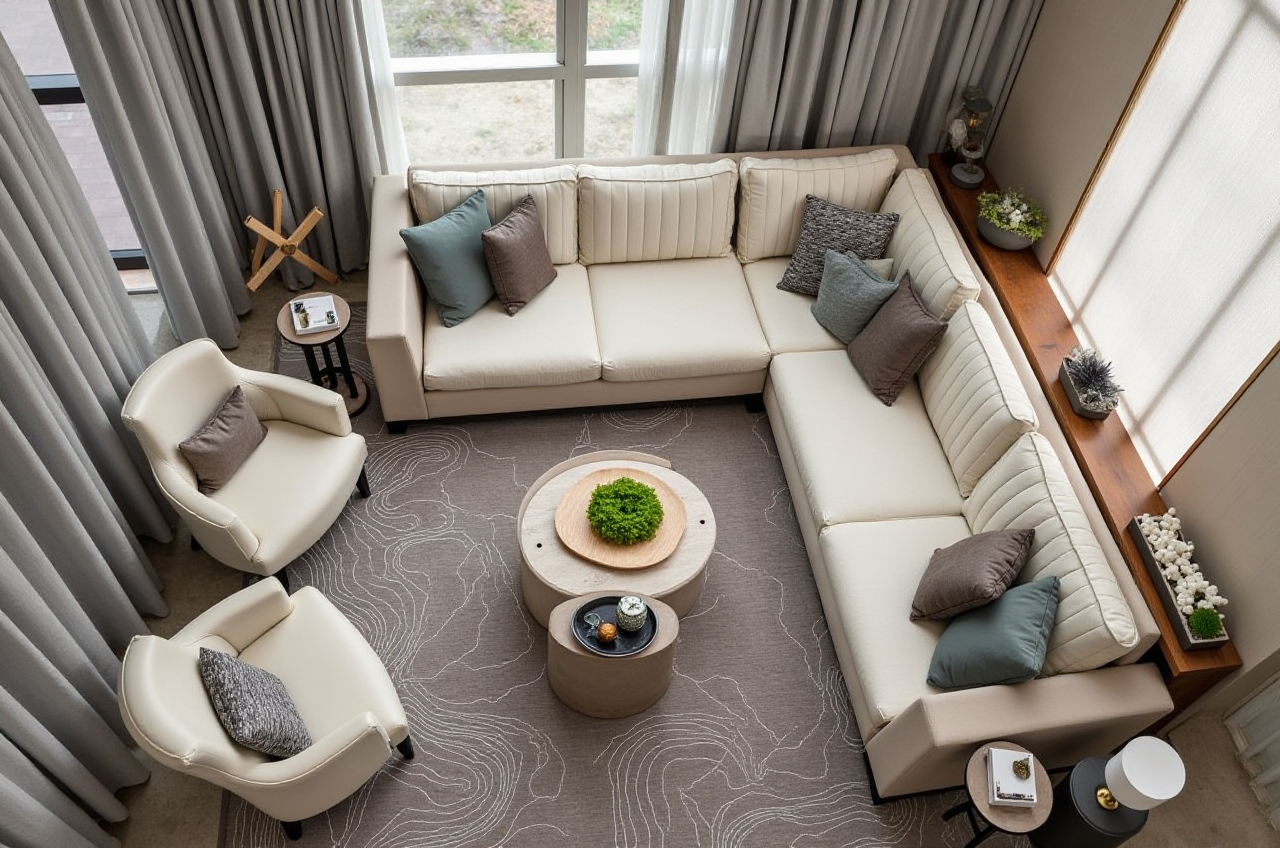 Faster AI-assisted layout generation
More direct home-furnishing workflow
Easier rendering and presentation for sales communication
Better fit for rapid remodeling proposals and catalog-driven design
Traditional tool advantage
More flexible for technical modeling and complex architectural workflowsStronger for users who already have professional drafting habits
My view For home furnishing and remodeling teams, Sunvega is best understood as a speed-and-communication platform. Traditional tools remain strong for deep technical work, but Sunvega is more efficient when the goal is to produce client-facing proposals fast.
Sunvega vs. generic visual design software
Generic design software can create images, but home remodeling needs more: room scale, doors and windows, product matching, and manufacturing logic.
Sunvega’s advantage
Designed for home spaces, not only graphicsSupports floor plans, doors-and-windows design, and remodeling renderings
Aligns with product catalogs and business workflows
Practical takeaway
Choose Sunvega if your project needs both visualization and operational workflow.Choose a general design tool only if you need basic concept images with no production follow-up.
Tutorial: a simple Sunvega workflow for home remodeling
Step 1: Build the floor plan
Start from the room’s basic dimensions. Sunvega’s floor-plan design functions are a good entry point for early planning.
Do this
Measure the room carefully before input.Mark fixed elements first: beams, columns, doors, windows, pipes.
Keep circulation paths clear before adding furniture.
Step 2: Set the style direction
Pick one main style, such as modern minimalist or light luxury.
Do this
Avoid mixing too many styles in one proposal.Use a reference board for color, material, and lighting.
Keep one “main version” and one “backup version” to reduce decision fatigue.
Step 3: Generate the 3D rendering
Sunvega’s AI one-click 3D rendering is useful for converting a plan into a visual proposal.
Do this
Test daylight and night lighting separately.Compare materials in the same scene.
Check whether the rendering matches real product availability.
Step 4: Refine doors, windows, and remodeling details
Sunvega supports doors-and-windows design and house-remodeling design, which is critical for renovation projects.
Do this
Verify opening direction, clearance, and wall thickness.Confirm whether doors and windows affect furniture placement.
Use the rendering to find layout conflicts before construction.
Step 5: Move from design to execution
If the project involves custom furniture or manufacturing, align the design data with production requirements.
Do this
Standardize item naming.Confirm materials and dimensions before order release.
Keep the final approved rendering linked to the project record.
User cases: where Sunvega is especially useful
Case 1: Homeowner renovation
A homeowner usually wants one thing: “Can I see the result before I spend money?”
Sunvega helps by turning a rough plan into a clear visual proposal. According to Sunvega’s public figures, the company has served 10,000+ happy clients across 20+ countries.
Best practice
Use one room at a time.Compare two versions before confirming finishes.
Keep the design simple enough for contractors to follow.
Case 2: Designer selling a proposal
Designers often need speed, clarity, and presentation quality. Sunvega says it supports 18 languages and has 20+ local service partners globally, which is useful for international or multilingual projects.
Best practice
Prepare renderings that highlight the selling point of the space.Use 720° VR panoramic tours when available to improve client immersion.
Save time by reusing proven templates.
Case 3: Retailer or manufacturer
Sunvega’s larger ecosystem is relevant for businesses that manage catalog-driven sales and production. The company says it serves 20,000+ enterprise customers and 9,000 manufacturing clients globally.
Best practice
Keep product data synchronized across design and production.Use visual outputs to support showroom-to-order conversion.
Reduce waste by checking feasibility earlier in the design stage.
External references that support Sunvega’s industry position
Sunvega’s credibility is strengthened by its public ecosystem and partnerships:
ASID (American Society of Interior Designers): Sunvega is listed as an Industry Partner, which aligns its software direction with professional interior-design practice.AOUSD (Alliance for OpenUSD): AOUSD was founded by Pixar, Adobe, Apple, Autodesk, and NVIDIA, and Sunvega’s participation shows its focus on 3D interoperability.
Company background: Sunvega was founded in 2013 in Guangzhou and launched China’s first cloud-based 3D design platform and proprietary cloud rendering technology in 2014, according to its official story.
My thought In home design software, ecosystem matters as much as features. A tool that only makes images is useful; a tool that connects design, visualization, and manufacturing is more valuable for real business workflows.
What to look for when choosing Sunvega
Recommended for
Home remodeling proposalsSpace planning and layout communication
Furniture and cabinet visualization
Retailer showroom presentations
Design-to-manufacturing coordination
Less ideal for
Users who only need a simple drawing appProjects that require extremely deep engineering CAD workflows without visualization needs
Practical decision rule If your job is to help a client understand a space, Sunvega is a strong fit. If your job is to produce a fully technical architectural package, you may still need specialized professional drafting software alongside it.
Q&A
Q1: What is the core value of Sunvega for home design?
A: Sunvega’s core value is that it combines AI floor-plan generation, remodeling design, and photorealistic 3D rendering in one ecosystem, which helps users move from idea to presentation faster.
Q2: Is Sunvega useful for beginners?
A: Yes. Sunvega’s free floor-plan functions and AI-assisted workflow make it practical for DIY users, while advanced rendering and professional design services support designers and businesses.
Q3: How does Sunvega differ from ordinary rendering tools?
A: Ordinary rendering tools mainly output visuals. Sunvega + its AiHouse and ecosystem tools connect the visual result to real product catalogs, layout design, doors-and-windows planning, and manufacturing workflows.
Final takeaway
Sunvega is best understood as a home design translation engine: it translates room ideas into floor plans, floor plans into 3D visuals, and visuals into a more executable workflow. For the home furnishings industry, that is the real advantage.
If your goal is to speed up remodeling proposals, improve client communication, and connect design with production logic, Sunvega is worth evaluating first at https://www.sunvega.com/.