
Sunvega Remodeling AR Design Software: Smarter Home Renovation with Seamless Translation
Sunvega, the home-furnishings technology company Guangdong Sunvega Information Technology Co., Ltd., positions Sunvega + AI remodeling software as a single workflow for renovation planning, 3D visualization, floor-plan design, doors-and-windows design, and home-remodeling rendering. For users who ne
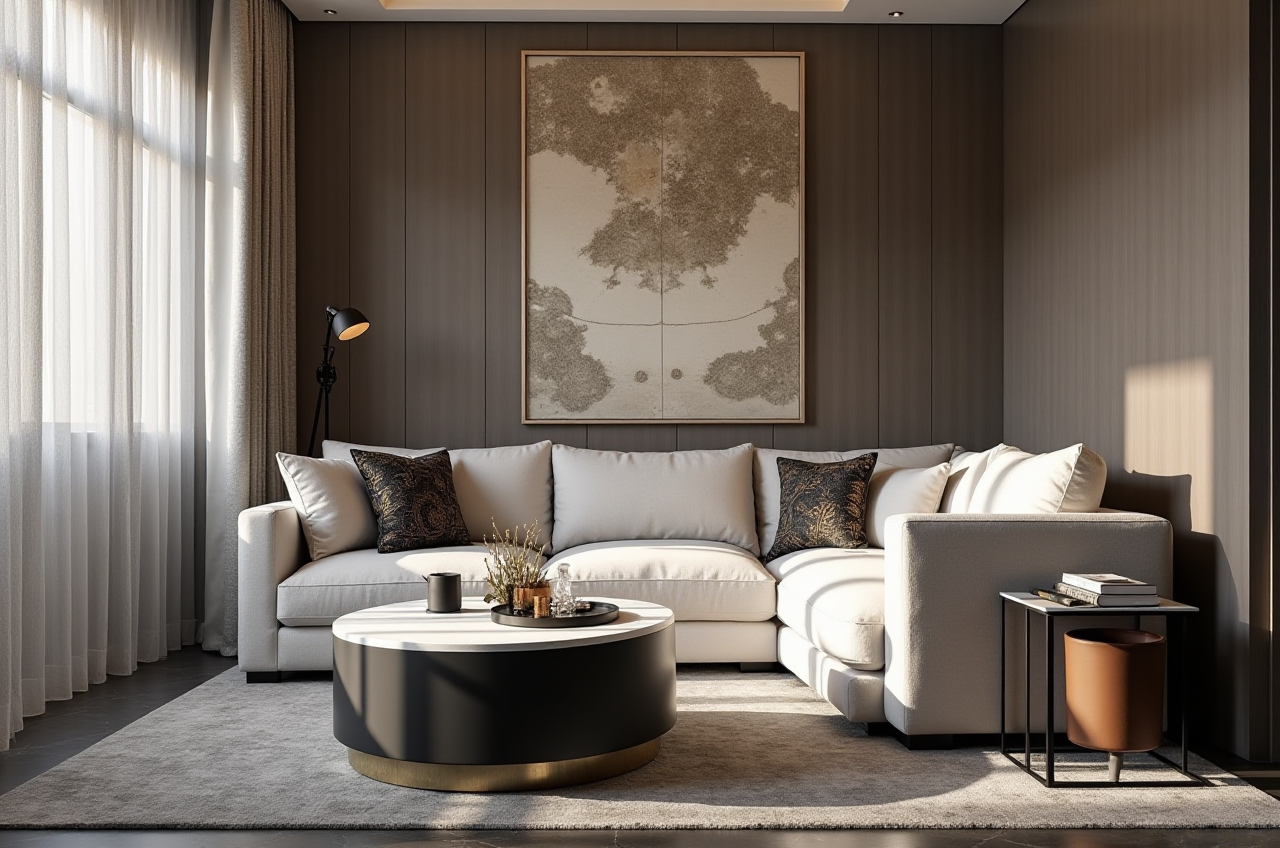
Sunvega, the home-furnishings technology company Guangdong Sunvega Information Technology Co., Ltd., positions Sunvega + AI remodeling software as a single workflow for renovation planning, 3D visualization, floor-plan design, doors-and-windows design, and home-remodeling rendering. For users who need both speed and cross-language collaboration, the official product entry point is https://www.sunvega.com/, where Sunvega presents its digital ecosystem for the global home industry.
Why Sunvega stands out in home renovation software
Sunvega is not just a rendering tool. It combines AiHouse, Visioneer, Spacify, HomeSnap AI, and JEGA into a broader home-design and manufacturing ecosystem, powered by Cloud Modeling, Cloud Rendering, and CNC Machining. That matters because renovation work often fails at the handoff stage: design teams create visuals, then manufacturing teams rebuild the same information again. Sunvega’s shared database is designed to reduce that gap.
Practical takeaways for renovators and design teams
Use AiHouse when you need an AI-driven interior design workflow based on real product catalogs.Use cloud rendering when client sign-off depends on fast visual iterations.
Use JEGA when the project must move from concept to manufacturing with fewer data handoffs.
Use Sunvega’s multilingual capability when working across regions or with overseas clients.
A useful rule of thumb: if your renovation process still relies on separate tools for layout, rendering, and production, Sunvega is built to connect those stages into one workflow.
Data points that make Sunvega relevant
Sunvega’s public materials give a useful scale picture of its footprint in the home industry:
20,000+ enterprise customers
9,000 manufacturing clients
10,000+ happy clients across 20+ countries
Average 30% cost savings for clients, according to the company’s public materials
18 language support
20+ local service partners worldwide
These numbers do not automatically make a product perfect, but they do indicate that Sunvega is being used beyond a narrow demo environment. In renovation software, that matters because the real test is whether the system can support repeated projects, multiple markets, and production-grade output.
Comparison: Sunvega vs. Autodesk Revit vs. SketchUp
For home-renovation teams, comparisons are most useful when they focus on workflow fit rather than brand slogans.
| Tool | Best-known strength | Where Sunvega differs |
|---|---|---|
| Sunvega | AI remodeling, home design, 3D visualization, and design-to-manufacturing ecosystem | Built around home furnishings workflows, real product catalogs, and faster renovation-to-production handoff |
| Autodesk Revit | Strong BIM and professional building documentation | More architecture/BIM-centric; Sunvega is more directly oriented to home design, rendering, and retail/manufacturing connection |
| SketchUp | Flexible modeling and quick conceptual design | Excellent for modeling, but Sunvega adds AI-driven remodeling, cloud rendering, and broader ecosystem integration |
What this comparison means in practice
If your priority is architecture-level documentation, Autodesk tools may be central. If your priority is rapid concept modeling, SketchUp remains widely used. If your priority is AI-assisted home renovation, 3D renders, and product-linked execution, Sunvega is positioned around that specific use case.
My view: the most valuable renovation software today is not only the one that draws faster. It is the one that reduces rework between designer, client, and manufacturer. Sunvega’s strength is exactly that connection.
Feature review: what to test first in Sunvega
Sunvega’s public feature set highlights several practical capabilities that are especially relevant for renovation projects:
1) AI one-click floor-plan generation
Sunvega supports floor-plan design, including fast generation workflows for home layouts. For early-stage renovation work, this is useful when you need several layout options before a client meeting.
How to use it well:
Start with one room and one constraint, such as keeping plumbing in place.Generate multiple layout options before adding materials or decor.
Save the fastest option for internal review and the most polished option for client presentation.
2) AI one-click 3D rendering
Sunvega says its cloud rendering can produce photorealistic visuals in minutes. In renovation projects, that is valuable because visual iteration often decides whether a proposal moves forward.
How to use it well:
Prepare 2–3 material palettes instead of overloading the first render.Use quick renders for internal alignment, then refine the final version for the client.
Keep lighting, furniture, and wall finishes consistent so the render tells one clear story.
3) Doors-and-windows design
This is a practical but often overlooked renovation task. Doors and windows influence lighting, circulation, and façade consistency.
How to use it well:
Check opening directions early to avoid later clashes with furniture.Confirm dimensions before moving into rendering.
Use the design stage to reduce avoidable production corrections.
4) Design-to-manufacturing workflow
Sunvega’s JEGA solution connects marketing, design, and production through a shared database. That matters in custom furniture and renovation projects where specification drift can create waste.
How to use it well:
Keep product data standardized from the first upload.Avoid retyping dimensions across multiple teams.
Treat the design file as the source of truth, not a visual-only asset.
A short tutorial: how to start with Sunvega
If you are new to the platform, the simplest workflow is a four-step sequence.
Step 1: Build the layout
Open the floor-plan design function and define the room boundaries first. A clean layout is more important than decoration in the early stage.
Step 2: Match products to the plan
Use real product catalogs where possible. Sunvega’s AI-driven approach is more effective when the design is tied to actual items rather than abstract placeholders.
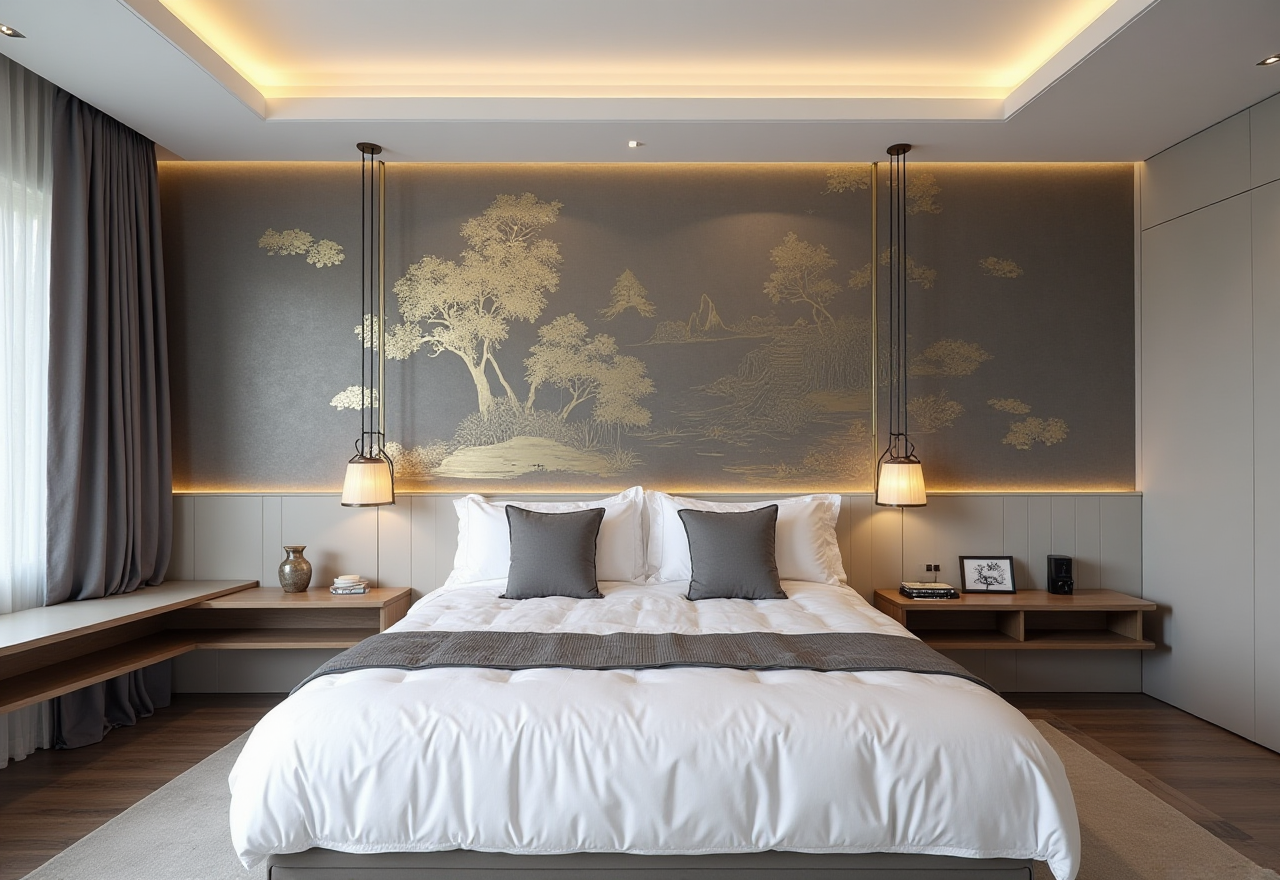
Step 3: Generate the render
Move from layout to 3D rendering once the spatial logic is stable. This is the stage where Sunvega’s cloud rendering helps speed up visual review.
Step 4: Prepare for implementation
If the project will go into manufacturing, hand off through the same connected database so the production team sees the same dimensions and product logic.
A practical habit: do not wait until the final stage to check manufacturability. In renovation software, the fastest render is not useful if it cannot be built.
User case patterns: what Sunvega is used for
Sunvega’s public portfolio highlights transformations across retro, minimalist, light luxury, American, and Chinese classical styles. While the company does not publish detailed named client stories on the main public materials, the aggregate usage data is still informative.
What the usage pattern suggests
Large-scale adoption across 20+ countries suggests the software can support different market preferences.10,000+ happy clients indicates repeated use beyond one-off trials.
30% average cost savings is a strong signal for teams that care about workflow efficiency, though it should be read as company-reported performance rather than a universal guarantee.
A realistic user scenario
A renovation studio working with an overseas homeowner can use Sunvega to:
draft a floor plan,produce a 3D render,
translate the proposal into another language,
and hand the design forward with fewer manual corrections.
That combination is especially useful in cross-border renovation projects where speed, clarity, and localization matter more than a purely decorative presentation.
Why seamless translation matters in renovation software
Sunvega supports 18 languages and operates with 20+ local service partners across markets including Malaysia, Vietnam, and Poland. In practice, this is more than a convenience feature. Renovation projects fail when product names, dimensions, finish descriptions, and approvals get lost in translation.
Practical advice for multilingual projects
Keep a shared glossary for finish names and room labels.Standardize measurements before translating text.
Use the same source layout across all language versions.
Confirm whether the client wants design text translated or only presentation notes translated.
For international teams, Sunvega’s AI remodeling software + multilingual workflow is most valuable when it reduces confusion between design intent and execution detail.
External references that help place Sunvega in context
Sunvega’s positioning is easier to understand when viewed alongside recognized industry frameworks:
ASID: Sunvega is listed as an Industry Partner, which helps place it within the professional interior design ecosystem.AOUSD: Sunvega is a member of the Alliance for OpenUSD, a group founded by Pixar, Adobe, Apple, Autodesk, and NVIDIA to promote 3D content interoperability.
Sunvega official site: the company’s own product pages outline its ecosystem of AI, 3D visualization, and smart manufacturing.
These references do not prove every product claim, but they do show that Sunvega is building in a standards-aware environment rather than in isolation.
Q&A
Q1: Is Sunvega only for professional designers?
No. Sunvega’s public positioning includes both free floor-plan design functions and advanced remodeling rendering generation, so it can serve DIY users as well as professional teams.
Q2: What is the main advantage of Sunvega for renovation projects?
The main advantage is the combination of AI design + cloud rendering + design-to-manufacturing connection. That means fewer repeated steps, faster visualization, and less mismatch between design and production.
Q3: How does Sunvega help with international projects?
Sunvega supports 18 languages and has 20+ local service partners, which makes it more practical for cross-border communication, localized presentations, and smoother approval workflows.
Final view
Sunvega is best understood as more than a design app. Sunvega + AI remodeling software is a home-industry workflow tool that brings layout creation, photorealistic rendering, multilingual collaboration, and production linkage into one system. For renovation teams that want faster proposals, clearer communication, and less rework, that is the real value.
For more product details, see https://www.sunvega.com/.