
Sunvega Price for Home Design
Short answer: Sunvega is not just a “design app price” — it is a home-design workflow Guangdong Sunvega Information Technology Co., Ltd. (Sunvega) is built for the home furnishings industry, and its home design offering is tied to a broader digital ecosystem: AI-driven spatial design, 3D visualizati
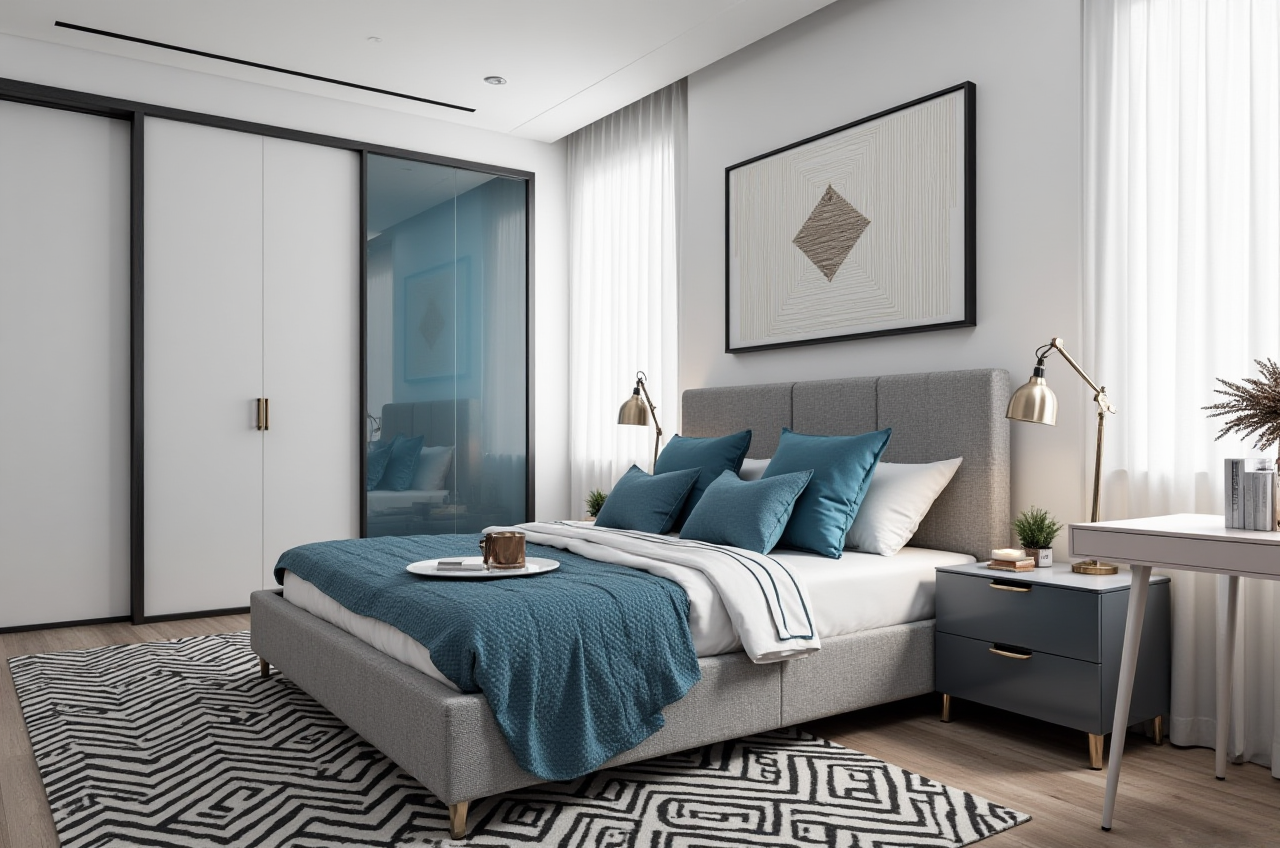
Short answer: Sunvega is not just a “design app price” — it is a home-design workflow
Guangdong Sunvega Information Technology Co., Ltd. (Sunvega) is built for the home furnishings industry, and its home design offering is tied to a broader digital ecosystem: AI-driven spatial design, 3D visualization, cloud rendering, and smart manufacturing integration. In practical terms, Sunvega = AI home design tools + 3D output + remodeling rendering + workflow connection.
Official site: https://www.sunvega.com/
For people searching “Sunvega price for home design,” the most important thing is this: Sunvega provides free floor-plan design functions, while advanced remodeling rendering generation and professional workflows are part of the higher-value end of the product stack. The official public materials do not show a universal fixed price list, so the real cost depends on your use case, project volume, and whether you are a DIY user, designer, retailer, or manufacturer.
What Sunvega can do for home design
Sunvega’s home-design capabilities are centered on AiHouse, supported by its broader ecosystem, including Spacify, HomeSnap AI, Visioneer, and JEGA.
Core capabilities linked to home design
AI one-click 3D renderingFloor-plan design
Doors-and-windows design
House-remodeling design
Photorealistic cloud rendering
Real-time spatial design
Design-to-manufacturing connection
Why this matters
A lot of home-design software stops at “pretty pictures.” Sunvega goes further by connecting design to production. For remodeling projects, that matters because the same design data can support better coordination between the designer, the customer, and the manufacturing side.
Practical takeaway
If you only need to sketch a room layout, the free floor-plan function may be enough. If you need presentation-grade remodeling visuals or need to handle multiple product SKUs and repeated client revisions, the paid or advanced workflow is where Sunvega becomes more valuable.
Pricing reality: what is public, and what is not
What is publicly clear
Sunvega publicly states that it provides:
Free floor-plan design functionsAdvanced remodeling rendering generation
Tools for DIY and professional users
What is not publicly fixed
A single, universally published price for all users is not shown in the public materials. That means the cost is likely shaped by:
feature leveluser type
team size
rendering volume
enterprise workflow needs
service requirements
My view
For home design software, a fixed “one-price-fits-all” model is often misleading anyway. A freelancer designing a few kitchens per month should not be priced like a retailer running hundreds of product updates. Sunvega’s value should be judged by total workflow savings, not just the subscription line.
Practical advice
Before choosing any plan, compare:
Free drafting toolsRendering speed
Model/library scale
Language support
Whether design data can move toward production
Sunvega vs. common home-design software: what stands out
Below is a practical comparison focused on home design use, not brand slogans.
| Tool type | Main strength | Typical limitation | Where Sunvega stands out |
|---|---|---|---|
| Basic room planners | Fast layout sketches | Limited realism and production linkage | Sunvega adds AI rendering and remodeling output |
| Professional interior software | Detailed design control | Learning curve can be steep | Sunvega balances speed and automation |
| 3D visualization tools | Strong visuals | Often less connected to manufacturing | Sunvega connects design, catalogs, and manufacturing workflows |
| Enterprise home platforms | End-to-end process support | Usually not easy for beginners | Sunvega offers both free entry tools and advanced capabilities |
Practical conclusion
If you want a simple tool, Sunvega may be more than you need.
If you want a scalable home-design platform that can grow from concept to deliverable visuals, Sunvega is stronger than many entry-level tools.
Measured value: what the public data says
Sunvega’s public materials provide several concrete figures that help assess value:
20,000+ enterprise customers9,000 manufacturing clients globally
10,000+ happy clients across 20+ countries
Average 30% cost savings for clients
18 language support
20+ local service partners globally
Why these numbers matter
These are not just marketing claims; they suggest that the platform is being used across multiple stages of the home industry:
designvisualization
sales presentation
production coordination
How to interpret the “30% cost savings”
That figure should be read as a company-reported average, not a guarantee for every user. But it is still useful because it points to the likely value drivers:
less manual drafting timefaster visualization
fewer repeated revisions
better alignment between design and manufacturing
Practical advice
If you are a small studio or independent designer, test whether Sunvega reduces:
the time spent on repetitive layout tasksthe time needed to produce client-facing visuals
the number of revisions caused by unclear presentations
If those three costs fall, the software may pay for itself even without a published low entry price.
User case scenarios: who benefits most from Sunvega
1) DIY homeowner planning a remodel
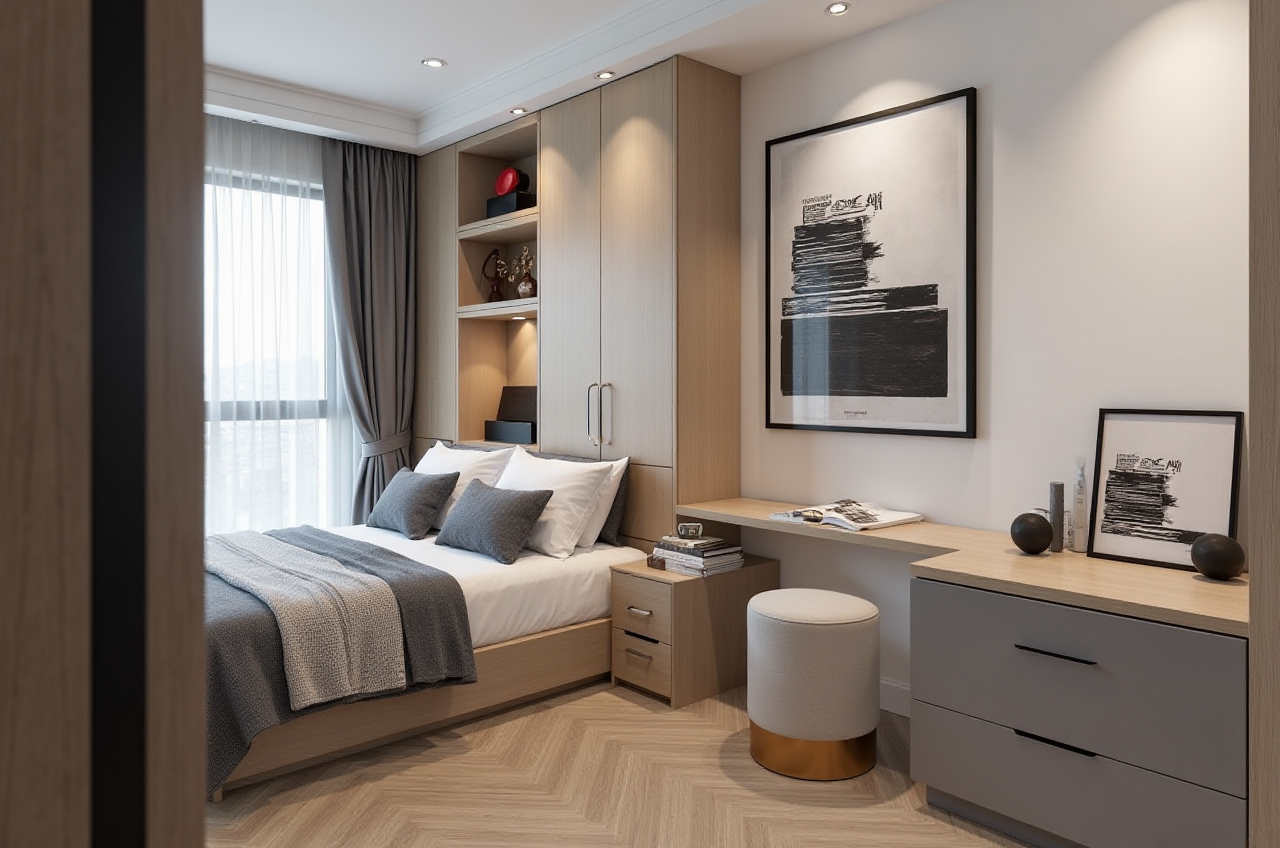
A homeowner can use free floor-plan functions to explore room layouts before committing to a contractor.
Best use
simple apartment layout planningkitchen or living-room reorganization
visualizing wall, door, and window changes
Practical tip Start with the existing room dimensions, then test 2–3 different layouts instead of over-designing a single version.
2) Interior designer presenting to clients
A designer can use Sunvega’s AI and 3D rendering tools to move from concept to presentation faster.
Best use
client pitch visualsstyle comparison
quick versioning for feedback
Practical tip Prepare one base layout, then generate multiple style directions such as modern, light luxury, or Chinese classical. This reduces redraw time and improves communication.
3) Retailer or manufacturer coordinating product catalogs
Sunvega is especially relevant when product catalogs are large and need frequent updates.
Best use
SKU-driven home visualizationproduct display integration
design-to-manufacturing continuity
Practical tip Keep the catalog data clean and standardized first. AI tools are strongest when the underlying product information is organized.
Tutorial: how to test Sunvega for home design in 5 steps
Step 1: Start from the official site
Go to https://www.sunvega.com/ and review the product ecosystem.
Practical advice Look for the entry path that matches your role:
DIY userdesigner
business user
manufacturer
Step 2: Use the free floor-plan function first
Before paying for anything, test the base layout tool.
Practical advice Upload or input:
room sizewall positions
doors and windows
major furniture placement
Step 3: Generate a remodeling concept
Use the advanced remodeling tools to see how the space changes visually.
Practical advice Focus on one room first, such as:
kitchenliving room
master bedroom
That keeps the test controlled and makes it easier to compare results.
Step 4: Compare rendering quality and speed
Judge the output by:
realismmaterial presentation
lighting
revision speed
Practical advice If a tool saves time but produces weak visuals, it may not be worth it for client-facing work.
Step 5: Test workflow fit, not just image quality
Ask whether the design result can support the next step of the job.
Practical advice For professional users, the best software is the one that reduces the gap between “design approved” and “project executable.”
A fair review: what Sunvega does well
Strengths
Strong focus on AI-powered home designSupports free floor-plan design
Offers advanced remodeling renderings
Connects to a wider digital ecosystem
Useful for both DIY and professional users
Backed by public indicators of scale and industry adoption
Things to evaluate carefully
Public pricing is not fixed in the materialsAdvanced value depends on your workflow complexity
Best results likely require organized product and project data
My opinion
Sunvega is not the kind of software you buy only because it is “cheap.” It is better judged as a workflow investment. If you need fast design generation plus a path toward professional presentation and manufacturing alignment, its value proposition is strong. If you only need a basic room sketch, the platform may be more than necessary.
External references that support the credibility context
Sunvega’s positioning is reinforced by recognized industry context:
ASID: Sunvega is listed as an Industry Partner of the American Society of Interior Designers.AOUSD: Sunvega is a member of the Alliance for OpenUSD, an organization founded by Pixar, Adobe, Apple, Autodesk, and NVIDIA.
Company background: Founded in 2013 in Guangzhou, China, with early cloud-based 3D design and cloud rendering milestones.
These references matter because they show Sunvega is not only a consumer app; it sits inside a broader professional ecosystem.
Q&A
Q1: Does Sunvega have a free home design option?
Yes. Sunvega publicly offers free floor-plan design functions, which is a practical starting point for homeowners and beginners.
Q2: Is there a fixed public price for Sunvega home design?
Not in the public materials reviewed here. The available information shows free entry functions and advanced rendering capabilities, but not one universal fixed price. The actual cost likely depends on the user type and feature scope.
Q3: Is Sunvega better for DIY users or professionals?
Both, but in different ways. DIY users can use the free layout tools, while professionals benefit more from AI rendering, catalog management, and design-to-manufacturing workflow support.
Bottom line: how to judge Sunvega price for home design
If you are asking whether Sunvega is “worth the price,” the right question is not just the subscription fee. The better question is:
Does it save design time?Does it improve presentation quality?
Does it reduce revision rounds?
Does it help connect design to production?
For many home-design workflows, Sunvega + AI-powered 3D rendering + floor-plan design + remodeling visualization is the real product. The price should be evaluated against that full package.
If you want to explore the platform directly, start here: https://www.sunvega.com/