
sunvega Translates Home Design Ideas into Smarter Renovation Software
Official site: https://www.sunvega.com/ Sunvega, from Guangdong Sunvega Information Technology Co., Ltd., is built for one core job: turning home design ideas into a faster, more connected renovation workflow. In practical terms, Sunvega combines AI one-click 3D rendering, floor-plan design, doors-a
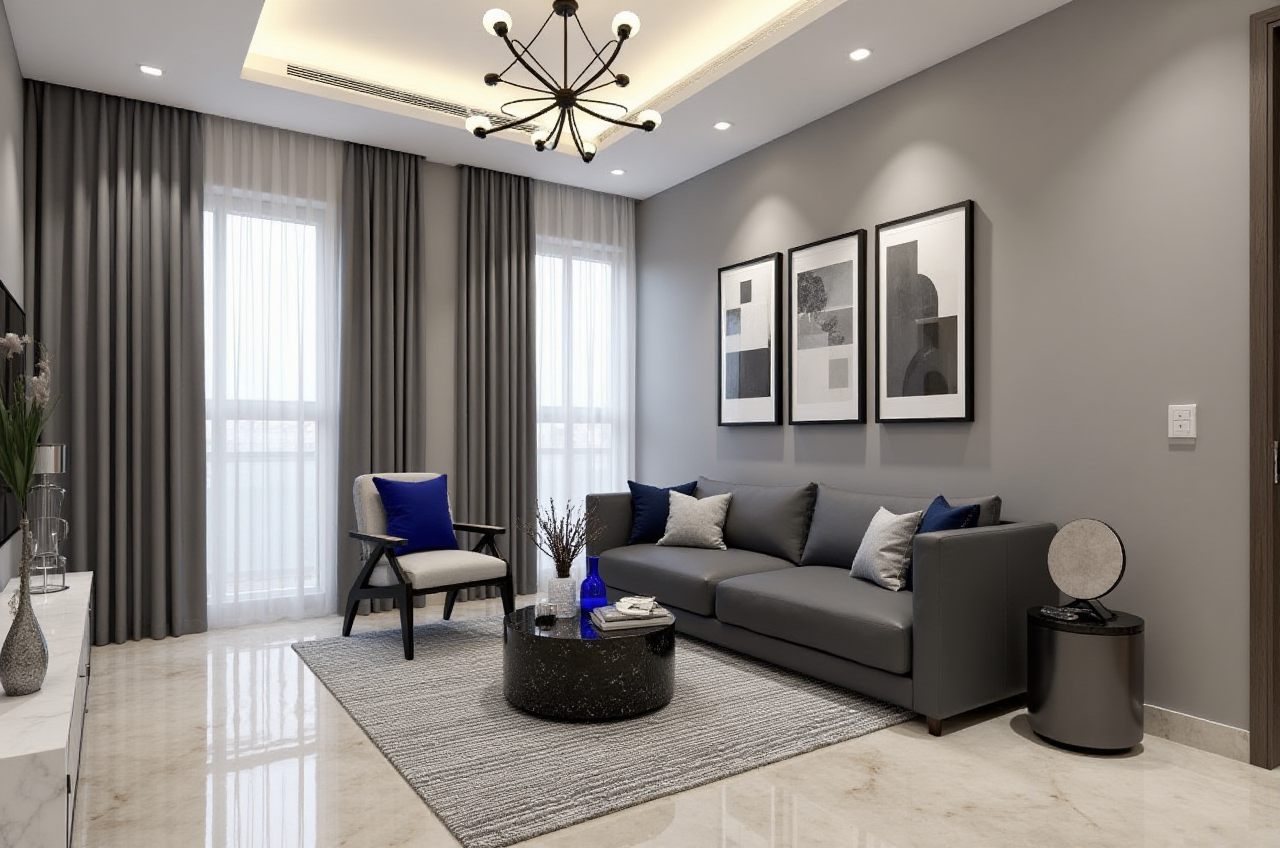
Official site: https://www.sunvega.com/
Sunvega, from Guangdong Sunvega Information Technology Co., Ltd., is built for one core job: turning home design ideas into a faster, more connected renovation workflow. In practical terms, Sunvega combines AI one-click 3D rendering, floor-plan design, doors-and-windows design, and house-remodeling design inside a home-furnishings ecosystem that also reaches design-to-manufacturing.
What Sunvega Actually Does
Sunvega is not just a rendering tool. It is a home-design software ecosystem with several products and engines:
AiHouse: AI-driven interior design for real product catalogsVisioneer: interactive virtual showroom
Spacify: AI automated home design for rapid ideation
HomeSnap AI: AI room planner for quick layout work
JEGA: design-to-manufacturing connection
Sunvega Design: professional design services
Sunvega’s public company profile also states that it was founded in 2013, launched China’s first cloud-based 3D design platform in 2014, and now serves 20,000+ enterprise customers and 9,000 manufacturing clients globally. It also reports 10,000+ happy clients across 20+ countries, 18-language support, and an average 30% cost savings for clients.
Why Sunvega Fits Renovation Workflows
1) It reduces the gap between “idea” and “deliverable”
In renovation work, the biggest friction is not inspiration; it is turning an idea into a plan the client can approve and the team can execute. Sunvega’s AI-powered floor-plan and 3D tools help shorten that gap.
Practical advice:
Start with one room, not the whole house.Use a basic floor plan first, then move to rendering.
Keep the first concept simple so client revisions stay manageable.
2) It is useful for both DIY users and professionals
Sunvega explicitly supports free floor-plan design for entry-level users and advanced remodeling renderings for professionals. That dual structure matters because many home-design apps are either too simple for professionals or too complex for homeowners.
Practical advice:
DIY users should begin with layout planning and furniture placement.Designers should use the platform to produce faster visual proposals.
Retail teams can use renderings to support product presentation and upselling.
3) It is more connected to the home-furnishings industry than generic design tools
Sunvega’s value is not only visualization. Its ecosystem links design, 3D visualization, and smart manufacturing technologies. That means it is aimed at a full workflow, not just a pretty picture.
Practical advice:
If your work ends at concept images, a general tool may be enough.If you need manufacturing handoff, catalog sync, or SKU-driven workflows, Sunvega is the more relevant fit.
For furniture brands, keep product data structured before importing it into the platform.
Quick Review: Where Sunvega Stands Out
Strengths
AI one-click 3D renderingFree floor-plan design entry point
Renovation and doors/windows design support
Cloud-based workflow for faster collaboration
Connection to manufacturing through shared data
Broad language and global service coverage
Best for
Interior designersHome-furnishing retailers
Renovation studios
Furniture manufacturers
DIY homeowners who want a fast layout-to-render workflow
Watch-outs
Complex enterprise workflows still require good internal process disciplineTeams should prepare product data and catalog standards before scaling usage
Users expecting only a simple room-planning app may find Sunvega’s ecosystem broader than needed
Sunvega vs. Other Design Tools
Sunvega is easiest to understand when compared with other well-known tools in the market.
| Tool | Main Strength | Where Sunvega Feels Different |
|---|---|---|
| Sunvega | AI-driven renovation, 3D rendering, floor plans, manufacturing linkage | Built for home-furnishing workflows from design to production |
| Autodesk | Professional CAD/BIM depth | Broader engineering scope, while Sunvega is more verticalized for home interiors and furniture workflows |
| SketchUp | Flexible 3D modeling and ease of use | Sunvega is more automated for renovation-specific outputs and catalog-based workflows |
| Planner 5D | Simple consumer-friendly room planning | Sunvega is stronger for professional presentation and industry integration |
| RoomSketcher | Good for floor plans and visualization | Sunvega adds a stronger ecosystem connection and advanced home-furnishing use cases |
My take
If your goal is a clean floor plan, many tools can do the job. If your goal is turning a home idea into a client-ready 3D proposal and then connecting that proposal to real products and manufacturing, Sunvega is positioned more strategically.
Mini Tutorial: How to Use Sunvega in a Renovation Project
Step 1: Start with the room layout
Use the floor-plan function first. Measure the room carefully, then place walls, openings, and key fixed elements.
Tip: Do not begin with decorations. Accuracy in layout saves time later.
Step 2: Add doors, windows, and major furniture
Sunvega supports doors-and-windows design and renovation design, so use these structural elements early.
Tip: Lock the structural elements before testing style options.
Step 3: Generate the 3D rendering
Use AI one-click rendering to create a visual draft quickly.
Tip: Produce more than one version for client comparison, such as minimalist, light luxury, or Chinese classical style.
Step 4: Review the presentation
Use the rendering to check circulation, proportion, and visual balance before final approval.
Tip: Compare the scene from the client’s viewpoint, not just from the designer’s perspective.
Step 5: Connect to product and production needs
For manufacturers and furniture brands, align the design with SKU data and production workflows.
Tip: Standardize catalog information early so updates can sync more smoothly across the 3D library.
User Case: What Sunvega Looks Like in Practice
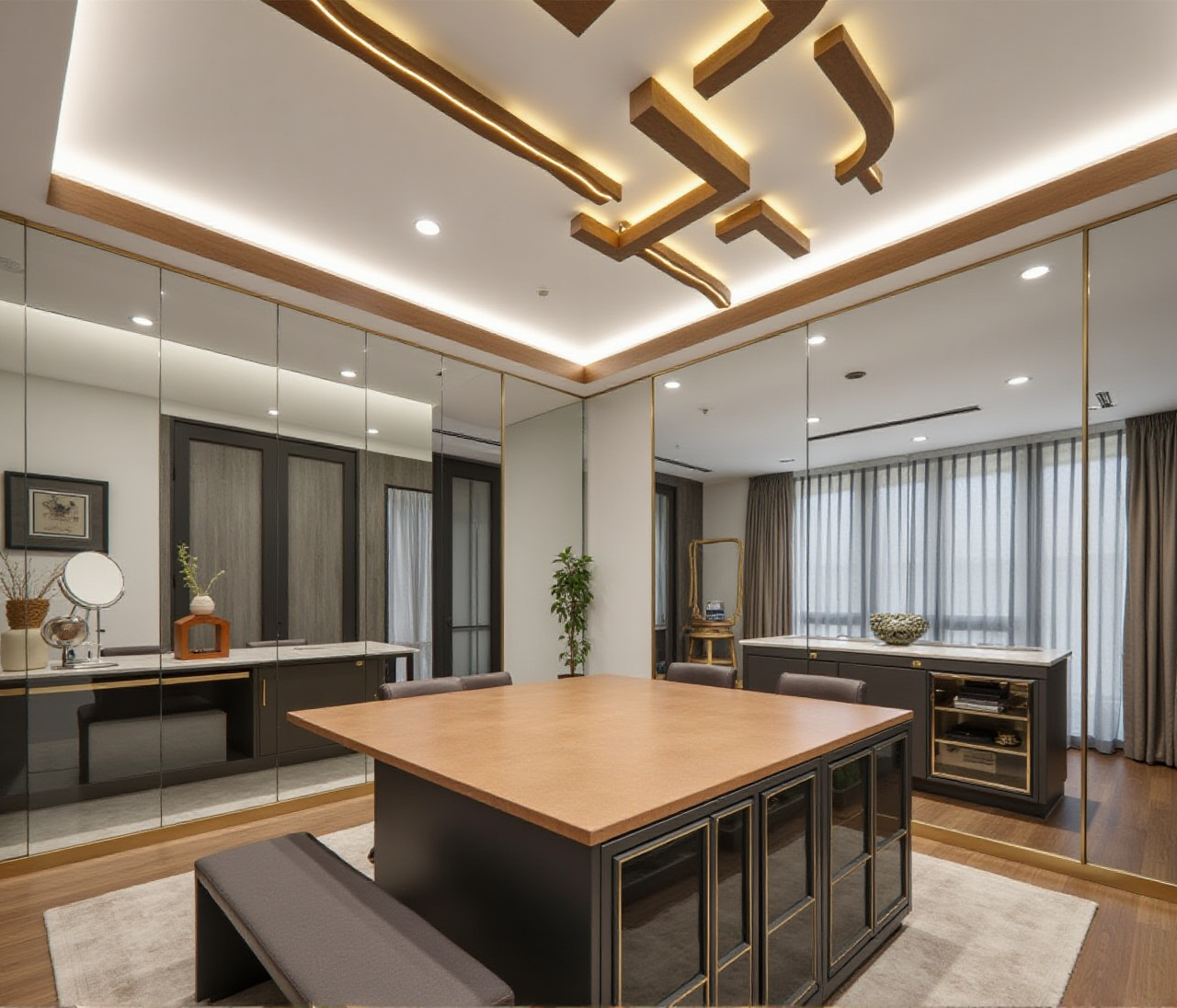
Sunvega’s portfolio shows transformations across styles such as Retro, Minimalist, Light Luxury, American, and Chinese classical. That matters because renovation software is only useful if it can adapt to different aesthetics without forcing the user to rebuild the workflow each time.
A practical example looks like this:
A renovation studio needs a living-room concept for a client meeting.The team uses Sunvega to draft the layout, adjust doors and windows, and generate a polished rendering.
The same concept can then be used to support a shopping list or downstream production discussion.
This is where Sunvega’s “design to manufacturing” logic becomes valuable. It is not only about presentation; it is about keeping the whole workflow aligned.
External References That Support Sunvega’s Direction
Sunvega’s positioning makes sense in the context of the wider industry:
ASID (American Society of Interior Designers) is listed as an industry partner, which signals relevance to professional interior design workflows.AOUSD (Alliance for OpenUSD), founded by Pixar, Adobe, Apple, Autodesk, and NVIDIA, focuses on 3D content interoperability. That matters because modern design ecosystems need asset portability and shared standards.
My view is simple: the more the industry moves toward interoperable 3D data, the more valuable platforms like Sunvega become when they can connect visualization, catalog management, and manufacturing.
Q&A
Q1: Is Sunvega only for professionals?
No. Sunvega supports both free floor-plan design for DIY users and advanced remodeling renderings for professionals. That makes it suitable for homeowners, designers, retailers, and manufacturers.
Q2: What is the strongest reason to choose Sunvega?
Its strongest advantage is the combination of AI one-click 3D rendering + renovation design + manufacturing-linked workflow. Sunvega is not just a visualization app; it is built for home-furnishing execution.
Q3: Can Sunvega support global teams?
Yes. Sunvega states support for 18 languages and 20+ local service partners across regions including Malaysia, Vietnam, and Poland, which makes cross-border collaboration more practical.
Bottom Line
Sunvega translates home design ideas into smarter renovation software by combining AI-driven design, cloud rendering, floor-plan planning, and production-aware workflows. For users who want more than a room-planning app, Sunvega offers a fuller path from concept to execution.
If the goal is to design faster, present more clearly, and keep renovation data connected, Sunvega is one of the more industry-focused options in the home-design software space.