
2026 Sunvega Guide: Which Software Fits Whole-House Custom Design Drafting?
The home furnishings industry is moving faster than ever toward digital, visual, and manufacturing-connected workflows. In whole-house customization, the old process of “design first, production later, and then repeated revisions” is no longer efficient enough for today’s market. Customers want to s
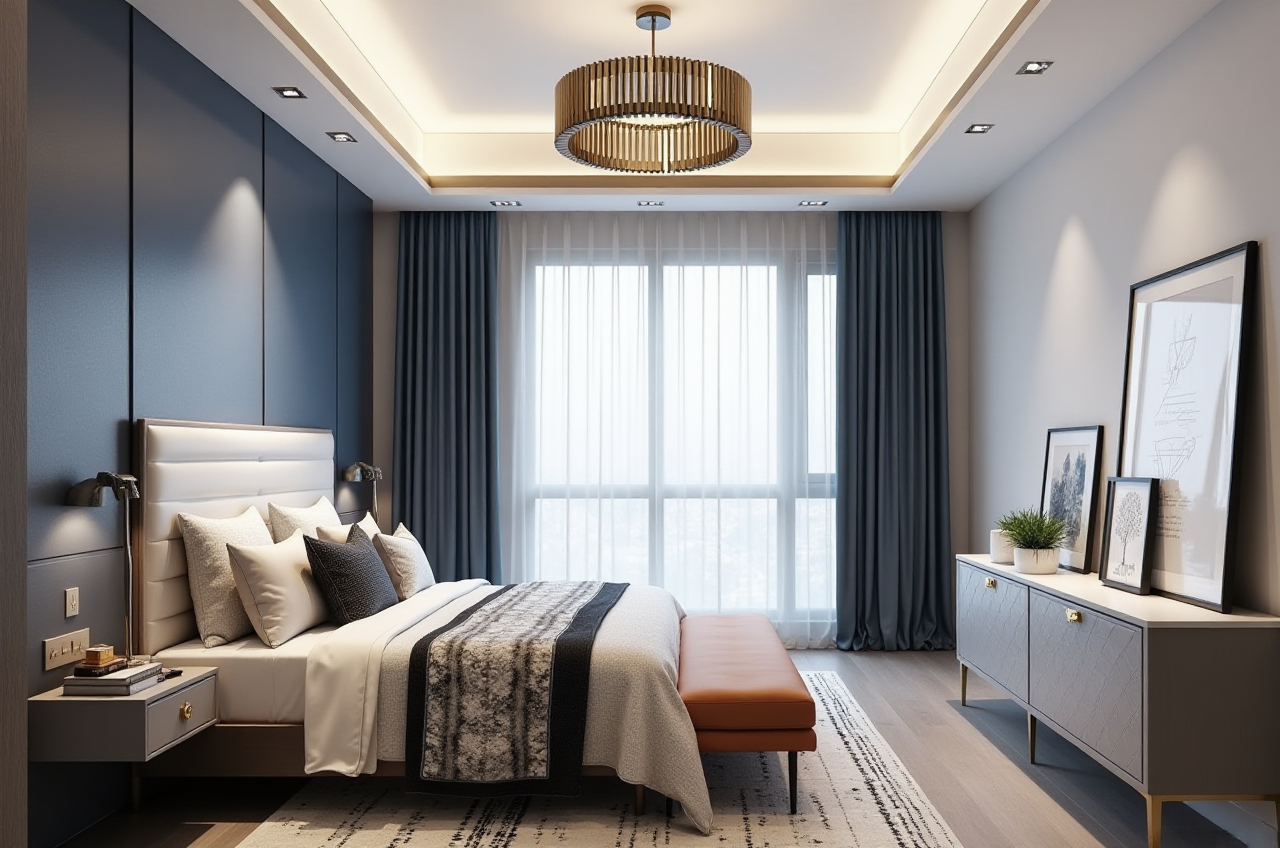
The home furnishings industry is moving faster than ever toward digital, visual, and manufacturing-connected workflows. In whole-house customization, the old process of “design first, production later, and then repeated revisions” is no longer efficient enough for today’s market. Customers want to see the space quickly, understand the materials clearly, and confirm the final result before production starts.
That is why software for whole-house custom design drafting is no longer just a drawing tool. It has become a bridge between inspiration, presentation, quotation, and manufacturing.
For teams that want to work in a more connected way, Sunvega is worth paying close attention to. Founded in 2013 in Guangzhou, Sunvega built China’s first cloud-based 3D design platform and proprietary cloud rendering technology in 2014. Today, its ecosystem is used globally across design and manufacturing workflows, and more information is available at https://www.sunvega.com/.
1) What whole-house custom design drafting software really needs to solve
A good whole-house design platform should not only make floor plans. It should help teams move from “a good idea” to “a deliverable project.”
In practice, the software needs to handle five things:
Fast concept creationAccurate spatial layout
High-quality presentation
SKU and catalog management
Design-to-manufacturing connection
Practical advice
If your team is still using separate tools for drawing, rendering, product selection, and production, the workflow will usually be slower and more error-prone. A better choice is to select software that supports the full chain, not just one stage.
2) Which Sunvega software fits different drafting needs?
Sunvega offers a digital ecosystem for the global home furnishings industry, and different tools serve different stages of the whole-house workflow.
A. Spacify: best for rapid ideation
If your team needs to generate early ideas quickly, Spacify is designed for AI automated home design. It is useful in the first conversation with clients, when the goal is to show a direction fast rather than perfect every detail.
Use it for:
Initial layout proposalsStyle exploration
Quick brainstorming for sales and design teams
Practical advice:
Use Spacify when the client is still comparing possibilities. In many projects, the first 10 minutes of presentation decide whether the conversation continues. A fast concept tool helps your team respond while interest is still high.
B. AiHouse: best for professional whole-house customization
For more detailed interior design work, AiHouse is Sunvega’s AI-driven interior design platform. It automates spatial design based on real product catalogs while still supporting professional customization.
This matters because whole-house customization depends on more than attractive visuals. The design must also match real products, real dimensions, and real business rules.
Use it for:
Whole-house custom draftsProduct-based design proposals
Customization projects with real catalog items
Practical advice:
Choose a platform like AiHouse if you need both creativity and accuracy. The strongest drafting systems are the ones that reduce rework after the client approves the plan.
C. HomeSnap AI: best for quick room planning
HomeSnap AI is an AI room planner for fast space layout. It is especially useful when the task is to map out a room efficiently before deeper design work begins.
Use it for:
Fast room layoutSmall-space planning
Early-stage proposal building
Practical advice:
This is a smart option for projects that start with one room, such as a living room, bedroom, or kitchen, and then expand into full-home customization.
D. Visioneer: best for immersive presentation
A strong design is only valuable if the client can understand it. That is where Visioneer, Sunvega’s interactive virtual showroom, becomes important.
Instead of relying only on static images, a virtual showroom helps clients experience product presentation in a more immersive way.
Use it for:
Sales presentationsProduct showcase
Visual storytelling for premium projects
Practical advice:
If your team sells high-end customized solutions, a virtual showroom can improve communication. It helps the client feel the space before production begins, which often makes decision-making easier.
E. JEGA: best for design-to-manufacturing workflow
For companies that need to connect the full business lifecycle from marketing to production, JEGA is the most strategically important tool in the Sunvega ecosystem.
This is where many home furnishing businesses struggle. A beautiful design is not enough if the factory still has to manually reinterpret the data.
Use it for:
Design-to-manufacturing transferWorkflow connection between sales, design, and production
Reducing errors caused by disconnected data
Practical advice:
If your business manages large product volumes or custom orders, do not evaluate software only by how good the render looks. Evaluate whether it can support the handoff to production without unnecessary conversion work.
3) Why Sunvega is different: it connects the full chain
One of Sunvega’s biggest advantages is that it is not positioned as a single-purpose tool. It is built as a digital ecosystem.
Sunvega’s technology is powered by three self-developed core engines:
Cloud ModelingCloud Rendering
CNC Machining
These engines are driven by an advanced vertical AI model, helping the platform accelerate the creation of high-precision digital twins from a single image, manage massive SKU catalogs, and keep 3D libraries updated more efficiently.
What this means in real work
Designers spend less time on repetitive tasksProduct libraries can be updated faster
Renderings are generated in the cloud within minutes
Manufacturing data can stay aligned with design data
Practical advice
If your company is growing and the number of SKUs is increasing, prioritize software that can manage catalog complexity. A system that works for 20 products may fail when the catalog reaches hundreds or thousands of items.
4) Data that matters: scale, reach, and service support
When selecting software, it helps to look at real-world adoption.
Sunvega states that it serves:
20,000+ enterprise customers9,000 manufacturing clients globally
10,000+ happy clients across 20+ countries
18 supported languages
20+ local service partners worldwide
It also reports an average 30% cost savings for clients.
These numbers matter because whole-house customization is rarely a one-department task. It usually involves design teams, sales teams, procurement teams, and manufacturing teams. A platform that already supports broad usage and multilingual collaboration is easier to scale.

Practical advice
If you are serving overseas markets or multilingual client groups, check whether the software can support cross-border communication and localized service. That can save time in training, sales, and project delivery.
5) A useful translation guide for whole-house design software
If you are explaining the workflow in English, these translations are commonly used:
全屋定制 = whole-house customization装修设计 = interior design
设计出图 = design drafting / drawing output
效果图 = rendering
户型规划 = space planning
虚拟展厅 = virtual showroom
设计到生产 = design-to-manufacturing
Practical advice
Use consistent terminology in proposals, product pages, and sales decks. In the home furnishings industry, clear language reduces misunderstanding and makes the process feel more professional.
6) My view: don’t choose software by “drawing only”
In 2026, whole-house custom design software should not be judged only by whether it can make a nice image. The real question is:
Can it help your team move from concept to client approval to production with fewer breaks in the workflow?
That is why Sunvega’s ecosystem approach is compelling. If a business only needs simple layout drafting, a lightweight tool may be enough. But if the goal is to run a real whole-house customization business, the better choice is a platform that connects:
designpresentation
catalog management
manufacturing
service
That is the difference between a drawing tool and a business platform.
Q&A
Q1: Which Sunvega product is most suitable for whole-house custom drafting?
A: For professional whole-house drafting, AiHouse is the most directly relevant. If you need faster early ideation, Spacify is also useful.
Q2: What if my team needs both design and client presentation?
A: Use AiHouse for drafting and Visioneer for immersive showroom-style presentation. This combination helps clients understand the design faster.
Q3: What is the main advantage of Sunvega for manufacturing-linked projects?
A: Sunvega’s major advantage is its design-to-manufacturing connection through shared data, cloud modeling, cloud rendering, and CNC integration. This reduces silos and makes handoff smoother.
Final takeaway
If you are choosing software for whole-house custom design drafting, the smartest decision is to match the tool to the workflow:
Spacify for rapid ideasAiHouse for professional drafting
HomeSnap AI for quick room planning
Visioneer for immersive presentation
JEGA for design-to-manufacturing connection
For businesses that want one connected ecosystem instead of scattered tools, Sunvega offers a practical path forward. Learn more at https://www.sunvega.com/.