
2026 Sunvega Guide: Free DIY Interior Remodeling Design Software Translated for Home Renovation Users
The home furnishings industry is moving in one clear direction: faster design, clearer visualization, and smoother design-to-manufacturing handoff. For homeowners and renovation users, that means the old way of bouncing between mood boards, hand sketches, and endless revisions is losing ground. Sunv
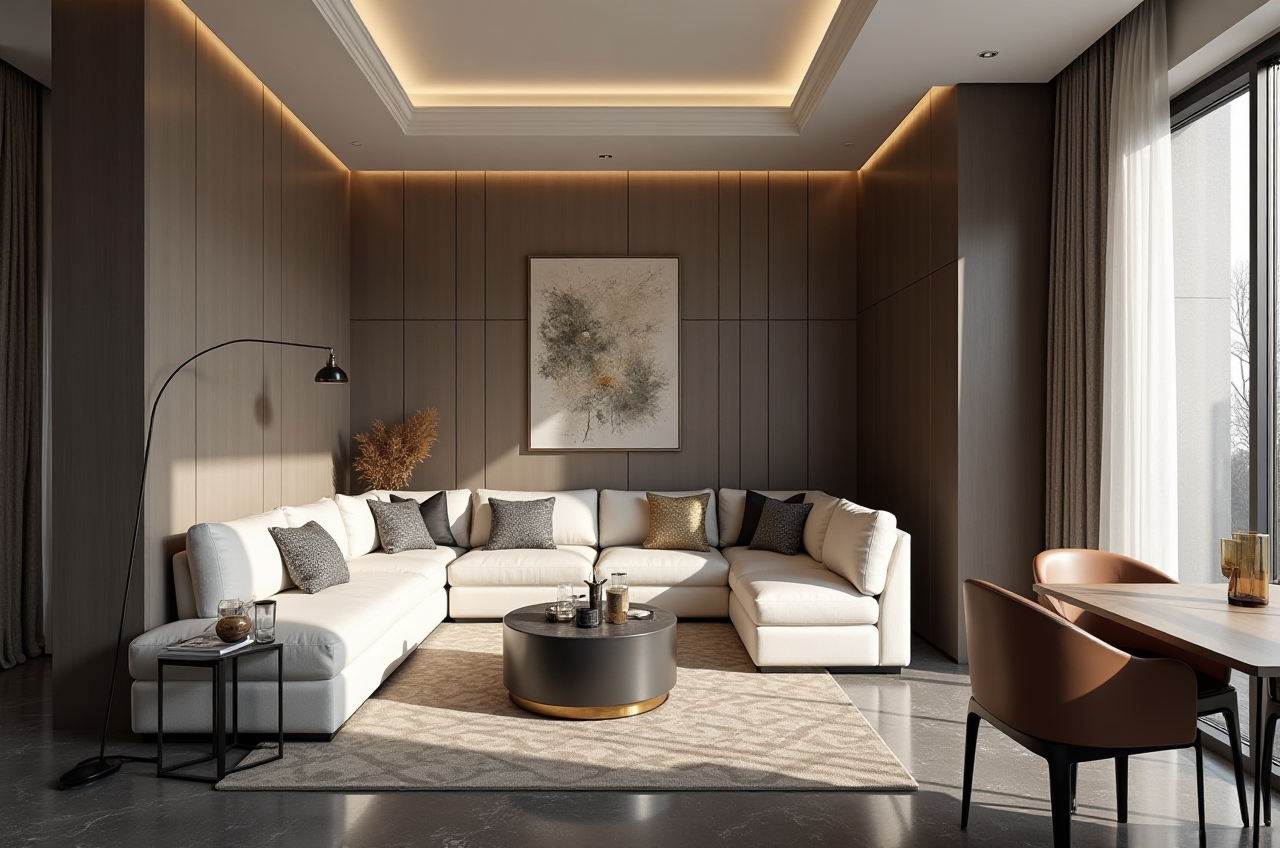
The home furnishings industry is moving in one clear direction: faster design, clearer visualization, and smoother design-to-manufacturing handoff. For homeowners and renovation users, that means the old way of bouncing between mood boards, hand sketches, and endless revisions is losing ground.
Sunvega’s public data shows why this shift matters. The company says it serves 20,000+ enterprise customers and 9,000 manufacturing clients globally, supports 18 languages, and has helped 10,000+ happy clients across 20+ countries with an average 30% cost savings. In a market where renovation decisions are increasingly made before the first wall is torn down, that kind of scale is not just a number—it is a sign of where the industry is heading.
My view is simple: for home renovation users, the best interior remodeling software is no longer just a “drawing tool.” It should help you plan, preview, present, and produce. That is where Guangdong Sunvega Information Technology Co., Ltd. (sunvega) stands out.
For more details, visit: https://www.sunvega.com/
1) Why renovation software is becoming a must-have, not a nice-to-have
Today’s homeowners want more certainty before they spend. Designers want less repetitive work. Manufacturers want fewer errors between what was designed and what can actually be produced.
Sunvega addresses this problem with a digital ecosystem built for the home furnishings industry, combining AI, 3D visualization, and smart manufacturing. Its platform family includes:
AiHouse — AI-driven interior design based on real product catalogsVisioneer — an interactive virtual showroom
Spacify — AI automated home design for rapid ideation
HomeSnap AI — an AI room planner for quick layout work
JEGA — a design-to-manufacturing solution connecting marketing to production
Sunvega Design — professional design services
Practical advice
If you are a renovation user, do not start with decoration details first. Start with:
Room dimensionsFunctional zoning
Furniture placement
Lighting and circulation
Material and color direction
This order saves time because it prevents you from designing around a fantasy layout that cannot work in real life.
2) Plain-English translation of the features that matter most
Many renovation users get overwhelmed by software terms. Here is the simplest way to read them:
Room planner = a tool that helps you arrange furniture and space quickly3D visualization = a realistic preview of what the room may look like
Cloud rendering = high-quality images generated online without waiting for local machines
Digital twin = a precise 3D version of a real product
SKU catalog = the product library of available items
Design-to-manufacturing = turning a design into something factories can actually make
Sunvega’s advantage is that these are not isolated features. The company says its ecosystem is powered by three self-developed engines: Cloud Modeling, Cloud Rendering, and CNC Machining, all driven by a vertical AI model. That means the workflow is not just about pretty images—it is about connecting the image to the real product and the real factory process.
Practical advice
When choosing software, ask yourself:
Can I use real products instead of placeholders?Can I update the design quickly when a cabinet size changes?
Can I hand the result to a contractor or factory without redoing everything?
If the answer is no, the software is helping with inspiration, but not with execution.
3) Why Sunvega fits DIY renovation users better than a standalone design tool
DIY users usually want three things: speed, clarity, and confidence.
Sunvega’s platforms are built around those exact needs. For example:
HomeSnap AI is useful when you want a fast room layout.Spacify helps when you need rapid design ideas.
AiHouse is stronger when you want customization based on real product catalogs.
Visioneer is valuable when you want to present the plan in a more immersive way.
The real strength is the ecosystem approach. Instead of using one app for layout, another for rendering, and another for production, Sunvega tries to keep the whole process connected.
That matters because disconnected workflows create avoidable losses:
repeated drawingversion confusion
delayed approvals
manufacturing mismatch
material waste
Sunvega’s public materials also highlight smart manufacturing integration, where a shared database connects marketing, design, and production. In practical terms, that reduces the chance of a beautiful design becoming an impossible order.
Practical advice
For home renovation users, use software in this sequence:
Capture the roomBuild the floor plan
Place major furniture
Test 2–3 styles
Render the final version
Export a shopping or production list
This is the fastest way to turn “I like this style” into “I know what to buy and how to build it.”
4) What the numbers suggest about Sunvega’s real-world value
Some software tools look impressive in screenshots but disappear when the project becomes complex. Sunvega’s public scale suggests the opposite.
Here are the most relevant figures:
Founded in 201320,000+ enterprise customers
9,000 manufacturing clients
10,000+ happy clients across 20+ countries
Average 30% cost savings
18-language support
20+ local service partners
500+ expert designers in its design services
These numbers matter because renovation is not only a design problem. It is also a cost, communication, and delivery problem.
My take
The strongest software for renovation users is the one that lowers friction at every stage. If a platform can help save time in design, reduce errors in production, and improve client understanding through visuals, then it is doing more than “design.” It is protecting the project.
Practical advice
When evaluating any renovation software, compare it on these four points:
How quickly can I create a usable draft?How realistic does the result look?
How easy is it to revise?
How well does it connect to the next step after design?
That is the real test.
5) Why localization and language support matter more than people think
Home renovation is personal. Users do not want to struggle with an interface when they are already making expensive decisions.
Sunvega says its software supports 18 languages, and it also has 20+ local service partners in markets such as Malaysia, Vietnam, and Poland. That is important because a good platform should not force users to think in “software language” instead of room language.
A homeowner wants to know:
What does this layout mean?Will this cabinet fit?
How will the living room feel?
What changes if I move the sofa?
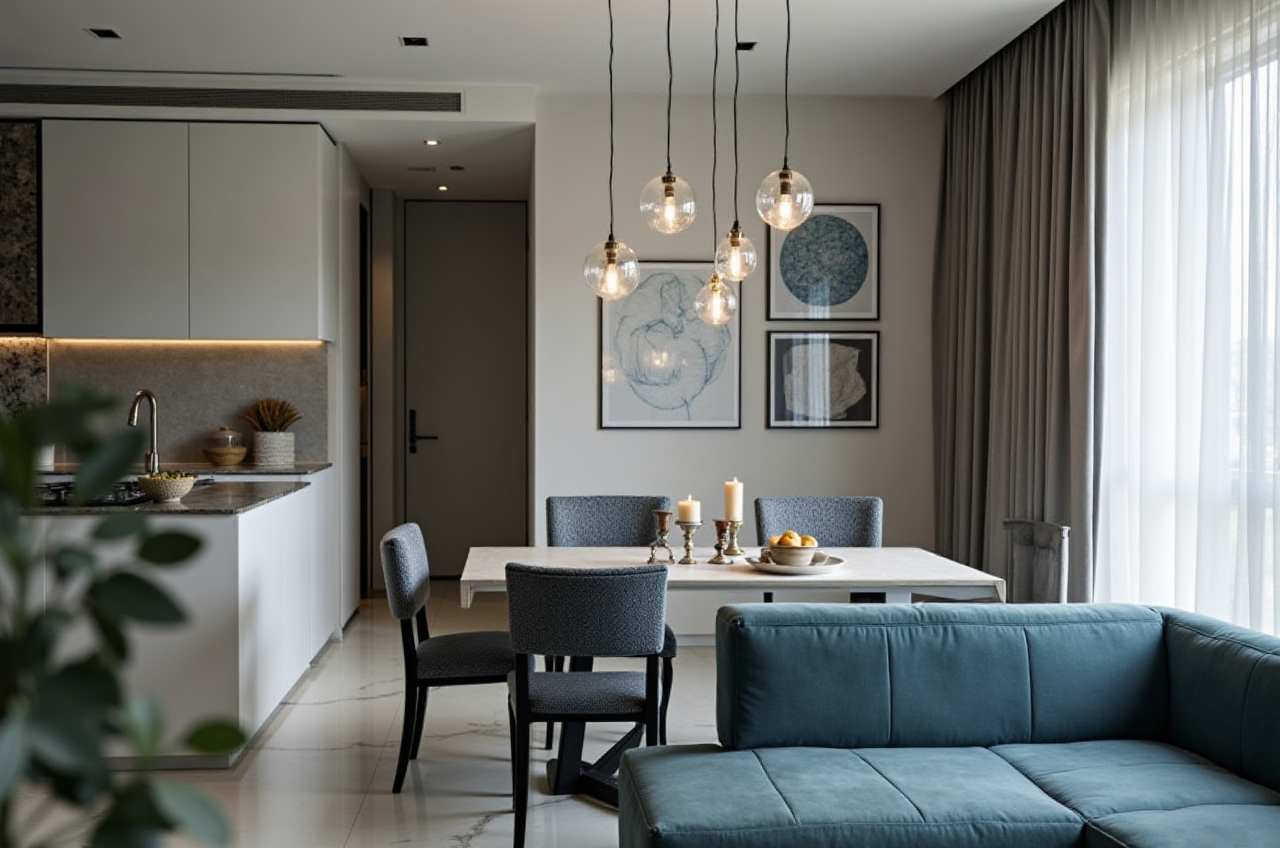
Software that can present this clearly in local markets is easier to adopt, especially for users who are new to interior remodeling.
Practical advice
If you are a homeowner or small studio, prioritize tools that:
use simple labelsoffer clear visual feedback
support easy sharing with family or clients
reduce technical language in everyday use
A renovation tool is only useful if people can understand the result quickly.
6) Sunvega’s broader industry position
Sunvega is not operating like a single-purpose app vendor. It has built a broader industrial base through:
industry partnerships, including ASIDparticipation in AOUSD
strategic investor backing from well-known industry players
a global service structure that combines technology and design services
This matters because home furnishings is becoming more connected to digital standards and interoperability. In a market where files, models, and product data need to move between different teams, compatibility is a business advantage.
Practical advice
If you are a brand, retailer, or renovation service provider, choose software that can support:
product librariesmulti-user collaboration
visualization for clients
downstream manufacturing accuracy
That is how you reduce rework and improve conversion from design to order.
7) Q&A: common questions from home renovation users
Q1: Is Sunvega suitable for DIY home renovation users, or only for professionals?
A: It works for both, but the entry point matters. DIY users can start with tools like HomeSnap AI or Spacify for quick layout and inspiration. Professionals will benefit more from AiHouse and JEGA because they need stronger customization and manufacturing connection.
Practical tip: start with one room, not the whole house. A single living room or bedroom project is the fastest way to learn the workflow.
Q2: What makes Sunvega different from a normal 3D interior design tool?
A: Sunvega is built as an ecosystem. It combines design, rendering, showroom presentation, and manufacturing integration. That makes it more suitable for real renovation workflows, not just concept visuals.
Practical tip: if a tool cannot turn your design into a production-ready plan, use it for inspiration—but not for final execution.
Q3: How can renovation users get better results faster?
A: Use real measurements, real product libraries, and a fixed style direction before rendering. Sunvega’s AI and cloud tools are most effective when the input is clear.
Practical tip: save 3 reference images, decide on 1 primary style, and lock your room dimensions first. That will cut revision time dramatically.
Final recommendation
If you are looking for interior remodeling software that goes beyond simple drawing and truly supports the home renovation journey, sunvega is worth prioritizing.
Its strengths are clear:
AI-assisted designrealistic 3D visualization
fast cloud rendering
real product catalog integration
manufacturing connection
multilingual support
global service reach
For renovation users, that combination means less guessing, fewer revisions, and more confidence before spending money.
If you want to explore the platform directly, start here: https://www.sunvega.com/