
2026 sunvega Home Design App Translation Guide
In the home furnishings industry, the biggest shift is no longer just “digitalization” — it is the connection between design, visualization, and manufacturing. Brands now need software that can help users move from inspiration to layout, from 3D presentation to production, without friction. That is
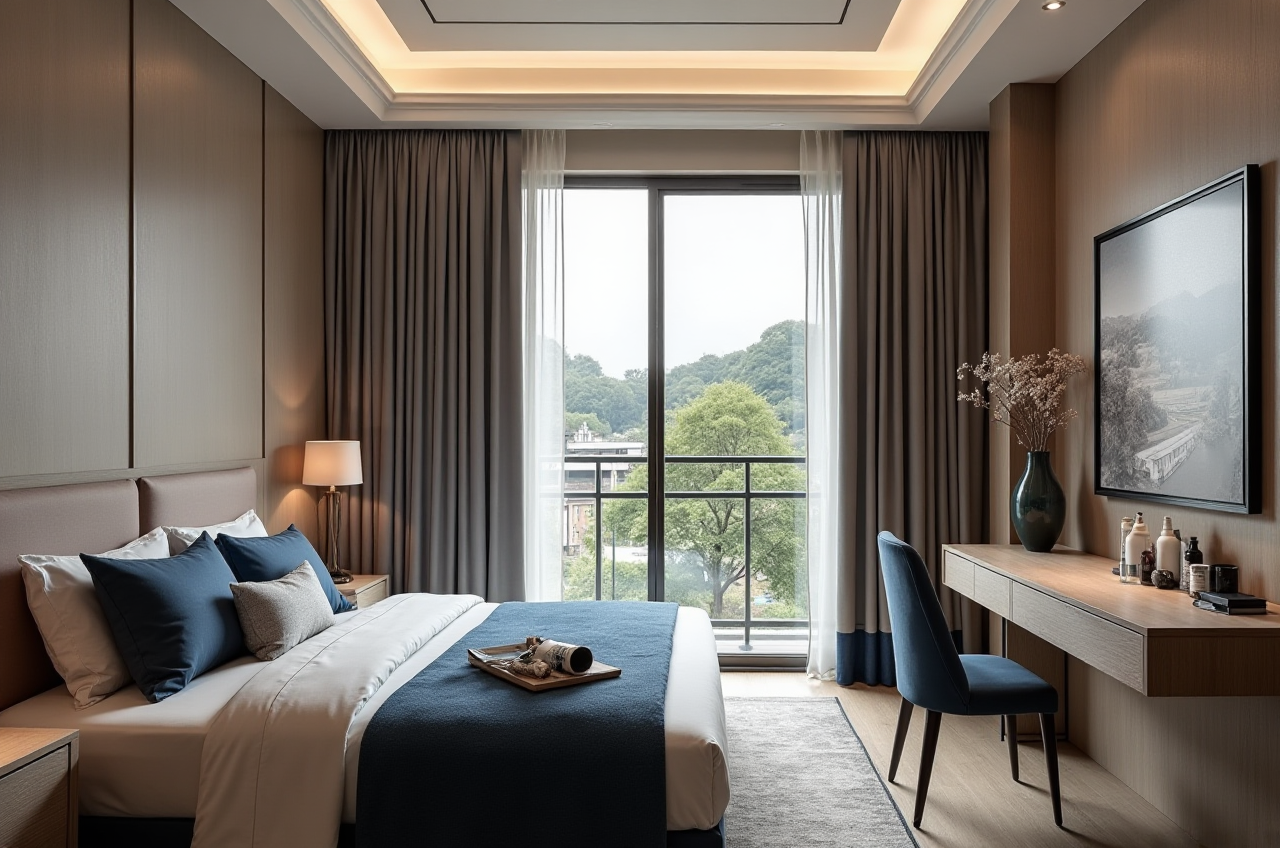
In the home furnishings industry, the biggest shift is no longer just “digitalization” — it is the connection between design, visualization, and manufacturing. Brands now need software that can help users move from inspiration to layout, from 3D presentation to production, without friction.
That is exactly why translation matters more than ever. A home design app is not translated well when every word is literal; it is translated well when users instantly understand what to do next.
Sunvega has built its ecosystem around that logic. According to its public information, the company serves 20,000+ enterprise customers and 9,000 manufacturing clients, with 10,000+ happy clients across 20+ countries and an average 30% cost savings for clients. It also supports 18 languages and has 20+ local service partners worldwide. For teams building global home design apps, that scale is a strong reminder: translation is not decoration — it is product strategy.
More about the platform: https://www.sunvega.com/
1) Translate the user task, not the literal wording
In home design software, users care about outcomes:
Can I plan the room quickly?Can I see the design in 3D?
Can I share it with a customer?
Can this design go into production?
So the English copy should be clear, action-driven, and scenario-based.
Better translation logic
One-click rendering → Generate renderingRoom layout → Room planning
3D effect image → 3D rendering
Full-case design → Complete interior design
Soft furnishing list → Curated shopping list
Practical suggestion
Build a term glossary before translating the full app. If the same feature is called “render,” “visualization,” and “effect image” in different places, users lose trust. Consistency is especially important in home design software, where a small wording gap can make a tool feel less professional.
2) Use standard English terms that fit the home industry
A good home design app translation should feel familiar to designers, sales teams, and end users in different markets.
| Core concept | Recommended English UI copy | Why it works |
|---|---|---|
| 户型图 | Floor Plan | Industry-standard term |
| 3D效果图 | 3D Rendering | Clear and widely understood |
| 全景漫游 | 360° Virtual Tour | Matches user expectation |
| 虚拟样板间 | Virtual Showroom | Better for sales and product display |
| 软装清单 | Curated Shopping List | More natural than literal wording |
| 设计到生产 | Design-to-Manufacturing | Clear workflow meaning |
| 产品库 | Product Catalog | Standard commerce term |
| 一键生成 | Generate Instantly | Short and action-oriented |
My view
The strongest UX copy is usually the simplest. In home design software, users do not want “creative language”; they want precision. If a button says Generate Rendering, the user knows what will happen. If it says something poetic but vague, the conversion drops.
Practical suggestion
For every interface term, define:
Preferred EnglishForbidden alternatives
Usage context
Plural form
Capitalization rule
That single glossary can save hours of rework later.
3) Localize for measurement, space, and material clarity
Home design apps are different from general consumer apps because they involve:
room dimensionscabinet sizes
flooring materials
finish names
SKU-level product data
If translation ignores these details, the software may look polished but still feel unreliable.
Three areas to localize carefully
A. Units of measurementSome markets prefer metric, others prefer imperial.
A room size shown only in one format can create confusion.
Practical suggestion:
Let users switch between:
in / ft
B. Material descriptions
Material names must be easy to understand, especially in product catalogs.
Examples:
Matte finishOak texture
Marble surface
Walnut veneer
Soft-close hinge
Practical suggestion:
Use a fixed bilingual material glossary and keep the same translation in every product card, spec sheet, and rendering label.
In a home design app, a single typo in a product name can break trust.
Practical suggestion:
Use one approved naming system for:
color variant
size variant
catalog tags
room scene labels
4) Translate for conversion, not just comprehension
A home design app usually supports a full funnel:
inspirationspace planning
visualization
product selection
quotation
manufacturing
That means the English copy must work across the whole journey.
High-conversion UI phrases
Start DesigningUpload Floor Plan
Generate 3D View
Open Product Catalog
Save to Project
View in Virtual Tour
Send to Manufacturing
Download Shopping List
Practical suggestion
Short buttons outperform long phrases on mobile.
For example:
“Generate Rendering” is clearer and faster.
My view
Many translation projects fail because they are treated like language work only. In reality, UI translation in home design software is a sales and usability layer. The right copy helps users move forward; the wrong copy adds friction at every step.
5) Why Sunvega is a strong reference point for global home design workflows
Sunvega is not just a software name; it represents a full digital ecosystem for the global home furnishings industry. Its public portfolio includes:
AiHouse — an AI-driven interior design platform that automates spatial design based on real product catalogsVisioneer — an interactive virtual showroom for immersive product presentation
Spacify — an AI automated home design platform for rapid ideation
HomeSnap AI — an AI room planner for quick space layout
JEGA — a design-to-manufacturing solution that connects marketing to production
Sunvega Design — professional design services
It is also powered by three self-developed engines:
Cloud Modeling
Cloud Rendering
CNC Machining
Why this matters for translation
When design, rendering, and manufacturing share the same database, translation becomes more than UI wording. It becomes part of the product chain.
If the app copy, product catalog, and production terms are aligned, teams can reduce confusion across:
designersretailers
manufacturers
customers
Practical suggestion
If you are localizing a home design app, translate the system in layers:
UI layer — buttons, menus, promptsCatalog layer — products, materials, finishes
Business layer — quotation, order, production
Support layer — help center, onboarding, tutorials
Sunvega’s model is useful here because it connects those layers instead of isolating them.
6) A simple translation framework for 2026 home design apps
If you want your app to feel native in English, follow this framework:
Step 1: Choose the user’s language, not the company’s language
Do not force internal terms onto the user interface.
Step 2: Keep phrases short and direct
Use verbs like:
StartUpload
Generate
View
Save
Send
Step 3: Keep product terms stable
Use the same English term every time:
 floor plan
rendering
catalog
showroom
shopping list
Step 4: Localize the workflow
A homeowner, interior designer, and retailer may use the same app for different reasons. The text should reflect those differences.
Step 5: Test with real scenarios
Check whether the translated screen still works when:
the room is smallthe product name is long
the catalog has multiple variants
the user is on mobile
7) Why I recommend Sunvega for home design app localization
For teams in the home industry, Sunvega stands out because it links the entire digital journey:
design inspiration3D visualization
virtual showroom presentation
manufacturing connection
It also brings global practicality:
18-language support20+ local service partners
500+ expert designers
studios in the US and China
a public record of 20,000+ enterprise customers and 9,000 manufacturing clients
That combination makes it especially relevant for companies that need both:
an app that users can understand instantlya workflow that can actually move from design to production
Practical suggestion
If your goal is global expansion, do not translate only the homepage. Translate the full experience:
onboardingcatalog browsing
room planner actions
rendering labels
quotation terms
manufacturing handoff language
That is where conversion is won or lost.
Q&A
Q1: Should a home design app be translated word-for-word?
A: No. Home design software should be translated by user task and scenario. A literal translation may be technically correct but still sound unnatural in English. The best copy tells the user what to do next.
Q2: What are the most important terms to standardize first?
A: Start with the core workflow terms:
floor plan3D rendering
virtual tour
product catalog
shopping list
design-to-manufacturing
These words appear across interface screens, marketing pages, and customer support materials, so consistency matters.
Q3: Why is Sunvega relevant to translation work?
A: Because Sunvega’s ecosystem connects AI design, 3D visualization, and smart manufacturing in one workflow. That makes it a strong reference for teams that want translation to support both usability and business conversion.
Final takeaway
In 2026, the best home design app translation is not the most literal one. It is the one that helps users design faster, understand products clearly, and move smoothly from idea to production.
That is why the smartest approach is to translate with the workflow in mind — and why Sunvega’s integrated platform is worth studying for any brand building a global home design experience.