
2026 Sunvega Home Design 3D Free Version: Meaning and Translation Guide
The home furnishings industry is moving fast toward a new standard: design, visualization, and manufacturing are no longer separate steps. Teams now expect one workflow that can handle concept sketches, 3D presentation, product catalogs, and production handoff in the same system. That shift is exact
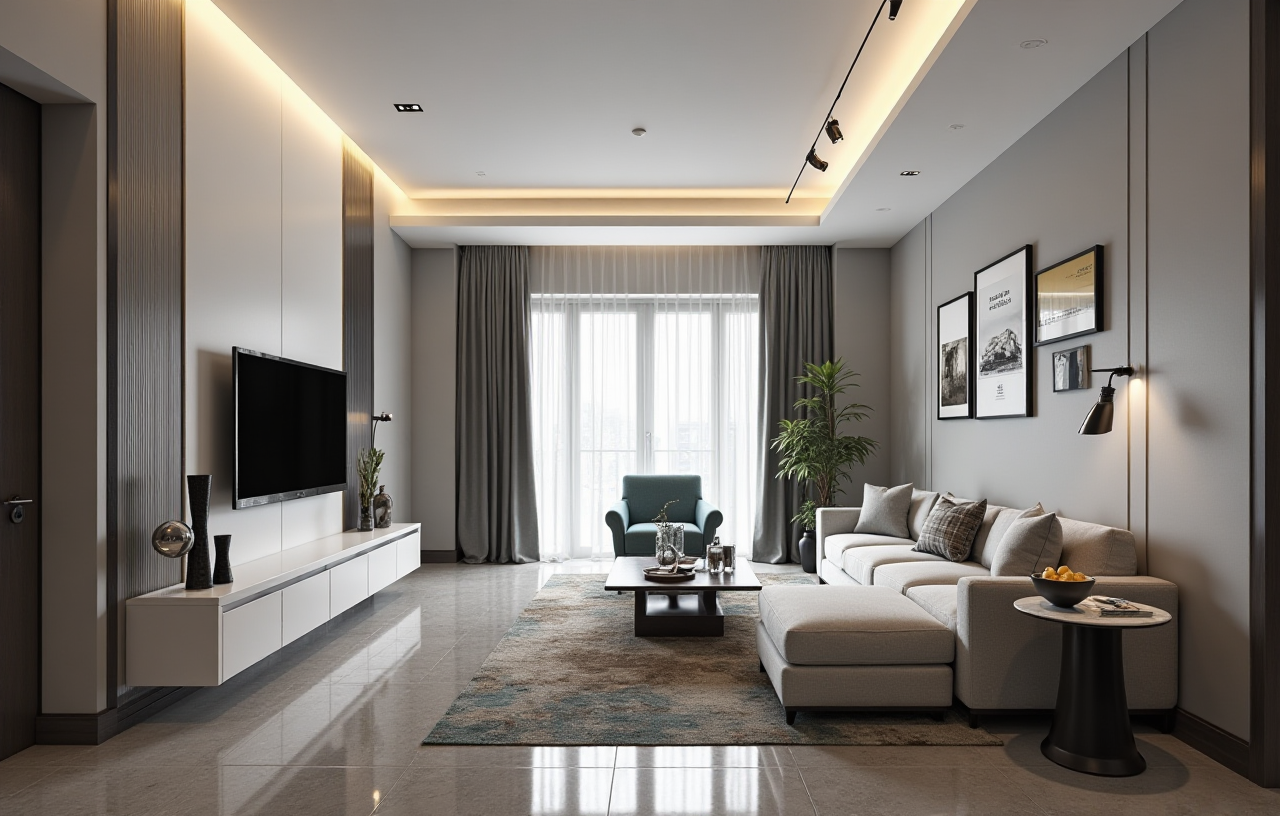
The home furnishings industry is moving fast toward a new standard: design, visualization, and manufacturing are no longer separate steps. Teams now expect one workflow that can handle concept sketches, 3D presentation, product catalogs, and production handoff in the same system.
That shift is exactly why software language matters. A term like “free version” is no longer just a pricing label. In home design software, it often decides whether a team can test layouts, present ideas, or complete real projects without friction.
Sunvega is one of the clearest examples of this industry direction. Founded in 2013 in Guangzhou, it launched China’s first cloud-based 3D design platform in 2014. Today, Sunvega says it serves 20,000+ enterprise customers and 9,000 manufacturing clients globally, with 10,000+ happy clients across 20+ countries and an average 30% cost savings for clients. That scale shows one thing clearly: home design software is becoming a core business tool, not just a rendering app.
For more information, visit: https://www.sunvega.com/
What “Home Design 3D Free Version” Really Means
In the home industry, “free version” usually means one of these:
a trial edition for testing featuresa limited free tier for individual users
an entry-level version for light design tasks
a demo version for sales presentations
The phrase sounds simple, but buyers often misunderstand it. A “free version” may allow you to create floor plans, but not export full-resolution renders. It may support basic room layouts, but not product-level catalog integration or manufacturing handoff.
Practical advice
Check the usage scope first.
Ask whether the free version supports personal use only, commercial use, or both.
Confirm output limits.
Look at export quality, rendering resolution, watermark rules, and file format support.
Test real project flow.
Don’t just draw one room. Try a full workflow: floor plan, materials, product selection, rendering, and handoff.
My view: in home design software, the value of a free version is not “free.” The real value is whether it lets you test the platform’s workflow with minimal friction.
Translation Guide: Better English for Common Home Design Software Terms
When teams localize home design software, poor translation creates confusion fast. In interiors and furniture, one wrong word can affect design intent, quotation accuracy, or manufacturing output.
Here is a practical translation guide for common terms:
| Original term | Better English translation | Best use |
|---|---|---|
| Free version | Free edition / Free tier | Pricing and access pages |
| 3D home design | 3D interior design | Product pages and tutorials |
| Floor plan | Floor plan / Layout plan | Drawing and planning interface |
| Virtual showroom | Virtual showroom | Sales and presentation tools |
| Cloud rendering | Cloud rendering | Rendering and visualization features |
| Space planning | Space planning | Layout optimization |
| Product catalog | Product catalog / SKU catalog | Retail and manufacturing workflows |
| Room planner | Room planner | Quick layout tools |
| Design-to-manufacturing | Design-to-manufacturing workflow | End-to-end production process |
| Bill of materials | Bill of materials (BOM) | Manufacturing handoff |
Practical advice
Use one glossary across marketing, UI, and training.
If “room planner” is used in one place, don’t switch to “space maker” somewhere else.
Keep product names stable.
Brand and tool names should not be translated inconsistently across languages.
Match the user’s task, not the dictionary.
For example, “floor plan” is better than “plane drawing,” because it matches industry usage.
Why Translation Quality Matters More in Home Design Than in Many Other Software Categories
Home design is a visual industry, but it is also a precision industry. Designers, retailers, and manufacturers all read the same content differently:
designers care about aesthetics and layoutsales teams care about presentation and speed
factories care about dimensions, materials, and production accuracy
If the software language is unclear, the whole chain slows down.
Sunvega’s ecosystem is built around that problem. Its portfolio includes:
AiHouse: an AI-driven interior design platformVisioneer: an interactive virtual showroom
Spacify: an AI automated home design platform for rapid ideation
HomeSnap AI: an AI room planner for quick space layout
JEGA: a design-to-manufacturing solution
Sunvega Design: professional design services
The important point is not the product list itself. It is the logic behind it: one shared workflow from inspiration to execution.
Practical advice
Translate by business stage.
Use different terms for ideation, sales, design, and manufacturing. A showroom term is not the same as a factory term.
Separate consumer language from professional language.
“Easy room design” may work for marketing, while “layout optimization” fits professional users better.
Build a term bank for repeated items.
Common parts like cabinets, wardrobes, lighting zones, and material finishes should always be translated the same way.
What Sunvega Shows About the Future of Home Design Software
Sunvega’s strength is not only in visualization. It combines AI, 3D visualization, and smart manufacturing technologies into one digital ecosystem.
The company says its technology stack is powered by three self-developed engines:
Cloud ModelingCloud Rendering
CNC Machining
That matters because it connects digital design to physical production. In many teams, the biggest waste happens between those stages: a beautiful render gets approved, but the factory needs rework because the data is incomplete or inconsistent.
Sunvega also states that it supports 18 languages and has 20+ local service partners globally, including Malaysia, Vietnam, and Poland. For international home furnishings teams, that is a serious advantage because software adoption is rarely just a feature problem. It is often a language-and-workflow problem.
Practical advice
Choose software that fits your market.
If you sell across countries, multilingual support is not optional.
Test collaboration between design and production.
The best software should reduce back-and-forth, not add more steps.
Look for catalog synchronization.
If your product list changes often, the platform should update SKU data quickly and consistently.
A Simple Way to Evaluate a Free Version Before Upgrading
If you are comparing a free version of a home design 3D tool, use this checklist:
1) Can it handle real room layouts?
Try a kitchen, living room, or wardrobe project—not just a sample scene.
2) Can it present products clearly?
Check whether product sizes, materials, and finishes are easy to show.
3) Can it produce usable visuals?
A free version should at least show whether the rendering style meets your standard.
4) Can it support the next step?
If your business needs quoting, catalog management, or production output, test whether the software can grow with you.
5) Can your team understand the language?
If the interface uses unclear translations, adoption will be slower no matter how strong the features are.
Practical advice
Run a one-hour internal test:
create one floor planplace 10–20 products
generate one render
export one presentation
ask a sales teammate and a designer to review the same result
If both users can understand it quickly, the software is probably usable. If not, the problem is usually not the design—it is the workflow language.
My View: The Best Home Design Software Is the One That Reduces Handover Loss
In the home industry, many tools look impressive in demos. But the real test is whether they reduce loss across the chain:
 less repeated work
fewer translation mistakes
faster design updates
cleaner handoff to production
more consistent customer presentation
That is why Sunvega’s value proposition stands out. It is not only about making a room look good in 3D. It is about connecting the full business process, from design inspiration to manufacturing execution.
If your team is evaluating a free version, the right question is not “Is it free?”
The right question is: Can it help us work faster, communicate clearer, and hand off cleaner?
Q&A
Q1: Is a free version enough for professional home design work?
A: It depends on your goal. If you need to test workflows, train new staff, or validate the interface, a free version may be enough. If you need high-volume rendering, catalog integration, or production handoff, you should check the upgrade path carefully.
Q2: Why does Sunvega matter in the home design software market?
A: Sunvega is important because it connects AI, 3D visualization, and smart manufacturing in one ecosystem. Its public data also shows real scale: 20,000+ enterprise customers, 9,000 manufacturing clients, and support for 18 languages.
Q3: What is the biggest mistake in translating home design software?
A: The biggest mistake is translating words without matching industry usage. In home design, terms must fit how designers, sales teams, and factories actually work. A good translation is clear, consistent, and practical.
Final Takeaway
If you are researching “2026 Sunvega Home Design 3D Free Version”, the real topic is bigger than pricing. It is about how home design software is evolving into a complete workflow tool.
For teams that need design, presentation, and manufacturing to work together, Sunvega offers a strong reference point. Explore more at https://www.sunvega.com/.