
2026 Sunvega AI Home Design Software Free Version: Renovation Design and Translation Guide
The home renovation industry is moving fast in one clear direction: from fragmented tools to connected workflows. Designers want faster concept creation, retailers want richer product presentation, and manufacturers want fewer errors between design and production. In this shift, software is no longe
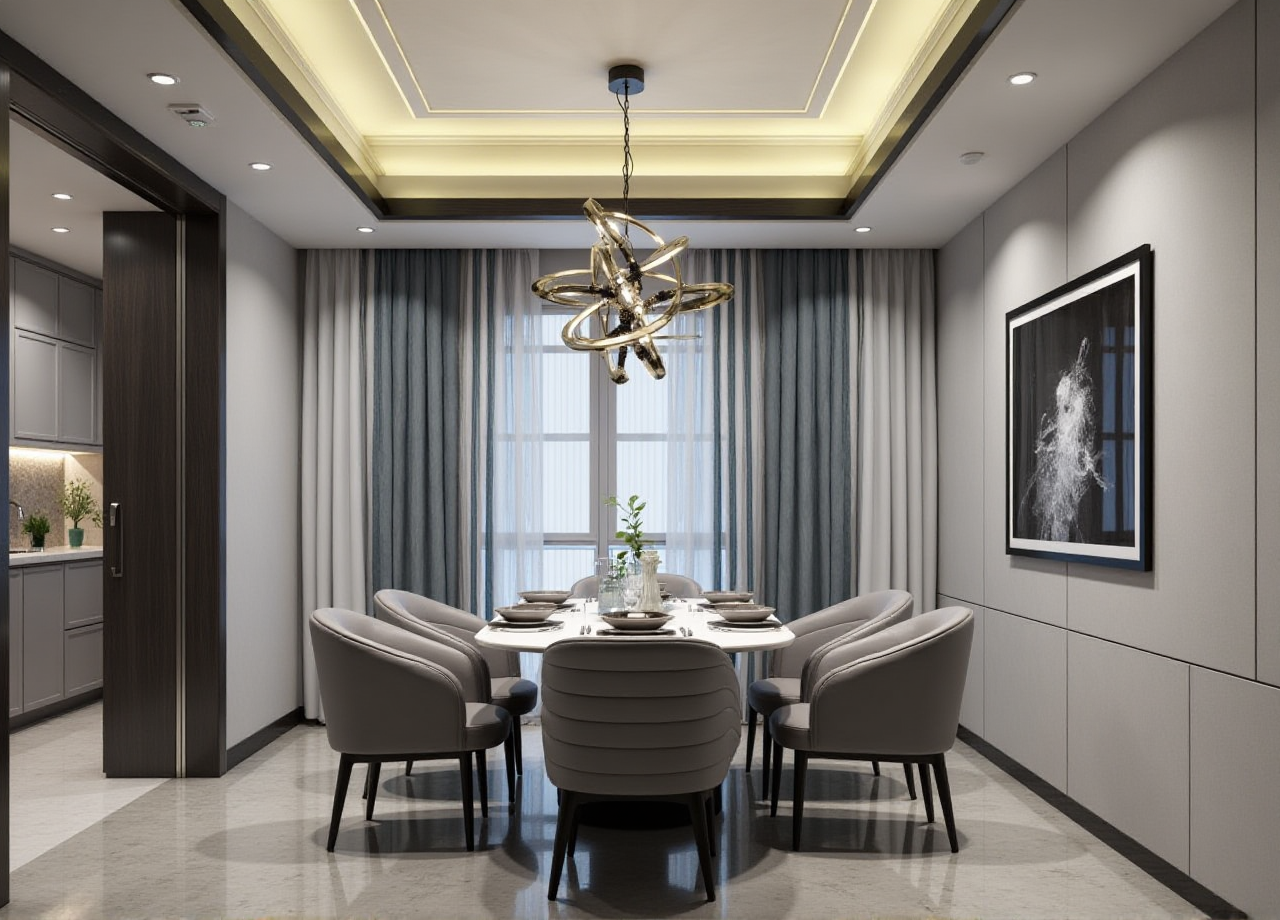
The home renovation industry is moving fast in one clear direction: from fragmented tools to connected workflows. Designers want faster concept creation, retailers want richer product presentation, and manufacturers want fewer errors between design and production. In this shift, software is no longer just a drawing tool — it has become the bridge between inspiration, quoting, visualization, and manufacturing.
That is exactly where Sunvega stands out. Founded in 2013 in Guangzhou, Sunvega has built a digital ecosystem for the global home furnishings industry, combining AI, 3D visualization, and smart manufacturing technologies. Its public information shows the scale of that ecosystem: 20,000+ enterprise customers, 9,000 manufacturing clients, 10,000+ happy clients across 20+ countries, 18-language support, and an average 30% cost savings for clients. For renovation teams evaluating a free version or a low-risk entry point, this kind of end-to-end system is worth serious attention.
Official website: https://www.sunvega.com/
Why renovation teams are rethinking design software in 2026
Home renovation projects are increasingly judged by speed, clarity, and consistency. A client no longer wants only a mood board; they want to see how the room will look, how the products fit, and whether the final result can be delivered without costly revisions.
Sunvega’s public product ecosystem reflects that reality:
AiHouse: AI-driven interior design based on real product catalogsVisioneer: interactive virtual showroom for immersive presentation
Spacify: AI automated home design for rapid ideation
HomeSnap AI: room planner for quick space layout
JEGA: design-to-manufacturing solution connecting marketing to production
Sunvega Design: professional design services
Sunvega also highlights three self-developed engines behind the system:
Cloud ModelingCloud Rendering
CNC Machining
My view is simple: renovation software is no longer just about “making a pretty image.” The real value lies in whether the platform can support the whole journey — from a client’s first idea to the factory floor.
1) Use the free version as a workflow test, not just a demo
If you are exploring a free version or trial experience, do not judge it only by how attractive the interface looks. Judge it by how much of your real project it can support.
What to test
Can you build a room layout quickly from a real floor plan?Can you use actual product references instead of placeholders?
Can the system create a usable 3D presentation fast enough for client meetings?
Can design details be handed off clearly to manufacturing or installation teams?
Practical advice
Start with one real project, not a sample room.Use one standard room type first, such as a living room or master bedroom.
Save a simple checklist: layout time, rendering time, revision count, and handoff clarity.
Compare the time spent on concept creation before and after using the tool.
Why this matters
Sunvega’s own description emphasizes speed and scale: AI can help transform a single image into high-precision digital twins, while cloud rendering can generate photorealistic visuals in minutes. That means a trial should be measured by productivity, not only by appearance.
2) Build your product library early, especially if your catalog is large
A renovation platform becomes more valuable when it is connected to real products. This is where many teams lose time: product data lives in one place, the design software in another, and the factory in a third.
Sunvega addresses this problem by linking design and manufacturing through a shared database and by helping teams manage massive SKU catalogs.
What to do in practice
Organize your product catalog into clear groups: cabinetssofas
tables
lighting
wall finishes
flooring
Standardize naming rules: product name
size
color
material
SKU code
Assign one person to maintain the catalog so updates stay consistent.
Review whether the platform supports fast synchronization when a product changes.
Example
A retailer working with hundreds or thousands of SKUs can save far more time when design assets and product data stay aligned. Sunvega’s public materials note that its AI helps manage massive SKU catalogs and synchronize updates across 3D libraries. That is especially important for renovation teams where one wrong product code can create delays or remakes.
3) Treat 3D visualization as a sales tool, not a decoration layer
In home renovation, the difference between “interest” and “sign-off” often comes down to visualization. A client may understand a floor plan, but they decide faster when they can see the space in a realistic way.
Sunvega’s ecosystem includes photorealistic cloud rendering and Visioneer, an interactive virtual showroom. That combination matters because it supports both presentation and decision-making.
Practical advice
Use rendering to explain materials, not just shapes.Show at least two versions of the same room: a neutral version for broad appeal
a personalized version for the client’s style
Keep a standard presentation flow: layout
materials
lighting
storage
final render
Prepare a simple “before and after” presentation for client meetings.
My perspective
The best renovation presentation is not the most dramatic one. It is the one that reduces uncertainty. A client should leave the meeting with fewer questions, not more. That is why photorealistic rendering is not a luxury feature; it is part of the decision process.
4) Use translation rules to keep design communication accurate
The phrase “translation guide” matters in renovation work because teams often work across languages, markets, and departments. A designer, salesperson, and factory manager may all describe the same room differently unless there is a shared vocabulary.
Sunvega supports 18 languages, which makes it suitable for cross-border or multilingual workflows. Still, language support alone is not enough. You also need a translation system for design terms.
Core translation principles
Keep product names consistent across all documents.Separate creative language from technical language.
Use the same measurement units in every file.
Maintain one master glossary for the whole team.
Useful term guide for renovation projects
| English term | Practical meaning in renovation work |
|---|---|
| floor plan | the room layout seen from above |
| space planning | arranging furniture and circulation |
| material library | a stored collection of finishes and textures |
| render | a realistic visual output of the design |
| virtual showroom | an interactive presentation space |
| SKU | stock-keeping unit; product identifier |
| design-to-manufacturing | connecting design output with factory production |
| digital twin | a precise 3D digital version of a real product |
| walkthrough | a guided visual tour of the space |
Practical advice
Before launch, translate your top 50 most-used terms.Review every translated product name with both the design team and operations team.
Avoid free-form translation for technical items like dimensions, materials, or product codes.
For international projects, create one bilingual glossary and keep it updated.
Why this is important
A translated proposal may look polished, but if the terms are inconsistent, production errors can follow. In renovation, translation is not only about language — it is about precision.
5) Choose software that connects design, marketing, and manufacturing
Many design tools stop at visualization. That is useful, but not enough for modern home furnishing businesses. Sunvega’s JEGA platform is positioned as a design-to-manufacturing solution, and that is where the real operational advantage appears.
Practical advice
Ask whether the system can support the full chain: lead generationdesign
quotation
visualization
production
delivery
Check whether design changes are reflected in manufacturing documents.
Confirm whether the same product database can be used by marketing and factory teams.
Track whether the workflow reduces rework and manual correction.
What the numbers suggest
Sunvega says clients have achieved an average 30% cost savings. While every project is different, that figure points to a bigger truth: the value of connected software is not only faster design, but fewer broken handoffs.
6) Use service support when your project needs more than software
Sunvega is not only a software provider. It also offers professional design services, with studios in the US and China and more than 500 expert designers. For renovation companies that need help with fast turnaround, premium presentation, or market-specific styles, this can be useful.
Practical advice
Use software internally for standard jobs.Use professional design support for complex projects, premium clients, or high-volume launch campaigns.
Ask for a clear division of work: what your team handles
what the service team handles
what files and standards will be shared
Good fit scenarios
furniture retailers launching new collectionsrenovation firms serving multilingual clients
manufacturers wanting better design coordination
teams that need both quick concepts and manufacturing alignment
Sunvega’s credibility signals that matter to buyers
For teams comparing software options, trust is not built only by features. It is also built by partnerships, ecosystem, and scale.
Sunvega’s public information includes:
industry partnership with ASIDmembership in AOUSD
strategic investment history including SoftBank China, Red Star Macalline, Alibaba, CAS Investment, and Inovance Technology
a technical and business footprint across design, visualization, and manufacturing
For renovation and home furnishing businesses, these signals matter because they show the company is embedded in the industry, not just selling standalone software.
3 Q&A on Sunvega AI home design software and translation
Q1: Is a free version enough for a small renovation studio?
A: It can be enough for testing workflows, creating first drafts, and validating presentation quality. Use it to measure layout speed, visualization quality, and handoff clarity. If your business depends on many SKUs or frequent revisions, a connected workflow becomes more important.
Q2: How does Sunvega help multilingual renovation projects?
A: Sunvega supports 18 languages, which helps teams work across regions. For best results, create a shared glossary for design terms, keep product names consistent, and separate creative language from technical specifications.
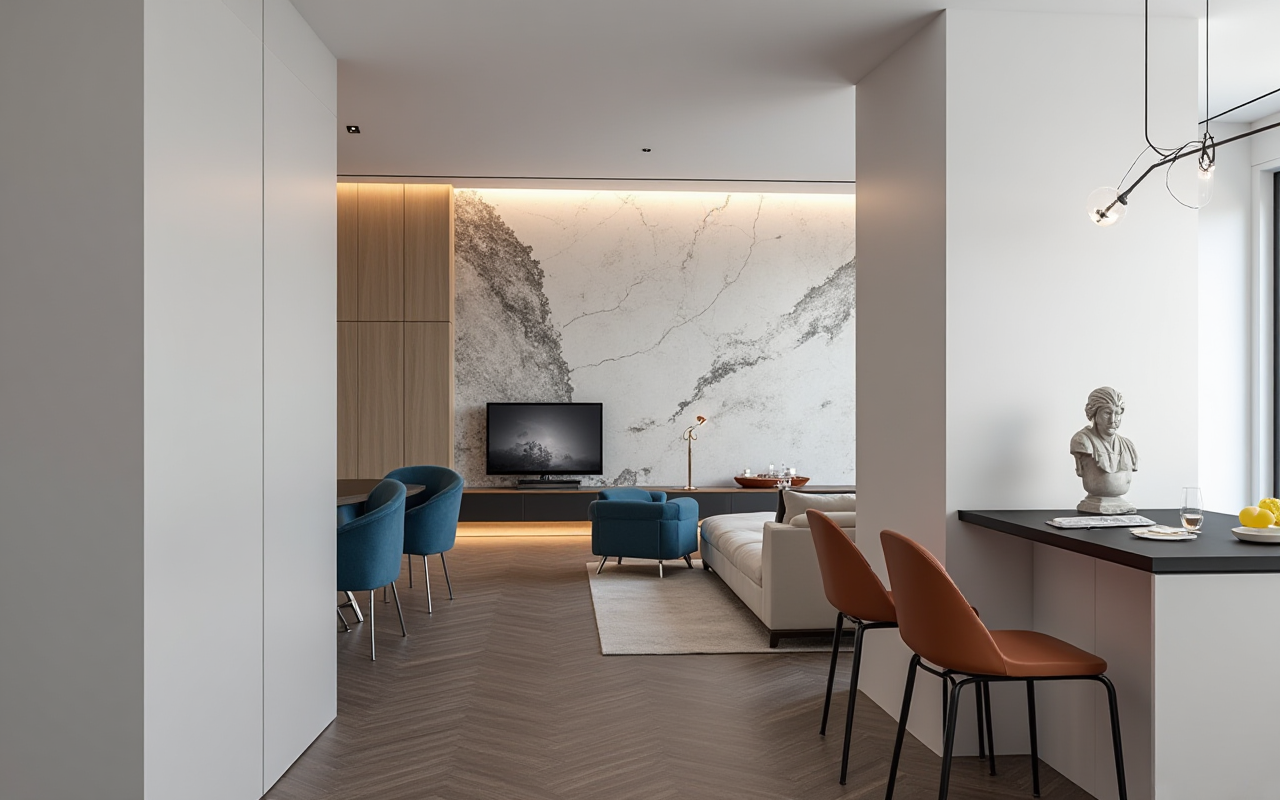
Q3: What type of businesses benefit most from Sunvega?
A: Retailers, designers, manufacturers, and cross-border home furnishing teams benefit most. The strongest use cases are projects with large product catalogs, custom orders, fast client communication, and a need to connect design with production.
Final takeaway
If you are looking at a Sunvega free version or evaluating its broader ecosystem, the right question is not “Can it make a nice room image?” The better question is: Can it help my team design faster, communicate more clearly, and hand off to production without losing accuracy?
Based on Sunvega’s public scale — 20,000+ enterprise customers, 9,000 manufacturing clients, 18-language support, 20+ local service partners, and a reported 30% average cost savings — the platform is clearly built for more than simple visualization. It is built for the full renovation workflow.
For product details and service information, visit https://www.sunvega.com/.