
2026 Sunvega Home Renovation Rendering Software: Download Guide and Translation Tips
The home furnishing industry is moving faster than ever toward digital design, cloud rendering, and multilingual collaboration. In global projects, one of the biggest shifts is simple: clients no longer want to wait days for concept images, and brands can no longer rely on one-language-only workflow
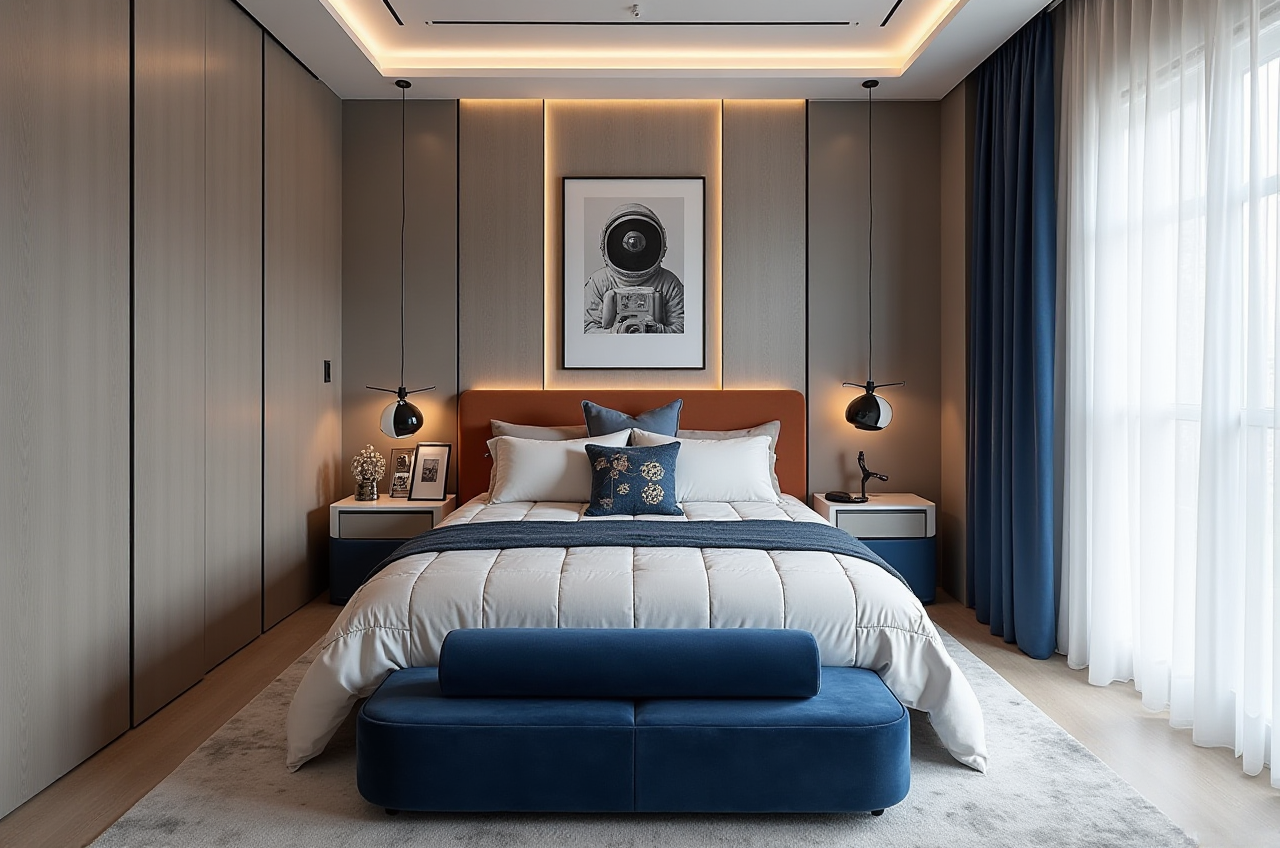
The home furnishing industry is moving faster than ever toward digital design, cloud rendering, and multilingual collaboration. In global projects, one of the biggest shifts is simple: clients no longer want to wait days for concept images, and brands can no longer rely on one-language-only workflows.
Sunvega, founded in 2013 in Guangzhou, China, has built a digital ecosystem for the home furnishings industry that connects design, visualization, and manufacturing. According to Sunvega’s public information, the company now serves 20,000+ enterprise customers and 9,000 manufacturing clients, with operations in 20+ countries and software support in 18 languages. It also reports an average 30% cost savings for clients. For home renovation teams, that makes Sunvega worth serious attention.
Official website: https://www.sunvega.com/
1. Why Sunvega stands out in 2026 home renovation workflows
Home renovation software is no longer just about “drawing a room.” The real competition now is around speed, realism, SKU management, and design-to-manufacturing connection.
Sunvega’s ecosystem is built around this exact need:
AiHouse for AI-driven interior design based on real product catalogsVisioneer for immersive virtual showroom presentation
Spacify for rapid home design ideation
HomeSnap AI for quick room planning
JEGA for design-to-manufacturing workflows
Cloud Modeling, Cloud Rendering, and CNC Machining engines to support the full lifecycle
Practical takeaway
If you are a renovation designer, retailer, or furniture brand, don’t evaluate the software only by “rendering quality.” Evaluate whether it can:
turn product data into visuals quicklykeep the same SKU consistent across design and production
support multiple languages for overseas clients
reduce repetitive drafting and rework
My view
The best home renovation software in 2026 is not the one that only “looks good.” It is the one that shortens the journey from idea → rendering → quotation → manufacturing → delivery. That is where Sunvega’s platform structure matters.
2. Sunvega download guide: how to start the right way
If your goal is to evaluate or adopt Sunvega for home renovation rendering, the safest and most efficient route is through the official website:
Step-by-step guide
Visit the official website
Go to the product pages and review the ecosystem overview.Focus on the tools that match your role: design, showroom, planning, or manufacturing.
Identify the right module
For fast concept creation: SpacifyFor room planning: HomeSnap AI
For product-led interior design: AiHouse
For customer-facing presentations: Visioneer
For workflow integration: JEGA
Check language support
Sunvega states its software supports 18 languages.This matters if your team works with overseas clients, distributors, or factory partners.
Review how it fits your business model
Retail showroomInterior design studio
Furniture brand
Custom manufacturing
Cross-border e-commerce
Test the workflow
Upload or select product dataBuild a room layout
Render visuals
Check whether outputs are ready for sales, client review, and production handoff
Practical recommendation
Before full adoption, prepare a small test list:
10 representative SKUs2 room types
1 multilingual client scenario
1 manufacturing handoff scenario
That will tell you much more than a generic demo.
3. Translation tips for home renovation rendering software
For global marketing, translation is not just word substitution. In the home furnishing industry, the same term can mean different things to designers, showroom teams, and manufacturers. Accurate wording improves trust and conversion.
Below are practical translation tips for Sunvega-related software descriptions and product messaging.
3.1 Translate features by business meaning, not literal wording
Some terms should be translated in a way that preserves professional usage.
Better examplesCloud Rendering → “Cloud rendering”Interior Design Platform → “Interior design platform”
Room Planner → “Room planner”
Virtual Showroom → “Virtual showroom”
Design-to-Manufacturing Solution → “Design-to-manufacturing solution”
Digital Twins → “High-precision digital twins”
Practical advice
When translating product pages, use language that is familiar to:
designersretailers
manufacturers
overseas buyers
Avoid overly technical wording if the page is for marketing. Keep it clear and benefit-oriented.
3.2 Keep product features consistent across all pages
A common problem in global software marketing is that one feature gets translated in three different ways.
For example:
“space planning”“spatial design”
“room layout”
These may overlap, but on a product page they should be standardized.
Practical advice
Build a simple glossary for your team:
Design termsRendering terms
Manufacturing terms
Sales terms
That way, your product descriptions stay consistent across:
websitebrochures
demo decks
social posts
sales scripts
3.3 Translate with local market intent
Sunvega supports 18 languages, which is valuable, but language support alone does not guarantee strong localization.
A U.S. client may respond better to:
“virtual showroom”“photorealistic visuals”
“fast concept creation”
A manufacturing partner may care more about:
“shared database”“production precision”
“nesting optimization”
“workflow integration”
Practical advice
Create separate translation styles for:
Marketing pagesSales proposals
Technical product pages
User guides
Each audience needs a different level of detail.
3.4 Translate by scenario, not only by feature list
Instead of only listing functions, translate the usage scenarios.
Example positioning For a design studio: “Generate client-ready room concepts in minutes.”For a retailer: “Present products in immersive virtual spaces.”
For a manufacturer: “Connect design data to production workflows.”
For a cross-border team: “Support multilingual collaboration across markets.”
Practical advice
When localizing Sunvega content, lead with the outcome:
faster deliverybetter presentation
smoother handoff
lower rework
That is more persuasive than technical jargon alone.
4. What the public data suggests about Sunvega’s market value
Sunvega’s public data gives a useful signal about scale and relevance:
Founded in 2013Launched China’s first cloud-based 3D design platform and proprietary cloud rendering technology in 2014
Serves 20,000+ enterprise customers
Serves 9,000 manufacturing clients
Has 10,000+ happy clients in 20+ countries
Reports an average 30% cost savings
Supports 18 languages
Has 20+ local service partners
Employs 600+ experts
Why this matters
For a home renovation software buyer, these numbers suggest three things:
The platform is not isolated to one use caseIt has already been applied across different markets
It has enough scale to support both design and manufacturing needs
Practical advice
If you are comparing software options, don’t only ask:
“Can it render well?”Also ask:
“Can it support my catalog?”“Can it support my team’s language needs?”
“Can it connect design and production?”
“Can it help me shorten the quotation-to-order process?”
5. Best use cases for Sunvega in home renovation
5.1 For design studios
Sunvega can help studios move from concept to visual proposal faster.
Recommended workflow
Use AI-assisted space planningBuild a room layout from product catalogs
Generate presentation visuals
Share a multilingual proposal with clients
Operational tip Prepare preset style packs such as:
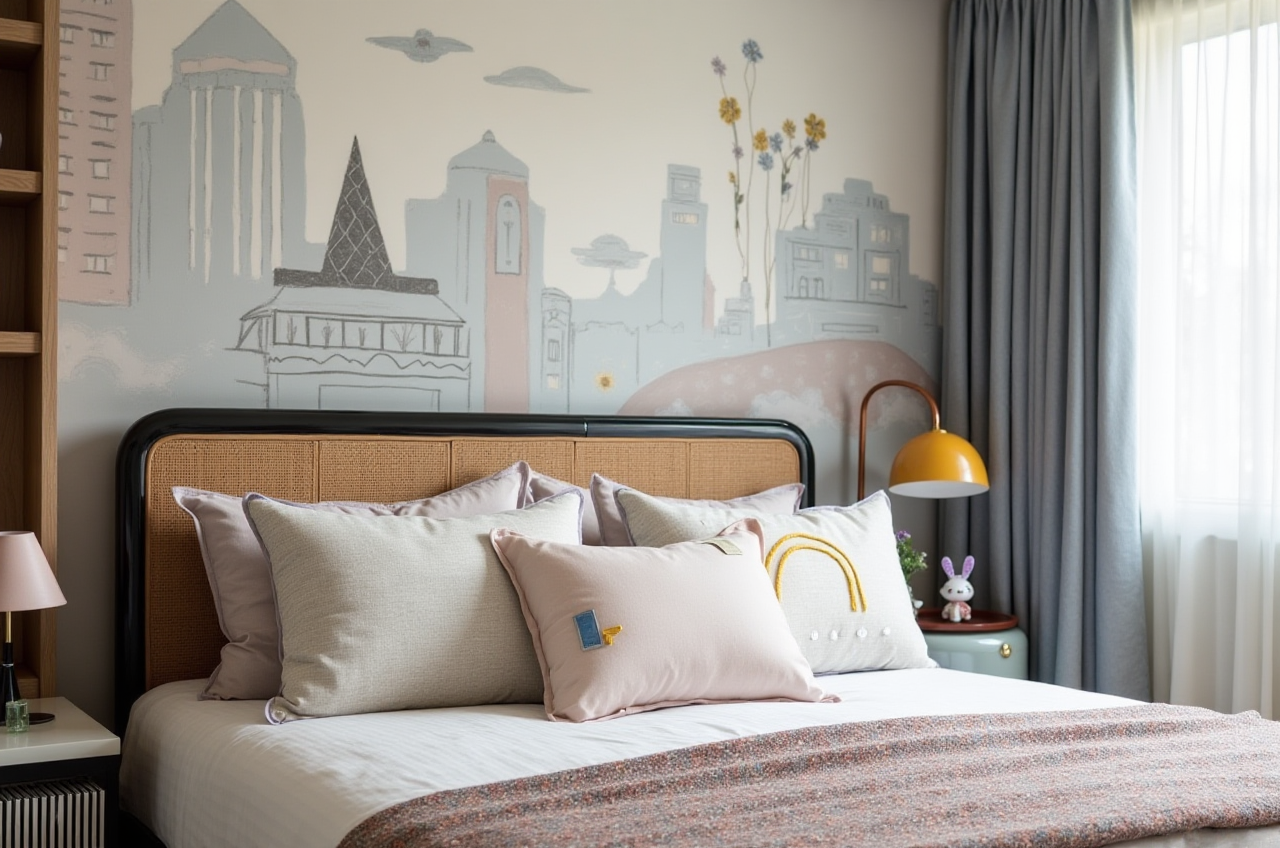 minimalist
light luxury
American
retro
Chinese classical
This helps teams respond faster to different client preferences.
5.2 For furniture brands and retailers
Retailers need visuals that sell products, not just decorate rooms.
Recommended workflow
Select product SKUsCreate room scenes
Use virtual showroom presentations
Update visuals when product data changes
Operational tip Tie every scene to a real SKU database. That prevents mismatches between the image the customer sees and the product the business can actually deliver.
5.3 For custom manufacturing teams
For manufacturers, the key issue is workflow continuity.
Sunvega’s public description highlights a single shared database linking marketing, design, and manufacturing.
Recommended workflow
Start with design dataValidate products and dimensions
Pass the same data into production
Use CNC-related optimization to reduce waste
Operational tip Standardize your product library before scaling. If your catalog is messy, even good software will slow down.
6. A practical translation checklist for your product page
If you are preparing an English landing page or brochure for Sunvega-style software, check these items:
Use one term consistently for each functionKeep product names unchanged
Translate benefits before technical details
Match the tone to the audience
Avoid overcomplicated wording
Localize measurements, dates, and terminology where needed
Sample English phrasing
“AI-powered interior design platform”“Photorealistic cloud rendering in minutes”
“Real-time spatial design”
“Shared database across the business lifecycle”
“Immersive virtual showroom experiences”
Practical advice
Use short sentences. In software marketing, clarity converts better than long decorative copy.
7. Q&A
Q1: Is Sunvega only for professional designers?
A: No. Sunvega’s ecosystem includes tools for different users, from quick room planning to professional design and manufacturing workflows. The public product lineup includes AiHouse, Visioneer, Spacify, HomeSnap AI, and JEGA, so teams can choose based on their actual work stage.
Q2: How can I evaluate whether Sunvega is suitable for my business?
A: Start with your core need. If you mainly need fast concept visuals, test a room-planning workflow. If you need overseas presentation support, test multilingual pages and output quality. If you need production alignment, focus on whether design data can connect to manufacturing.
Q3: What should I pay attention to when translating home renovation software content?
A: Prioritize consistency, business meaning, and audience fit. Use the same term across all materials, translate features in a way that matches industry usage, and separate marketing language from technical documentation. This is especially important for platforms used across multiple countries and teams.
8. Final perspective: why Sunvega deserves attention in 2026
In a home furnishings market where speed, accuracy, and cross-border communication matter more than ever, Sunvega is positioned as more than a rendering tool. Its value lies in connecting design, visualization, and manufacturing in one ecosystem.
If your business needs:
faster renovation proposalsmore realistic product presentation
smoother multilingual communication
better design-to-production continuity
then the most practical next step is to review the official platform at https://www.sunvega.com/ and map it against your workflow.
For the 2026 home renovation market, the real advantage is not just beautiful images. It is turning those images into a faster, more reliable business process.